
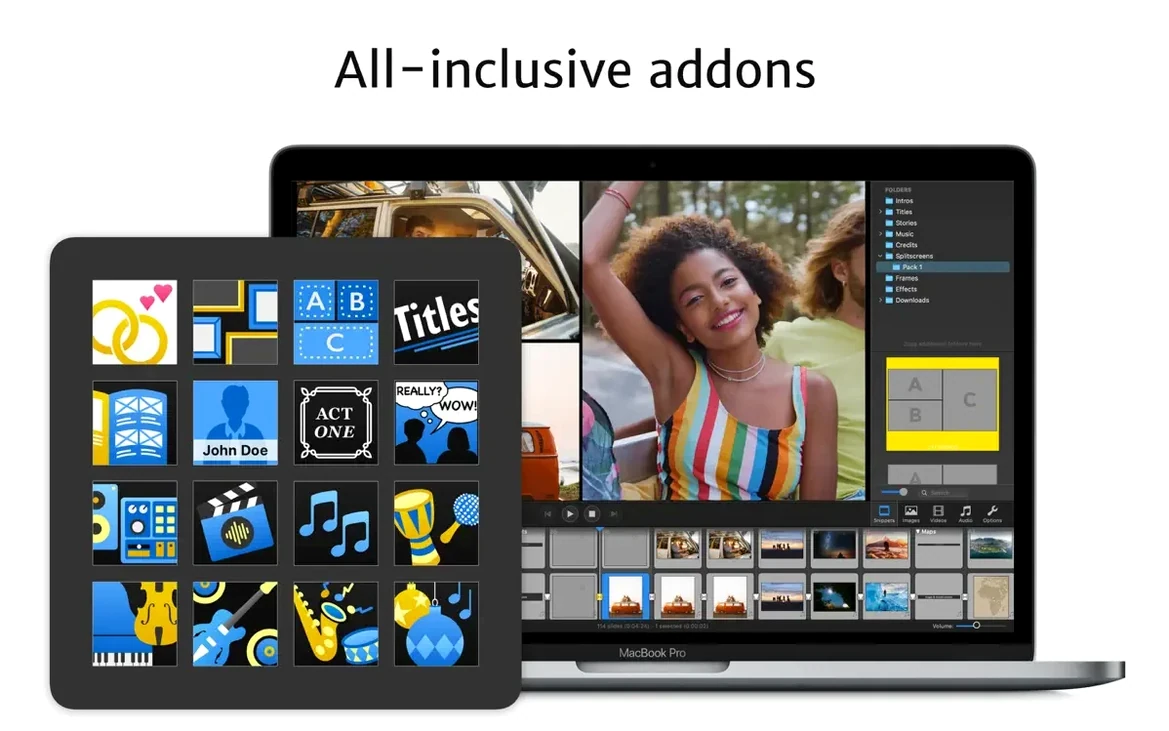
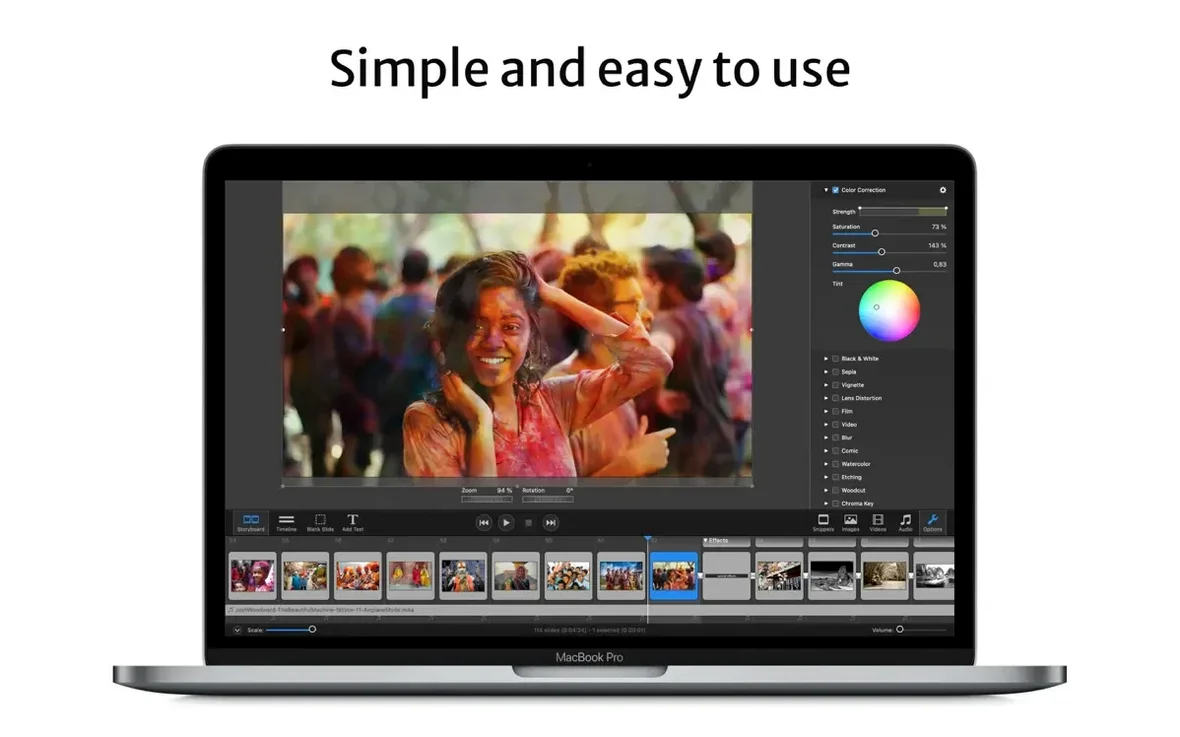
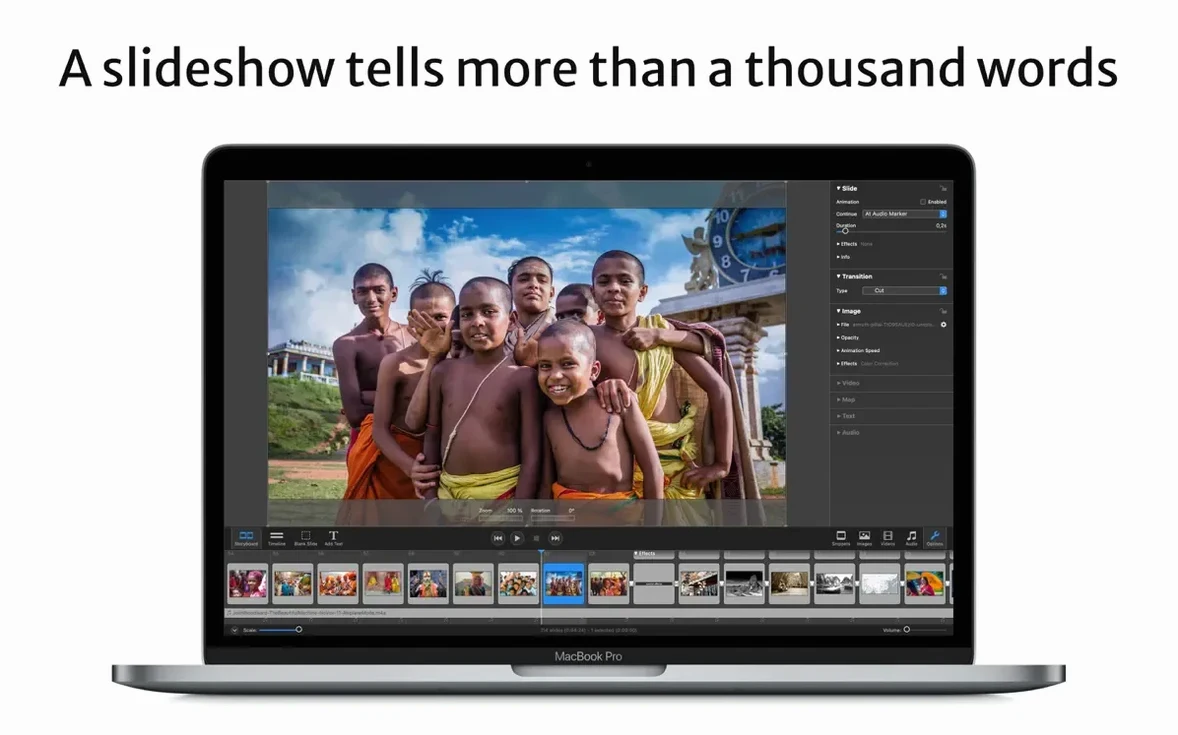
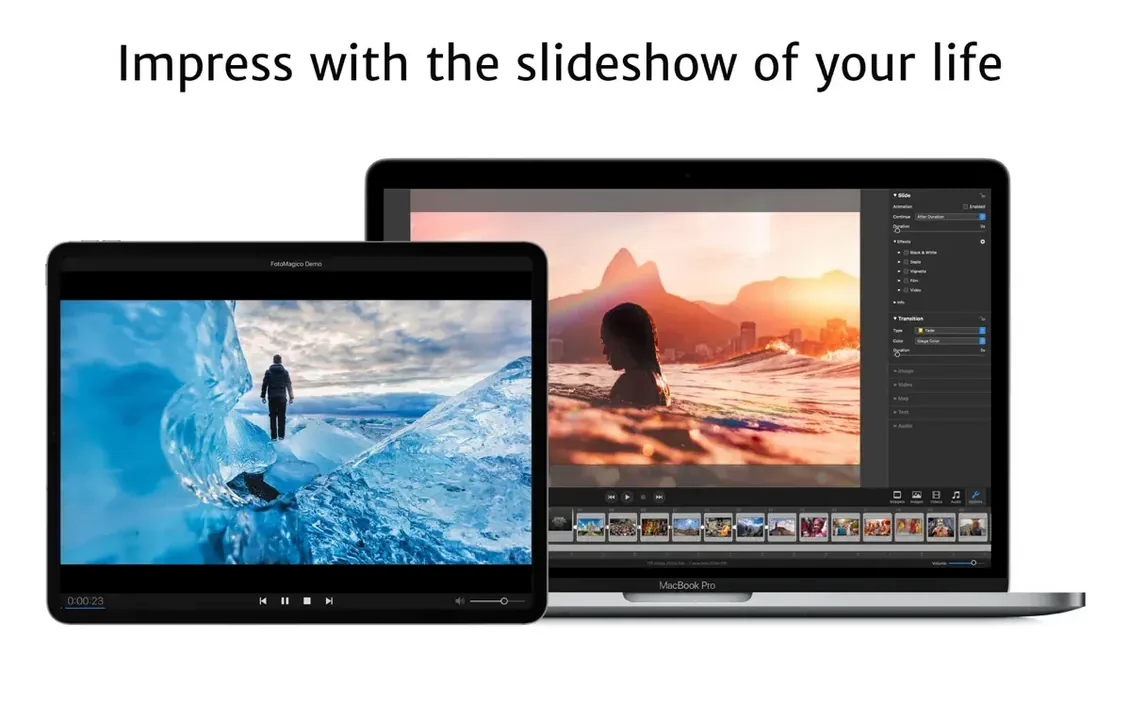
People who build slideshows for a living — wedding photographers, event producers, presentation designers — tend to outgrow simple photo players fast. They need timing control down to the beat, text that lands exactly where they want it, and exports that look sharp on an HDTV or a projector screen. That's the space FotoMagico lives in.
- Set the stage to something unusual. Not every slideshow fits 16:9. Use the custom stage editor to match the exact resolution of the venue's display. Snippets now follow the stage aspect ratio more reliably for odd sizes, so previews don't lie to you.
- Build a text layer that tells a story. Drag captions onto any image and tweak the placement, font, and animation. The text tools feel like a light page-layout app — enough control to let words and pictures work together without getting fiddly.
- Use the timeline, not just the storyboard. Layering slides against an audio waveform is where real pacing happens. Zoom in on the timeline, nudge transitions to the beat, and adjust durations until the flow feels right.
- Export for the destination, not just the file format. FotoMagico can write a standalone player file for computers that don't have the app, save in any QuickTime-compatible format, burn to DVD with Roxio Toast, or export an iPad-optimized version. It also includes presets for vertical Instagram stories when the slideshow needs to live on a phone screen.
Under the hood, it leans on Apple Metal for smooth previews and is optimized for Apple Silicon Macs. If you're already comfortable with slideshow basics and want finer command over stage sizing, text animation, and multi-format delivery, this is where FotoMagico earns its spot.
How FotoMagico plays with other apps and macOS features
Most slideshow tools treat export as an afterthought. FotoMagico treats it as part of the creative flow, and that shows in how it connects to the rest of your Mac. The Final Cut plugin lets you drop a slideshow directly into a video timeline as a compound clip — useful when a wedding film needs a polished photo montage without rebuilding it from scratch. For photographers who still keep an Aperture library around, the Aperture plugin pulls images straight from managed projects, so you're not exporting a hundred JPEGs just to re-import them.
On the system side, iCloud Drive sync keeps projects in step between the Mac and iPad versions. Start a draft on the couch with the iPad, tighten the timing on the Mac, and the project file stays current without manual transfers. The standalone player is the quiet workhorse here: send a client a high-resolution slideshow that plays on any Mac, with optional limits on view count or an expiration date — handy for proofing galleries or delivering a finished piece that can't float around forever. And if you want the slideshow to greet you every time you step away, the screensaver export turns a project into a macOS screensaver module. No extra tools needed.
Sonoma Minimum Sparks Upgrade Question
Does it still run on older Macs? Version 6.10.0 asks for macOS 14 Sonoma or newer. Ventura, Monterey, Big Sur, and Catalina are no longer supported. If your machine can run Sonoma or later, you're fine — Intel or Apple Silicon, both are covered. The app is optimized for Apple Silicon, but 64-bit Intel Macs handle it without fuss.
What if the person I'm sending the slideshow to doesn't own FotoMagico? That's exactly why the standalone player exists. Export the slideshow as a self-contained file, and it plays back at full resolution on any Mac, no installation required. You can also lock it down to a specific number of viewings or a calendar deadline — useful when you're sharing drafts or delivering final work with usage terms.
Is the iPad version a stripped-down companion or the real thing? It's the real thing. Projects sync over iCloud Drive, and the iPad interface shares the same engine. You lose some of the fine export controls and plugin support, but the core editing — stage sizing, text layers, timing, transitions — is all there. Many users start layouts on iPad and finish on Mac.
From Lightroom Exports to a 5:4 Stage
Imagine a portrait photographer wrapping up a family session from the weekend. She's already culled the selects in Lightroom and exported full-resolution JPEGs to a folder on her desktop. Saturday morning, she opens FotoMagico, sets a 5:4 stage to match the client's large-format print album proportions, and pulls in the images. A snippet of the family walking through tall grass becomes the anchor — she stretches it across three slides, then tightens the transitions to land on the downbeat of a licensed track she dropped onto the timeline.
She adds short captions with the kids' names, sets them to fade in half a second after each slide appears, and checks the flow on an external HDTV connected over HDMI. The Metal-powered preview plays without stutter. Before lunch, she exports a standalone player file with a 14-day viewing window and emails it to the family. No watermark, no render queue, no compression guessing. Just a slideshow that looks the way she intended, delivered before noon.
FotoMagico 6.11.0 has arrived, and it's a maintenance-focused update. The changes this round are under the hood — you can find the full list over on the developer's site.
- macOS 14 or later
- Apple Silicon or Intel 64-bit Mac
Questions I actually get
Can I add text overlays to my slides in FotoMagico?
Yes, FotoMagico lets you place text captions directly on images with control over font, size, position, and animation.
Does FotoMagico work on the latest Mac with Apple Silicon?
It does. FotoMagico is optimized for Apple Silicon Macs and uses Apple technologies like Metal and Swift UI for performance.
What export options does FotoMagico offer for sharing?
You can export as a standalone player file, save in any QuickTime-compatible format, burn to DVD, or create iPad-optimized versions, plus there are presets for Instagram vertical stories.
Porch talk 0
Come in or pull up a chair to leave a comment.
Nobody has pulled up a chair yet. If you used it on a real Saturday, say what the hour was.