
The 3.8.86 update is a quiet one, bringing a handful of new path styles to the garden along with the usual round of improvements and bug fixes. If you've been sketching out vegetable beds or reimagining a front-yard layout, those extra path options give you a few more ways to connect the spaces you're designing. Before you download anything, though, it makes sense to confirm the app will actually launch on your machine.
| Detail | Info |
|---|---|
| Current version | 3.8.86 |
| macOS needed | OS X 10.7 or later |
| Architecture | Runs on Intel and Apple Silicon |
| Interface | English |
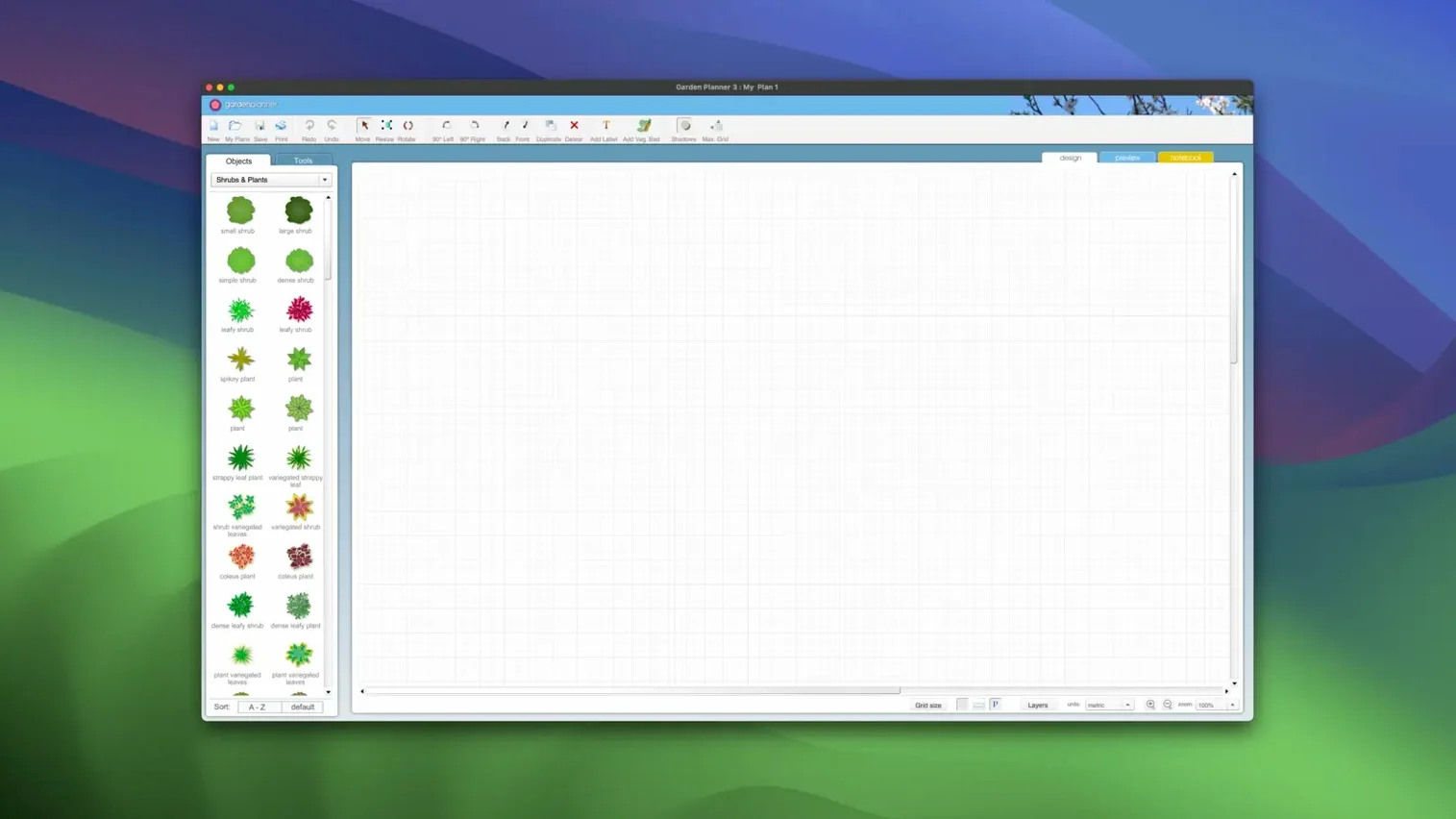
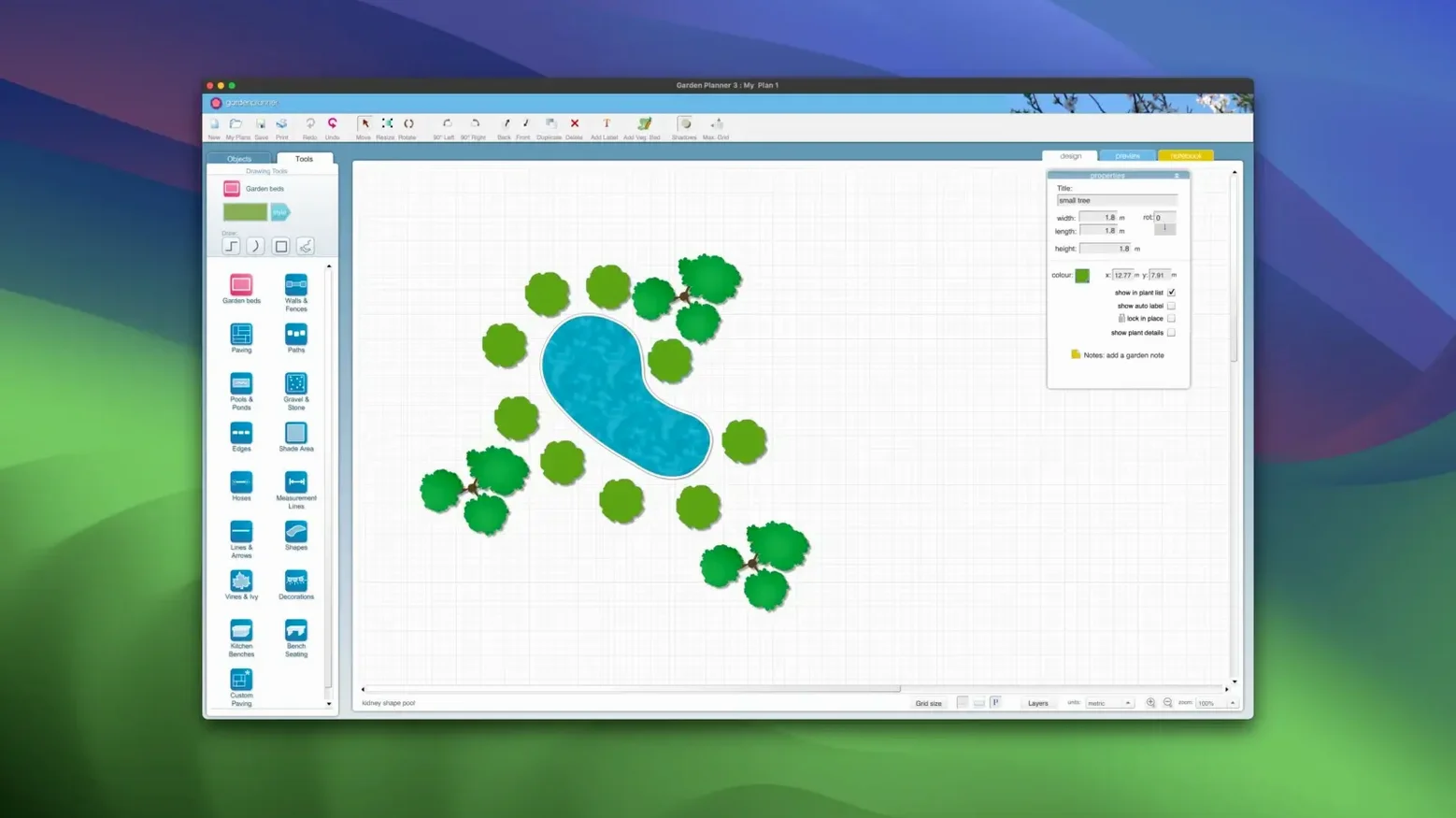
Compatibility is the strong suit here. The app asks only for OS X 10.7, so it's friendly to older Macs while still running natively on newer Apple Silicon machines. Once you're in, you get a practical set of tools for laying out a landscape. A library of over 1,200 plants and objects sits ready in the sidebar, and you can rotate, duplicate, scale, or reshape any element you drop onto the canvas. Switch between the 2D plan view and a 3D walkthrough when you want to see how the arborvitae will actually look from the patio. Text labels let you add notes right on the drawing. It's a straightforward design tool for a specific job—no more, no less.
When the backyard feels like a blank page
A new homeowner stands at the kitchen window staring at a rectangle of mud and crabgrass. The previous owners left a single leggy rosebush near the fence and a patch of gravel that never quite became a patio. Wanting to put in raised beds, a small seating area and something that blooms from April through October is one thing. Knowing where to start without making expensive mistakes—that's the quiet anxiety Garden Planner was built for.
Someone in that situation isn't looking for CAD-grade precision or a tool that assumes they already know the Latin name of every perennial. They want to drag a tree onto a grid, nudge a path a few feet to the left, and see whether the whole thing feels right before they ever pick up a shovel. The app meets them there. The plant library alone—over 1,200 entries—lets you audition a rhododendron next to a birdbath in under a minute, and if the scale feels off you can reshape it with a tug on the corner handle and keep moving.
Laying out a cottage border, step by step
Say you've got a strip of ground running the length of a side fence, about three feet wide and twenty feet long. Sun hits it from late morning onward. You want a loose, layered look: taller shrubs in back, mid-height perennials in the middle, something low and sprawling near the edge. Here's how that task unfolds inside Garden Planner.
Start in the 2D view. Drag a fence from the object library and snap it along one side of the canvas to mark the boundary. Then pull out a rectangular bed shape and stretch it to roughly three by twenty grid squares. Switch to the plant library and filter by sun preference—full to partial sun narrows the list. Grab a mock orange for the back row, drop three of them along the fence line, then duplicate the first one twice instead of dragging from the library each time; it keeps spacing consistent. Layer in some lavender and catmint in front, scaling each down slightly so the heights read naturally when you flip to 3D. Tuck a groundcover like creeping thyme along the front edge, rotate a few clumps so they don't look like soldiers in a row, and add a short text note: "gravel strip between bed and path—4 inches."
Hit the 3D view. Walk the length of the border. The mock orange sits taller than the lavender, which is exactly what you wanted, but from this angle the catmint crowds the path more than expected. Back in 2D you nudge it inward six inches. Print a quick preview to tape on the fridge, export a JPEG to text to a neighbor who offered to help dig, and you're done for the afternoon. The whole thing took maybe twenty minutes, and you didn't once wonder whether a plant tag was scaled to real-world inches.
Dragging objects before setting the scale
Plenty of home gardener torrent searches start with enthusiasm and stall out because the app isn't quite as "grab-and-go" as it first looks. Three things tend to snag beginners.
Ignoring the scale settings. Every element you drag onto the canvas has adjustable dimensions tucked into its properties. First-timers often place a tree at the default size, switch to 3D, and wonder why an oak sapling looks like it's been growing since the Civil War. Right-click, check the scale, and match it to the mature spread listed on the plant's info card. The library gives you the numbers; the resize handles do the rest.
Skipping the object report until it's too late. The app can generate a full list of every plant, paver and pond in your design and save it as a CSV or a plain text file. People designing a 5d planner crack-style layout—throwing down fifty elements in a creative rush—often forget this exists. Then they're standing at the nursery with a phone screenshot, squinting at a blurry JPEG, trying to remember whether that green blob was boxwood or holly. Generate the report before you leave the desk. Print it or keep the TXT file on your phone.
Treating paths as an afterthought. The new path styles in 3.8.86 make it tempting to cycle through options at the end. But paths define how you move through a garden, and dropping them in late often forces you to shuffle beds and shrubs you already placed. Lay down the main walkways and access routes first, even as rough lines, then build planting areas around them. It saves an hour of rework when you realize the wheelbarrow has no clear route to the compost pile.
Version 3.8.86 adds new path styles to choose from, along with general improvements and bug fixes that keep the drawing canvas smooth.
- OS X 10.7 or later
- Compatible with Intel and Apple Silicon Macs
Questions I actually get
Does the app include a 3D view?
Yes, it offers a 3D view so you can do a visual walkthrough of your garden design before planting anything.
What kind of object library comes with it?
There is a built-in library containing more than 1,200 plants and objects that you can drag into your landscape layout.
Porch talk 0
Come in or pull up a chair to leave a comment.
Nobody has pulled up a chair yet. If you used it on a real Saturday, say what the hour was.