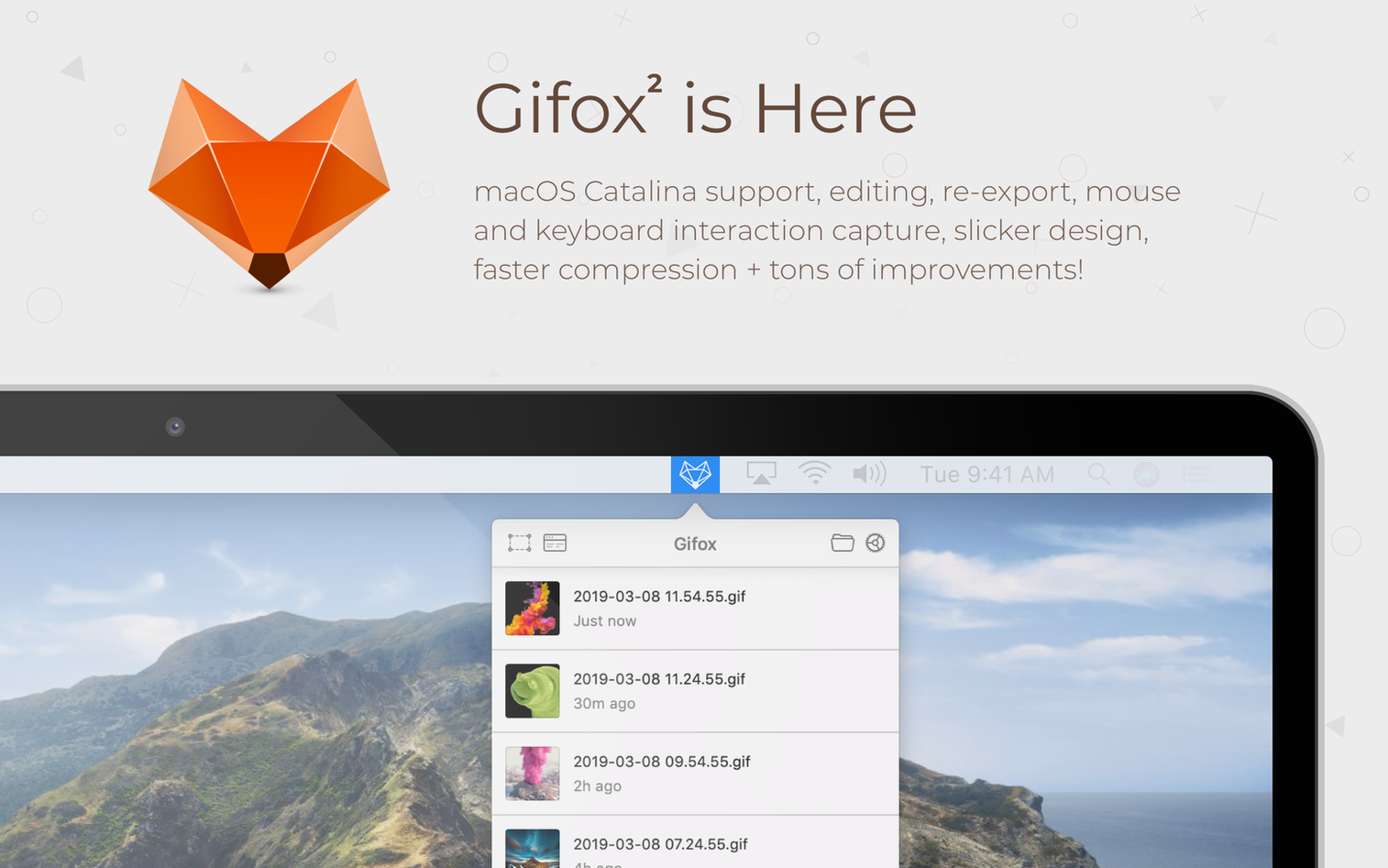
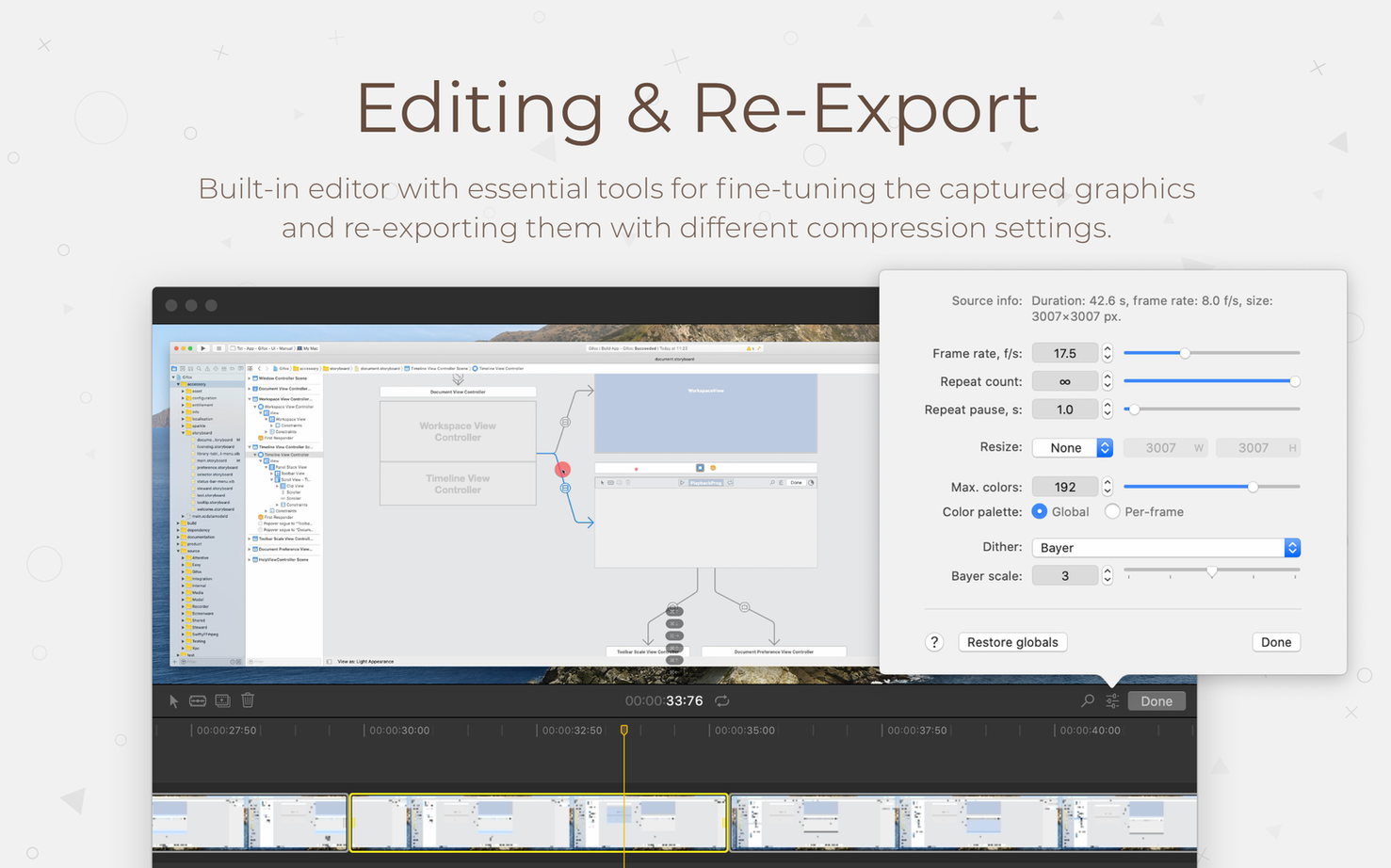
Gifox is a Mac app that records your screen and turns the capture into a clean, lightweight animated GIF. It skips the complexity of full video editors and focuses on one thing: getting from a screen recording to a shareable GIF in as few steps as possible.
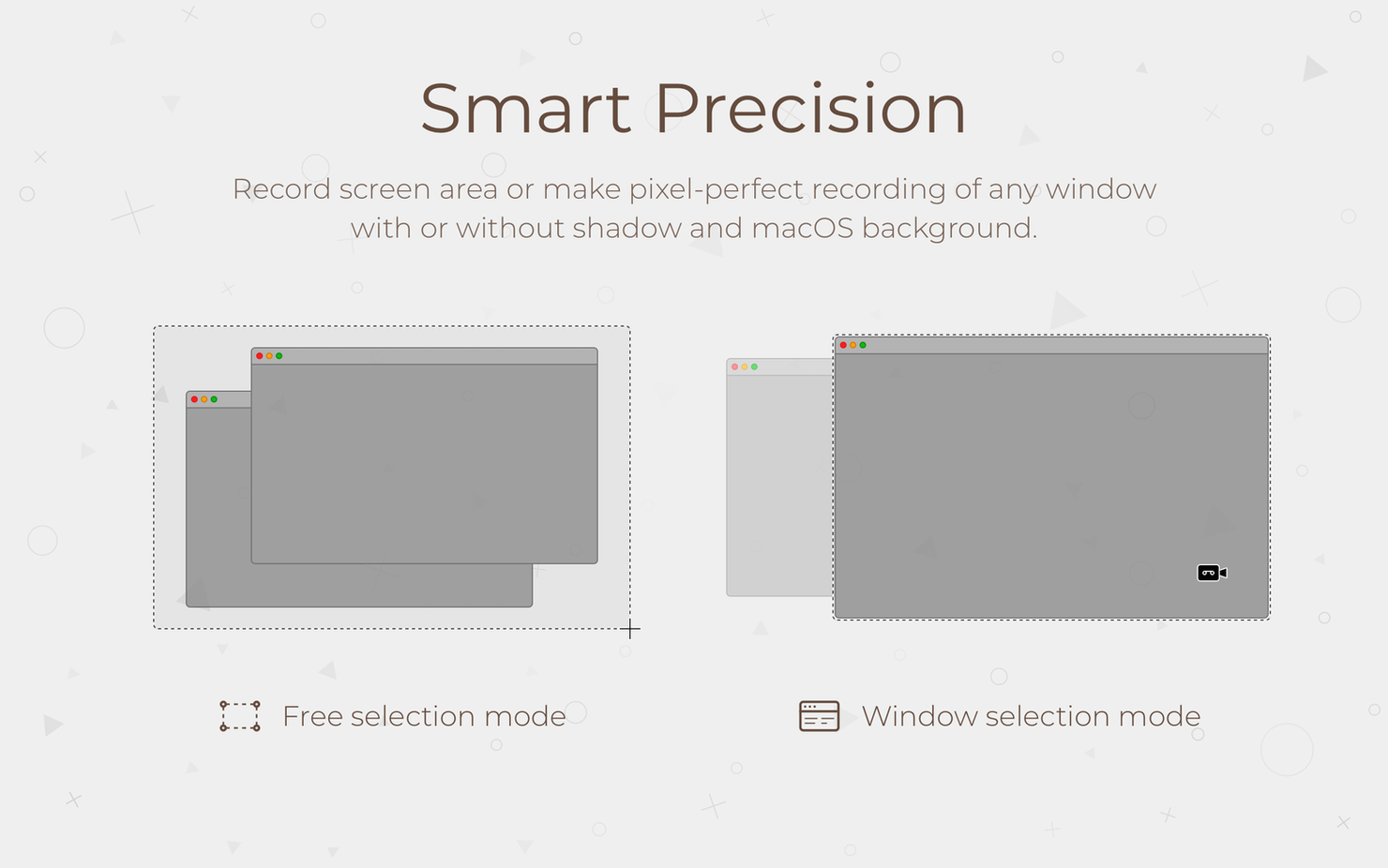
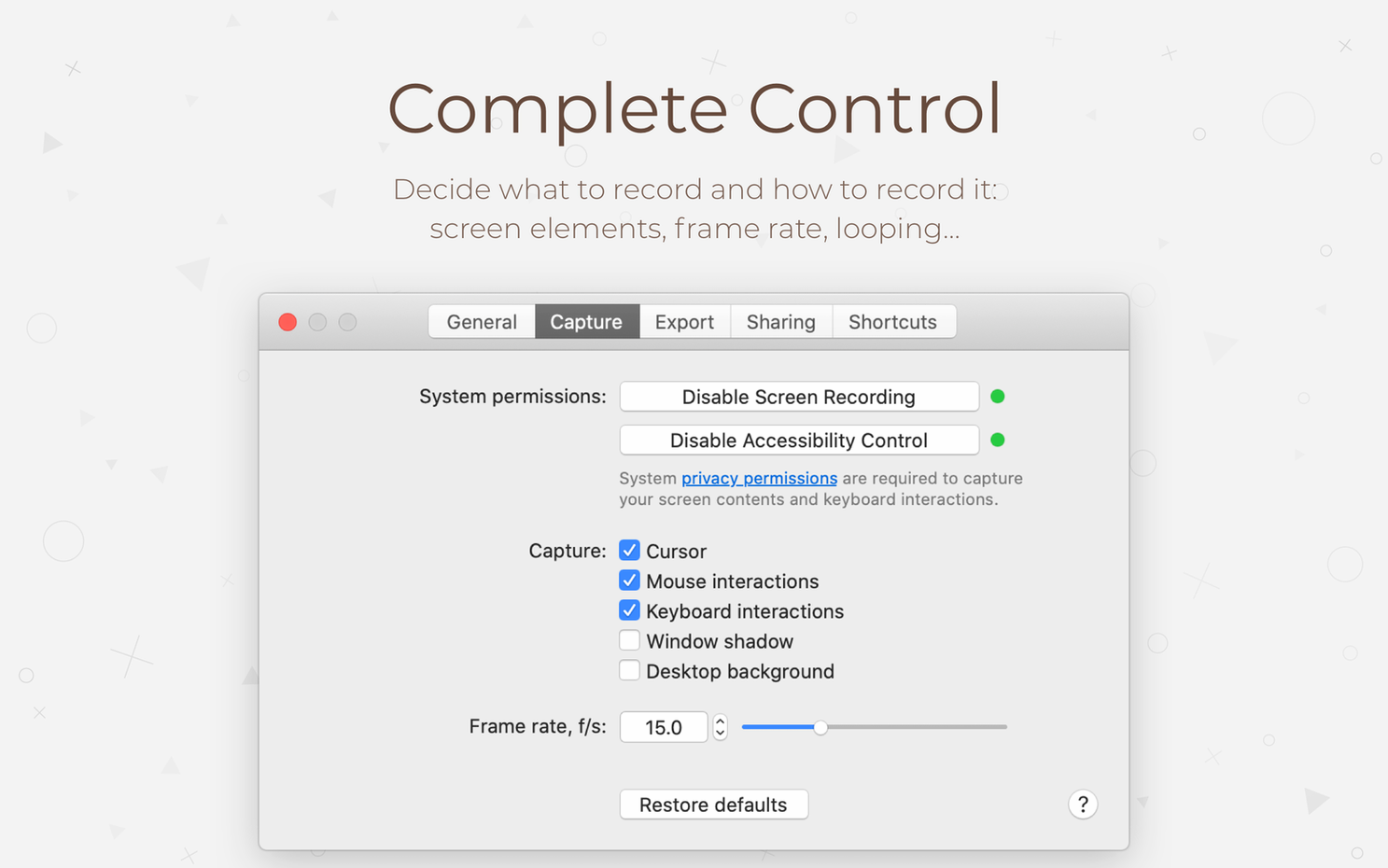
People often wonder how much control they have over the capture. You can select a portion of the screen by dragging a marquee, or target a specific application window with a click. The frame rate is yours to choose, which gives you a trade-off between motion smoothness and file size. The recent version adds quick controls for cursor visibility and window capture settings right in the selection menu, so you don't have to dig through preferences to make those decisions in the moment.
Another common question is what happens after the recording. Gifox keeps your recent clips in a built-in library, where you can open them back up, trim the length, or generate a direct link for immediate sharing. The media library's optimization has been updated to help keep its storage footprint reasonable over time, which matters once you've built up a collection of micro-demos and bug-report clips.
If you find yourself explaining software steps over chat, filing visual bug reports, or posting quick demos, this is the kind of tool that earns its spot in the Dock.
Controls that move into the selection frame
The latest release focuses on the moments right before you hit record. Quick controls now sit inside the selection menu, so cursor styling, interaction highlights, and window capture options are decisions you make while framing the shot — not preferences you set once and forget. Tooltips and smoother animations make that same selection step feel less mechanical.
There is also a new option to keep Gifox visible in the Dock, which helps if you launch it often enough that a menu bar icon alone feels too hidden. The export directory, permissions, and crash reporting dialogs were redesigned, and the media library received optimization work so stored clips don't quietly eat up disk space.
Matching frame rate to what’s on screen
The most common one is recording at a frame rate that doesn't suit the content. A 30 fps capture of a mostly static settings window produces a large GIF with no real benefit over 10 or 12 fps. Lower frame rates keep micro-videos small enough to paste into chat without a second thought.
Another habit to watch is forgetting the window capture option. Dragging a marquee over an app window works, but clicking the window itself snaps the selection to its exact borders and follows the window if it moves. For documentation and bug reports, that precision prevents sloppy edges and accidental background captures.
New users also tend to ignore compression settings until files balloon. Adjusting quality after the fact is possible, but choosing sensible compression before recording saves a trip back to the editor.
Pasting clips straight into Slack and Notion
Gifox fits naturally into a workflow where the GIF is the message. Captured clips drop into Slack messages, Notion pages, or GitHub issues without extra conversion steps. Direct links through cloud services mean you can paste a URL instead of attaching a file, which keeps team threads lighter.
On the macOS side, the app cooperates with standard screen recording permissions and respects the system's privacy prompts. Its window targeting complements built-in screenshot tools rather than replacing them — screenshots still win for a single static frame, while Gifox handles the animated follow-up. The menu bar library also works alongside clipboard managers, since copied GIFs paste into any app that accepts images.
For anyone who has grabbed a Gifox torrent Mac download, a quick settings check can get the app’s own updates and dialogs behaving just the way you expect.
Version 2.10.0 brings a more refined recording setup. The screen selection menu now feels smoother, and new quick controls let you adjust cursor capture, interaction highlights, and window selection settings on the fly without opening a separate preferences pane. Behind the scenes, export and permissions dialogs have been redesigned for clarity, media library optimization is smarter about storage, and there's an option to keep the app visible in the Dock if that fits your workflow better.
- macOS 10.15 Catalina or later
- Apple Silicon and Intel Macs
Questions I actually get
Can Gifox record a single window instead of the whole screen?
Yes. You can choose to record a specific application window, which keeps the recording focused and avoids capturing unintended desktop clutter.
Does the app let me control the frame rate?
It does. Selecting a frame rate is part of the recording setup, letting you balance smooth motion against the final file size.
What's the quickest way to share a recording?
Gifox can generate a direct link for a recording, so you can share it immediately without manually exporting and uploading the file.
Porch talk 0
Come in or pull up a chair to leave a comment.
Nobody has pulled up a chair yet. If you used it on a real Saturday, say what the hour was.