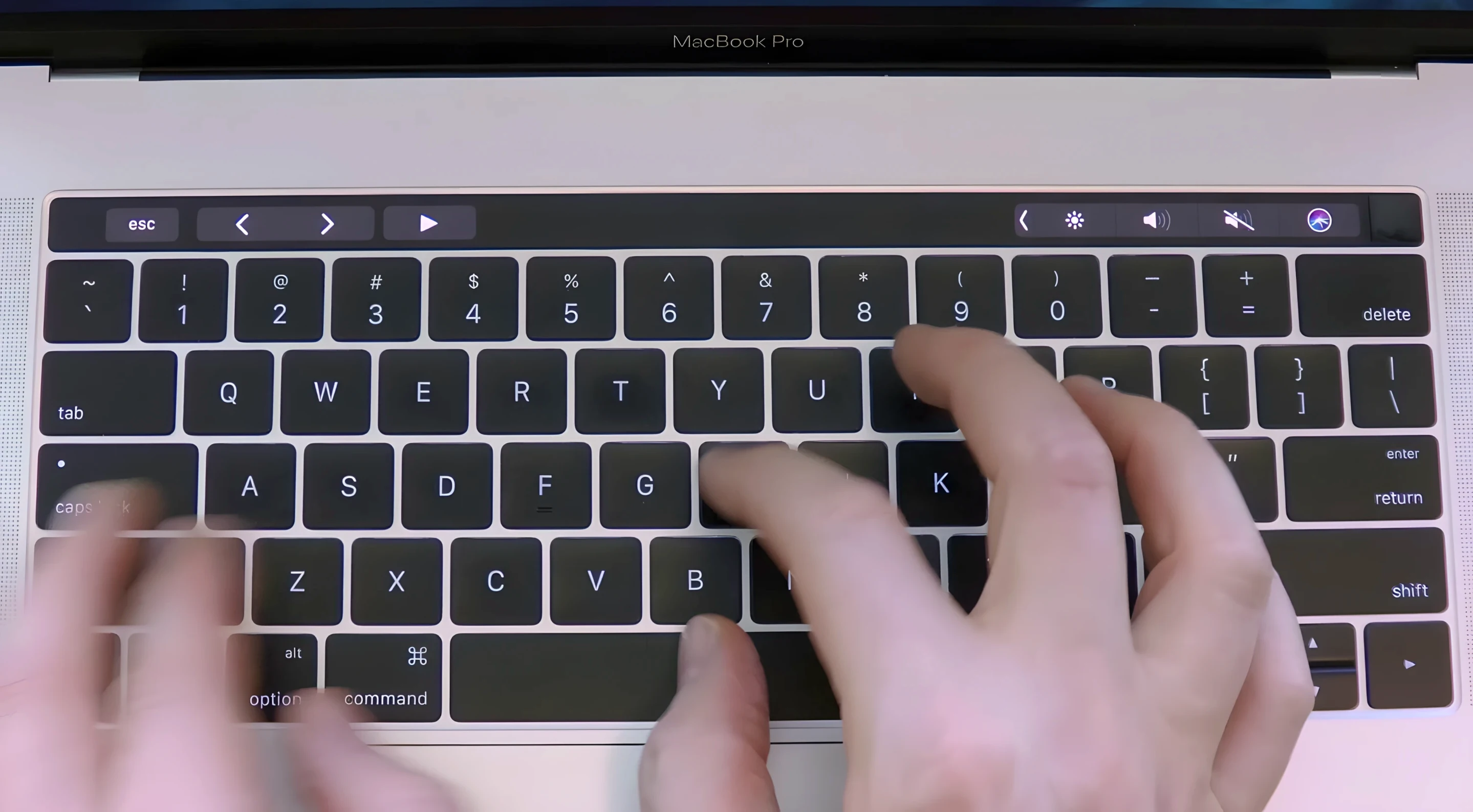
Haptyk keeps its approach simple and direct: it listens to the hidden accelerometer in your MacBook and turns that data into typing sounds that match your keypress force. Version 2.0.2 doesn't introduce a flashy new feature list — it tightens the existing experience so the sound response feels snappier and more consistent on the latest MacBooks.
| Key detail | Quick note |
|---|---|
| Current version | 2.0.2 |
| macOS needed | macOS 13 Ventura or newer |
| Works on | Apple Silicon MacBooks with M2 Pro or later |
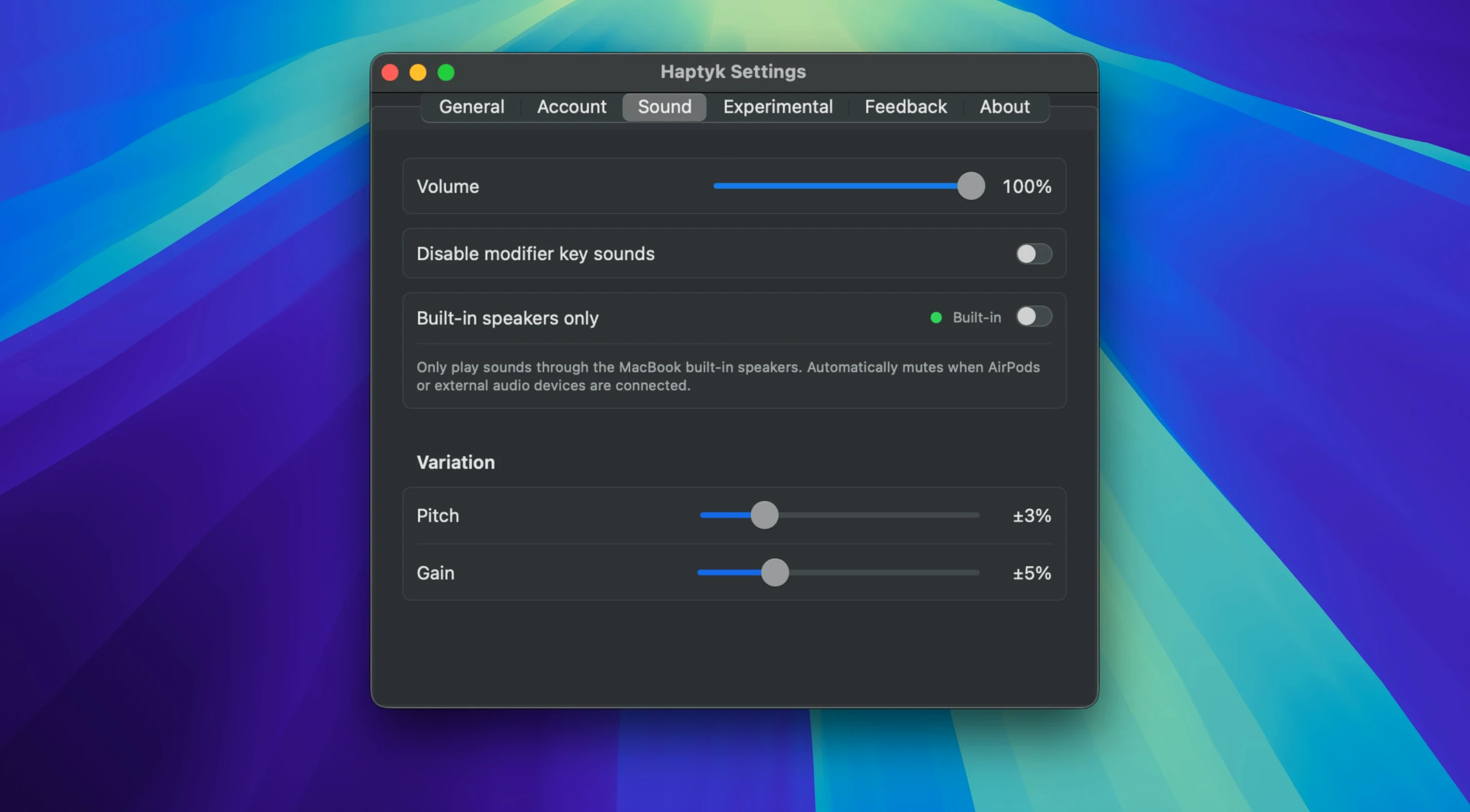
When you first open the app, the main thing to play with is the force sensitivity. A light tap produces a soft, shallow click; a firmer press brings out a deeper, more resonant thock. The app sits quietly in the menu bar, and you can pick from a small set of sound profiles to find one that suits your keyboard and your ears. It works across any app where you type, so you get the same audible feedback whether you're writing an email or jotting notes in a text editor. If you enjoy mechanical keyboard sounds but prefer the built-in keyboard of a modern MacBook Pro or MacBook Air, this is a gentle way to add that character back.
What people usually wonder before installing
The most common question about Haptyk comes down to hardware: does my MacBook actually have the sensor this app needs? The short answer is that if you're on a MacBook Pro 14-inch or 16-inch with an M1 Pro, M1 Max, or anything newer, you're covered. The 13-inch MacBook Pro with M2 and the MacBook Air M2 and later models also work. What doesn't work — and this catches people out — is the original M1 MacBook Air and the 13-inch M1 MacBook Pro. Those machines simply lack the accelerometer the app taps into, so there's nothing for Haptyk to read.
Another question that pops up regularly is whether the sounds leak through to other people on calls. The app plays audio through your Mac's speakers or headphones, not through the microphone input, so your typing won't bleed into a Zoom meeting or a voice recording. The people on the other end hear silence, while you get the mechanical feedback you want.
People also ask about battery impact. The accelerometer on Apple Silicon chips is designed for low-power always-on sensing — the same kind of hardware that detects when you move your laptop — so Haptyk's polling adds a negligible draw. You won't notice it in your daily battery figures.
Menu-bar quiet with instant feedback
In daily use, Haptyk behaves more like a background utility than an application you think about. It launches quickly, settles into the menu bar, and stays out of the way. The sound response feels immediate — there's no perceptible lag between striking a key and hearing the click or thock. Version 2.0.2 improved how the app handles rapid typing bursts, so even at full typing speed the audio keeps up without stuttering or dropping notes.
Resource use is modest. On a MacBook Pro with an M2 Pro chip, the app typically sits under one percent of CPU while you're actively typing, and memory usage hovers around 40 to 60 megabytes. When you're not typing, it idles quietly. The app doesn't write heavily to disk, doesn't spawn background processes you need to worry about, and doesn't interfere with system audio routing in ways that break other sound apps.
Stability has been solid across the macOS 13 and 14 releases. The developer kept the feature scope tight — there's no bluetooth pairing, no cloud sync, no plugin architecture — which means fewer moving parts to misbehave. If you close the app, it stops cleanly and releases the accelerometer back to the system without a fuss.
Writers chasing a keystroke rhythm
The people who get the most mileage out of Haptyk tend to fall into a few clear groups. Writers and long-form note-takers often describe the typing sounds as a rhythm anchor — something that makes a silent keyboard feel more physical and helps them stay in a flow state during long sessions. The force-sensitive response means the audio matches the intention of each keystroke, which is a subtle but real pleasure when you're putting down thousands of words a day.
Developers and coders who spend hours in text editors are another natural fit. The mechanical keyboard community has long argued that sound and feel are part of the typing satisfaction loop, and Haptyk brings a slice of that to the built-in MacBook keyboard without adding bulk or external hardware. It's not a replacement for a proper mechanical board, but it scratches a similar itch when you're working from a couch or a coffee shop.
There's also a quieter audience: people who simply miss the audible keyboard feedback that laptops used to have. Before keyboards got whisper-quiet, typing had a soundtrack. Haptyk gives that back, and it does it with enough variation in volume and tone to keep it from feeling like a repetitive gimmick. If you enjoy the idea of a haptyk download that turns your MacBook keyboard into something that sounds alive, this one is worth a try — especially if you're on a recent Apple Silicon machine where the sensor hardware is already waiting to be used.
- macOS 13 (Ventura) or newer
- Apple Silicon or Intel 64-bit Mac
Questions I actually get
Which MacBooks work with Haptyk?
The app needs the accelerometer found in Apple Silicon MacBooks. The developer lists support for MacBook Pro 14-inch and 16-inch with M1 Pro and later, MacBook Pro 13-inch M2, and MacBook Air M2 and later.
Porch talk 0
Come in or pull up a chair to leave a comment.
Nobody has pulled up a chair yet. If you used it on a real Saturday, say what the hour was.