HitPaw Univd runs on any Intel Mac that can handle macOS 10.15 Catalina or newer—it's a 64-bit app, so older Core 2 Duo machines sit this one out.
What does the 4.7.0 update actually change?
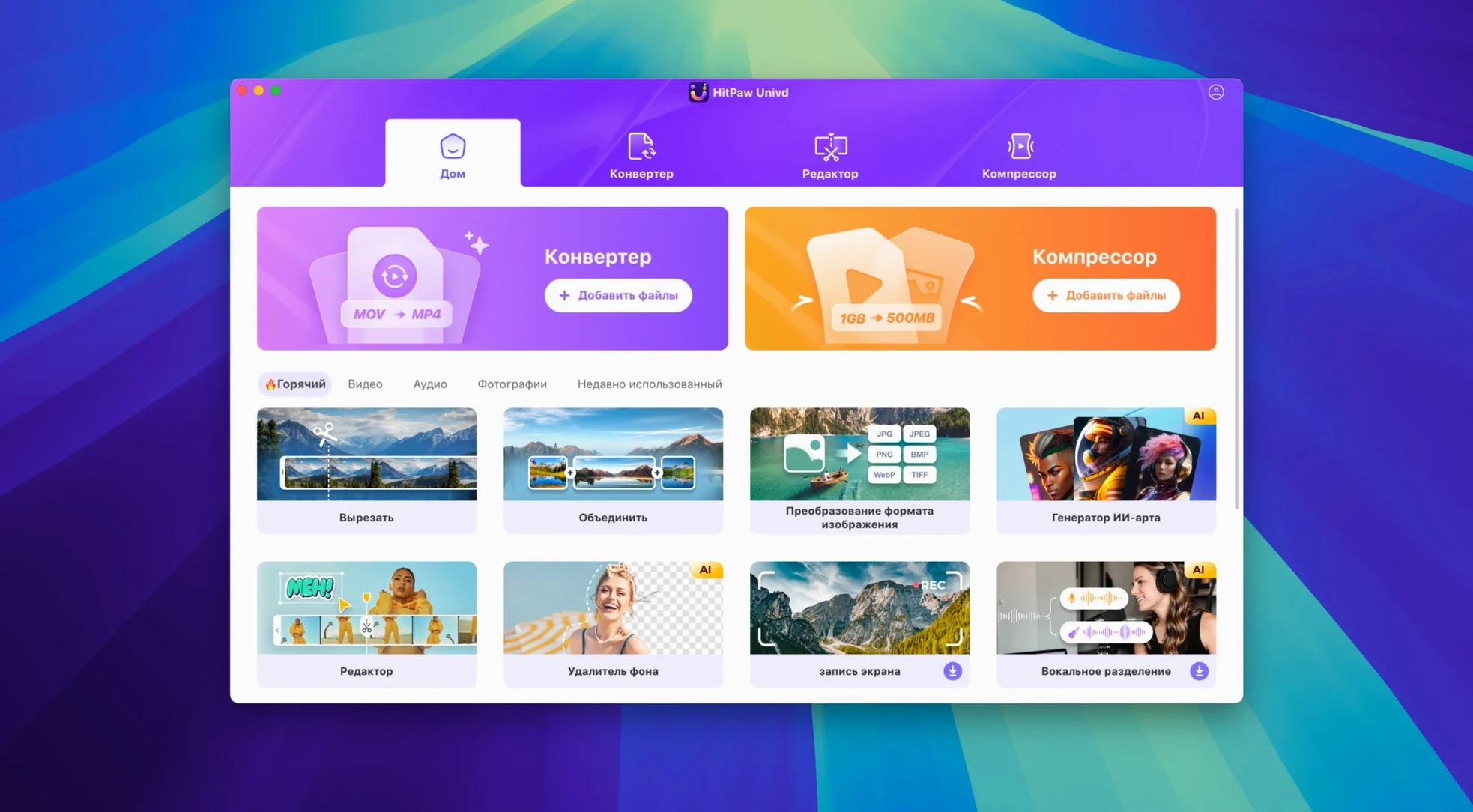
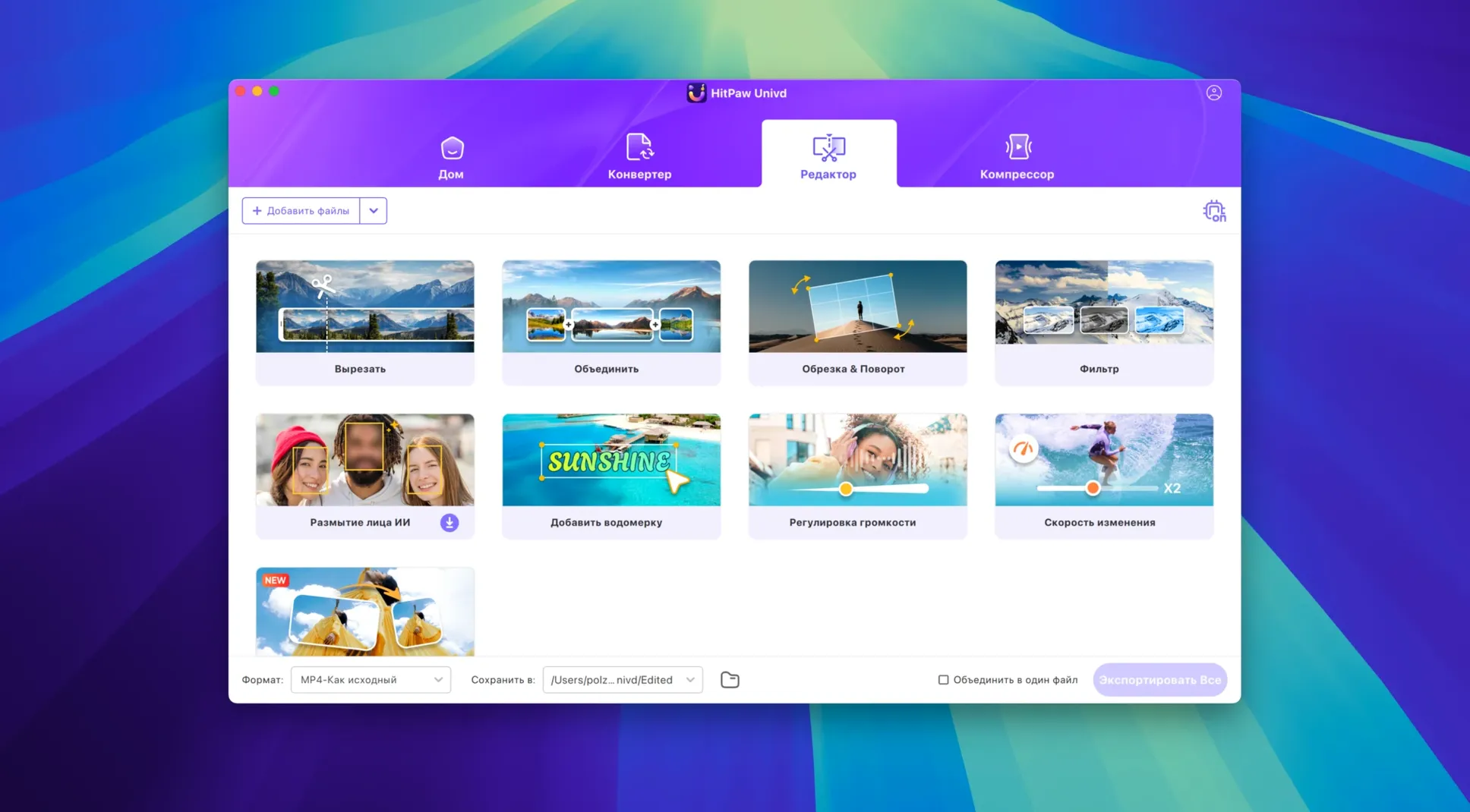
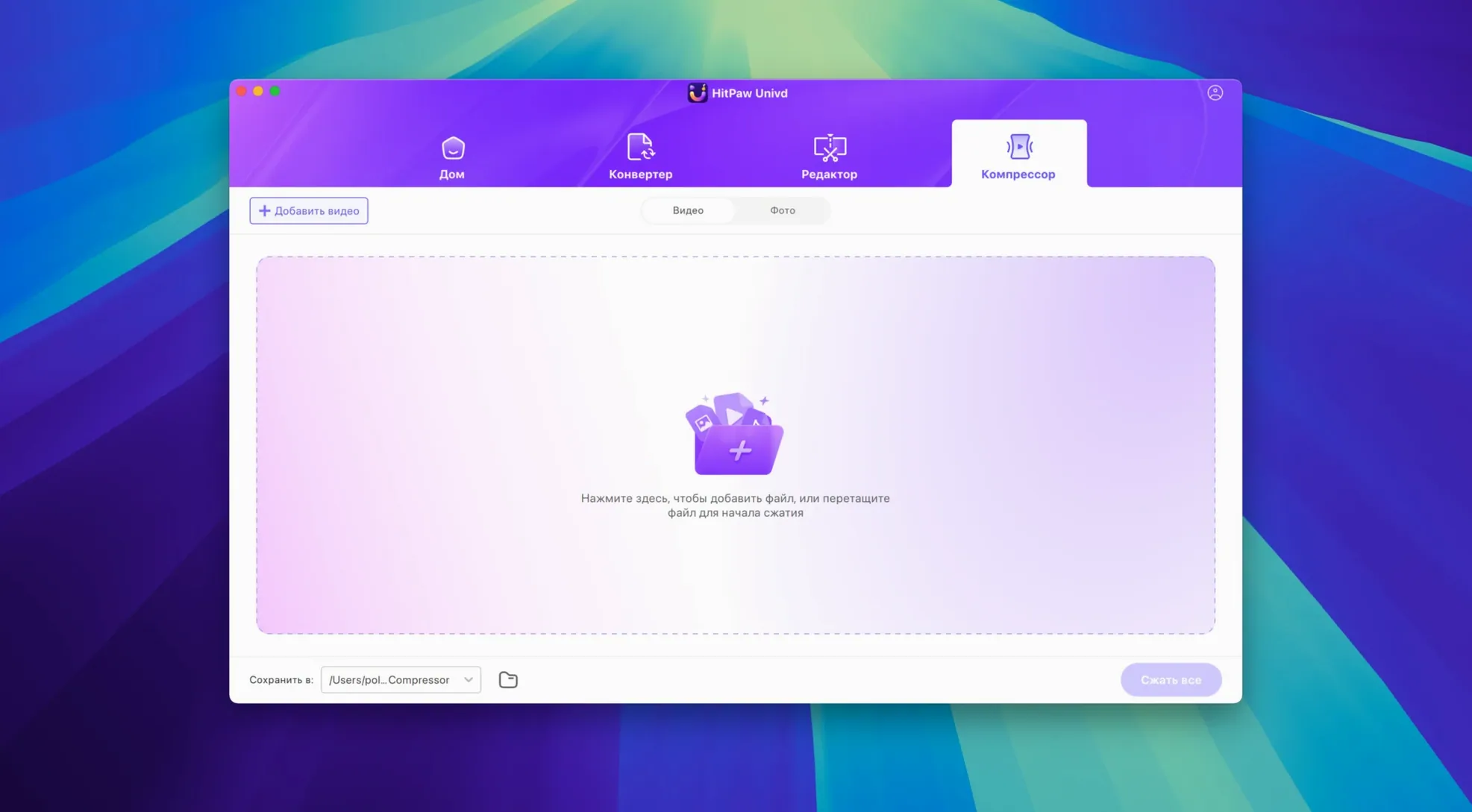
The interface got a full makeover, trading the old layout for a cleaner product model and a more straightforward user experience. The core toolset underneath didn't change, just the way you reach it.
Is it just a converter, or can it do more?
Conversion is the headliner, with support for VP9, ProRes, and Opus codecs, but the app also pulls double duty as a music downloader for Apple Music, Spotify, Deezer, and TIDAL without lossy re-encoding.
Where can it grab video from?
The built-in downloader works with over 10,000 sites, including the usual suspects like YouTube, Bilibili, Facebook, and Instagram. It handles films, clips, and music in one sweep.
Mac users with mixed devices get the most mileage
Not everyone needs a thousand format options and a downloader rolled into one app. The people who settle into HitPaw Univd tend to fall into a few camps.
Mac users juggling multiple devices get the most mileage. You might shoot b-roll on a Sony that spits out XAVC-S, pull clips from a friend's iPhone in HEVC, and need everything in ProRes by Thursday. Instead of hunting down three separate converters, you drag the lot into one queue and walk away. The ProRes and Opus codec support means you are not stuck with handbrake-style compromises when the timeline demands a mezzanine format.
Music collectors who live in streaming services also find their groove here. If your library is scattered across Apple Music playlists, a handful of Spotify albums, and a Deezer playlist you forgot you had, the lossless extraction feature pulls everything into local files without the generational quality hit of re-recording. It is the kind of tool that makes sense once you have switched streaming platforms twice and lost half your curated playlists.
People who download video regularly—not just the occasional YouTube clip, but whole conference talks, tutorial series, or live sets from Bilibili and Facebook—will use the 10,000-site downloader more than the converter itself. The app becomes a grab-bag for offline viewing, especially when you are travelling and know the hotel Wi-Fi will not handle streaming.
Version 4.7.0 traded the 2018 utility look for a modern queue
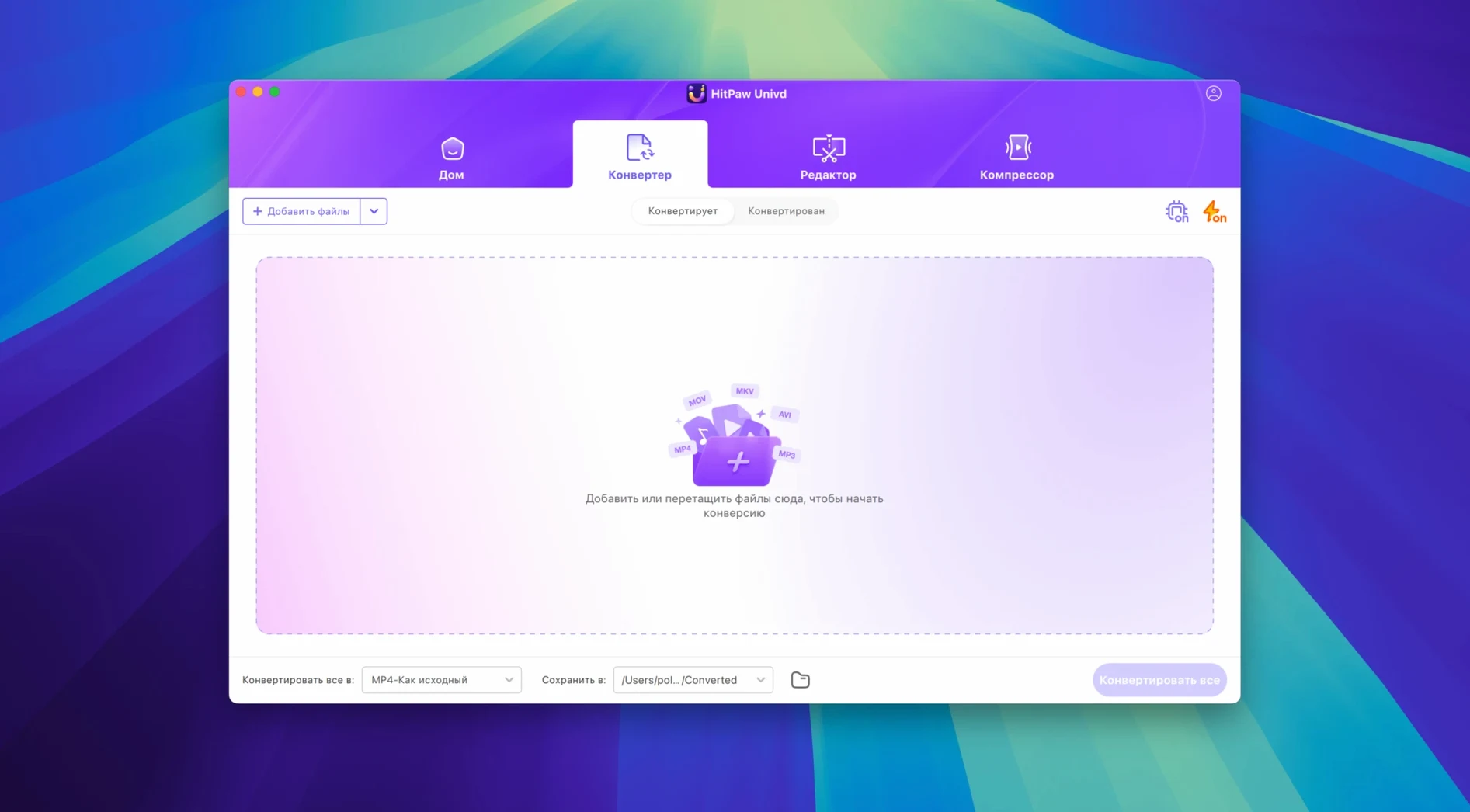
Version 4.7.0 landed in early January 2025 with a new UI and what the developer calls a new product model. In practice, that means the toolbar and conversion queue feel less like a utility from 2018 and more like a modern Mac app. Buttons are where you expect them, preset selection takes fewer clicks, and the downloader sits visibly alongside the converter instead of hiding in a submenu.
The user experience shift is subtle but real: the app now guides you toward the task you opened it for rather than presenting every tool at equal weight. Open a video file, and conversion options surface first. Paste a URL, and the downloader takes focus. It is the kind of quiet design logic that cuts down on fumbling when you are half-awake and need a clip ready for the morning meeting.
Under the hood, the Intel 64-bit architecture keeps things predictable on older machines. If your MacBook Pro still runs Catalina, the app launches without Rosetta gymnastics or compatibility warnings. That matters when you are holding onto a machine that works fine and just needs software that respects it.
The language support also expanded quietly—Russian, Arabic, Hindi, Korean, and a dozen more are available now, which means the interface can match the system language of a much wider set of users without extra configuration.
4K VP9 to HEVC will peg your Intel CPU
Will this slow down an older Mac during conversion? It depends on the codec and resolution, not the app itself. Converting H.264 to ProRes is light; transcoding 4K VP9 to HEVC will peg the CPU on any Intel Mac. The app does not add overhead beyond what the codec demands, and you can pause the queue if you need the processor back for something else immediately.
Does the music downloader actually preserve quality? For the supported services—Apple Music, Spotify, Deezer, and TIDAL—the extraction works at the source quality without re-encoding. You get the same AAC or FLAC stream the service delivered, not a re-recorded version. If the service streams lossy, the file stays lossy, but nothing extra gets stripped away.
Can I queue up downloads and conversions together? Yes, and this is where the unified interface earns its keep. You can drop a folder of video files into the converter, then paste five YouTube links, and the app processes everything sequentially. The queue shows both jobs in one list, so you are not bouncing between modes.
Is it safe to grab a HitPaw Univd torrent for a quick look? Plenty of people search for a HitPaw Univd torrent or a HitPaw torrent when they want to test the converter before committing. With any HitPaw Vikpea torrent floating around, version mismatches and missing codec packs can make the app behave oddly, so matching the build to your macOS version saves troubleshooting time later.
A weekend with a videographer
Consider someone who shoots wedding highlights and wants to turn around a same-day edit before the reception ends. She arrives with a mix of footage: ceremony clips from a Canon in MP4, drone shots in MOV, and a handful of guest-phone videos in VOB pulled from old DVDs the couple wanted included.
She opens HitPaw Univd, drags the entire folder onto the converter, and sets the output to ProRes 422 for her Final Cut timeline. While the conversion queue churns, she pastes the URL for the couple's first-dance song from a YouTube video she needs as reference audio. The downloader grabs the clip, extracts the audio, and drops it alongside the converted footage.
Forty minutes later, everything sits in one clean folder—same codec, same frame rate, no mismatched wrappers. She drops it into Final Cut, scrubs through, and starts cutting. The app did not replace her editor or her judgement; it just removed the part of the afternoon where she would normally be swearing at HandBrake presets and hunting for a YouTube rip tool that still works. For a solo shooter on a tight clock, that is the whole point.
Version 4.7.0 arrived in early January 2025 with a visible refresh:
- A redesigned interface built around a cleaner product model.
- A reworked user experience that keeps the same tools but makes them easier to reach.
- macOS 10.15 Catalina or later
- Intel 64-bit processor (Apple Silicon runs via Rosetta 2)
Questions I actually get
Can it compress and enhance video too?
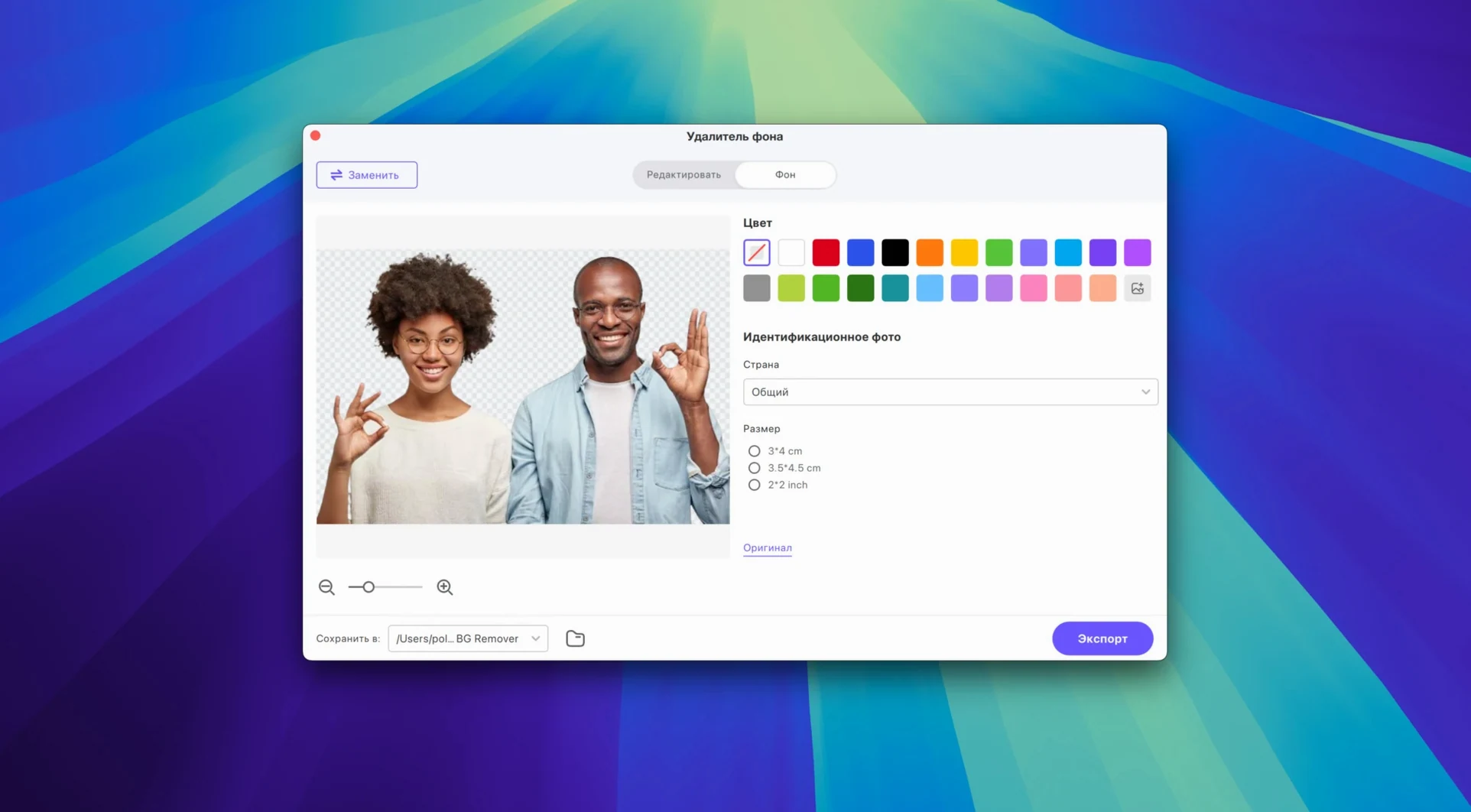
Yes, the Mac version is described as a converter, compressor, and AI enhancer, so you can shrink files for storage or upscale older footage in the same window.
Does version 4.7.0 run on Apple Silicon natively?
The current build uses an Intel 64-bit architecture, so it runs through Rosetta 2 on M-series Macs rather than as a native Apple Silicon app.
Porch talk 0
Come in or pull up a chair to leave a comment.
Nobody has pulled up a chair yet. If you used it on a real Saturday, say what the hour was.