

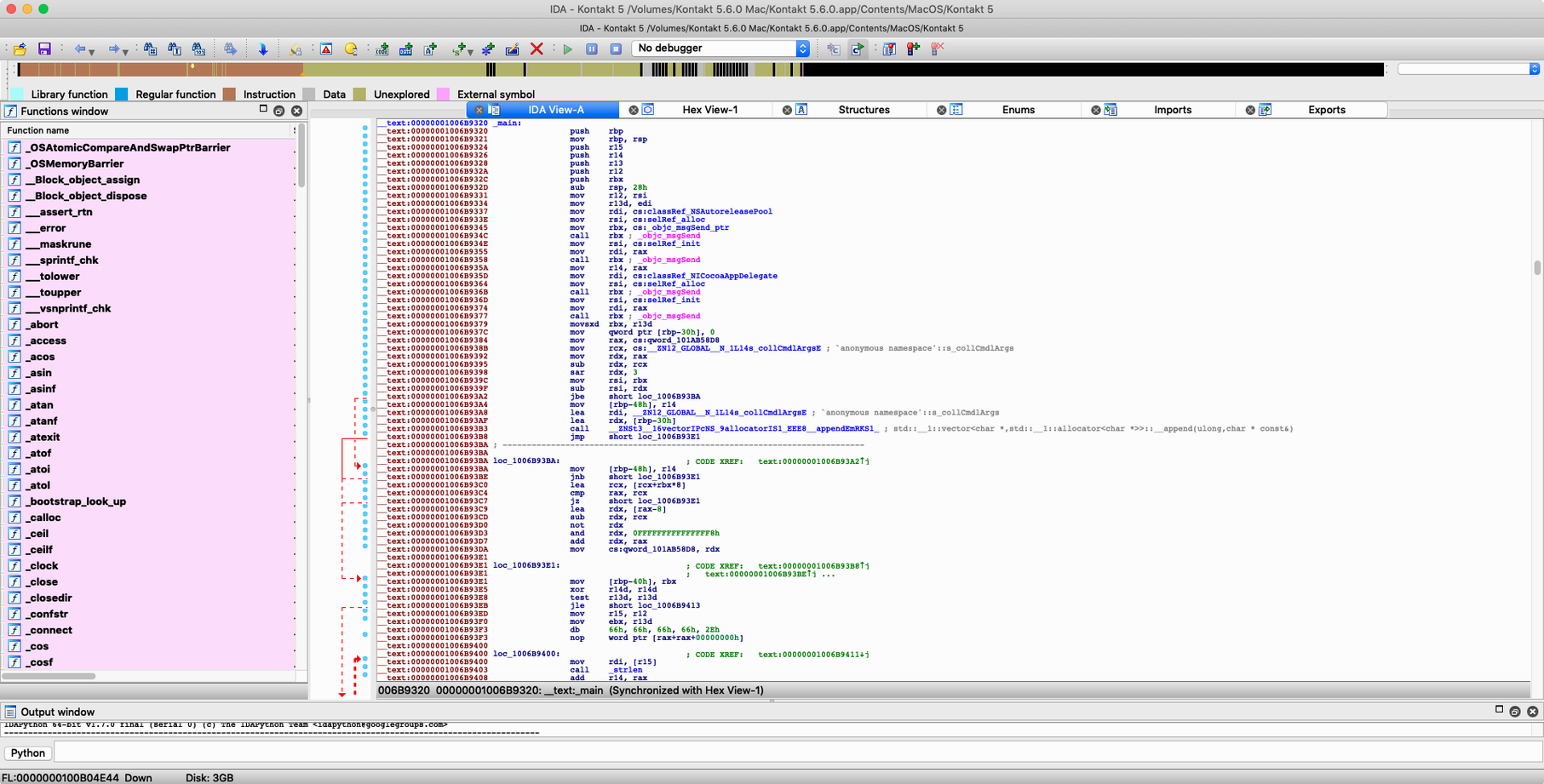
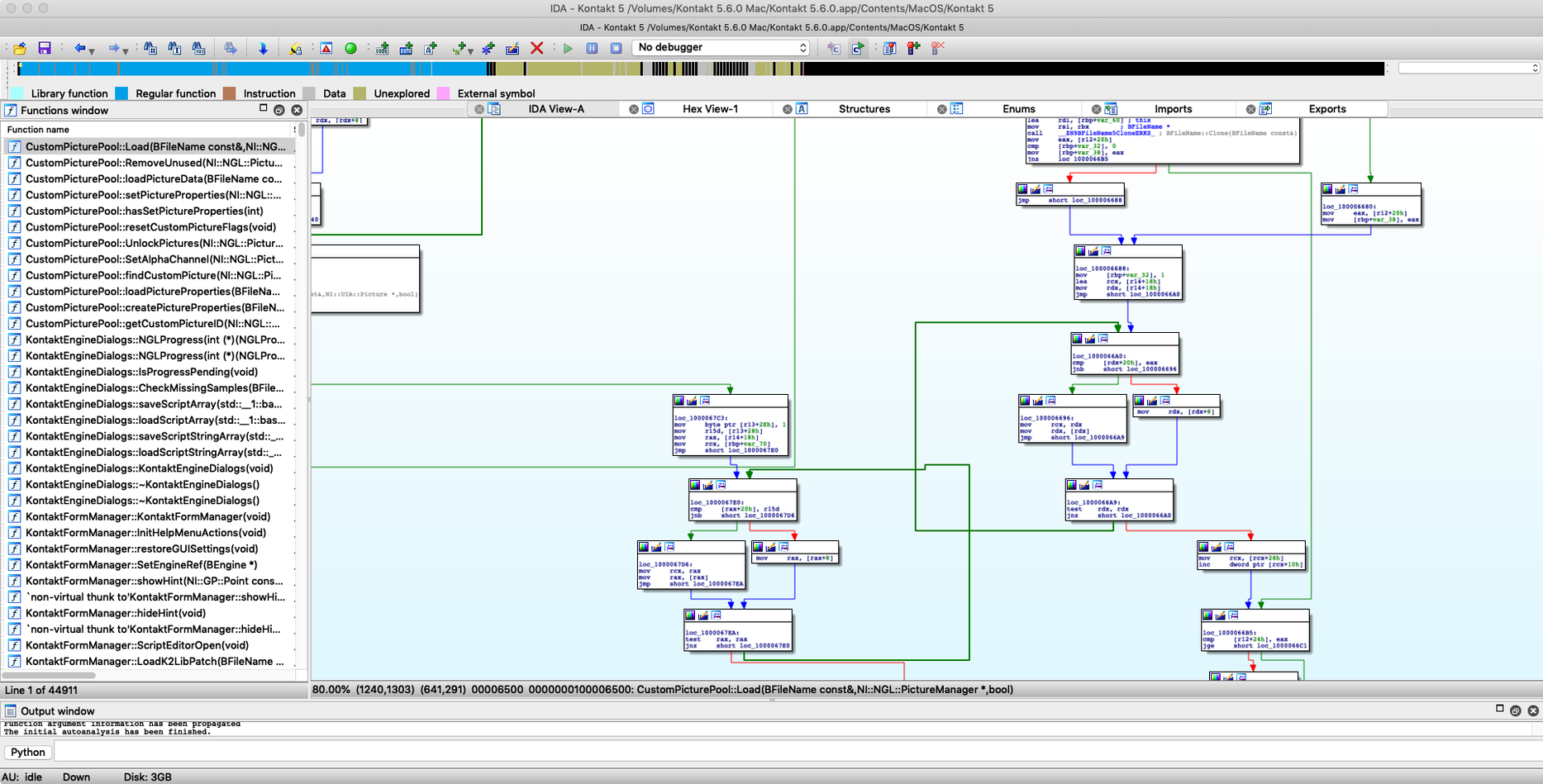
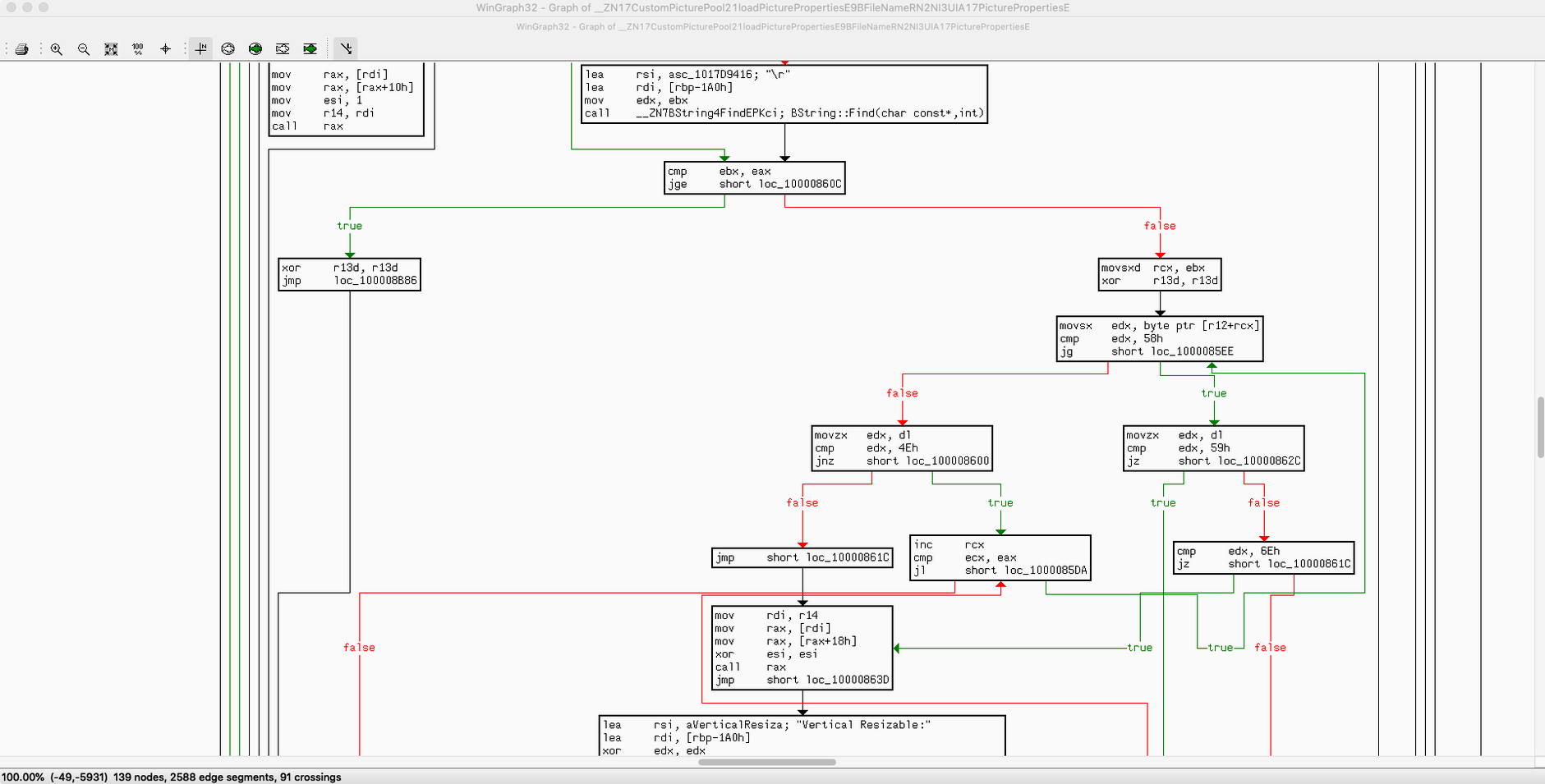
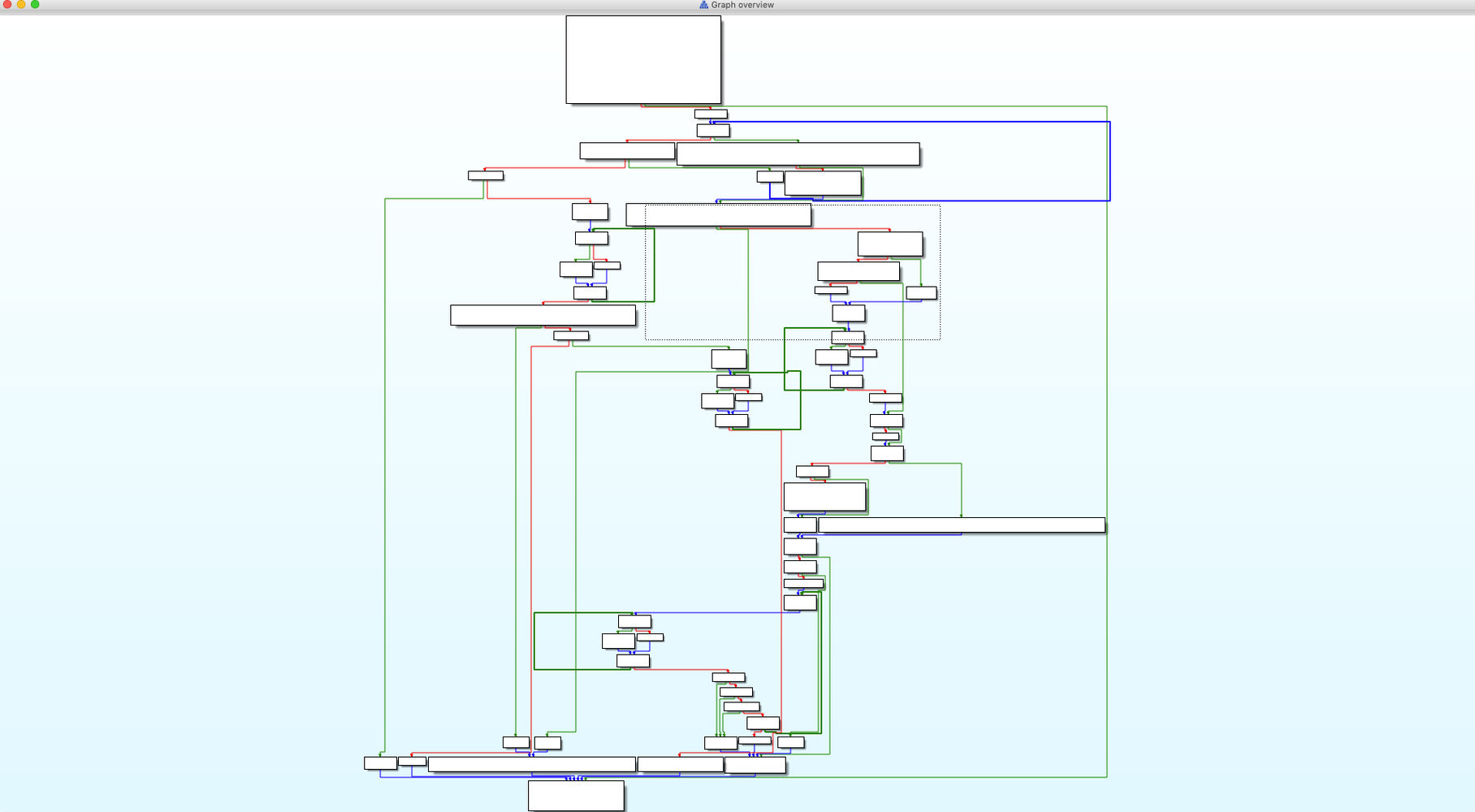
If you have ever run a file through a hex editor and wished you could see the actual logic behind the bytes, IDA Pro is the next step on that path. It takes compiled binary code and turns it back into assembly-language source you can read, explore, and make sense of. Security researchers rely on it for virus analysis, but it is just as useful when you need to understand how a piece of software really works under the hood.
Assembly Output and Extensibility Before You Install
- What does it actually produce? IDA converts machine code into assembly-language source code, then gives you navigation tools to work through arrays, structures, and enumerated types interactively.
- Can I extend it? The open, modular architecture includes the IDC embedded scripting language, so you can automate repetitive analysis tasks without leaving the environment.
- Is it just a disassembler? It is also a debugger and decompiler. The interactive analysis features let you rename variables, add comments, and gradually build a clearer picture of what the code does.
Hexagon Processor Support and Built-In Pathfinder
Version 9.4 adds a new Hexagon QDSP6 processor module, a Qualcomm MBN boot-image loader, and a fresh Dyld Shared Cache infrastructure. Swift analysis gets several improvements, and a feature called Pathfinder is now built in. If you are curious about binary internals and ready for a tool that rewards patience, this is one to set aside an afternoon for.
A fresh install can feel a bit like staring at a cockpit. Give yourself permission to ignore most of the interface for the first hour or two. Load a small, familiar binary—something you compiled yourself in C is ideal—and just practice moving around. The graph view is where most people find their footing; press the spacebar to flip between graph and flat listing until switching feels natural.
A habit that pays off early: rename anything you identify. A function label, a variable, even a single jump target. Each name you assign becomes a breadcrumb for later, and IDA uses those names everywhere else it sees that address. Before long you are reading a map you drew yourself, not a sea of hex addresses.
Launching Debuggers Directly from Disassembly
IDA does not try to replace your debugger or your hex editor—it talks to them. You can launch a debugging session straight from the disassembly view, stepping through the very instructions you were just annotating. The built‑in data debugger is capable on its own, but plenty of analysts feed IDA’s analysis into external tools like lldb or into custom Python scripts that pull from the IDA API.
On macOS it helps to know that IDA respects the same file‑open conventions you use everywhere else. Drag a binary onto the dock icon, or use Cmd‑O inside the app. When you want to take notes outside the database, the comments you leave in the disassembly copy cleanly into plain text—so pasting a function’s worth of reasoning into a markdown file or a shared Slack thread takes no extra formatting.
If you are coming to this after searching for a download ida pro for mac to pair with existing reverse‑engineering workflows, the real integration is in the file formats it shares. Export a labeled database, hand it to a colleague on a Teams server, and they pick up right where you stopped. That quiet interoperability—between humans, between tools—is where IDA stops being a solitary instrument and starts feeling like part of a bench.
IDA Pro 9.4 rolls in a handful of meaningful additions for Mac users. Here is what landed:
- A new Dyld Shared Cache infrastructure for picking apart Apple's cached libraries.
- Swift analysis improvements that make decompiled Swift code easier to follow.
- Pathfinder, a new navigation aid for tracing execution flow.
- A Hexagon QDSP6 processor module for Qualcomm DSP firmware work.
- A Qualcomm MBN boot-image loader.
- macOS 10.15 or later
- Runs on both Intel and Apple Silicon Macs
- Interface language: English
Questions I actually get
Is IDA Pro used for virus analysis?
Yes, security researchers frequently use its disassembly and debugging features to examine malicious binaries and understand how they behave.
Does the Teams add-on work with Git?
The Teams add-on supports Git servers for collaborative reverse-engineering projects.
Porch talk 0
Come in or pull up a chair to leave a comment.
Nobody has pulled up a chair yet. If you used it on a real Saturday, say what the hour was.
More for the same hour
Everything in Mac Apps
 IconJar
2.11.4 Mac Apps
10 MB
IconJar
2.11.4 Mac Apps
10 MB

 iDownerGo
10.15.0 Mac Apps
76 MB
iDownerGo
10.15.0 Mac Apps
76 MB

 iExplorer
4.6.0 Mac Apps
30 MB
iExplorer
4.6.0 Mac Apps
30 MB
 Image Resizer - Resize Photos
4.3 Mac Apps
Updated 6 MB
Image Resizer - Resize Photos
4.3 Mac Apps
Updated 6 MB

 HitPaw Watermark Remover
2.4.7 Mac Apps
290 MB
HitPaw Watermark Remover
2.4.7 Mac Apps
290 MB

 HitPaw Video Converter
4.5.0 Mac Apps
577 MB
HitPaw Video Converter
4.5.0 Mac Apps
577 MB

 iMazing
3.6.5 Mac Apps
242 MB
iMazing
3.6.5 Mac Apps
242 MB

 HitPaw Univd
4.7.0 Mac Apps
525 MB
HitPaw Univd
4.7.0 Mac Apps
525 MB