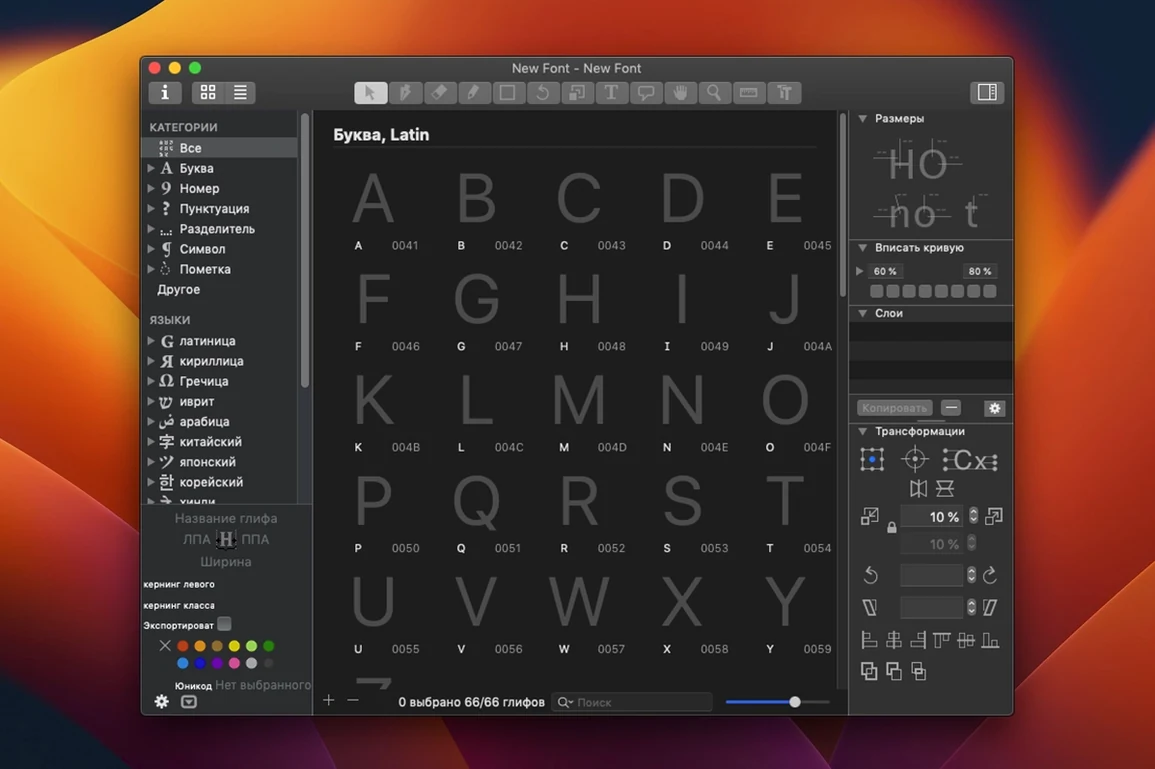
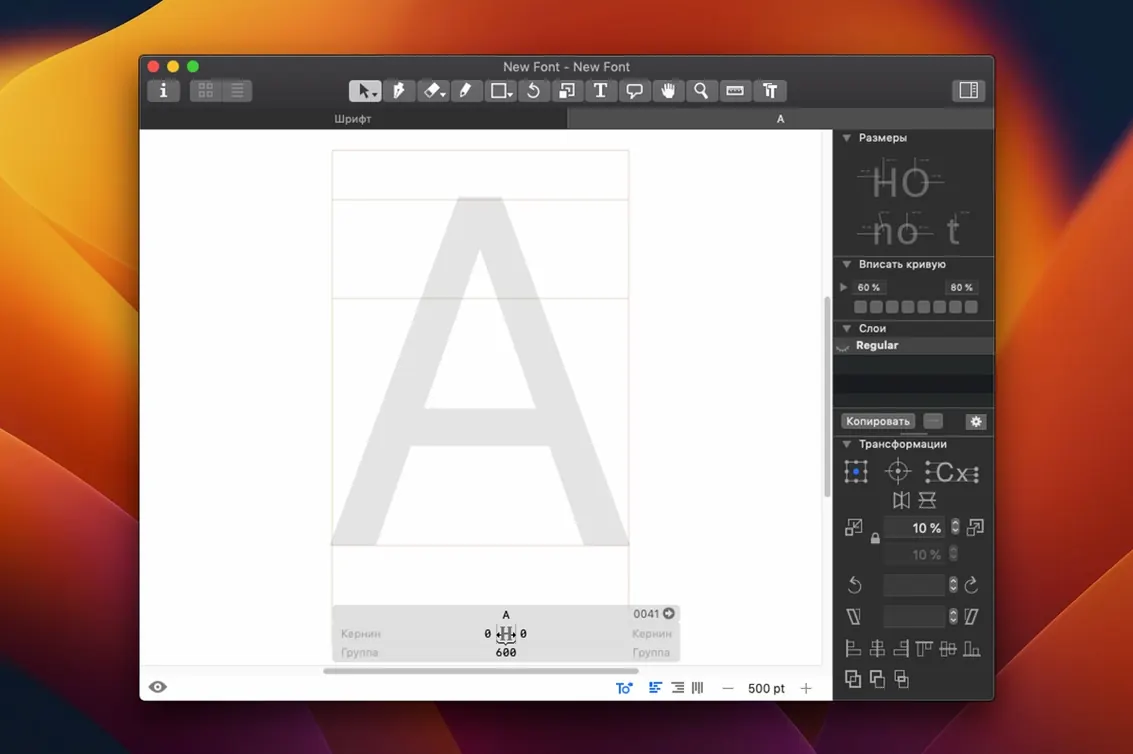
Every glyph sits in a grid of units, 1000 up and 1000 across if it's a standard em, and that's where the work starts.
OpenType editor — The app builds standard .otf and .ttf fonts from vector outlines you draw or adjust directly on the canvas.
Export formats — Finished work leaves as PNG, SVG, PDF, or Apple SFSymbols, so a typeface moves into design tools or Xcode without an extra converter.
Scripting — A Python interface module ships with the download. Write small routines that generate alternates, set sidebearings, or batch-export weights while you concentrate on the shapes that need your eye.
Workflow fit — The Mac handles installation and the app fits into it: drag a Glyphs file onto Mail to share a source, or drop an exported SVG straight into Sketch or Keynote. Glyphs Viewer, a companion previewer, shows spacing and kerning alongside your working document.
Language support — The interface speaks twelve languages, including Russian, Korean, Japanese, and both simplified and traditional Chinese, so a foundry in Seoul or a student in Berlin works with the same terms their system already uses.
Who connects with it fastest
Type design students pick it up faster than most pro tools, partly because the interface doesn’t parade every feature at once. Independent foundry owners get the same benefit but for a different reason: they’re shipping retail fonts, and the export pipeline handles the repetitive parts without forcing a second app into the chain. Graphic designers who’ve only tweaked existing fonts tend to stick around once they realize they can open a .glyphs file from a colleague, adjust the weight of a single letter, and re-export without learning an entire type curriculum.
People who write Python scripts get an outsized reward. A few lines of code can generate small caps across a full character set or normalize sidebearings after a late-night drawing session. The scripting module means the app bends toward your workflow instead of the other way around.
A short morning with a logotype designer
Picture someone who draws wordmarks for packaging — three or four letters at a time, not whole alphabets. They start a Monday with a sketch from a client meeting: a rounded a that needs tighter spacing next to a tall l. In Glyphs they trace the rough shapes with the pen tool, switch to the measurement view, and nudge the right sidebearing of the a while watching the spacing preview update. By mid-morning they’ve exported an SVG test strip into a layout mockup, spotted a collision in the al pair, and returned to the editor to add a contextual alternate that tucks the l closer. Nothing about the morning required building a full font — just a few shapes that behave the same way a finished typeface would.
First days after installation
Spend the first session inside a single glyph. Draw a basic n or o and switch through the View menu: outline, nodes, spacing, pixel preview. Knowing where the measurement tools live saves a lot of guesswork later.
On day two, open one of the bundled templates — they come with pre-set vertical metrics and stem weights you can study without starting from a blank canvas. Drag a template file onto the dock icon and immediately resave it under your own name so the original stays untouched.
Install Glyphs Viewer in the same session. Launch it from your Applications folder and keep it on a second display or a separate desktop space. As you adjust kerning pairs in the editor, the viewer refreshes live, which beats exporting a test PDF every five minutes.
If you’re curious about automation, open the Script menu and run a sample Python script — one that sets sidebearings or generates a simple alternate. Watching the script touch a dozen glyphs at once gives you a clearer picture of what the interface module can do, even before you write your own routines.
Version 4.2 (4202) is out, bringing the developer's latest round of fixes and improvements. The full details are posted in the official release notes.
- macOS 12 or later
- Apple Silicon or Intel 64-bit Mac
Questions I actually get
Can Glyphs export icons for Apple platforms?
Yes. The app includes an SFSymbols export, so you can draw a symbol and send it to Xcode as a ready-to-use asset.
Does it run on Intel Macs as well as Apple Silicon?
It supports both architectures. The current build runs natively on ARM Macs and 64-bit x86 machines with macOS 12 or later.
What's Glyphs Viewer for?
Glyphs Viewer is a companion app that opens alongside the editor. It previews spacing, kerning, and overall texture while you work, so you don't have to keep exporting test files.
Porch talk 0
Come in or pull up a chair to leave a comment.
Nobody has pulled up a chair yet. If you used it on a real Saturday, say what the hour was.