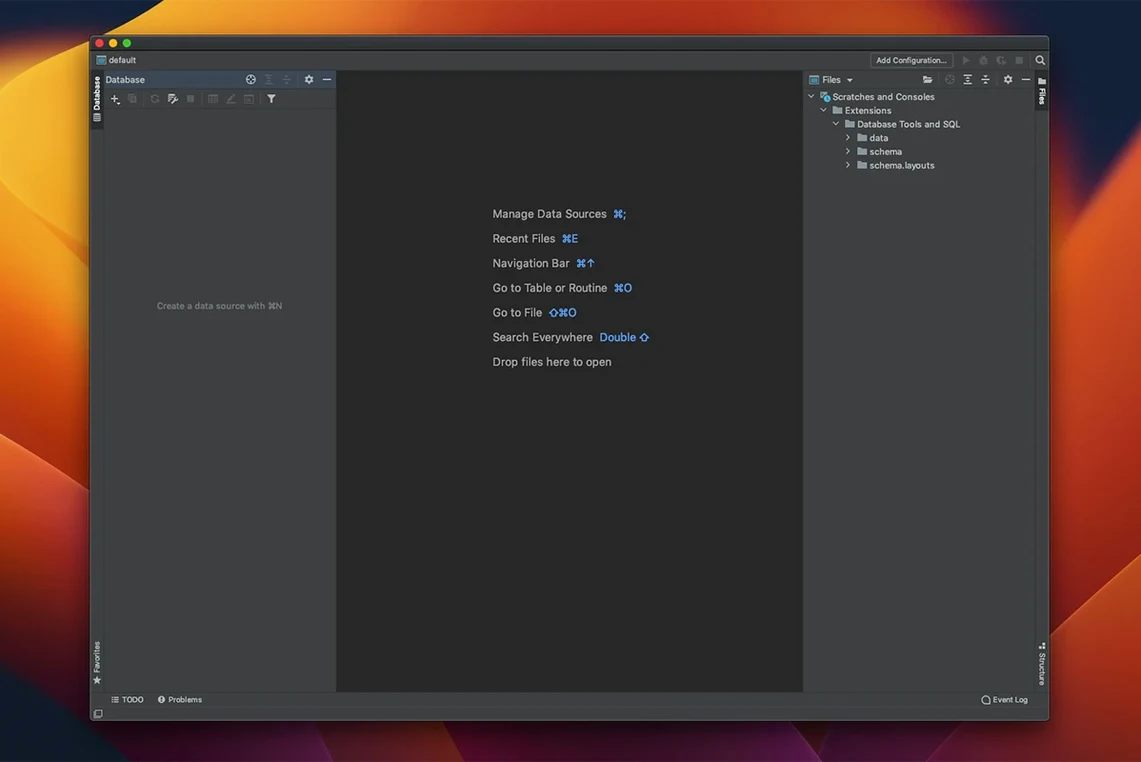
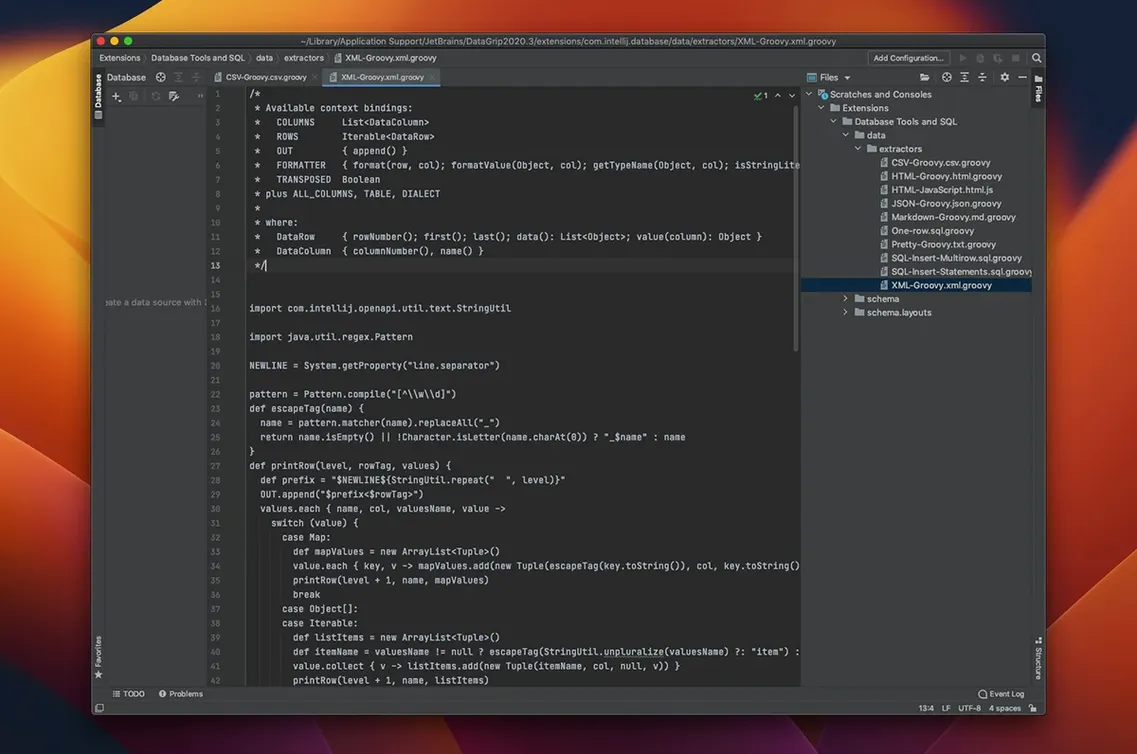
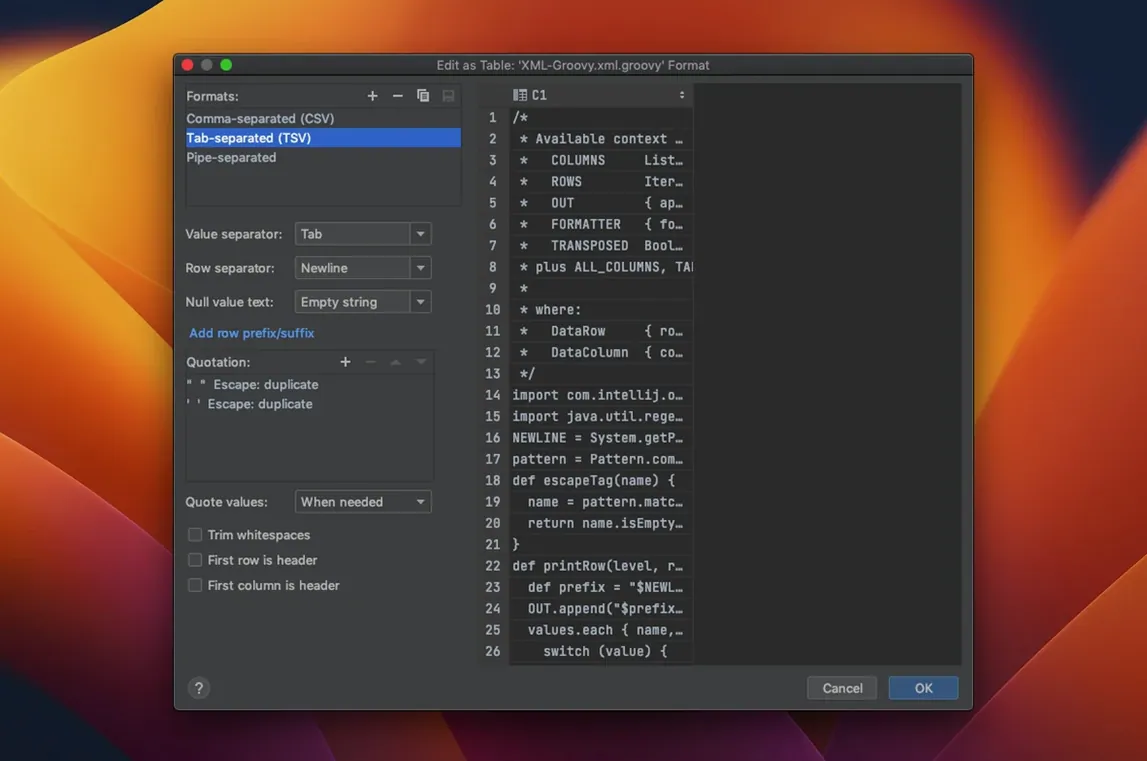
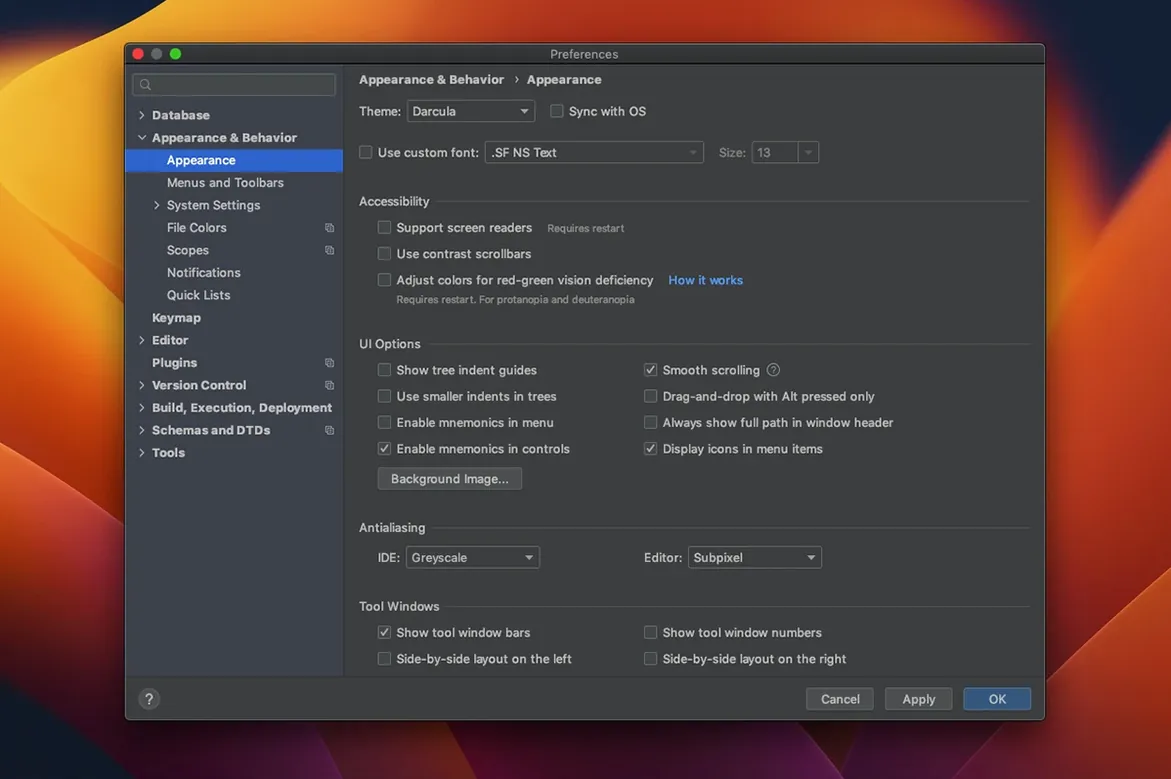
If you have spent any time in IntelliJ IDEA or PyCharm, the layout of DataGrip will feel like coming home. It is the JetBrains take on a database IDE, built to handle the way you dig through schemas and write SQL.
Native ARM and Intel packages, no Rosetta needed
Version 2026.2.5 asks for macOS 11 or later. The build labels list separate packages for ARM (Apple Silicon) and Intel Macs, so you are covered on either architecture without Rosetta guesswork.
What kind of databases can I work with?
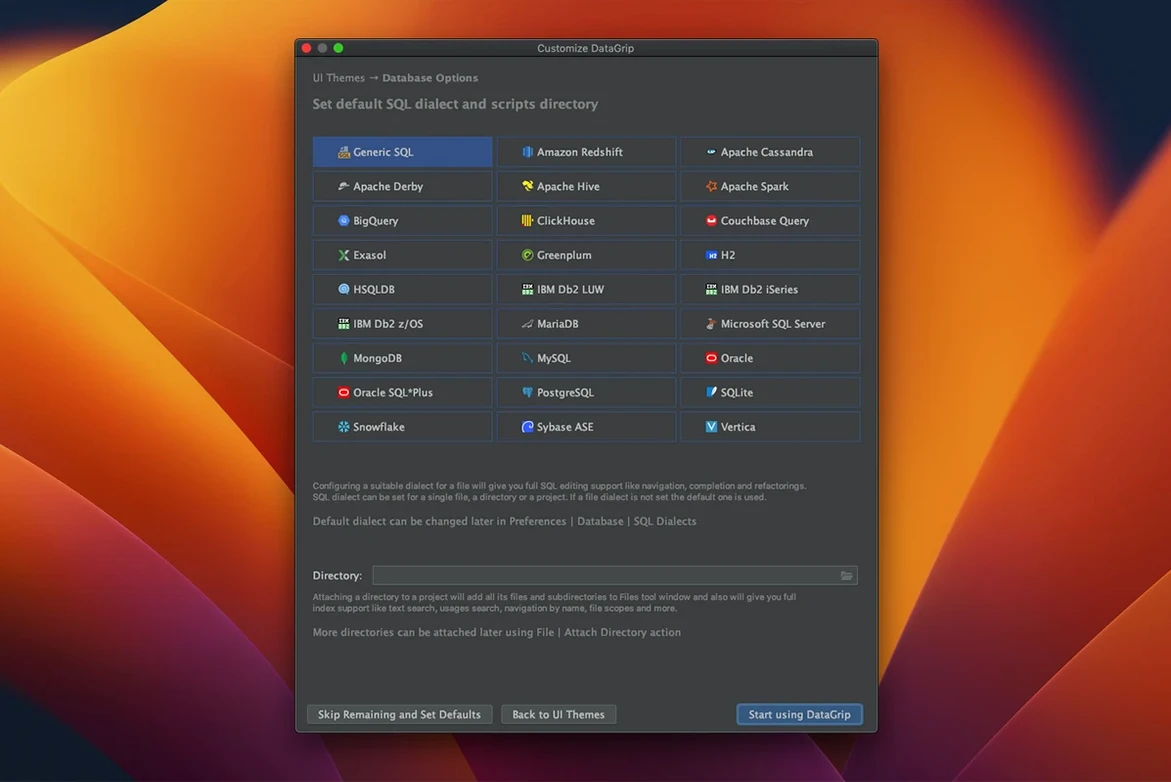
It covers both relational and NoSQL systems. Navigation feels fast, whether you are searching for an object by name or jumping directly from an SQL script to the source code or data behind it.
What else comes with the editor?
Query history and input history are saved automatically. Refactoring can rename aliases or variables across all their usages at once, and you can run queries in a read-only mode when you just need to inspect without risk.
VCS integration details
Consistent UI across Postgres, MongoDB, and beyond
Developers who bounce between Postgres in the morning and MongoDB after lunch tend to settle into DataGrip fastest. The interface stays consistent when the database underneath changes, which cuts down on the mental gear-shifting. Data engineers writing long chains of analytical queries also benefit — the query plan tools with tree and graph views turn an execution plan from a wall of text into something you can actually scan. DBAs who inherit sprawling, poorly documented schemas lean hard on the object-name search and the jump-to-source feature. It is less about writing new SQL and more about understanding what someone else wrote five years ago.
If your work involves a single database and you rarely touch version control, you will still appreciate the smart console. But the people who get the most mileage are the ones juggling connections, refactoring across scripts, and committing schema changes to Git.
Heavier launch vs. TablePlus’s instant-open philosophy
Put DataGrip next to TablePlus and the difference in philosophy shows immediately. TablePlus opens in a second and lets you browse rows with almost no setup. It is a native Mac app that feels light. DataGrip is heavier on launch but deeper once you are inside — code analysis that spots problems in your queries and suggests fixes is not something TablePlus aims to do.
DBeaver covers similar ground with its own multi-database support and ER diagrams. The free Community edition gives you a lot. DataGrip pulls ahead on refactoring and the tight integration with Git, SVN, and Mercurial. DBeaver can version scripts, but it does not wrap the whole IDE around version control the way JetBrains tools do.
Against Navicat, the difference is visual and structural. Navicat feels like a set of specialized windows for each task — backups, imports, data modeling. DataGrip feels like a code editor that grew database smarts. If you think in SQL files and care about intitle:"datagrip" "free download" search habits leading you toward a tool that treats scripts as first-class citizens, the JetBrains approach makes more sense than Navicat's toolbox style.
Responsive query history filtering for three-day-old searches
The 2026.2.5 build is part of a release line that sharpened the everyday flow rather than adding headline features. Query history filtering got more responsive — when you are digging through something you ran three days ago and cannot quite remember the WHERE clause, the difference is tangible. Code completion grew more aware of context in nested subqueries, which means fewer tab-key guesses when you are deep inside a derived table.
JetBrains also smoothed out the read-only mode toggling. Earlier versions would sometimes leave you squinting at a toolbar icon, second-guessing whether the session was safe. Now the indicator is harder to misinterpret, which matters when you are about to run a DELETE against production and want to be absolutely sure you are in read-only mode. The separate ARM and Intel packages mean Apple Silicon users are not dragging Rosetta along, and launch times reflect that — still not instant, but noticeably brisker than the unified binary days.
Yes. Git, SVN, and Mercurial are all supported, so your SQL scripts can live under version control alongside the rest of your project.
Version 2026.2.6 ships with the developer's latest fixes and improvements. Full details are available in the official release notes.
- macOS 11 or later
- Apple Silicon or Intel 64-bit Mac
Porch talk 0
Come in or pull up a chair to leave a comment.
Nobody has pulled up a chair yet. If you used it on a real Saturday, say what the hour was.