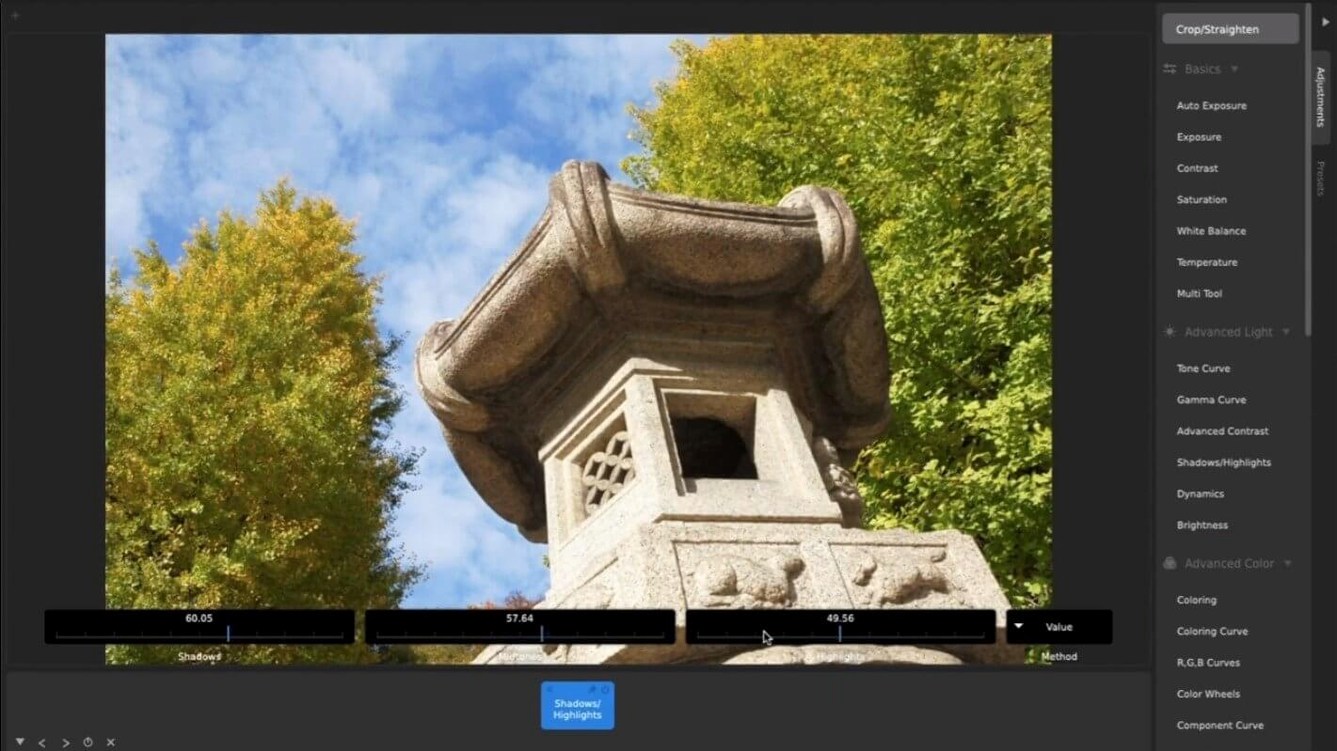
CameraBag Pro fits onto Intel Macs going all the way back to OS X 10.10, so it slides in next to older hardware that might be running a mix of editors already. It handles video and stills side by side, which saves you from jumping between separate apps when a shoot lands you with both formats.
- Open a photo or video. The app doesn’t split them into two different workspaces—you’re in the same environment either way.
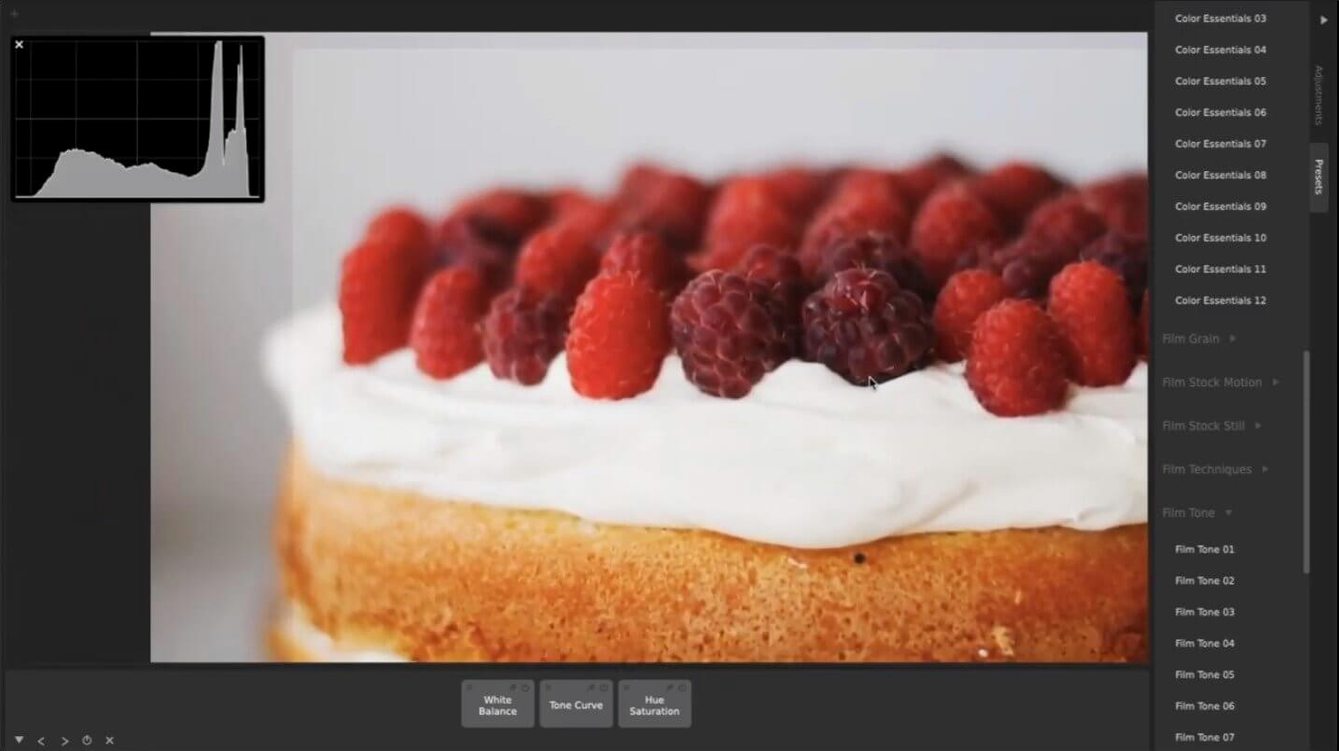
- Browse the built-in presets. Dragging one onto your clip or image gives you a starting point you can tweak immediately.
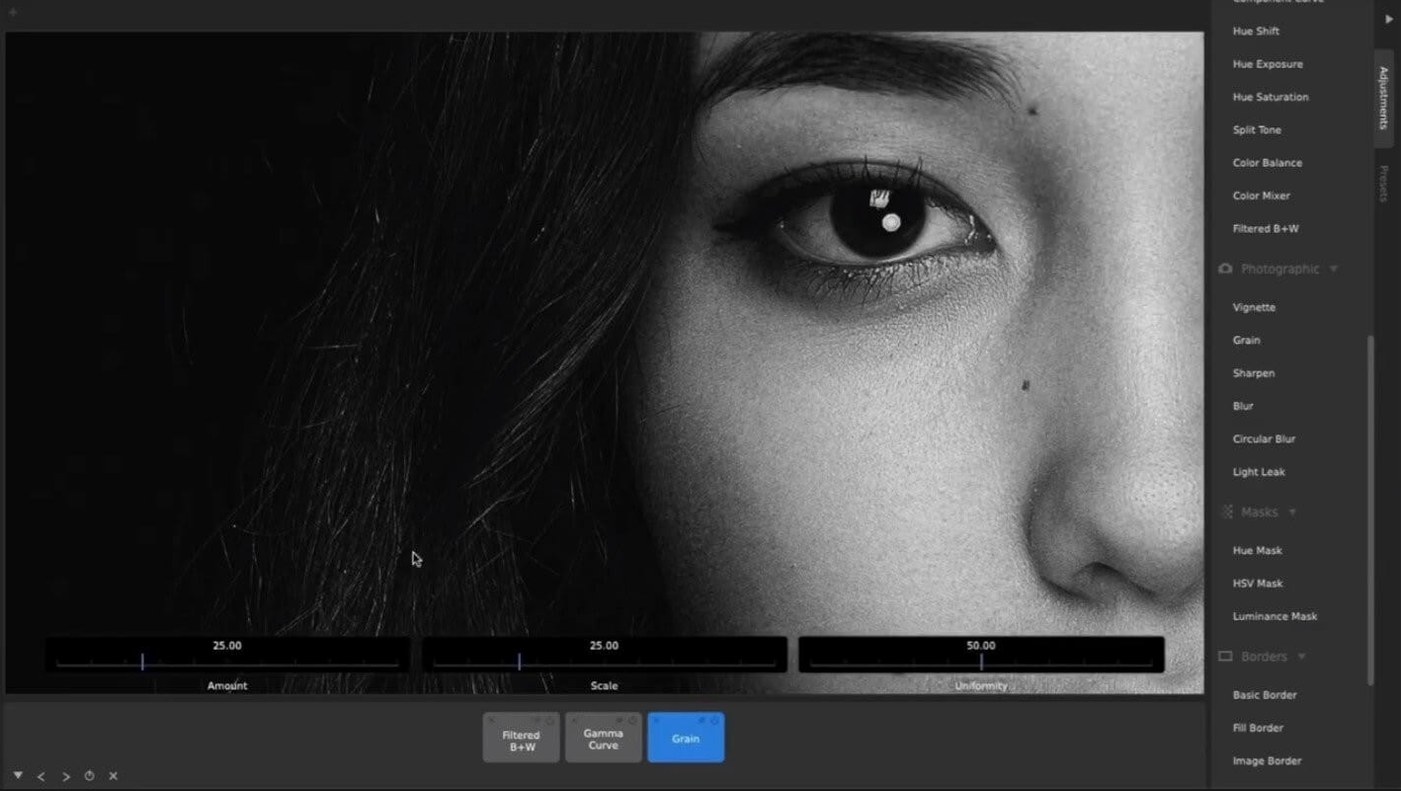
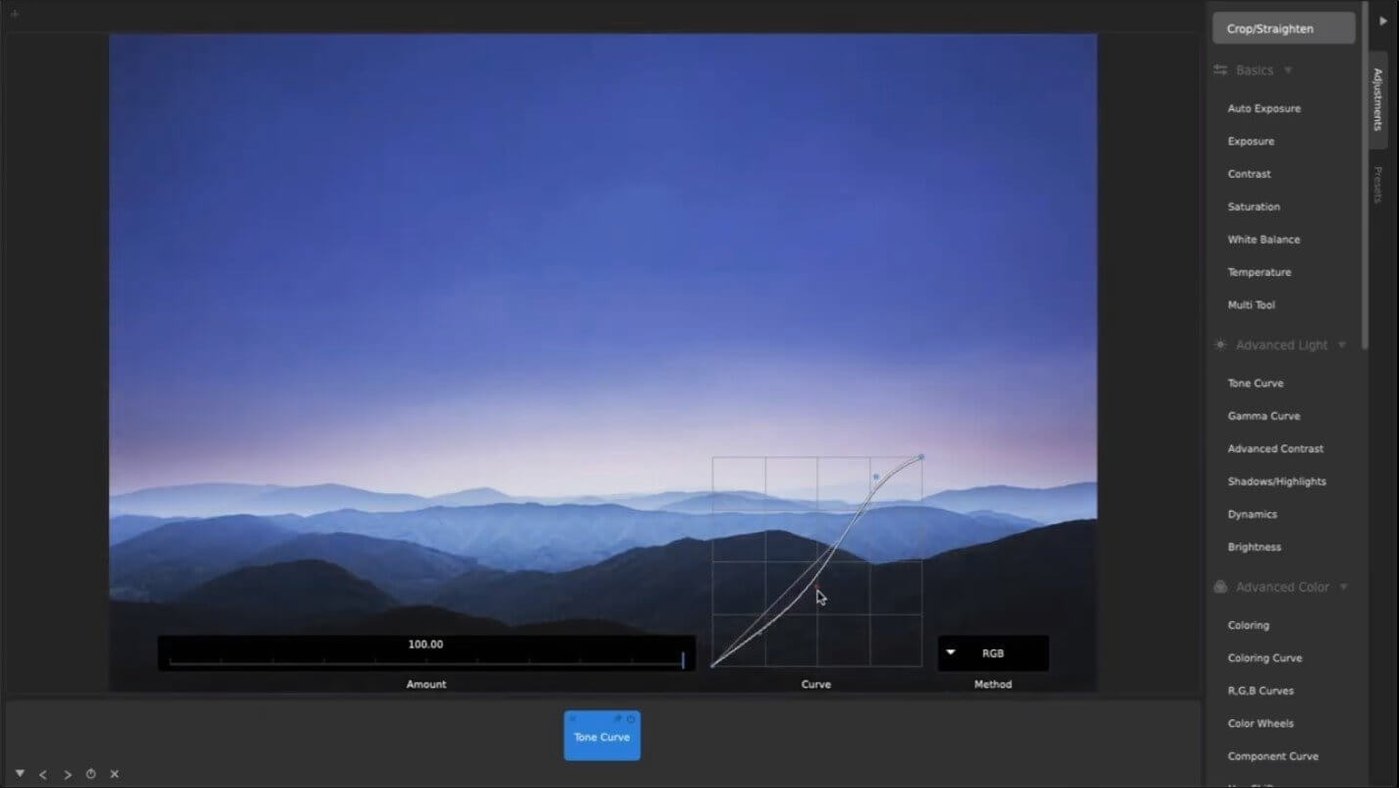
- Pull up the curve tools when a preset needs a nudge. The controls are large and precise, so you can dial in contrast or pull back shadows without hunting for a tiny anchor point.
- Resize and crop to the exact output you need, whether the final piece is heading to a timeline, a print layout, or a social feed.
The complete set of adjustments—curves, color, and manual sliders—mirrors what you’d get in CameraBag Photo, so you aren’t learning a second tool. If you already have a raw processor or a timeline editor as your main squeeze, CameraBag Pro makes sense as the layer that bridges a quick preset look and detailed, frame‑by‑frame corrections.
Spend your first couple of sessions building a small preset library from the shots you already have. Open five or six photos that represent the lighting you work with most—overcast window light, golden hour, mixed indoor fluorescents—and drag a built-in preset onto each. Tweak one adjustment on every image before saving the result as a custom preset with a name that describes the light, not the subject. A month from now, “hazy 4pm patio” will mean more to you than “sunset shot 3.”
If video is part of your routine, get comfortable with applying the same preset to a short clip and a matching still from the same shoot. The controls behave identically, so you learn one set of muscle memory. Pay attention to how motion film stock presets render movement in the midtones—that’s where the character lives, and it’s easy to miss if you only test on freeze frames.
Between raw edits and final output
CameraBag Pro works best as the color and mood station between your raw developer and whatever handles final output. A common flow looks like this: rough exposure and white balance in your raw processor, a folder of TIFFs or JPEGs dropped into CameraBag Pro for preset application and batch watermarking, then into a timeline or a photo manager for sequencing and captioning.
Because the app opens right on the adjustment workspace, it pairs naturally with macOS Quick Look. Select a rendered clip in the Finder, tap the spacebar for a preview, then drag it into CameraBag Pro while the preview is still open—no dialog boxes, no import wizard. If you batch-process weddings or events, keep a second Finder window showing the output folder and let the batch churn while you cull the next set of keepers. The Intel build stays responsive enough that you won’t feel punished for multitasking.
Custom LUT export gives you a bridge into Final Cut Pro, DaVinci Resolve, or any color page that accepts external look‑up tables. Grade one hero shot in CameraBag Pro, export the LUT, and carry that look across an entire timeline. You’re not replacing your grading suite; you’re giving it a starting palette without touching its scopes. Photographers who prefer a lightweight companion to Lightroom often grab a CameraBag Pro Mac torrent version onto an older MacBook and treat it as a dedicated look‑design machine, separate from the main catalog workstation.
CameraBag Pro 2026.2 lands with a round of stability fixes and under-the-hood improvements from the developer.
- OS X 10.10 or later
- Intel 64-bit processor
Questions I actually get
Does CameraBag Pro handle video the same way as photos?
Yes, the app uses a single workspace for both media types, so presets, curve tools, and manual adjustments work across photos and videos.
What are the system requirements for CameraBag Pro on Mac?
It requires an Intel-based Mac running OS X 10.10 or later, using 64-bit architecture.
Porch talk 0
Come in or pull up a chair to leave a comment.
Nobody has pulled up a chair yet. If you used it on a real Saturday, say what the hour was.