
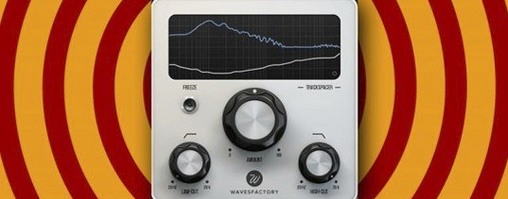
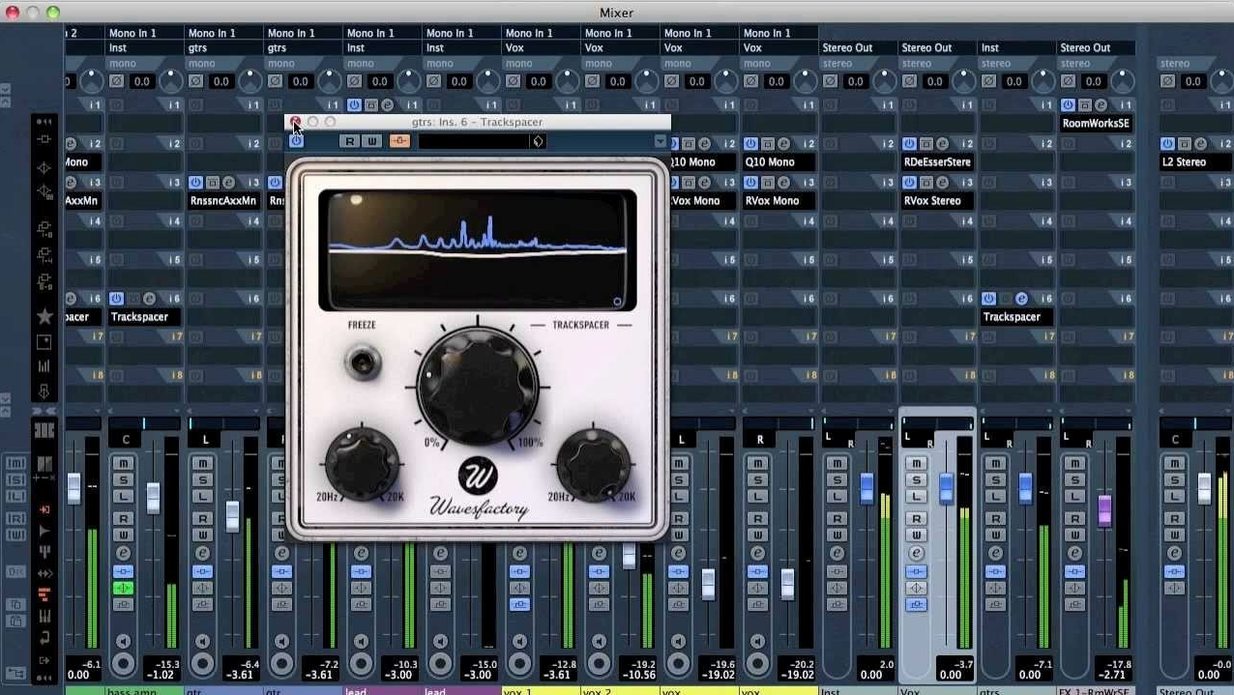
You have a dense chorus where the synth pads and the lead vocal are fighting for the same territory. Instead of pulling out a static EQ, you route the vocal into Trackspacer's sidechain input.
Here's how it works, from setup to sound:
- Insert and route. Load Trackspacer on your synth bus. In your DAW, send the lead vocal to the plugin's sidechain input. The plugin works in AU, VST, VST3, and AAX formats on macOS 10.9 or later, both Intel and Apple Silicon, as a 64-bit plug-in.
- Set the reaction. The interface—in English—shows an incoming spectrum from the sidechain. It analyzes that vocal in real time across 32 internal bands.
- Carve the space. Trackspacer applies a reversed EQ curve to the synth bus, ducking only the vocal's dominant frequencies. The result is a pocket that opens up without thinning the whole track.
The effect is quick to dial in and feels more transparent than a broadband compressor. If you mix dense arrangements with lots of overlapping midrange, this plugin makes room without the usual guesswork.
A Session with Trackspacer, Step by Step
You open a project where the kick drum disappears every time the bassline drops. The low end feels crowded, and simple level adjustments aren't fixing it. Here's how a session might unfold.
First, you load the plugin on the bass channel. The interface is clean—a spectrum display sits front and center, with a handful of controls below it. You route the kick track to Trackspacer's sidechain input from your DAW's send menu. Immediately, the display lights up with the kick's frequency information, a ghostly orange curve showing you exactly where the energy lives.
You start playback and push the Amount knob to about 35%. The bass ducks in response, but only around 50–100 Hz, right where the kick's fundamental hits. The upper harmonics of the bass stay untouched. You toggle the bypass switch a few times, listening to the pocket form and collapse. It's not subtle—the kick punches through, but the bass still sounds full when soloed.
You nudge the Attack control faster so the ducking grabs the kick's transient, then slow the Release slightly to let the bass breathe between hits. The whole process takes under two minutes. You save the preset as "Kick Pocket" and move on to a vocal-guitar clash in the chorus.
Drop It on Buses to Flatten the Curve
When you first start using Trackspacer, a few habits will make the learning curve almost flat. Start with these in your first week.
- Use it on buses, not individual tracks. Placing the plugin on a group channel—like a synth bus or a drum room bus—gives you broader control and keeps your session tidy. You'll use fewer instances that way.
- Start with low Amount values. The default setting can feel aggressive on dense material. Try 20–30% and listen for the space before pushing further. Over-carving can make the ducked track sound hollow, especially on sustained pads.
- Experiment with unusual sidechain sources. A reverb return ducked by a dry vocal can clear up wash without losing depth. A hi-hat ducking a guitar bus in the 5–8 kHz range can add air without raising the fader.
- Label your instances. If you end up with three or four Trackspacers across a mix, a quick descriptive name—"Vox vs. Synth" or "Kick vs. Bass"—saves time when you revisit the session a week later.
- Trust the display, but use your ears. The spectrum readout shows you the ducking curve, and it's useful for spotting problem zones. Still, the final call is how the pocket feels in the full mix, not how it looks on screen.
If you have been searching for a wavesfactory trackspacer for mac free download to try this carving technique yourself, the plugin's straightforward routing and real-time response make it easy to get comfortable quickly.
- macOS 10.9 or later
- Intel or Apple Silicon Mac
- 64-bit AU, VST, VST3, or AAX host
Questions I actually get
What does Wavesfactory Trackspacer actually do?
It's a sidechain-based plugin that analyzes the frequency spectrum of one track and applies a reversed, 32-band EQ curve to another, automatically carving out conflicting frequencies.
Porch talk 0
Come in or pull up a chair to leave a comment.
Nobody has pulled up a chair yet. If you used it on a real Saturday, say what the hour was.
More for the same hour
Everything in VST Plugins WaveLab Pro
13.0.30 VST Plugins
WaveLab Pro
13.0.30 VST Plugins
 VocalSynth 2
2.6.1 VST Plugins
259 MB
VocalSynth 2
2.6.1 VST Plugins
259 MB
 VocalNet
1.0.4 VST Plugins
669 MB
VocalNet
1.0.4 VST Plugins
669 MB
 Valhalla DSP Bundle
2025.12 VST Plugins
61 MB
Valhalla DSP Bundle
2025.12 VST Plugins
61 MB
 XLN Audio Life
1.2.3 VST Plugins
442 MB
XLN Audio Life
1.2.3 VST Plugins
442 MB
 XLN Audio XO
1.8.10-2026.09.04-Complete VST Plugins
2.3 GB
XLN Audio XO
1.8.10-2026.09.04-Complete VST Plugins
2.3 GB
 Xpand!2
2.3.1 VST Plugins
1.2 GB
Xpand!2
2.3.1 VST Plugins
1.2 GB
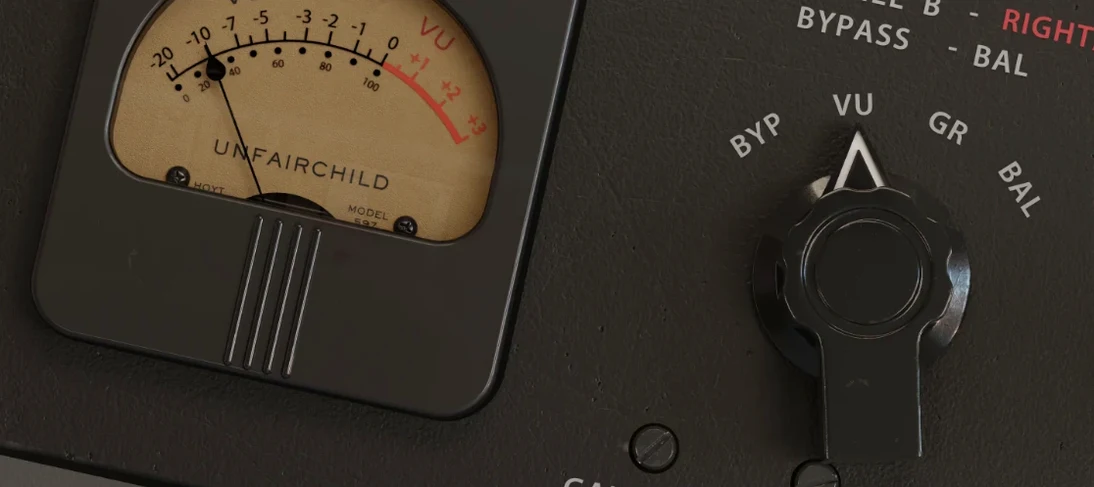 UnderTone Audio UnFairchild
1.0.8 VST Plugins
220 MB
UnderTone Audio UnFairchild
1.0.8 VST Plugins
220 MB