
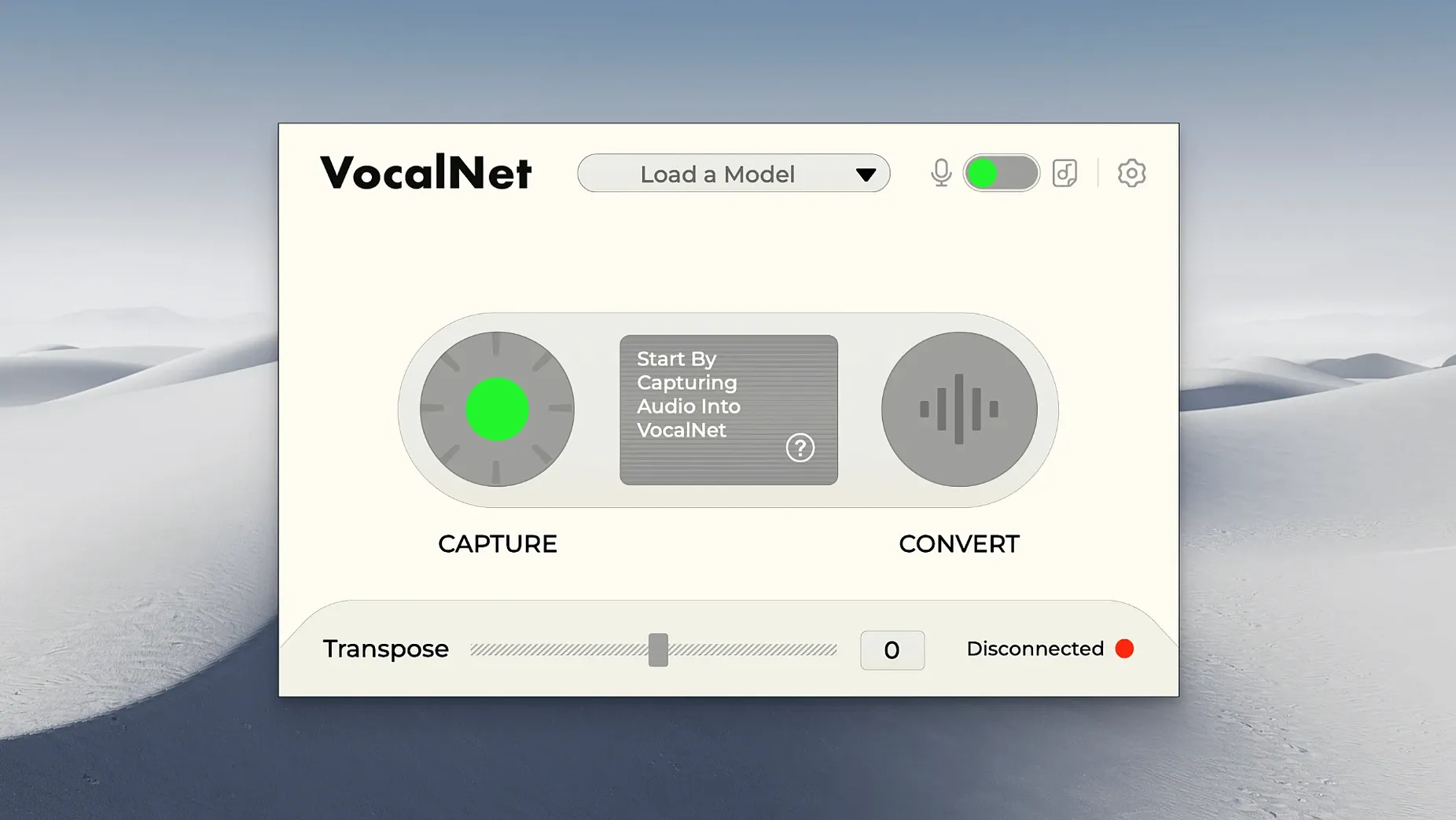
Bypass a whisper and it becomes a growl. That's the kind of immediate territory VocalNet covers, and it does so without sending a single sample to the cloud. Everything stays on your Mac or Windows machine, which matters when you're just throwing half-baked ideas at the wall to see what sticks. The plug-in slots into your DAW as a VST3, AU, or AAX and gets to work while you sing or speak, no internet connection required.
Session Loops built this one for vocal experimentation, not surgical correction. Think of it less as a tuning tool and more as a character shifter. You might feed it a dry spoken line and get back something gravelly and worn, or push a sung melody into an airy, synthetic texture that suggests a completely different performer. It's about changing the sound of a voice, not just polishing it.
Because the processing is local, the turnaround feels immediate. You try a setting, you hear it, you move on. That quick loop suits anyone who uses a vocal track as raw material and wants to audition a dozen moods before committing to one. The interface keeps the language simple—English only—and the controls don't bury you in menus.
The current build asks for macOS 10.15 or later and comes as a straightforward disk image installer. If your sessions lean toward fast transformations and you'd rather keep the audio inside your own studio, VocalNet is worth a quiet afternoon of testing.
Loop a Scratch Vocal and Mangle It
Give yourself a low-stakes afternoon with a scratch vocal track and no deadline. VocalNet rewards curiosity more than precision at first, so the best move is to feed it something you don't mind mangling. A single spoken phrase looped in your DAW gives you a steady signal while you explore the blend controls and timbre shifts.
A few things worth trying early on:
- Start dry, then layer. Pull up a vocal take with no other processing on the channel. Insert VocalNet as the first plug-in so you hear exactly what the AI is doing before compression or reverb smooth things over. You can always reorder later.
- Upload contrasting source samples. The timbre engine gets more interesting when the reference files don't sound alike. Try pairing a breathy female vocal snippet with a low, chesty male spoken clip and see where the blend lands. Extreme pairings often produce the textures you'd never think to dial in manually.
- Ride the blend fader while recording. Automate the movement between voice samples in real time as the track plays. A slow sweep across two or three reference timbres can turn a static verse into something that shifts underneath the listener, almost like a morphing pad but built from vocal material.
- Don't ignore spoken input. Singers tend to reach for sung material first, but VocalNet treats spoken word just as eagerly. Record yourself reading a line flat and neutral, then push it through a character-loaded sample set. The results often land somewhere between narration and sung texture—useful for intros, interludes, or texture beds.
- Save your favorite blends as DAW presets. Once you land on a hybrid sound that clicks, store it. The plug-in doesn't ship with a vast preset library, so your own saved states quickly become the palette you return to on later sessions.
Place It After a Noise Gate in Your Chain
VocalNet plays well with the tools you already have, but it makes the most sense as a middle link in a processing chain. Try placing it after a noise gate or light EQ to clean up the signal, then send its output into your usual vocal chain—compression, saturation, delay, whatever the track needs. The AI transformation stays articulate when the input isn't fighting room noise or low-end rumble.
On Apple Silicon machines, the plug-in loads without a compatibility hiccup inside Logic Pro, Ableton Live, and other DAWs that host AU or VST3 formats. The local-only processing means you can run it alongside other CPU-hungry instruments without worrying about network latency or server queues. If you're building a session that already leans heavily on sampled instruments or convolution reverbs, VocalNet holds its ground without tipping the system over.
macOS Voice Memos recordings also make handy source material for the timbre engine. Drop a quick field recording, a snippet of conversation, or even a fragment from an old voice note into the plug-in's analysis section and let it build a new character from sounds that were never meant to be sung. It's a low-friction way to generate vocal textures without booking a session or setting up a proper vocal booth.
If you work with a MIDI keyboard and a vocoder-style mindset, VocalNet pairs naturally with real-time input. Arm a track, set the plug-in to process as you speak or sing, and perform the transformation live. The immediacy of local processing makes the round-trip feel tight enough for improvisation, which isn't always the case with cloud-based alternatives.
Refinement Update, Not a Feature Drop
Version 1.0.4 arrived as a refinement update more than a feature drop. The installer still arrives as a disk image, and the plug-in formats remain VST3, AU, and AAX across both Intel and Apple Silicon Macs. What users noticed first was a smoother analysis pass when uploading reference samples—fewer hangs and quicker timbre generation on the same hardware. That alone cuts down the trial-and-error lag when you're cycling through candidate voices.
The compatibility floor stayed at macOS 10.15, so older setups running Catalina can still join in without chasing an OS upgrade. For those on newer Macs, the native ARM support means the plug-in loads without Rosetta translation in hosts that have also moved to Apple Silicon builds. In practice, that translates to snappier GUI response and less fan noise during extended vocal sessions.
Session Loops also tightened the blend interpolation in this build. Moving between voice samples during playback now glides with fewer phasey artifacts, especially when the two reference timbres sit far apart in pitch or character. It's the kind of under-the-hood fix that doesn't headline a changelog but quietly makes the morphing behavior more musical. If you tried VocalNet in an earlier release and found the hybrid sounds a little unstable, version 1.0.4 warrants another pass with the same source material.
- macOS 10.15 or later
- Intel and Apple Silicon Macs
- Windows also supported
Porch talk 0
Come in or pull up a chair to leave a comment.
Nobody has pulled up a chair yet. If you used it on a real Saturday, say what the hour was.
More for the same hour
Everything in VST Plugins VocalSynth 2
2.6.1 VST Plugins
259 MB
VocalSynth 2
2.6.1 VST Plugins
259 MB
 WaveLab Pro
13.0.30 VST Plugins
WaveLab Pro
13.0.30 VST Plugins
 Wavesfactory Trackspacer
2.5.10 VST Plugins
107 MB
Wavesfactory Trackspacer
2.5.10 VST Plugins
107 MB
 Valhalla DSP Bundle
2025.12 VST Plugins
61 MB
Valhalla DSP Bundle
2025.12 VST Plugins
61 MB
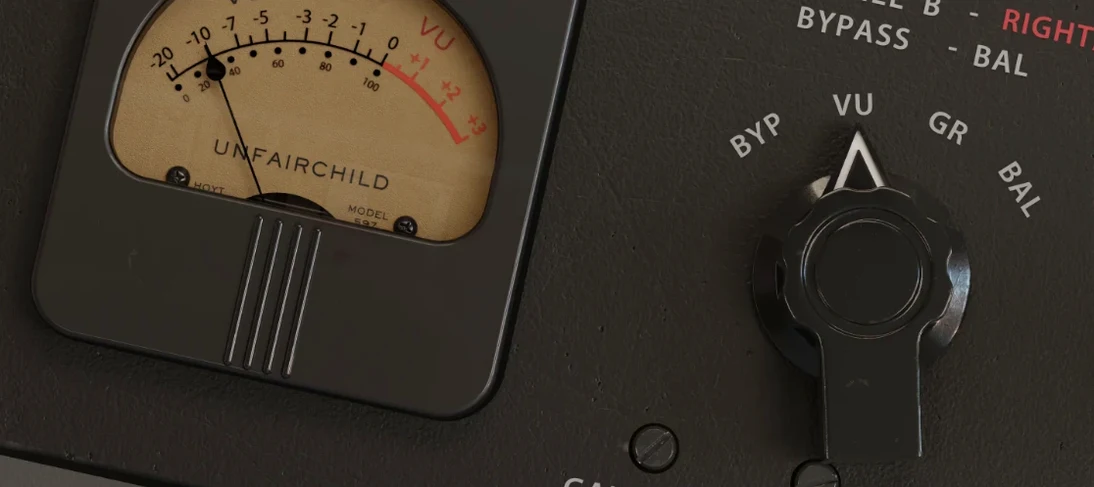 UnderTone Audio UnFairchild
1.0.8 VST Plugins
220 MB
UnderTone Audio UnFairchild
1.0.8 VST Plugins
220 MB
 Ultra Audio Ultra
1.1.6 VST Plugins
Updated 293 MB
Ultra Audio Ultra
1.1.6 VST Plugins
Updated 293 MB
 UJAM VOXCRAFT
1.1.1 VST Plugins
261 MB
UJAM VOXCRAFT
1.1.1 VST Plugins
261 MB
 UJAM Symphonic Elements STRIIIINGS
1.3.1 VST Plugins
4.4 GB
UJAM Symphonic Elements STRIIIINGS
1.3.1 VST Plugins
4.4 GB