
Serato Sample is a sampler plugin that lives inside your DAW and turns whatever audio you feed it into something you can cut, pitch, and rebuild. It sits on a track, a bus, or a return, and it leans on Pitch ’n Time when the tempo or key has to move.
Dropping It on a Track to Start Chopping
- Load it on a track. Drop Serato Sample onto an instrument or audio track, then point it at a loop, a break, or a full song you want to pull from.
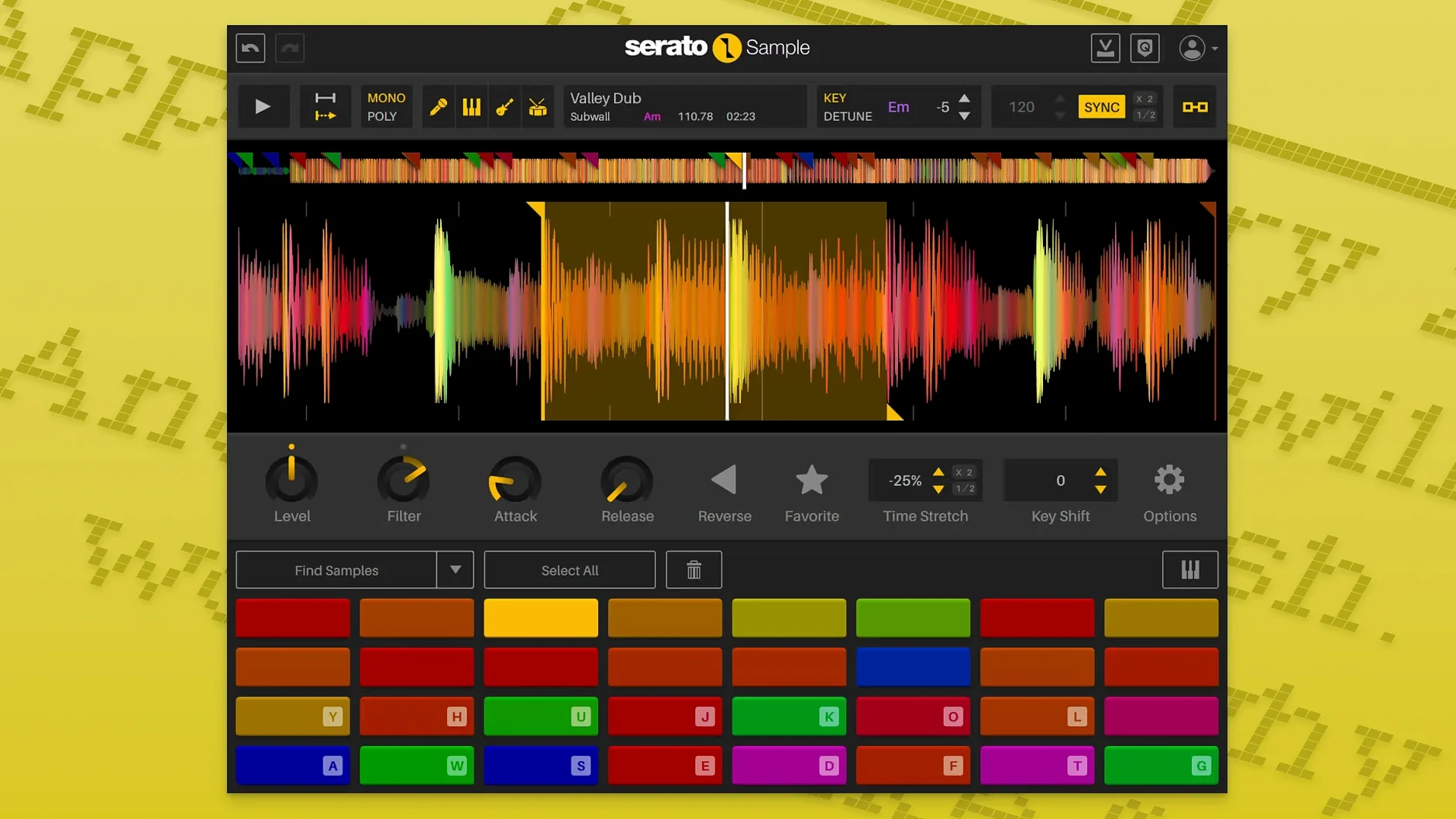
- Find your material. Use the waveform to set cue points and chop the audio into pieces that fit your project’s tempo.
- Separate the stems. One click splits the sample into vocal, drums, bass, and melody. Each stem gets its own level, so you can tuck the bass down or push the vocal forward.
- Pitch and stretch. When the key or timing needs to change, Pitch ’n Time handles the heavy lifting without the audio falling apart.
- Spread it across a bus. Route the plugin’s output to a bus with your usual reverb, delay, or saturation, and treat the sample like any other instrument.
Typical jobs include flipping a drum break, isolating an acapella for a remix, or pulling a bassline out of a busy record. It runs on Apple Silicon Macs in VST, AU, AAX, and VST3 formats, with an English interface. Producers who work inside a DAW and want stem separation without leaving the session should give it a look.
Mouse-Wheel Tweaks That Speed Up Editing
After a few sessions, you start to notice tricks that aren't shouted about in the interface but change how fast you work. One is the way mouse-wheel scrolling on any knob or slider now adjusts the value — no click, no drag, just hover and scroll. It sounds trivial until you're tweaking a cue point's start time while the loop plays and you don't want to break your flow.
Another is Keyboard Mode. When you enable it, your computer keyboard becomes a set of trigger pads, each key mapped to a slice. It's not a replacement for a MIDI controller, but on a laptop in a coffee shop or on a flight, it's the difference between auditioning chops and just staring at waveforms. Tap a key, hear a slice; tap another, stack a rhythm.
The beatgrid deserves more attention than it gets. Drop in a sample that wanders off the grid — an old soul record with live drums, say — and Serato Sample can lock it to your project's tempo without you slicing by hand. Right-click the waveform, let it detect the transients, and the grid snaps into place. You can nudge individual markers if the hi-hat is a little drunk, but the starting point usually needs almost no correction.
Also easy to miss: Stem On and Stem Levels are exposed as host automation parameters. That means you can draw a ramp in your DAW that slowly fades the drums out of a sample over eight bars while the vocal stays crisp, all without touching a fader during playback.
Stem separation on a deadline
Picture a producer wrapping up a remix for a client. The brief asks for a darker take on a pop track from the early 2000s. The stems aren't available — just a stereo bounce pulled from a reference CD. Time is tight, and rebuilding the instrumental from scratch isn't an option.
They load Serato Sample onto a new track, drag the full song into the waveform window, and hit the stem separation button. Within seconds the plugin gives them four faders: vocal, melody, bass, drums. They pull the vocal down a few dB to sit behind their own bassline and kick pattern, mute the original drums entirely, and keep just enough of the melody to tie the remix back to the source. The bass stem gets low-passed and tucked under a new sub. What would have taken an hour of EQ carving and praying takes about three minutes. The client gets a first pass before lunch.
It's not magic — dense, distorted material can leave artifacts, and a saxophone riding the same frequencies as a vocal sometimes confuses the algorithm — but for clean separation on well-mixed records, the results are startlingly usable.
Switching the Default Cue Mode for Instant Pattern Building
Out of the box, Serato Sample behaves sensibly, but a few tweaks make it feel more like your instrument.
- Default cue mode. The plugin can trigger slices in one-shot, gate, or trigger mode. If you're building drum patterns from a break, switch the default to trigger so each pad fires the full slice without cutting off the previous hit. For melodic chops, gate often feels more musical — the sound stops when you lift the key.
- Pitch ’n Time algorithm. Dig into the settings and you'll find options for how aggressively the time-stretch engine preserves transients versus formants. A vocal sample stretched three semitones benefits from the formant-preserving mode; a drum fill stretched to half-speed sounds better with transients prioritized. The difference is audible, and the plugin ships with sensible defaults that you can — and should — override per sample.
- Stem level defaults. After separation, all four stems sit at unity gain. On a sample where the bass dominates, pull the bass stem down a few dB and save a preset. Next time you separate a similar track, one click loads your starting balance.
- MIDI note assignment. The plugin auto-maps slices to consecutive MIDI notes starting at C1, but you can remap them to match your controller's pad layout. If your muscle memory expects kicks on the bottom-left pad, align the mapping once and forget it.
Stem Separation in the Time It Takes to Sip Coffee
On an Apple Silicon Mac, stem separation happens fast enough that you rarely wait for it. A three-minute stereo file processes in roughly the time it takes to sip your coffee — maybe eight to ten seconds. Intel machines run it competently, though you'll notice the fans on a 2019 MacBook Pro if you separate stems repeatedly in a dense session. The plugin itself is a single binary that covers both architectures, so installation is painless whether you're on an M-series chip or an older Intel rig.
CPU use during playback is modest. With four stems active and a handful of slices triggering via MIDI, the meter barely twitches on a modern machine. Memory footprint stays low because the plugin references the original audio rather than duplicating it for every slice. That matters when a session already has forty tracks of virtual instruments and effects.
Stability in daily work is uneventful — the highest compliment for a plugin that manipulates time and pitch. It hasn't crashed Logic, Ableton, or Bitwig across several weeks of regular use, and it recovers cleanly when you reopen a saved project. The one quirk worth knowing: if you're loading a sample from a network drive or a slow external disk, give the waveform a moment to render before you start slicing. Once cached, it's snappy.
Producers who want to pull apart a sample without round-tripping to a standalone stem separator will find the convenience hard to walk away from. The stem separation alone makes it a strong candidate for anyone working with found sound, and the Pitch ’n Time engine keeps it relevant long after the initial chop session. It's the kind of tool that quietly becomes a permanent track template insert — you stop thinking about it and just reach for it when a sample needs work.
Version 2.2.0 adds a few workflow refinements.
- Each stem — acapella, melody, bass, drums — has its own level control.
- Stem On and Stem Levels can be automated by the host DAW.
- Added support for AlphaTheta SLAB.
- Mouse wheel scrolling now works on parameters when you hover over them.
- Added support for macOS Tahoe.
- macOS 11 Big Sur or later
- Apple Silicon and Intel Macs
- Interface language: English
Porch talk 0
Come in or pull up a chair to leave a comment.
Nobody has pulled up a chair yet. If you used it on a real Saturday, say what the hour was.
More for the same hour
Everything in VST Plugins Serato Hex FX
1.2.0 VST Plugins
105 MB
Serato Hex FX
1.2.0 VST Plugins
105 MB
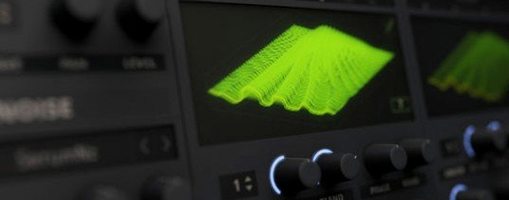 Serum
2.1.5 VST Plugins
Updated 1.2 GB
Serum
2.1.5 VST Plugins
Updated 1.2 GB
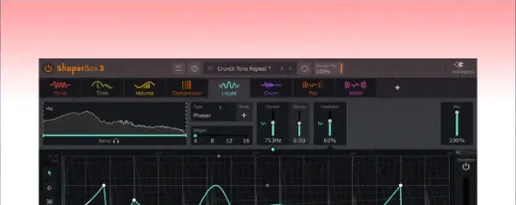 ShaperBox
3.6.1 VST Plugins
111 MB
ShaperBox
3.6.1 VST Plugins
111 MB
 Scaler 3
3.3.2 VST Plugins
1.4 GB
Scaler 3
3.3.2 VST Plugins
1.4 GB
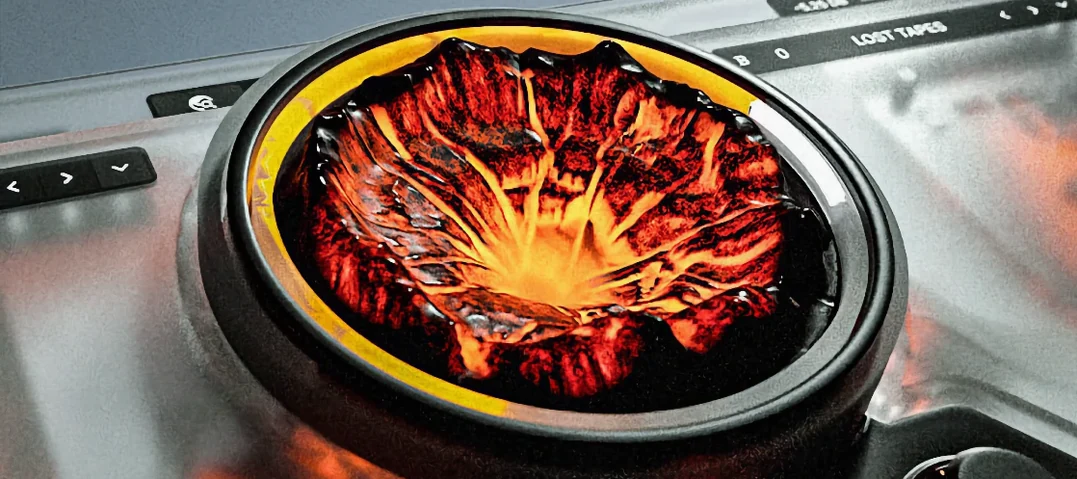 Sauceware Audio Scorch 2
1.0.4 VST Plugins
2 GB
Sauceware Audio Scorch 2
1.0.4 VST Plugins
2 GB
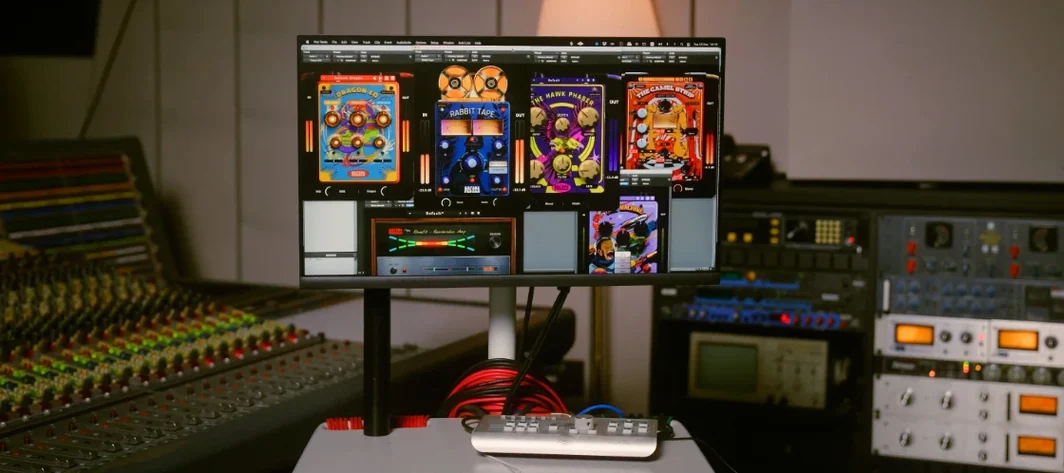 Safari Pedals Everything Bundle
2026.05 VST Plugins
628 MB
Safari Pedals Everything Bundle
2026.05 VST Plugins
628 MB
 Roland ZENOLOGY Pro
2.0.7 VST Plugins
1.8 GB
Roland ZENOLOGY Pro
2.0.7 VST Plugins
1.8 GB
 Slate Digital Fresh Air
1.0.9 VST Plugins
40 MB
Slate Digital Fresh Air
1.0.9 VST Plugins
40 MB