
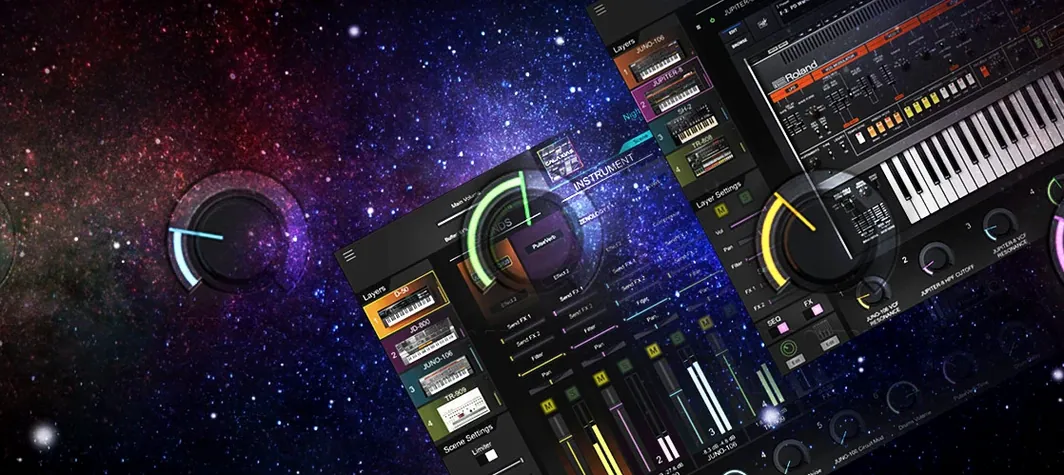
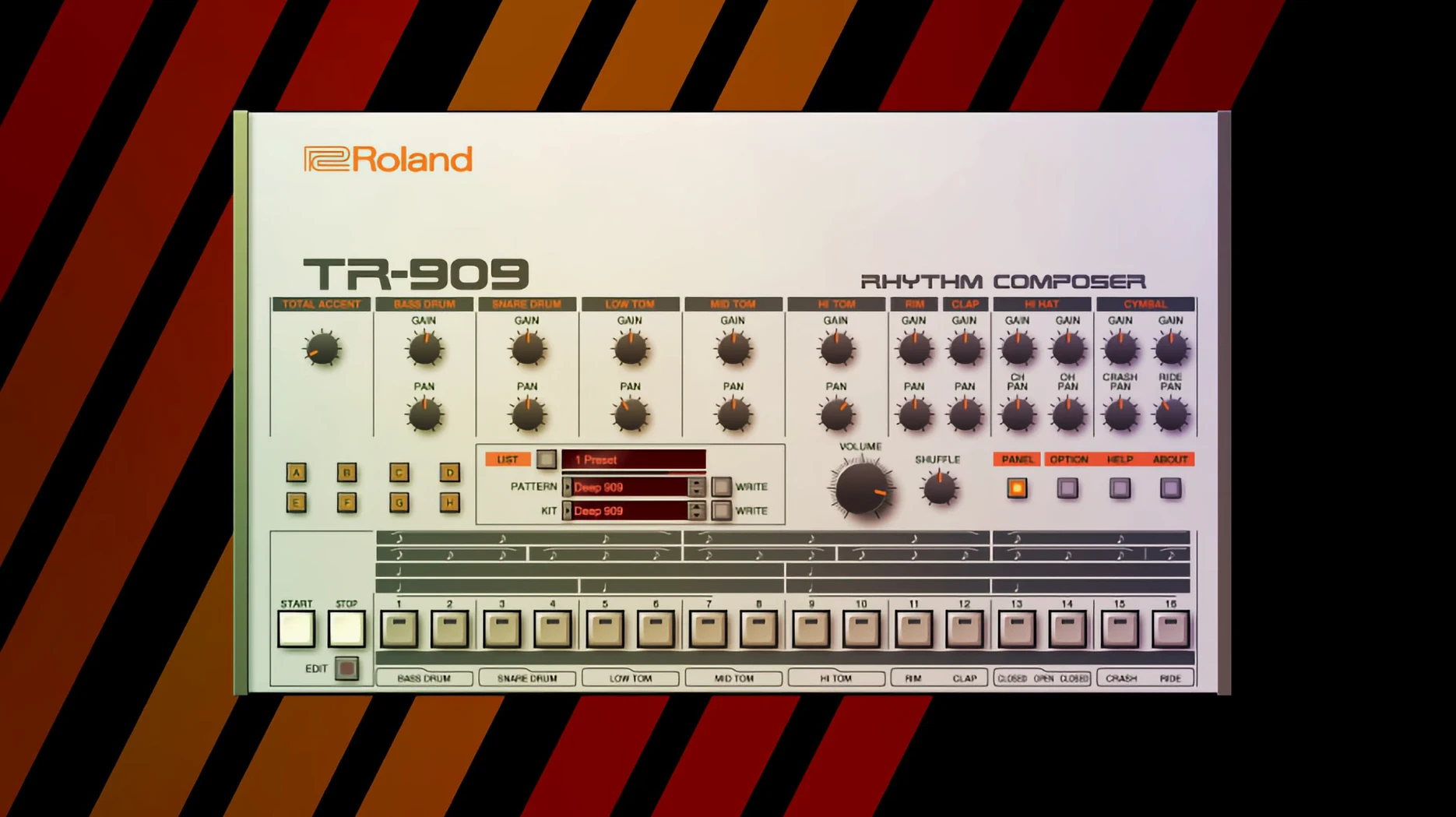
Producers and beatmakers looking for those unmistakable late-80s and early-90s textures often find themselves chasing hardware that’s become fragile and expensive. The Roland Cloud Legendary Series brings those sounds inside a modern Mac, running as a plugin you can pull up in any session without hunting down a working power supply.
| Key detail | What you get |
|---|---|
| Format | AU, VST3, AAX plugin |
| macOS | macOS 11 and later |
| Architecture | Apple Silicon and Intel native |
| Instruments | D-50, JUNO-60, JUPITER-8, TR-808, TR-909 |
Each instrument is built on Roland’s Analog Circuit Behavior technology, modeling component-level interactions rather than just the final output. The JUPITER-8 and JUNO-60 deliver pads, basses and leads with the drift and warmth people associate with the originals, while the TR-808 and TR-909 handle rhythmic duties with the same swing and low-end weight. The D-50 brings a digital edge from a different era, layered and glassy. Newer additions to the series ship with a high-resolution interface scaled for large displays and tight DAW integration, though the sounds themselves span decades of recording history. If you build tracks around character-driven synthesis and drum machines, this collection slots into Logic, Ableton or whatever host you’re using without extra fuss.
Your first couple of days with the Legendary Series will feel like walking into a studio stacked with vintage gear you don't quite know yet. A handful of habits early on can save you from the kind of mud and frustration that makes people blame the plugin instead of their own routing.
Pre-load a muted template for instant late-night access
Start by setting up a template in your DAW with a few instances loaded but muted. This sounds boring, but the payoff is immediate when inspiration strikes at 11 p.m. and you're not waiting through a plugin scan. Put a JUNO-60 on a track for pads, a JUPITER-8 on a lead or bass channel, and an 808 or 909 on a drum bus. Leave the effects dry at first. You want to hear what the raw oscillators and filters are doing before you start stacking reverb and delay.
A second habit worth forming: map the mod wheel and aftertouch in every instrument right away. The JUNO-60's chorus reacts differently when you nudge the mod wheel versus leaving it static, and the D-50's partial structures open up under even slight pressure changes. Roland's modeling responds to controller data in ways that static MIDI notes never reveal. Spend an evening just playing patches with your left hand on the pitch bend and mod wheel and you'll hear the difference.
One thing that trips up newcomers is assuming the presets represent the full range of an instrument. They don't. The factory banks lean toward what demos well—wide pads, punchy basses, bright leads that cut through laptop speakers. The quieter middle ground, where a sound sits in a mix without fighting everything else, is something you find by pulling back the filter cutoff and reducing the internal effects. Do that early, save your own "utility" patches, and you'll move faster when you're actually arranging.
A typical evening with the JUPITER-8
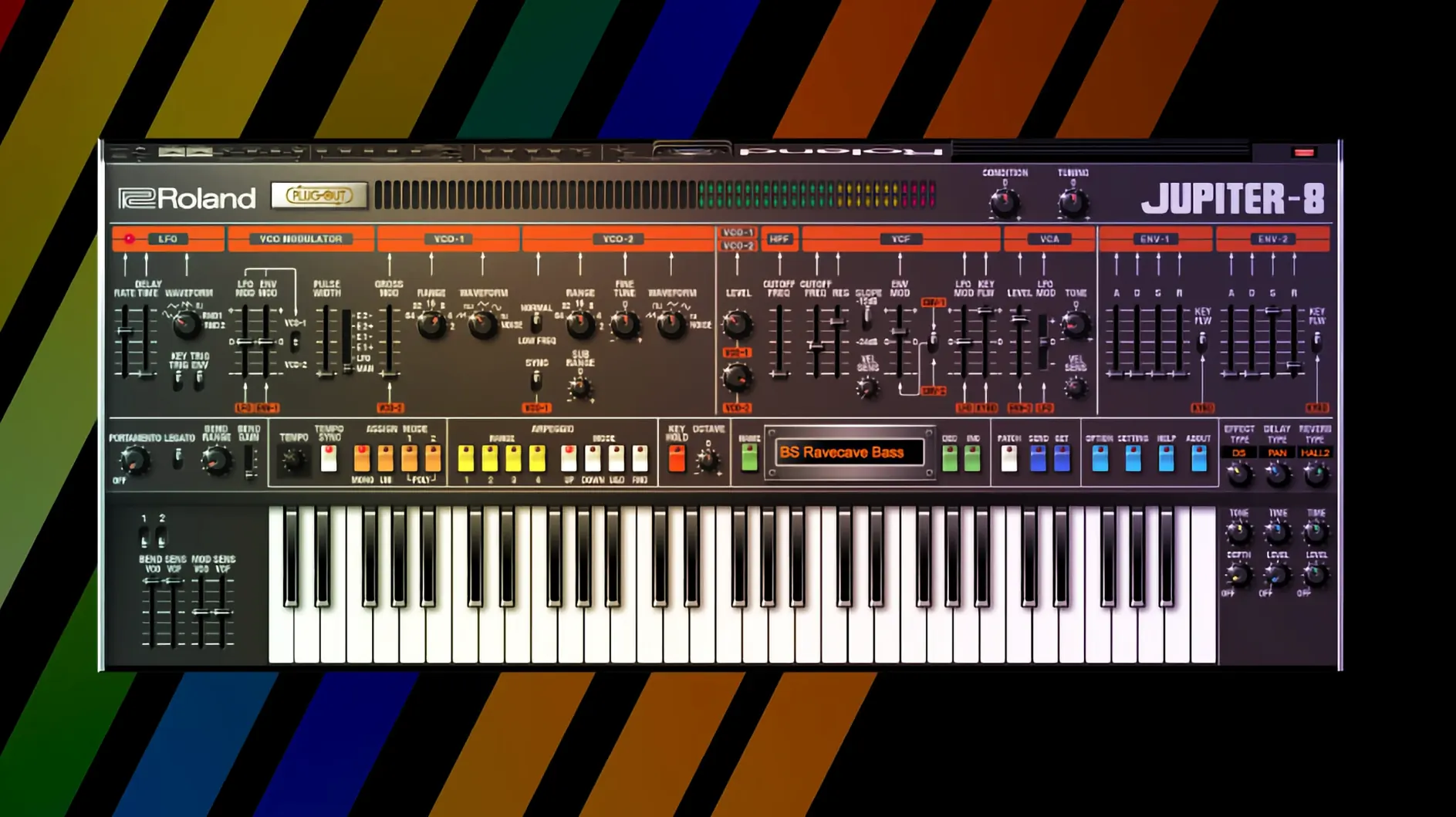
Picture a Thursday night. The room is dim, headphones on, coffee going cold on the desk. You open a session that's mostly drums and a bassline, something that needs a chord progression to tie the verses together. You load the JUPITER-8 on a stereo instrument track, and the high-resolution interface fills your screen—every fader and button scaled sharp enough to read without squinting.
You browse presets for a minute, land on something called "Starlight Sweep" or similar, and play a few triads. Too bright. The filter cutoff comes down from 80 to about 45, and suddenly the tone tucks behind the vocal you haven't recorded yet. You add a touch of the onboard chorus, slow the LFO modulating the pulse width, and record four bars of a chord progression. After playback, you nudge the amp envelope release up a bit so the chords breathe into each other. That's the sound. Ten minutes, no external processing, just the instrument doing what a JUPITER-8 does.
What makes this session work is that you didn't reach for a dozen other plugins. The Legendary Series instruments include modern effects—reverb, delay, modulation—that are designed to complement the source modeling rather than overwhelm it. The JUPITER-8's internal reverb, for instance, doesn't smear the high end the way some convolution reverbs do on bright synth patches. It stays clear, which means you commit to the sound faster.
Workflow: building a lo-fi drum groove with the TR-909
Say you need a drum part that feels like a dusty house record from 1992, something with knock and grit but not too polished. Here's one way through it, start to finish.
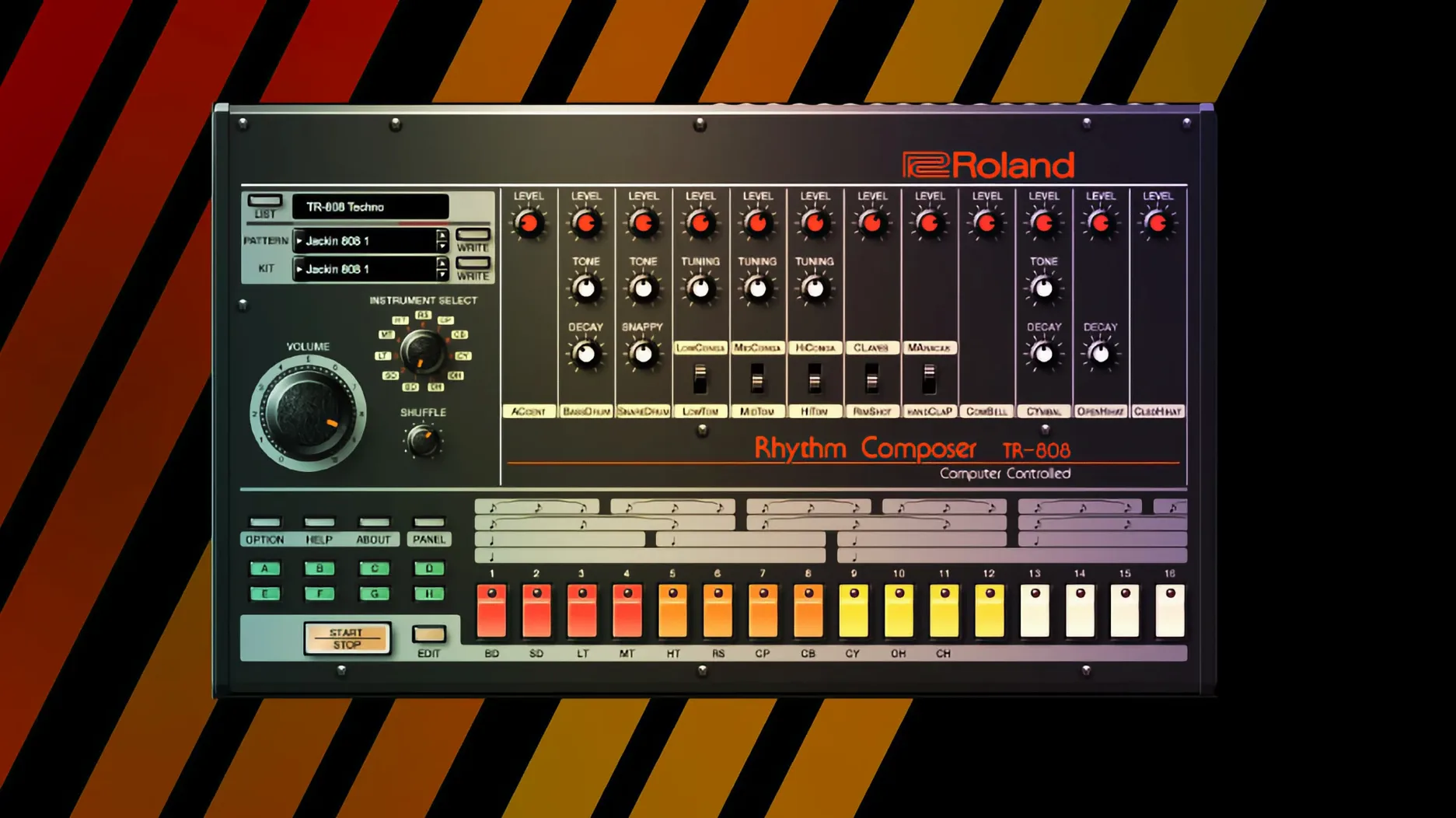
Load the TR-909 plugin on an instrument track. Open the pattern editor and start with the kick on steps 1, 5, 9, and 13. Add a clap on 5 and 13. Place an open hi-hat on every offbeat eighth note—steps 3, 7, 11, 15. The closed hat goes on steps 1, 2, 4, 5, 6, 8, 9, 10, 12, 13, 14, 16. That's your skeleton. Hit play and let it loop while you adjust the kick's tuning and decay. Lower the tuning a few cents and shorten the decay until the kick punches without ringing into the next step.
Now the part that makes it sound like a record. Push the accent knob on the kick and clap steps. On the open hi-hat, pull the decay down and add a tiny bit of the onboard overdrive. The modeled circuitry reacts with a soft clipping that feels more like an overdriven mixer channel than a distortion pedal. Switch the clap's reverb send up just enough to place it behind the kick. You're not mixing yet—you're sound designing inside the instrument.
Once the pattern feels right, drag the MIDI into your DAW's timeline. Duplicate it across eight bars. On bar five, drop out the open hi-hat and let the closed hat carry the rhythm alone. That one change creates a B-section you can build a bassline around. The whole process takes maybe fifteen minutes, and you haven't opened an EQ or compressor. That's the advantage of starting with sounds that already occupy the right part of the frequency spectrum.
Learn one synth’s architecture instead of surfing presets
The most common mistake is treating every instrument like a preset machine. You load a JUNO-60, flip through twenty sounds, and when nothing immediately fits, you move on. The JUNO-60 is a single-oscillator synth with a sub-oscillator and one of the most musical chorus circuits ever designed. Its magic is in the filter. Spend time with the cutoff and resonance before you touch anything else, and you'll coax out bass tones, soft leads, and pads from the same starting patch. Beginners skip the filter; experienced users live on it.
Another pitfall: layering too many Legendary instruments without carving space for them. The D-50 and JUPITER-8 both produce dense, harmonically rich sounds. Stack them in the same octave, playing similar voicings, and the low-mids turn to soup. A better approach is to assign each instrument a distinct frequency range. Let the D-50 handle the upper register, with its glassy digital partials sitting above the JUPITER-8's analog-style warmth in the midrange. The 808 kick and 909 clap can share a drum bus, but keep the 808's sub-bass out of the way of a JUNO-60 bass patch. Think in zones.
A third mistake: ignoring the velocity and aftertouch sensitivity in the newer v2 instruments like JUPITER-8 and JUNO-106. These aren't simple on-off switches. The Analog Circuit Behavior engine models how the original components responded to voltage changes, and that includes dynamic playing. If you're clicking notes into a piano roll with a flat velocity of 100 and no modulation data, you're hearing about sixty percent of what the instrument can do. Grab a controller, record your parts live, and edit the MIDI afterward if you have to.
Some producers new to the Roland ecosystem search for a roland cloud mac torrent or roland torrent hoping to try before committing. The Legendary Series responds well to hands-on exploration regardless of how it arrives on your drive—what matters is putting in the hours to learn each instrument's quirks. The modeling is deep enough that you'll keep discovering behaviors months in.
Retina-ready interfaces and lower idle CPU in daily use
As of version 2025.06.29, the Legendary Series has settled into a mature groove with a few practical improvements that affect daily sessions. The high-resolution interface on v2 instruments—JUPITER-4, JUPITER-8, and JUNO-106—scales cleanly on Retina displays and external monitors without the fuzzy edges that plagued earlier releases. If you work on a laptop screen, this is a quality-of-life upgrade you notice the first time you tweak an envelope with a trackpad. Knobs and sliders stay readable at smaller window sizes, which matters when you have six plugin windows open across two displays.
DAW integration tightened up across the board. Preset changes sync faster in Ableton Live and Logic Pro when you're flipping through sounds during playback, and the plugin no longer interrupts audio when you switch patches on the fly. This makes auditioning sounds mid-session feel less like a gamble. The v2 instruments also brought improved CPU handling, spreading the modeling load more evenly across cores. On an Apple Silicon Mac, you can run multiple instances of the JUPITER-8 with voices stacked without the fan spinning up—something that wasn't true a couple of generations back.
Effects processing inside the instruments received a quiet update too. The reverb algorithms sound less metallic at longer decay settings, and the delay now includes a ping-pong mode on several instruments that wasn't there in early builds. These changes don't get flashy announcement posts, but they mean you reach for external effect plugins less often, keeping the signal path simpler and the sound closer to what Roland intended. Users who grabbed a roland cloud mac crack or an earlier roland cloud torrent build might notice these refinements immediately when loading a project that used to need workaround routing.
The installer package itself has stayed straightforward: standard installation procedure, AU, VST3, and AAX formats all placed where your DAW expects them. Nothing exotic about the setup, which is a relief when you're adding instruments to a system that already runs a dozen third-party plugins. The Legendary Series sits alongside other software instruments without demanding special folder permissions or background processes, and version 2025.06.29 continues that low-friction approach.
- macOS 11 or later
- Apple Silicon or Intel processor
- Compatible DAW host (AU, VST3, or AAX)
Questions I actually get
Which classic Roland instruments are included in the Legendary Series?
The collection includes software recreations of the D-50, JUNO-60, JUPITER-8, TR-808 and TR-909, with more instruments available through Roland Cloud.
Porch talk 0
Come in or pull up a chair to leave a comment.
Nobody has pulled up a chair yet. If you used it on a real Saturday, say what the hour was.
More for the same hour
Everything in VST Plugins Roland ZENOLOGY Pro
2.0.7 VST Plugins
1.8 GB
Roland ZENOLOGY Pro
2.0.7 VST Plugins
1.8 GB
 RipX DAW Pro
8.0.3 VST Plugins
1.6 GB
RipX DAW Pro
8.0.3 VST Plugins
1.6 GB
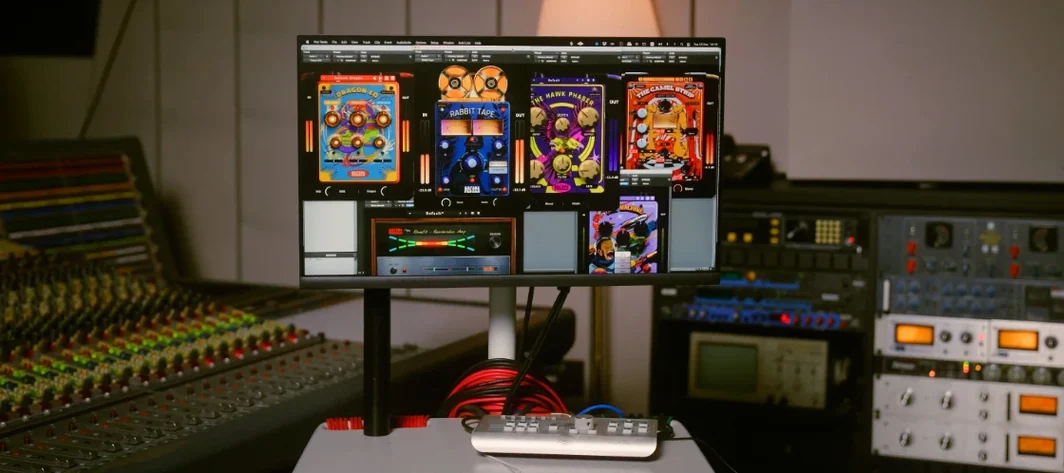 Safari Pedals Everything Bundle
2026.05 VST Plugins
628 MB
Safari Pedals Everything Bundle
2026.05 VST Plugins
628 MB
 Sauceware Audio Scorch 2
1.0.4 VST Plugins
2 GB
Sauceware Audio Scorch 2
1.0.4 VST Plugins
2 GB
 Scaler 3
3.3.2 VST Plugins
1.4 GB
Scaler 3
3.3.2 VST Plugins
1.4 GB
 Revoice Pro
5.1.30 VST Plugins
39 MB
Revoice Pro
5.1.30 VST Plugins
39 MB
 reFX Nexus
5.5.21 VST Plugins
72 MB
reFX Nexus
5.5.21 VST Plugins
72 MB
 RC-20 Retro Color
1.5.1 VST Plugins
170 MB
RC-20 Retro Color
1.5.1 VST Plugins
170 MB