
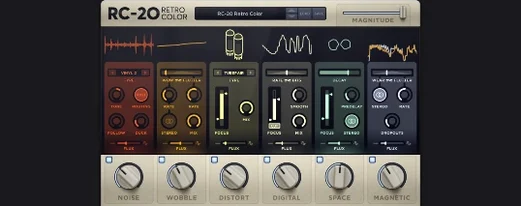
RC-20 runs on any Mac with macOS 10.13 or later, with full native support for Apple Silicon. It sits comfortably in VST, AU, and AAX hosts as a 64-bit plugin.
Here's one way to bring a sterile synth line to life with it:
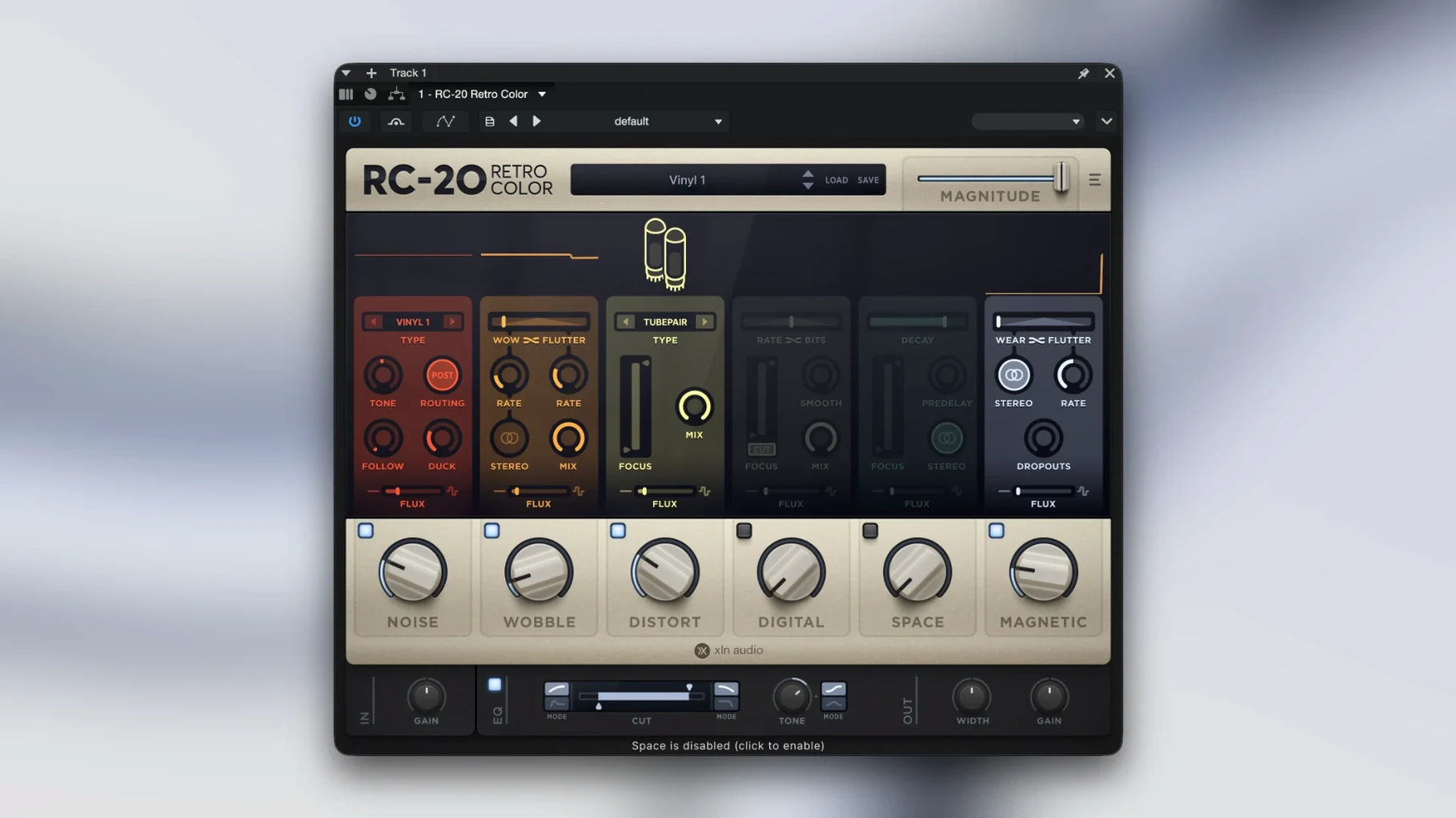
- Load RC-20 on your track and pull the Noise knob up just until you hear a faint vinyl crackle riding under the notes.
- Add a touch of Wobble — a slow, shallow pitch drift that makes the line feel like it came off a slightly tired tape machine.
- Dial in the Distort module gently. Push the drive until the signal softens around the edges, then back it off a hair.
- Open the Magnetic section and drop the high end with the Wear control. This dulls the digital sparkle without making the part sound muffled.
- Click the Flux engine in the toolbar and set it to move the Noise and Wobble parameters subtly over time. The track now breathes a little differently on every playback.
The six modules — Noise, Wobble, Distort, Digital, Space, and Magnetic — can work together or solo. You might use just the Space reverb to wash out a drum bus, or stack Distort and Digital for a crushed, lo-fi sampler sound. The Flux engine keeps the effect from feeling static, which is where the real sense of life comes from. It’s a good fit for anyone making beats, scoring to picture, or just wanting a few knobs that lead to one-of-a-kind textures.
A lot of producers grab RC-20 for the dust and wobble, then realize a few days in that the Digital module is doing the heavy lifting on tracks they thought needed a completely different plugin. That module models the artifacts of early samplers and low-bit-rate converters — crunchy aliasing, bit reduction, and a frequency response that folds back on itself in interesting ways. Drop the Bit knob to around 8 and roll the Rate down to match, then watch the high end of a hi-hat pattern turn brittle and glitchy. Pair it with a touch of the Space reverb and suddenly your clean trap drums sound like they were pulled from a 1990s rack sampler that spent a decade in a basement.
The Flux engine is easy to overlook because it sits quietly in the toolbar, but it’s really the thing that stops the effect from becoming a static lo-fi wallpaper. Click the Flux button and you’ll see sliders that let you assign independent drift speeds and depths to any module parameter. A slow, wide Flux on the Wobble rate makes a piano part sound genuinely unstable — not like a chorus effect, more like a tape transport that can’t quite hold speed. You can also send Flux to the Noise module’s volume so the crackle fades in and out on its own, which is great on an intro before the drums drop.
People sometimes hit a wall when RC-20 feels too heavy-handed even with a single module barely engaged. The usual culprit is the input gain staging. The Distort module reacts to the level you feed it, and a hot signal from a synth or a drum bus can send the saturation into breakup before you’ve turned the drive past 9 o’clock. Pull your track fader down a few dB before RC-20, or insert a gain utility ahead of it, and you’ll get a much wider sweet spot on the Distort and Magnetic modules. The same logic applies to the Noise module — if the hiss sounds louder than expected, check whether the incoming signal is running near zero and pad it down.
Another snag shows up with the Magnetic module’s Wear control. It works by rolling off high frequencies in a way that emulates tape head wear, but the curve is fairly steep once you pass the halfway mark. On a full mix bus, that can turn into a muddy blanket instead of a gentle vintage tint. A cleaner approach is to use the module’s Focus knob to restrict the wear to the upper mids and highs, leaving the low end intact. For a lead vocal, try Focus around 4 kHz, then push Wear until the sibilance softens. You’ll keep clarity in the body of the voice while taming the digital edge that cheap condenser mics sometimes bring.
A few shortcuts that speed things up: double-click any knob to return it to its default value, which saves you from squinting at the tiny readout numbers. Holding Shift while dragging gives you fine control for subtle adjustments — useful on the Magnitude knob in Wobble where a millimeter can mean the difference between gentle warble and seasick pitch bends. And the preset browser has a favorites star; once you land on a handful of go-to starting points — the “VHS Warble” and “Dusty Circuits” presets seem to work on half the projects in my folder — star them so you’re not scrolling through the full list every time. The plugin links to the manual from the menu bar too, which is handy when you can’t remember exactly which parameter Flux is modulating on a late-night session.
- macOS 10.13 or later
- 64-bit host (Intel and Apple Silicon supported)
- VST, AU, or AAX plugin format
Porch talk 0
Come in or pull up a chair to leave a comment.
Nobody has pulled up a chair yet. If you used it on a real Saturday, say what the hour was.
More for the same hour
Everything in VST Plugins reFX Nexus
5.5.21 VST Plugins
72 MB
reFX Nexus
5.5.21 VST Plugins
72 MB
 Revoice Pro
5.1.30 VST Plugins
39 MB
Revoice Pro
5.1.30 VST Plugins
39 MB
 RipX DAW Pro
8.0.3 VST Plugins
1.6 GB
RipX DAW Pro
8.0.3 VST Plugins
1.6 GB
 Pulsar Audio IPA
1.0.9 VST Plugins
75 MB
Pulsar Audio IPA
1.0.9 VST Plugins
75 MB
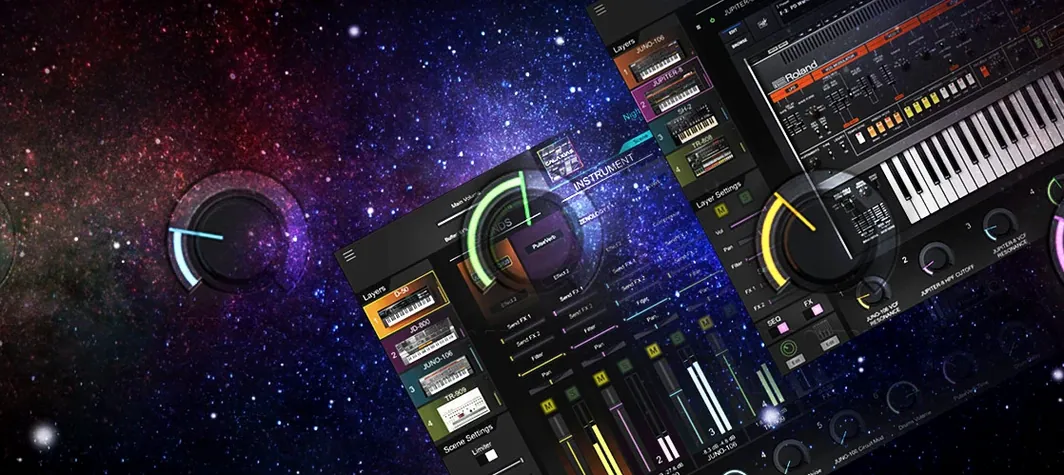 Roland Cloud Legendary Series
2025.06.29 VST Plugins
1.3 GB
Roland Cloud Legendary Series
2025.06.29 VST Plugins
1.3 GB
 Roland ZENOLOGY Pro
2.0.7 VST Plugins
1.8 GB
Roland ZENOLOGY Pro
2.0.7 VST Plugins
1.8 GB
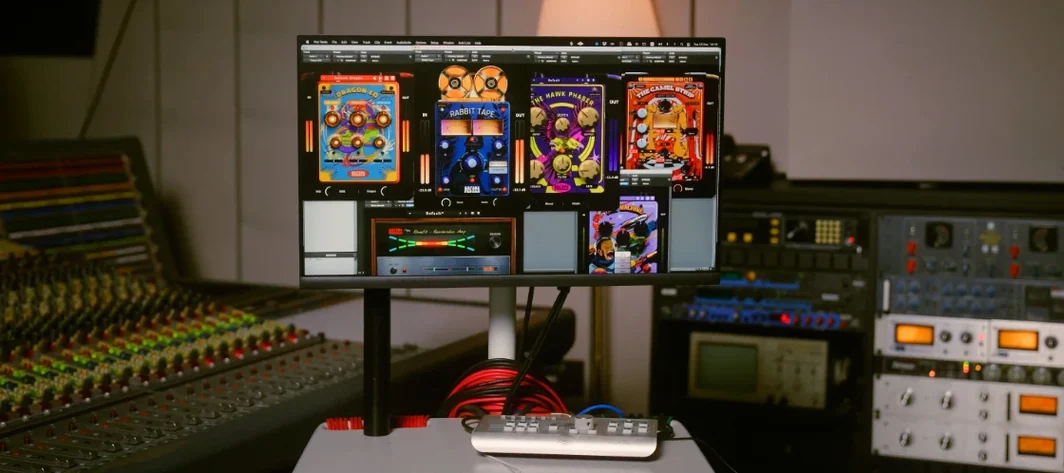 Safari Pedals Everything Bundle
2026.05 VST Plugins
628 MB
Safari Pedals Everything Bundle
2026.05 VST Plugins
628 MB
 Sauceware Audio Scorch 2
1.0.4 VST Plugins
2 GB
Sauceware Audio Scorch 2
1.0.4 VST Plugins
2 GB