

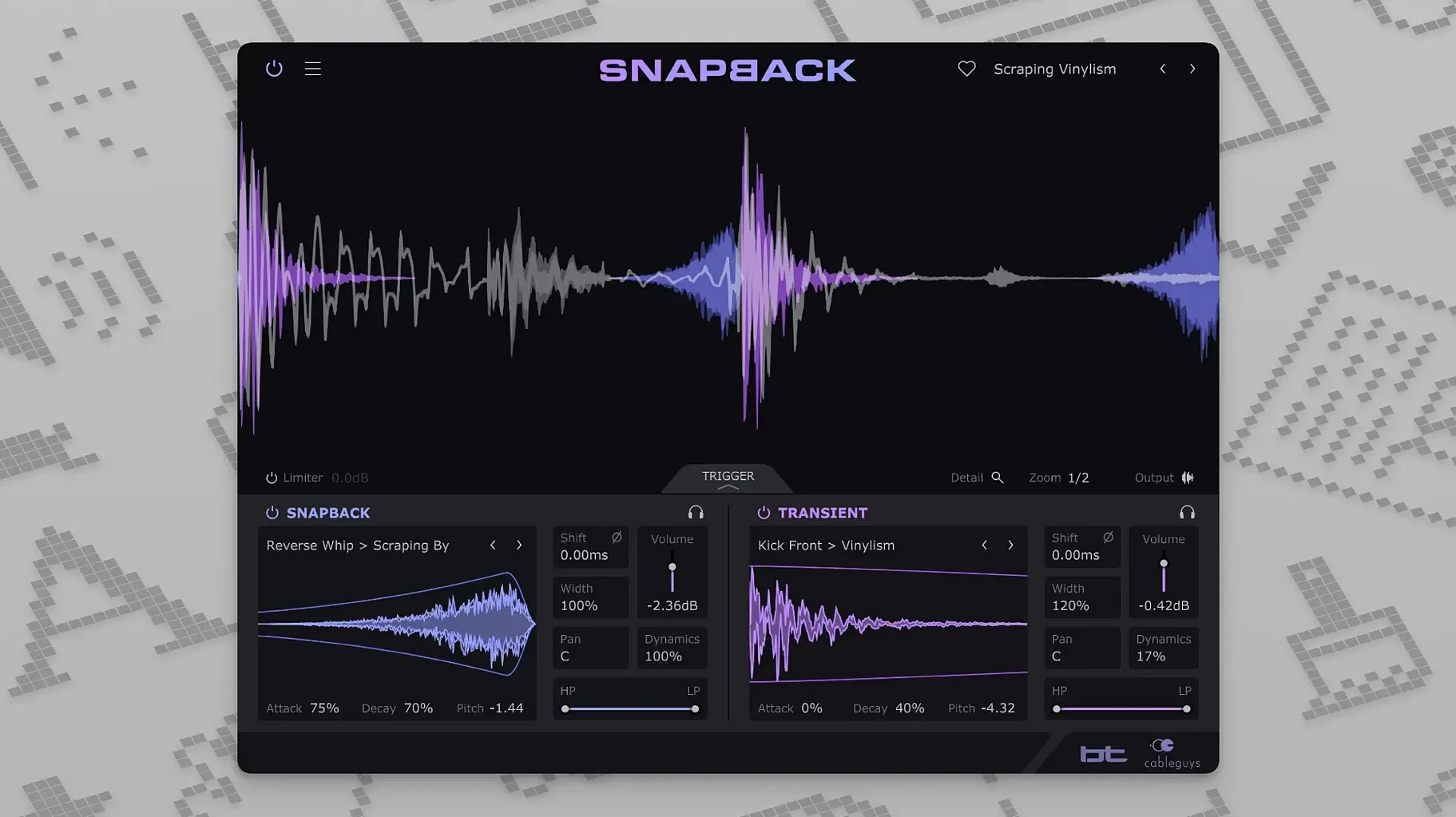
200-plus ready-made samples sit inside Snapback, and each one can be dragged onto a drum track, aligned to the transient, and shaped with pitch and envelope controls. The waveform visualizer makes that alignment visible instead of leaving you to nudge by ear alone.
On a kick or snare track, the plugin works as a layer machine. You pull in a sample, Snapback locks it to the original hit, and the envelope keeps the tail from spilling into the next phrase. For tom fills or percussion beds, the same approach keeps every added tone tight against the source material.
On buses, it earns its place differently. A drum bus with Snapback can add weight or snap to an entire kit without upsetting the groove, because the samples follow the existing transients rather than adding their own timing. The plugin, made with BT, runs on Apple Silicon and Intel Macs from macOS 10.13 onward, in VST 2, VST 3, AU and AAX hosts.
Version 1.1 added a Reverse button for flipped-sample textures and expanded MIDI port addressing from 16 to 256, which helps in larger templates where drum layers are routed across many channels. If you build kits from samples and want them to feel played rather than pasted, Snapback is worth a look.
Raising the Threshold for Noisy Loops
The default detection threshold works for most clean drum tracks, but it's the first thing you'll want to adjust if your source material is busy. Pull the threshold up on a loop with room noise or bleed, and Snapback stops triggering on hi-hat bleed between snare hits. Drop it lower on a softly played ghost-note passage, and those quiet transients start catching samples too.
Phase gets overlooked more than it should. The phase invert button sits quietly in the corner, but flipping it can turn a thin, hollow layer into something that punches through. On kicks especially, a sample that feels weak on first audition often just needs its phase relationship with the original reversed. The phase rotation knob gives finer control when a full flip is too much.
The envelope defaults are sensible, but tightening the release on a long-decay sample keeps your mix cleaner. A crash cymbal sample with a two-second tail becomes a tight accent when you pull the release down to a few hundred milliseconds. Attack time matters less with Snapback than with a traditional sampler, because the transient alignment is handled automatically, but nudging it up slightly can soften the very front of an aggressive click sample without losing the timing lock.
Check the Blend Before the Transient
Loading a sample and expecting it to work without listening to the blend is the most common one. Snapback aligns transients, but it doesn't choose sounds that fit your mix. A snare layer with too much top end will fight the original rather than support it. The pitch knob is right there — dropping a sample by a few semitones can turn a brittle layer into body, and raising it can add crack to a dull snare without reaching for EQ.
Another early mistake is forgetting that samples can sit before the transient. The pre-transient placement is half the point. A reversed cymbal swell or a noise burst placed a few milliseconds ahead of a snare hit creates movement that a static sample layer can't. The Reverse button from version 1.1 makes this even more useful — flip a sample, drag its start point earlier, and you've got a riser that naturally lands on the downbeat.
Some producers treat Snapback like a one-sample plugin. It's not. You can stack multiple instances on the same track, each handling a different frequency range or texture. A kick might get one instance adding a sub tail, another adding a midrange click, and a third adding a short noise transient — each with its own envelope and filter settings.
Click the Waveform to Fix Misread Peaks
The waveform visualizer does more than confirm alignment. Click directly on the waveform to set the detection point manually when the automatic transient detection picks up the wrong peak — common on heavily compressed drum stems where the initial transient is flattened. The zoom controls let you get granular with placement, and the visual feedback changes instantly as you adjust.
User sample import is drag-and-drop from Finder or a DAW browser. You're not limited to the built-in 200-plus samples, and the plugin remembers your last import folder, which saves clicks in a long session. The filter section sits after the sample engine, so a high-pass on a layer only affects the added sample, not the original track — useful for keeping low-end clutter out of a snare layer without touching the kick bus.
MIDI triggering is another path worth exploring. Snapback can be fired from a MIDI note instead of relying on audio detection, which opens up manual triggering for fills, drops, or sections where the drum track is sparse and you want precise control over when a sample fires. The expanded MIDI port addressing in version 1.1 — now 256 ports — keeps this usable even in templates with dozens of instruments spread across multiple virtual ports. If you've been hunting for a Cableguys Snapback crack to test this workflow, you'll find the MIDI routing holds up under real session loads.
For those who came across a cableguys torrent in search of quick drum processing, the real surprise is how stable Snapback runs once it's in your plugin folder. AU and VST3 instances load fast, and the plugin handles rapid preset changes during playback without audio dropouts. On an M1 Mac running Logic Pro, CPU use stays low even with four or five instances on separate drum tracks — each instance processes only when a transient hits, so idle sections cost almost nothing.
The AAX version behaves the same in Pro Tools, and the plugin doesn't demand more buffer size than your session already uses. Memory use is modest because samples stream from disk rather than loading entirely into RAM. A few users chasing a snapback vst torrent have noted that the plugin's stability makes it a daily-driver on drum buses, and that tracks with what you'd expect from a mature Cableguys release — no crashes on session load, no parameter recall weirdness, and no timing drift when latency compensation is active in the host.
If you've grabbed a snapback torrent and started layering, the workflow that sticks is using it on individual close mics rather than full drum buses at first. A kick in mic with Snapback adding a sub layer, a snare top mic with a short noise transient — those decisions hold up when the bus processing hits later. The plugin doesn't fight your compressor or clipper because the samples are tucked into the transient, not sitting on top of it.
Version 1.1 keeps the focus on feel and routing. A Reverse button flips imported samples for reversed textures, and MIDI port addressing now stretches from 16 to 256 ports.
- macOS 10.13 or later
- Apple Silicon or Intel 64-bit Mac
- VST 2, VST 3, AU, or AAX host DAW
Questions I actually get
Can I use my own samples in Snapback?
Yes, you can import your own samples alongside the more than 200 that ship with the plugin.
Porch talk 0
Come in or pull up a chair to leave a comment.
Nobody has pulled up a chair yet. If you used it on a real Saturday, say what the hour was.
More for the same hour
Everything in VST Plugins Bogren Digital Ampknob BDH 66o6 Plus
1.2.118 VST Plugins
253 MB
Bogren Digital Ampknob BDH 66o6 Plus
1.2.118 VST Plugins
253 MB
 Blue Cat Audio Blue Cats PatchWork
2.7.5 VST Plugins
587 MB
Blue Cat Audio Blue Cats PatchWork
2.7.5 VST Plugins
587 MB
 BABY Audio Humanoid
1.2.2 VST Plugins
39 MB
BABY Audio Humanoid
1.2.2 VST Plugins
39 MB
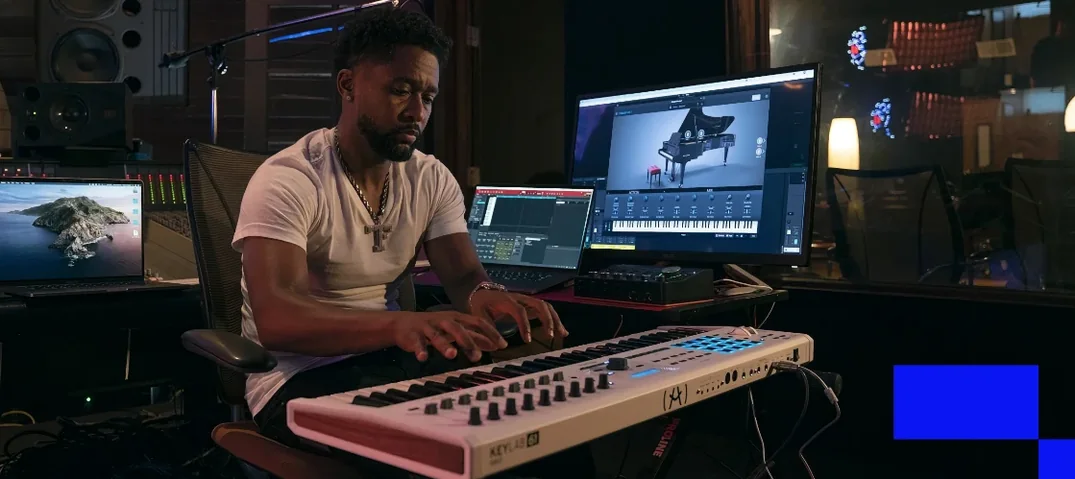 Arturia V Collection 11 Pro
2025.20.26 VST Plugins
53.8 GB
Arturia V Collection 11 Pro
2025.20.26 VST Plugins
53.8 GB
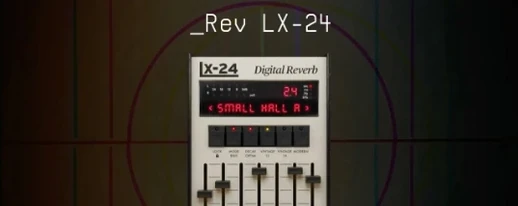 Arturia Rev LX-24
1.2.1-6567 VST Plugins
403 MB
Arturia Rev LX-24
1.2.1-6567 VST Plugins
403 MB
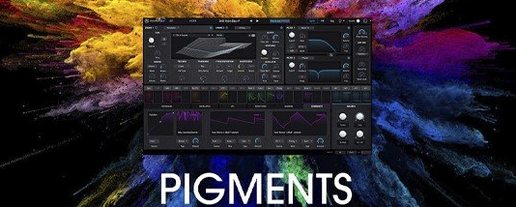 Arturia Pigments
7.0.1-6772 VST Plugins
1.8 GB
Arturia Pigments
7.0.1-6772 VST Plugins
1.8 GB
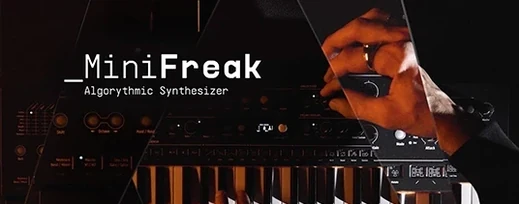 Arturia MiniFreak V
5.1.1 VST Plugins
Updated 468 MB
Arturia MiniFreak V
5.1.1 VST Plugins
Updated 468 MB
 Arturia Mellotron V
1.9.3 VST Plugins
2.1 GB
Arturia Mellotron V
1.9.3 VST Plugins
2.1 GB