
Version 1.9.3 (5306) tidies up the workspace with playlist and preset naming that finally sticks, plus a handful of crash fixes.
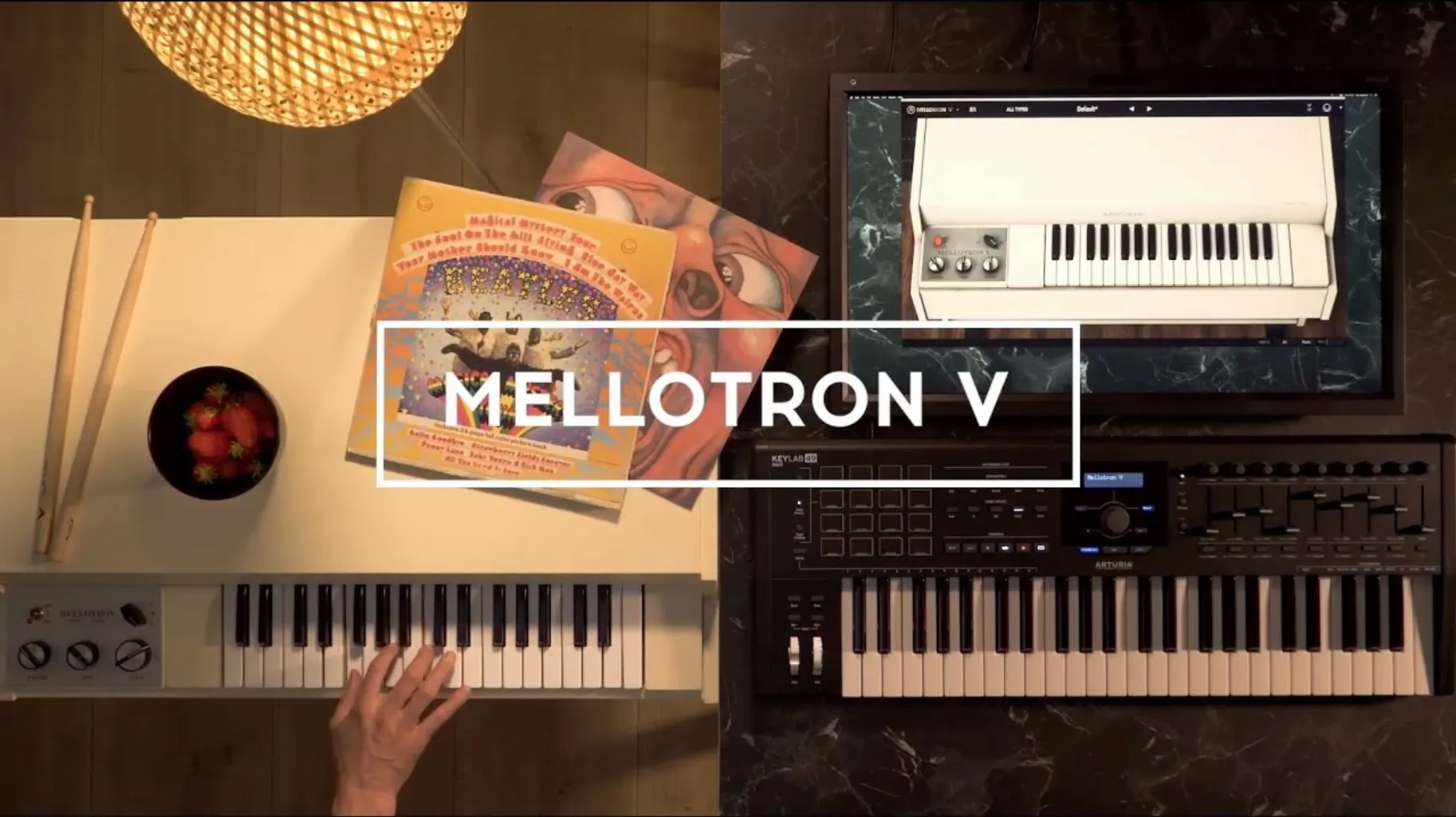
What it is — A software re-creation of the Mellotron, that peculiar keyboard from the '60s and '70s that played snippets of tape when you pressed a key.
How it works — Each of the 96 chromatic semitones in a track row triggers a different tape recording. The instrument ships with 65 original tape banks, from flutes and strings to choirs, all running through built-in effects.
Where it fits — It shows up as an Audio Unit inside Logic Pro, a VST in Ableton Live, or an AAX plug-in in Pro Tools. You can also open it as a standalone application when you just want to sketch an idea without launching a full DAW session.
Favorite presets — Shuffle mode now respects the order you set, so flipping through sounds feels less random and more like browsing a well-organized record collection.
If you already lean on Arturia's other emulations, this one shares the same preset browser and effect rack. It doesn't demand you learn a new system every time.
What 1.9.3 actually changed for daily use
Before this update, preset management had a few rough edges that could trip you up mid-session. You'd rename a preset, switch to another, come back, and find the old name still hanging around. Or you'd mark a handful of favorites, enable shuffle, and notice the order made no sense. Version 1.9.3 (5306) quietly fixed those paper cuts.
The playlist improvements matter more than they sound on paper. When you pull up a project, your playlists are there — no hunting, no reloading. If you removed and reinstalled the plug-in, playlists used to vanish. Now they survive the round trip. For anyone who builds set lists for live performance or groups presets by project, that single change saves a few minutes of frustration every time you open a session.
Preset search also got snappier. Typing "choir" or "flute" narrows things down faster, and the results don't jump around while you're still typing. Small thing, but it keeps the creative flow from stalling.
Start with three contrasting tape banks
When you first install, the tape banks can feel overwhelming — 65 of them, each with its own character. Resist the urge to audition everything in one sitting. Pick three contrasting banks: a string section, a choir, and something odd like the vintage rhythm loops. Play simple triads through each one. Get a feel for how the attack and release respond before you touch the ADSR envelope.
Next, open the mechanical controls early. The key click and motor noise sliders sit near the bottom of the interface, and they're easy to overlook. A little key click goes a long way toward making the sound feel less sterile. Dial it in subtly — just enough that you notice when it's gone.
Before you add any built-in effects, record a dry take. The Mellotron's charm lives in the wobble and grit of the tapes themselves. If you drench everything in reverb from the start, you lose what makes it different from a clean sampler. Add effects afterward, like seasoning at the table rather than in the pot.
Also worth doing on day one: load a user sample, even if it's just a WAV of a single piano note. Drop it into a track row alongside a factory tape bank. The combination of old tape and your own audio opens up textures you won't find in the presets alone. The plug-in supports WAV, AIFF, and FLAC, so whatever you have lying around will work.
Eight-second tape strips cut chords dead
The most common mistake is treating every tape bank like a polyphonic pad. Real Mellotrons had eight-second tape strips. Hold a chord too long and the sound cuts off abruptly, which can feel like a bug if you're not expecting it. The fix isn't more sustain — it's writing parts that breathe. Let phrases end naturally. Work with the limitation instead of fighting it.
Another habit that trips people up: ignoring the track row layout. Each track row holds up to two factory samples and six user samples across 96 semitones. If you load samples without checking which keys they're mapped to, you'll get dead spots on the keyboard that seem like a glitch. Open the mapping view and confirm the spread before you start playing.
Beginners also tend to max out the tape age and flutter controls, chasing a "lo-fi" sound. A little tape wear adds character; too much makes everything sound like a broken Walkman. Start at noon on both knobs and move in small increments. The sweet spot is usually subtler than you think.
Finally, don't skip organizing presets just because it's not the fun part. Version 1.9.3 (5306) added favorite preset management that actually works, with naming that sticks and shuffle that respects your order. Spend ten minutes tagging the sounds you reach for most. A month from now, you'll thank yourself.
Option-click any knob to snap back
Hold Option while clicking any knob to reset it to its default value. This works across the whole interface — mechanical controls, the ADSR envelope, the effect rack. When you've tweaked the tape wow into unrecognizable territory, one Option-click brings it home.
The preset browser has a subtle feature that changed with this version: naming a preset no longer causes a crash, which means you can actually trust it now. But beyond stability, you can click the preset name field and type a quick descriptor without opening a separate dialog. Mid-session, when you stumble on something good, that speed matters.
If you're running the standalone application, you can route MIDI from a controller without launching a DAW. It's perfect for warming up or sketching ideas. The standalone mode also remembers your last audio device settings, so you're not reconfiguring every time.
FAQ links are available directly from the interface as of this build. It's a small addition, but when something behaves unexpectedly — and with 65 tape banks and user sample mapping, something eventually will — having documentation one click away beats digging through folders.
The effect rack order is drag-and-drop. If you always reach for the tape delay before the chorus, rearrange the modules so they match your workflow. The signal flows top to bottom, and you can reorder it in seconds by grabbing the module header.
For anyone who found this page while hunting for a mellotron v vst free download or an arturia mellotron v free download, the version here includes the full tape bank library and all the preset management fixes from 1.9.3. The same goes if you were searching for arturia mac torrent or mellotron v crack — what you get is the instrument with the playlist improvements and crash fixes already in place, ready to drop into your next track.
Version 1.9.3 smooths out a few rough edges in the preset and playlist system.
- Playlist editing and naming got a round of improvements.
- Managing and naming your favorite presets is more predictable.
- Searching through presets works more reliably.
- Several behind-the-scenes bug fixes keep things stable.
- macOS 11 or later
- Intel or Apple Silicon Mac
- 64-bit host or standalone operation
Questions I actually get
What tape banks are included in the Mellotron V?
It includes 65 original tape banks, covering the classic string, flute, and choir sounds that defined the hardware instrument.
Porch talk 0
Come in or pull up a chair to leave a comment.
Nobody has pulled up a chair yet. If you used it on a real Saturday, say what the hour was.
More for the same hour
Everything in VST Plugins Arturia FX Collection
2026.02 VST Plugins
16.1 GB
Arturia FX Collection
2026.02 VST Plugins
16.1 GB
 Arturia MiniFreak V
5.1.1 VST Plugins
Updated 468 MB
Arturia MiniFreak V
5.1.1 VST Plugins
Updated 468 MB
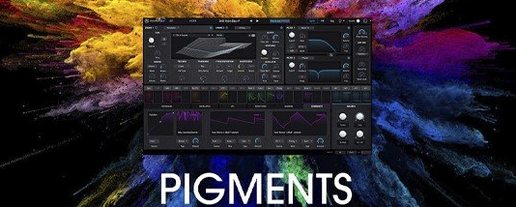 Arturia Pigments
7.0.1-6772 VST Plugins
1.8 GB
Arturia Pigments
7.0.1-6772 VST Plugins
1.8 GB
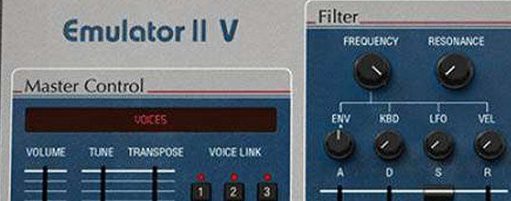 Arturia Emulator II V
1.6.2 VST Plugins
700 MB
Arturia Emulator II V
1.6.2 VST Plugins
700 MB
 Arturia Rev LX-24
1.2.1-6567 VST Plugins
403 MB
Arturia Rev LX-24
1.2.1-6567 VST Plugins
403 MB
 Arturia Efx AMBIENT
1.0.0 VST Plugins
285 MB
Arturia Efx AMBIENT
1.0.0 VST Plugins
285 MB
 Arturia V Collection 11 Pro
2025.20.26 VST Plugins
53.8 GB
Arturia V Collection 11 Pro
2025.20.26 VST Plugins
53.8 GB
 Arturia Augmented STRINGS
2.0.0 VST Plugins
4.9 GB
Arturia Augmented STRINGS
2.0.0 VST Plugins
4.9 GB