

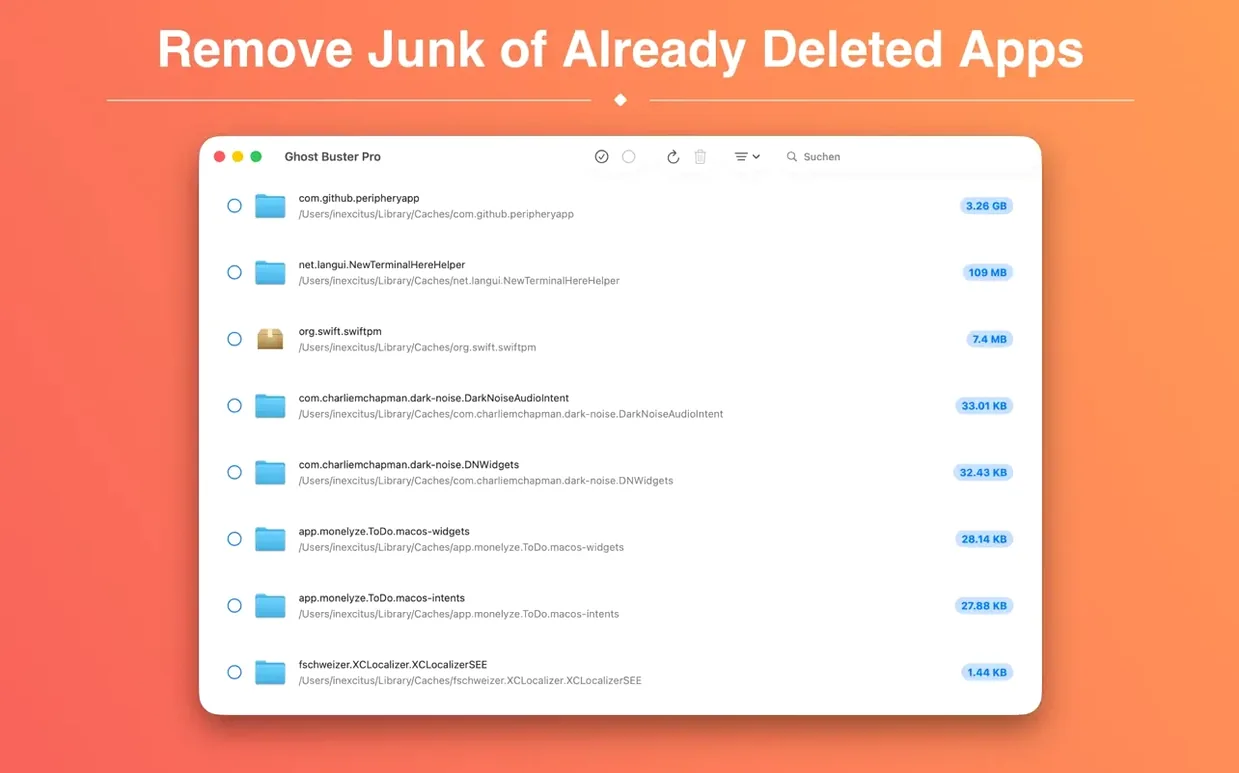
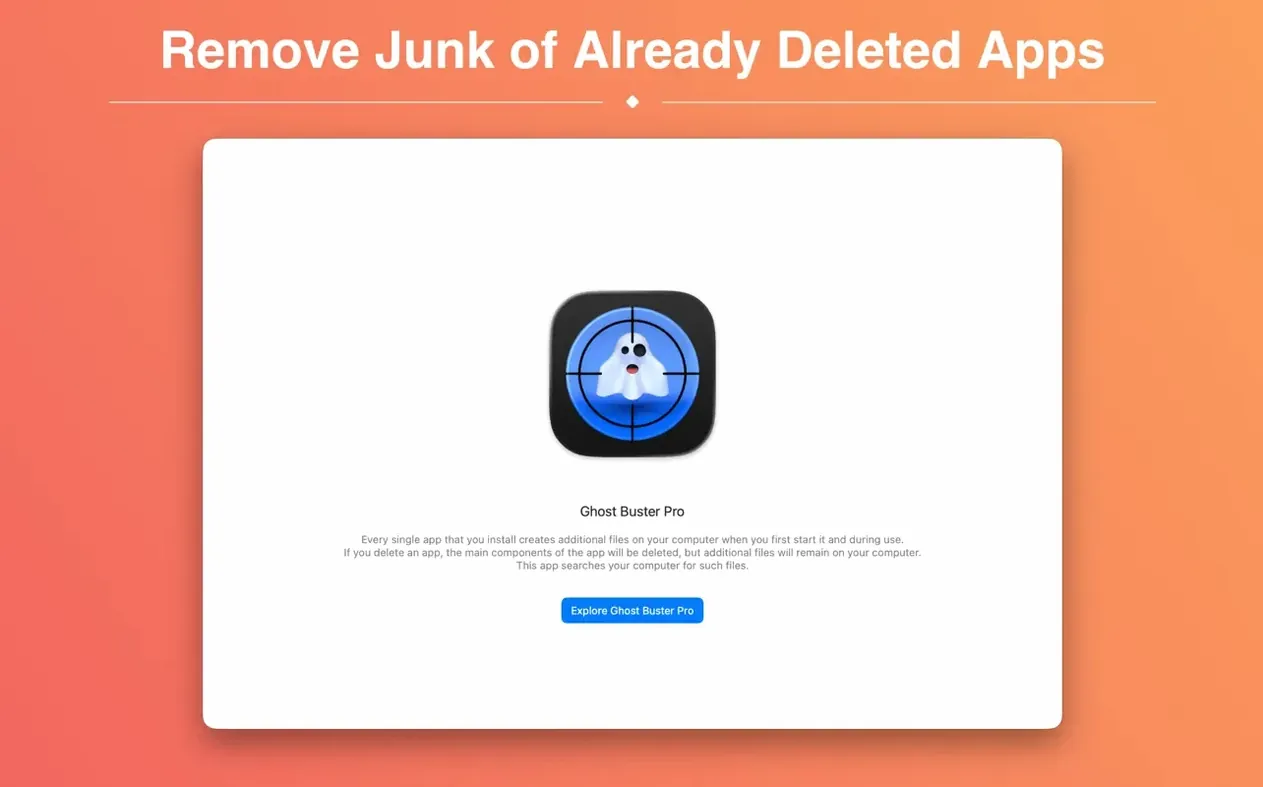
You remove an app by dragging it to the Trash, and for a while everything feels tidy. Then you notice orphaned preference panes, forgotten caches, and support folders with names you barely recognize. That is the exact mess Ghost Buster Pro was built for.
Imagine you just deleted an old FTP client you stopped using months ago. A quick scan shows its helper tools, login plists, and a 400 MB cache folder still sitting in Library. You select the whole group, confirm, and the leftovers are gone before your coffee cools.
Cleans Orphaned Files from Deleted Apps
- Finding files left by apps that have already been removed
- Cleaning smaller leftovers like preferences, caches, and support files
- Keeping your Library folders from turning into an app graveyard
Runs on Apple Silicon and Intel Macs via App Store
- Requires macOS 15.6 or later
- Sold as a Mac App Store download by Sascha Simon
- The current 6.2.0 release works on both Apple Silicon and Intel Macs
A morning for a podcast editor
Someone who edits audio all day tends to audition a lot of software. A loudness meter here, a batch converter there, maybe three different tag editors in a single month. Each one leaves behind its own little trail. The person dragging those apps to the Trash rarely thinks about the Library folder until the Mac starts feeling heavier than it should.
Ghost Buster Pro suits that routine well. Launch it after clearing out a few trial utilities and it starts searching right away, listing support folders, preference files, and caches tied to apps that no longer exist. A podcast editor can scan after a cleanup session and delete the leftovers with one click, then get back to actual editing instead of digging through ~/Library/Application Support by hand.
Surfaces Forgotten Files Spotlight Misses
The app does not try to replace macOS maintenance features. It works alongside them. Spotlight and Finder get you to files you know about; Ghost Buster Pro finds the ones you forgot were ever created. For users who prefer Terminal, the files it surfaces often match what you would find with find commands pointed at Library paths, but without the need to build those commands yourself.
It also plays well with the habits of people who keep a tidy Dock and a minimal Applications folder. After you uninstall something, a quick pass through Ghost Buster Pro means the uninstall actually finishes. No half-removed helpers, no leftover launch agents waiting to confuse a future troubleshooting session.
Redrawn Icon Matches macOS 27 Look
Version 6.2.0 is a quiet update, mostly about fitting in with the current macOS rather than changing how the cleanup works. The most visible everyday change is the new app icon built for macOS 27, which makes the app feel less like a leftover itself when it sits in the Dock next to newer design language.
The underlying behavior stays focused: scan, review, confirm, delete. Nothing happens without your consent. That is the part worth appreciating in a cleanup tool, because deleting the wrong preference file is easy to do and annoying to undo. The current build keeps that decision in your hands while still saving you the tedious work of finding each stray file.
People who run a mix of Apple Silicon and Intel Macs will find the same version works on both, which matters if you keep an older machine around for specific tasks. And with the interface available in languages including Russian, German, Spanish, Italian, Simplified Chinese, Korean, Polish, and French, the scan results stay readable for a much wider group of users than a typical utility aimed only at English speakers.
A useful cleanup habit
Try this: after uninstalling two or three apps in a row, open Ghost Buster Pro once. Let it finish scanning, glance at the list, and delete only the groups you recognize. That single habit keeps the Library folders on a Mac from slowly filling with orphaned support files that no other tool bothers to mention. If you have ever searched for ghost buster pro because you wanted a Mac cleaner that respects your attention, this is the kind of workflow it fits into.
If your Mac has collected a few digital ghosts, this is a calm way to clear them out.
Version 7.0.0 [MAS] is a big architecture shift with a few thoughtful additions. The biggest change under the hood: Ghost Buster Pro now requires a Mac with Apple silicon. If you're still on an Intel machine, the previous version will keep working just fine for you.
- A new built-in help guide walks you through how the scan works and what's actually safe to remove — handy when you're staring at a list of mysterious caches and wondering which ones you can toss.
- An info button now sits next to each scan result, explaining exactly why that particular file or folder is flagged as a leftover.
- macOS 15.6 or later
- Apple Silicon
Questions I actually get
Does Ghost Buster Pro work on Intel Macs?
Yes, version 6.2.0 supports both ARM and x86-64 architectures, so older Intel machines are covered.
Can I share Ghost Buster Pro with my family?
Yes, the app supports Family Sharing, so other members of your family group can use it too.
Porch talk 0
Come in or pull up a chair to leave a comment.
Nobody has pulled up a chair yet. If you used it on a real Saturday, say what the hour was.
More for the same hour
Everything in Mac Cleaners
 MacBooster
8.3.0 Mac Cleaners
38 MB
MacBooster
8.3.0 Mac Cleaners
38 MB

 MacCleaner Pro
4.0.4 Mac Cleaners
Updated 132 MB
MacCleaner Pro
4.0.4 Mac Cleaners
Updated 132 MB
 Magic Disk Cleaner
6.0.0 Mac Cleaners
Updated 7 MB
Magic Disk Cleaner
6.0.0 Mac Cleaners
Updated 7 MB

 CleanMyMac
5.7.0 Mac Cleaners
180 MB
CleanMyMac
5.7.0 Mac Cleaners
180 MB

 CCleaner Pro
1.18.30 Mac Cleaners
6 MB
CCleaner Pro
1.18.30 Mac Cleaners
6 MB

 Mole
1.14.0 Mac Cleaners
20 MB
Mole
1.14.0 Mac Cleaners
20 MB

 AppZapper
2.0.3 Mac Cleaners
4 MB
AppZapper
2.0.3 Mac Cleaners
4 MB

 App Cleaner & Uninstaller
10.0 Mac Cleaners
47 MB
App Cleaner & Uninstaller
10.0 Mac Cleaners
47 MB