
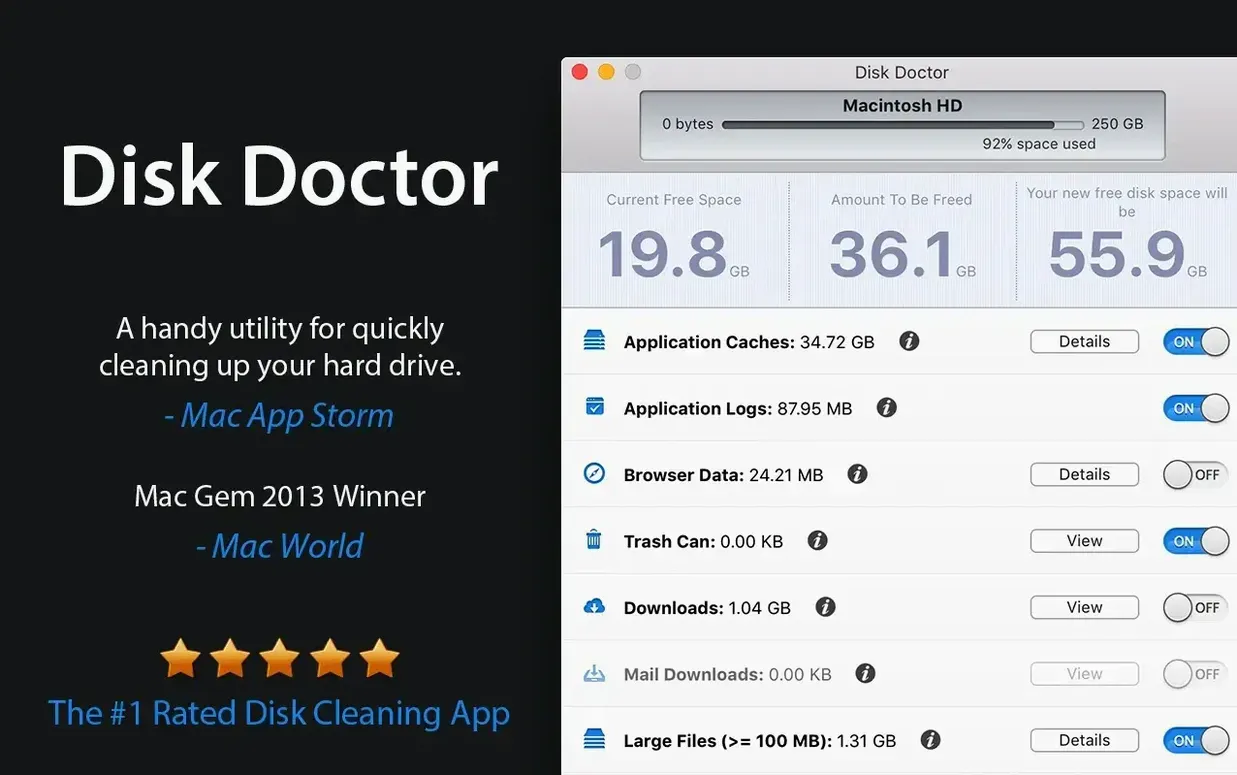
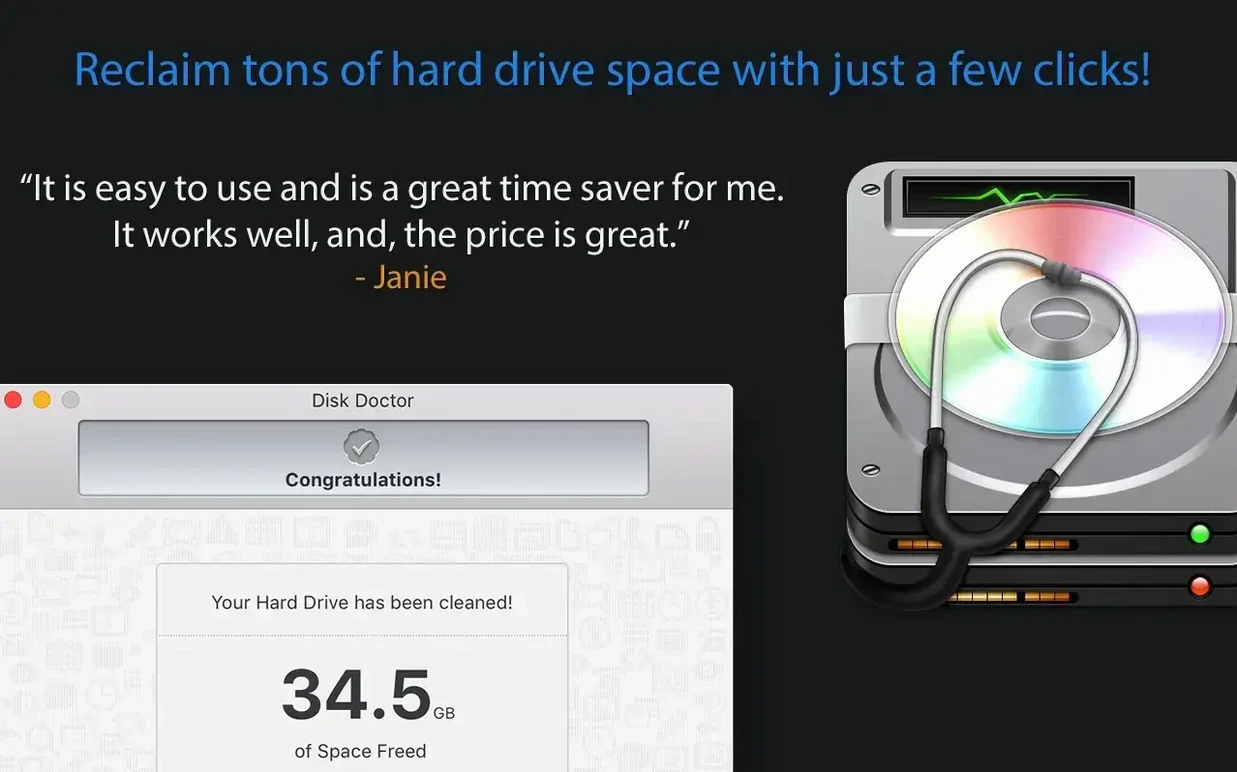
Disk Doctor: System Cleaner handles five types of clutter: application logs, caches, partial downloads, Mail downloads, and developer files. That’s five specific tasks, not a vague sweep.
Check Your Mac First
The app requires macOS 10.13 or later and an Intel 64-bit processor. Retina displays are supported. No Apple Silicon native version is listed.
What You Get to Delete
Application logs from verbose programs. Caches that apps rebuild anyway. Partial downloads that never finished. Mail attachments you already opened. Developer leftovers from Xcode and similar tools.
After You Delete
Each category is listed separately so you choose what goes. Disk Doctor is a focused cleaner from FIPLAB for those who know what they want gone.
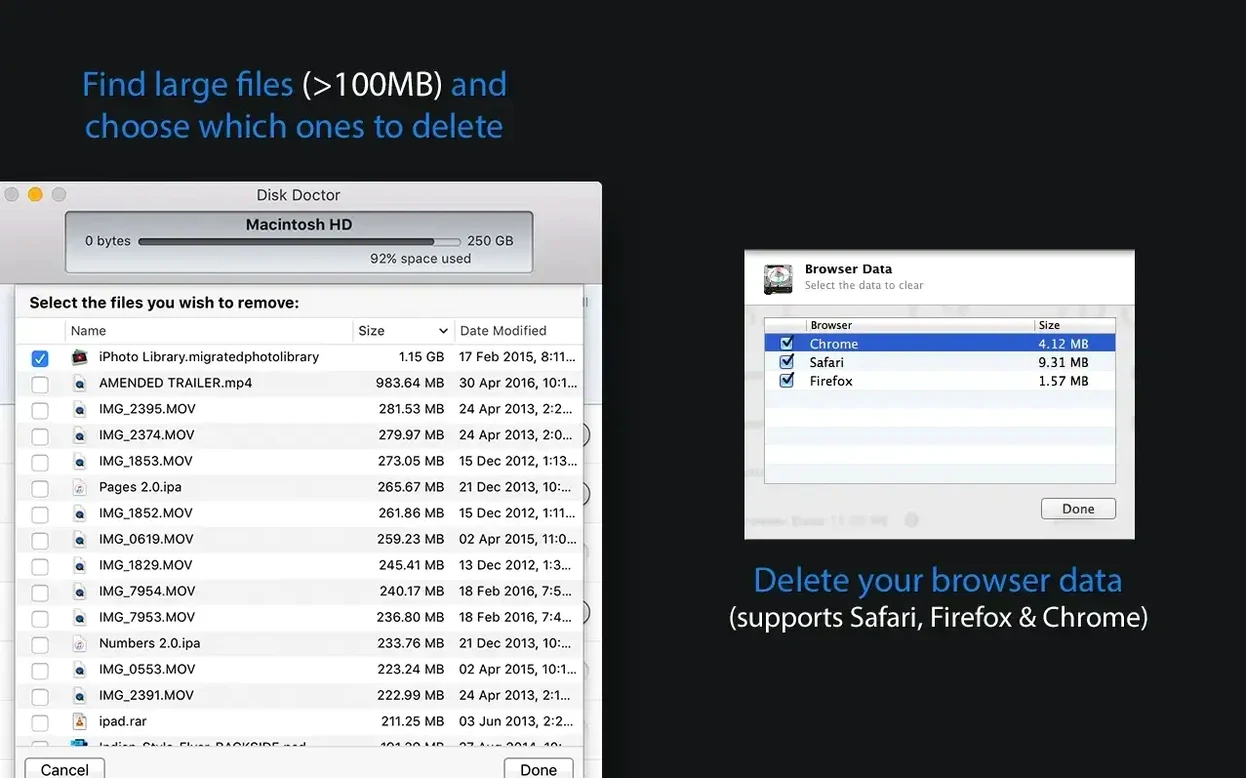
Before installing Disk Doctor: System Cleaner, people often wonder what happens to files once the app marks them for removal. The app works with the standard macOS trash system for most categories, meaning items you delete through Disk Doctor go to the Trash first. You can open the Trash afterward and pull something back if you change your mind. The one exception is browser data — cookies and cache files from Safari and other browsers get removed directly, since those files are designed to be cleared regularly anyway. Another common question is whether the app touches system files that could break something. It doesn’t. It stays in your user folder and shared application data directories, never crossing into the operating system’s core folders. That keeps things safe.
A Typical Morning with Disk Doctor
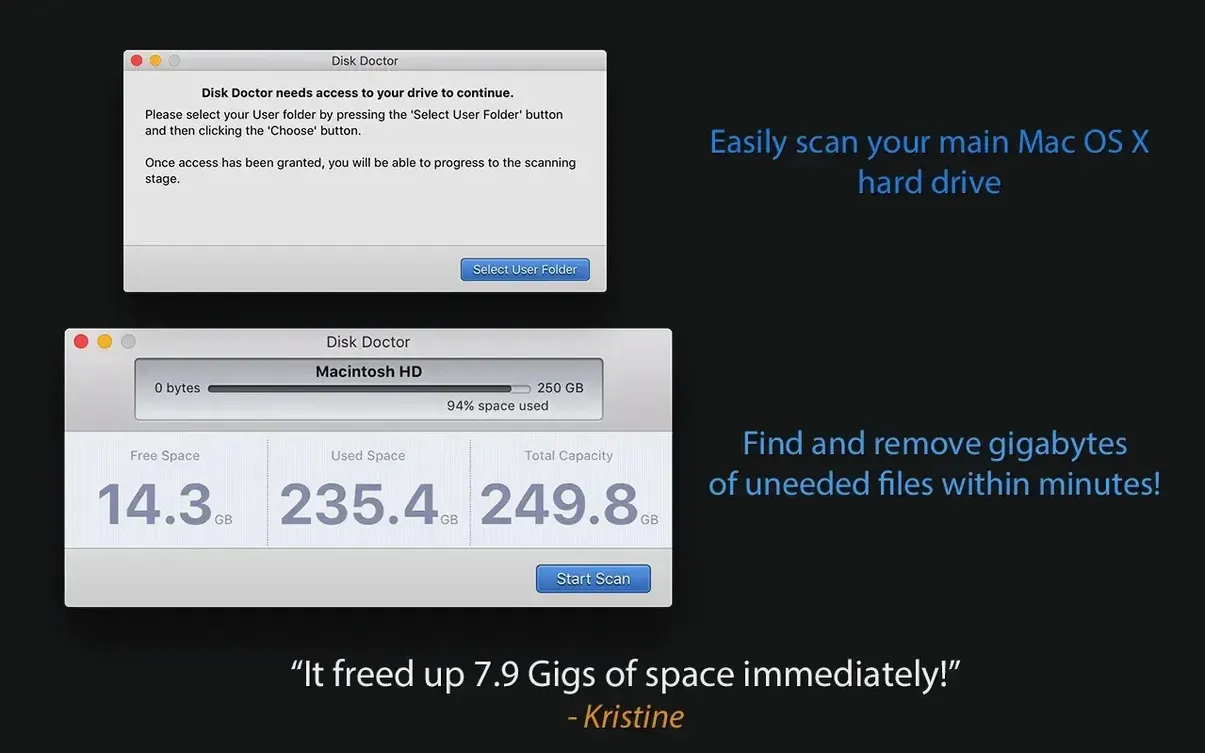
Here’s how a cleanup session might go. You’re working on a design project, exporting large files from a photo editor, and your Mac’s storage bar shows only a few gigabytes free. You open Disk Doctor: System Cleaner from Launchpad. The main window lists each cleanup category with a checkbox and an approximate size next to it. You check that box. That gets checked too. Most apps rebuild their caches the next time you use them, so you check that as well. You leave the Downloads folder unchecked because there are project files in there you still need. You click the clean button, confirm the action, and watch the progress bar move. Within a minute, the freed space shows up in your system’s storage overview. You close Disk Doctor and get back to work.
How It Works with Other Tools
Disk Doctor fits into a broader Mac maintenance routine alongside other utilities. Many people run a system cleaner like this once a week, then follow up with a disk analyzer to see what’s using the remaining space. The app doesn’t duplicate what a disk analyzer does — it focuses on removal while the analyzer focuses on visual mapping. You might also find that running Disk Doctor before a backup makes the backup smaller and faster. For users who manage multiple machines or help friends with their Macs, Disk Doctor is a quick pass before handing a computer back. It pairs well with simple file management habits — move finished projects to an external drive, then run Disk Doctor to clear the debris left behind.
A Student’s Cleanup Routine
A college student taking online courses might keep Disk Doctor in their weekly workflow. They download lecture videos, PDFs, and assignment files throughout the semester. The Downloads folder fills up fast. Their browser cache grows with repeated visits to the learning management system. Mail downloads accumulate from group project emails. Once a week, they open Disk Doctor, check the boxes for browser data and Mail downloads, and clear those out. They check partial downloads too, since browser interruptions during busy campus Wi-Fi hours leave half-finished files. The student leaves the Downloads folder checked only after they’ve moved important files to organized folders. This habit keeps their MacBook’s 128 GB drive from hitting the red line during finals week, when every minute counts and they can’t afford a storage warning interrupting a study session.
- macOS 10.13 or later
- Intel 64-bit processor
- English interface language
Porch talk 0
Come in or pull up a chair to leave a comment.
Nobody has pulled up a chair yet. If you used it on a real Saturday, say what the hour was.
More for the same hour
Everything in Mac Cleaners
 Mole
1.20.1 Mac Cleaners
Updated 68 MB
 Magic Disk Cleaner
6.1.1 Mac Cleaners
Updated 7 MB
 MacCleaner Pro
4.0.4 Mac Cleaners
132 MB

 MacBooster
8.3.0 Mac Cleaners
38 MB

 Ghost Buster Pro
7.1.1 Mac Cleaners
Updated 11 MB

 CleanMyMac
5.7.0 Mac Cleaners
180 MB

 CCleaner Pro
1.18.30 Mac Cleaners
6 MB

 AppZapper
2.0.3 Mac Cleaners
4 MB