

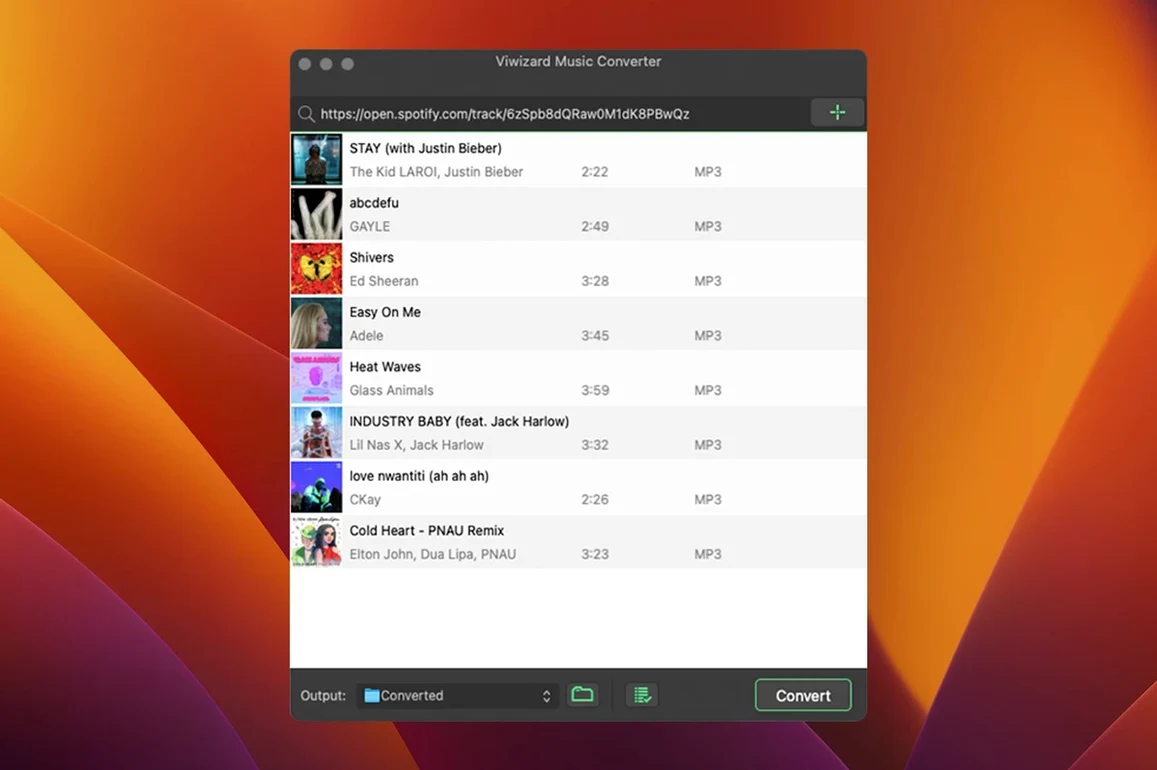
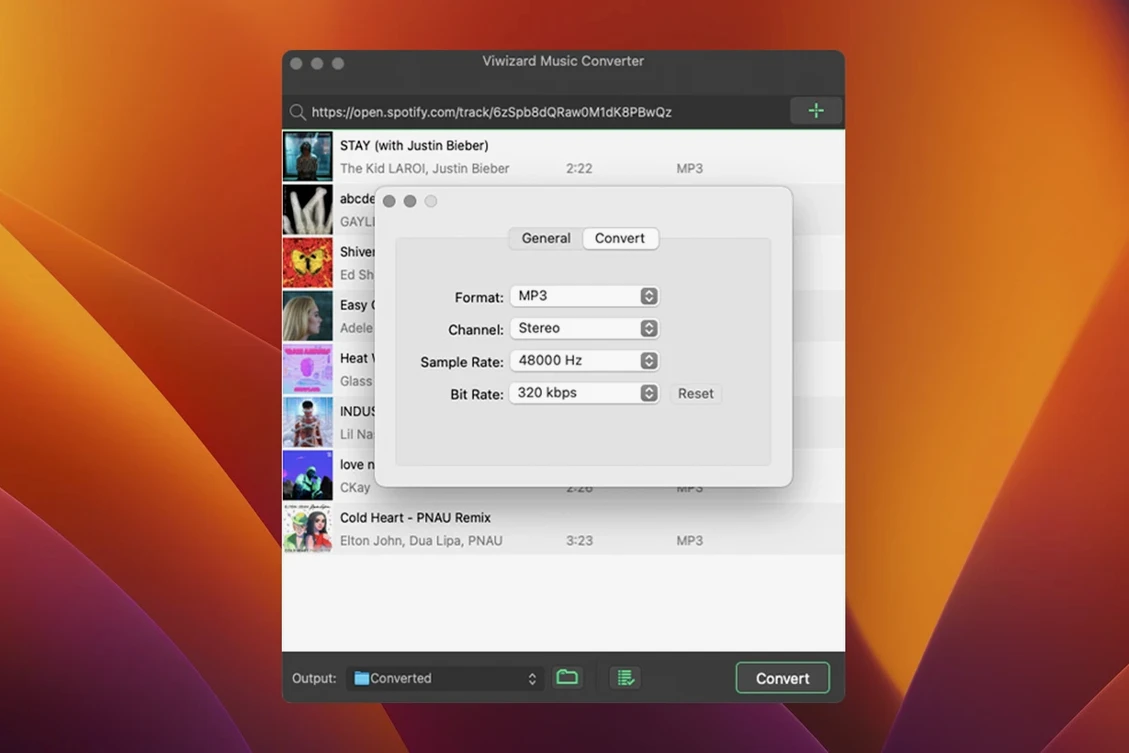
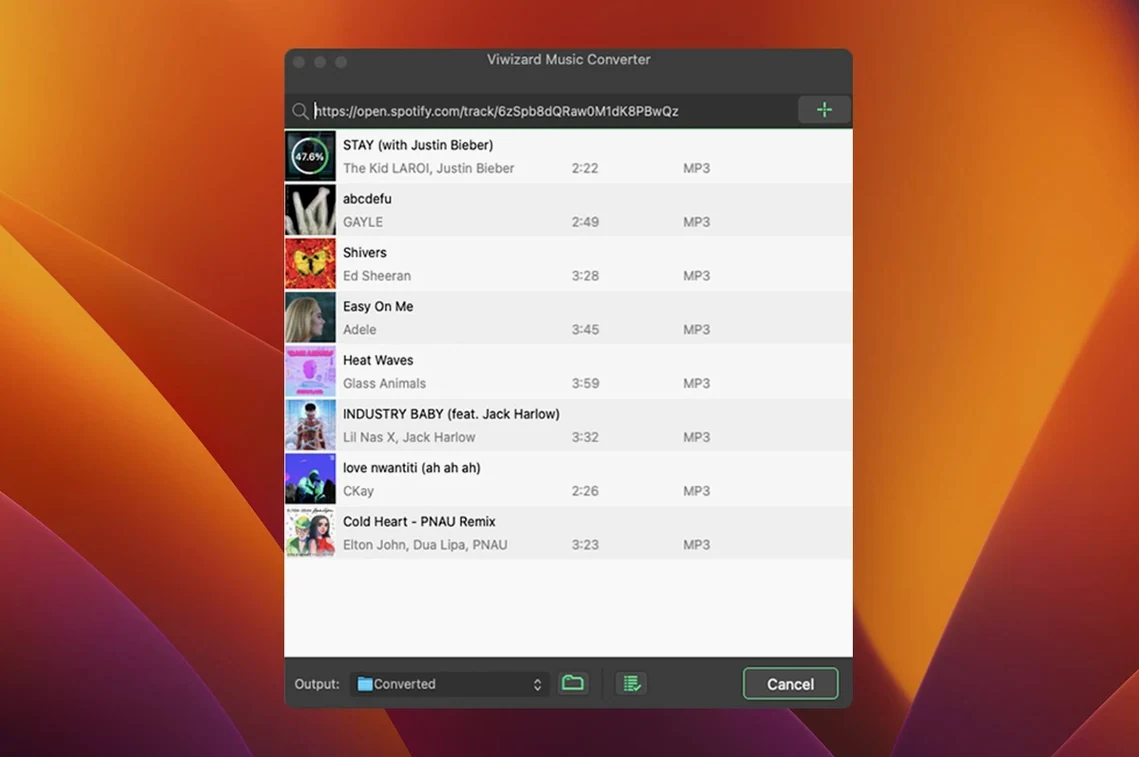
Version 2.17.0 of ViWizard Spotify Music Converter keeps the job simple: pull tracks out of the web player and land them on your hard drive with the metadata you actually want. It runs on Intel Macs back to OS X 10.10 and speaks English, German, French, and Japanese.
What Stands Out
The converter works through the built-in Spotify Web Player, so you can grab songs, playlists, albums, artist pages, podcasts, and audiobooks in one pass. A quiet time-saver is the automatic filing: output tracks can sort themselves by artist or album without you dragging folders around afterward.
Older Intel Macs Stay Useful for Mixed Libraries
If your music library is a mix of ripped CDs and streamed Spotify, this fills the gap. The x86 64-bit build means older Intel Macs stay in the game — handy when a machine still runs fine but the newest converters have moved on. Anyone who listens in French, German, or Japanese will find the interface already switched over.
Drop Files Straight into Music’s Auto-Add Folder
ViWizard doesn't try to be a media server or a tag editor, and that's precisely why it settles in so comfortably. Once it drops a folder of FLAC or M4A files into your Music app's "Automatically Add" folder, macOS takes over. The tracks show up in the library with artwork intact, ready for an iPod shuffle, an old iTunes Match upload, or a drag into Swinsian or Doppler for people who prefer those players.
If you lean on Finder tags or Smart Folders to keep projects organized — say, a playlist for a road trip or a batch of audiobook chapters — the auto-sorting by artist or album means the folder structure is predictable before you apply the first tag. Podcast listeners who convert long episodes to M4B will notice the chapter markers show up in Books.app without extra fuss, which makes the converter feel like a quiet bridge between Spotify's catalogue and Apple's ecosystem rather than a standalone island.
Playback Buffer Sets the Conversion Pace
Because it leans on the Spotify Web Player for decoding, the conversion pace is tied to how quickly the player buffers tracks. On an older iMac with a spinning drive, a 40-track playlist takes roughly the length of the playlist itself — sometimes a touch longer when the bitrate is cranked up to 320 kbps or lossless FLAC. On an Intel MacBook Pro with an SSD, the same job wraps faster, and the fans rarely spin beyond idle.
RAM use stays modest: around 300 MB during a batch run, climbing slightly with larger playlists but never enough to push a machine with 8 GB into swap territory. The app hasn't beachballed once in testing, though force-quitting mid-conversion is best avoided — it leaves a partial file behind that you'll want to delete manually. That's easy to spot; the unfinished track has no artwork and the filename still carries a temp extension.
Test MP3 vs. FLAC With Five Familiar Tracks
Start with a short playlist of five tracks you know well. Switch between MP3 and FLAC output once each and listen on the headphones you wear most often. That comparison will set your own threshold for quality versus file size, and you'll only need to do it once.
Next, head into the output path preferences and point the converter straight at ~/Music/iTunes/iTunes Media/Automatically Add to Music. Combined with the artist-album sorting option, this means your library stays tidy without a manual import step. For audiobooks, set up a second folder outside the Music directory — the M4B format with chapter markers belongs in ~/Library/Containers/com.apple.BKAgentProxy/Data/Documents/iBooks/Books, and viwizard spotify music converter handles that routing cleanly when you change the destination before the run.
If you're working on an older Intel Mac where every gigabyte counts, stick with AAC at 256 kbps for casual listening and reserve FLAC for the albums you'll archive on an external drive. The batch queue respects the order you drop tracks in, so drag them in album sequence and you won't spend Monday morning renaming files. Finally, keep the web player logged in and visible once — minimizing the window is fine, but closing it pauses conversion. That's the one habit shift that catches people in the first week.
- macOS 10.10 or later
- Intel 64-bit Mac
- Interface languages: English, German, French, Japanese
Questions I actually get
What can ViWizard Spotify Music Converter convert?
It converts Spotify songs, playlists, albums, artists, podcasts, and audiobooks through the built-in Spotify Web Player.
Which Macs does version 2.17.0 support?
The Mac build supports Intel Macs running macOS 10.10 or later, with interface languages including English, German, French, and Japanese.
Porch talk 0
Come in or pull up a chair to leave a comment.
Nobody has pulled up a chair yet. If you used it on a real Saturday, say what the hour was.
More for the same hour
Everything in Mac Apps
 VideoProc Converter
6.6 Mac Apps
86 MB
VideoProc Converter
6.6 Mac Apps
86 MB

 VMware Fusion Pro
26H1 Mac Apps
479 MB
VMware Fusion Pro
26H1 Mac Apps
479 MB

 VideoProc Converter AI
8.13 Mac Apps
Updated 254 MB
VideoProc Converter AI
8.13 Mac Apps
Updated 254 MB
 VideoByte BD-DVD Ripper
2.1.6 Mac Apps
124 MB
VideoByte BD-DVD Ripper
2.1.6 Mac Apps
124 MB
 Viaduct
1.3.0 Mac Apps
49 MB
Viaduct
1.3.0 Mac Apps
49 MB

 WALTR PRO
4.0.122 Mac Apps
29 MB
WALTR PRO
4.0.122 Mac Apps
29 MB

 Vector Magic
1.20 Mac Apps
17 MB
Vector Magic
1.20 Mac Apps
17 MB

 WebStorm
2026.2.3 Mac Apps
1 GB
WebStorm
2026.2.3 Mac Apps
1 GB