

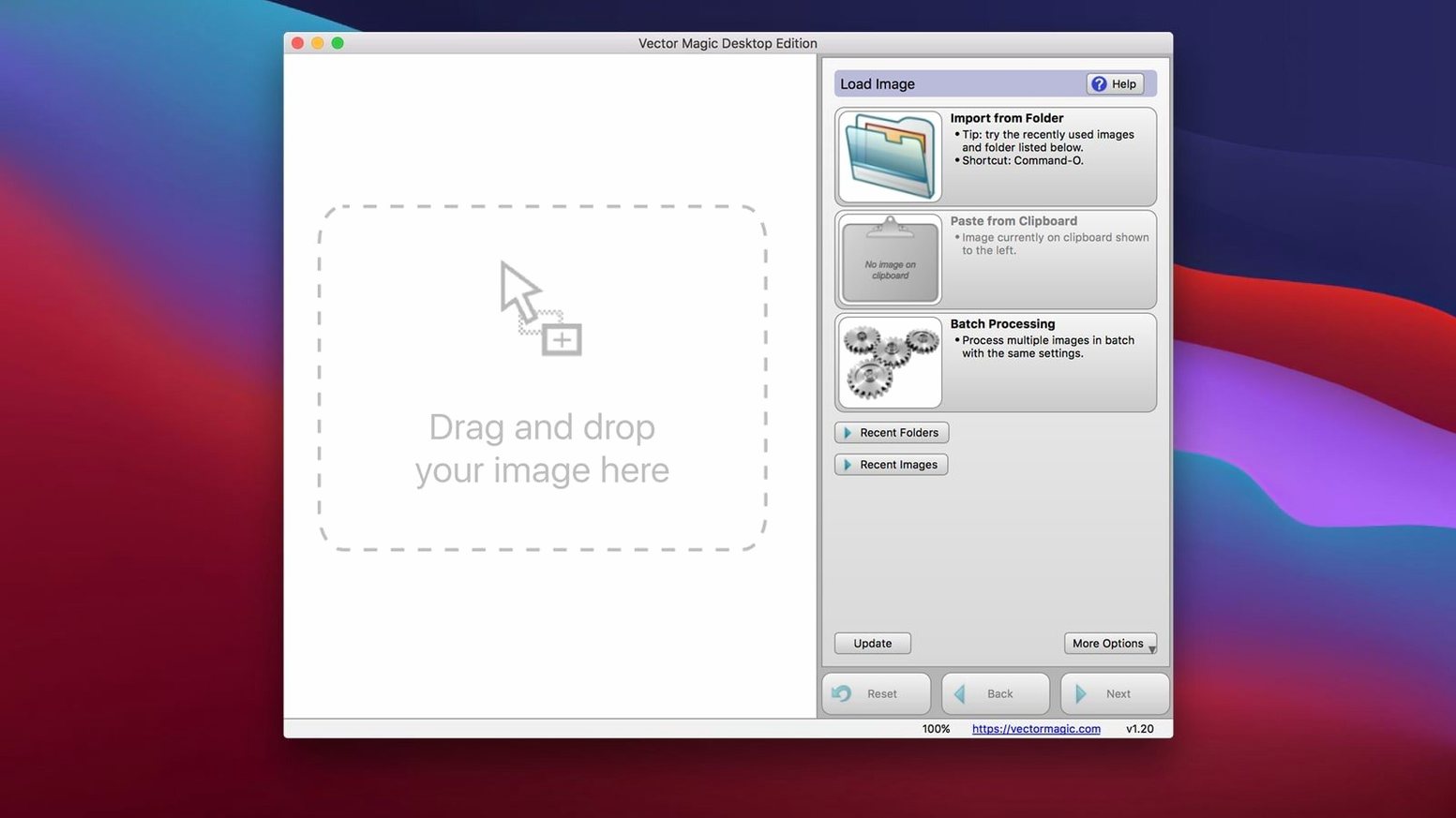
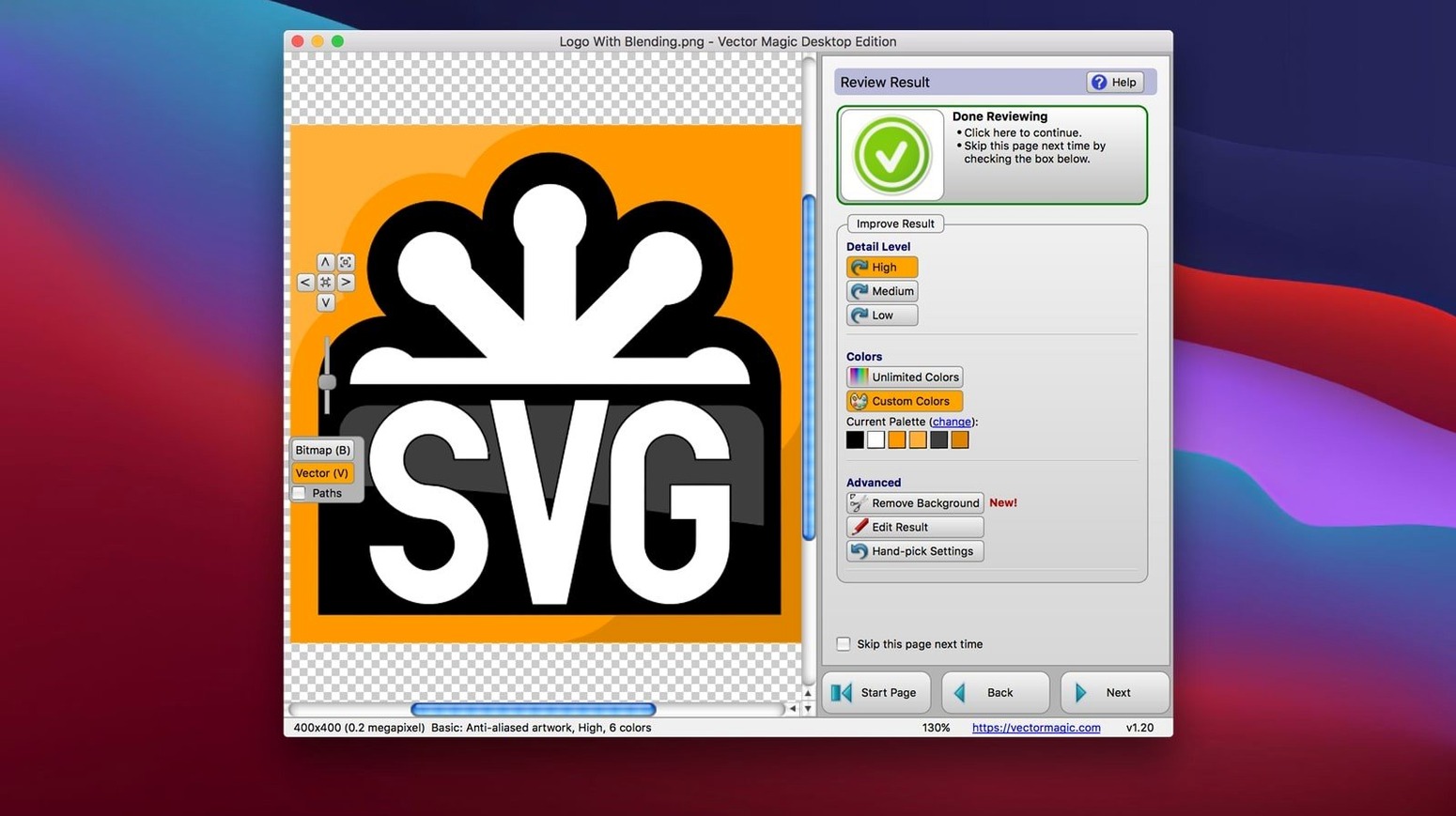
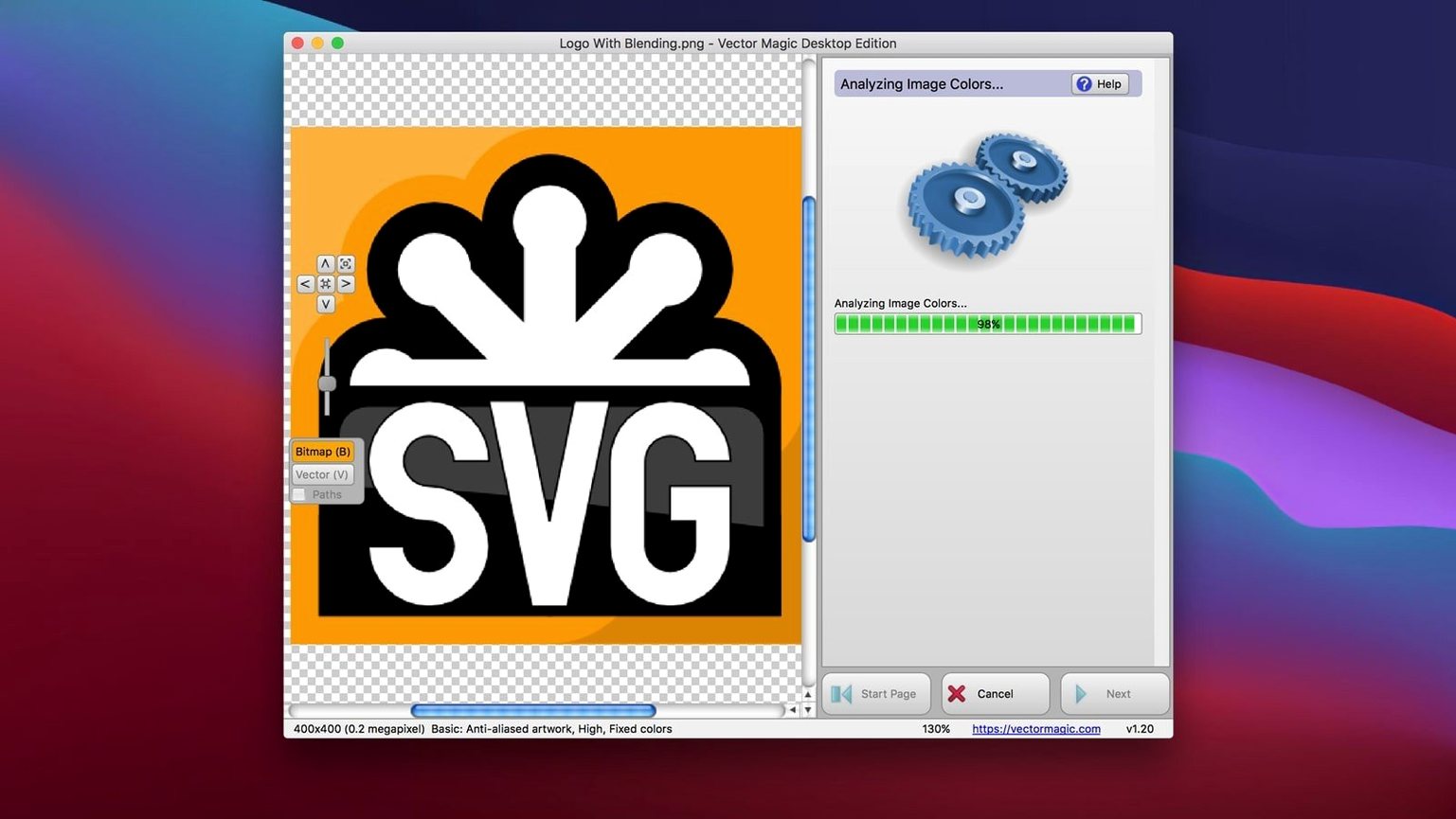
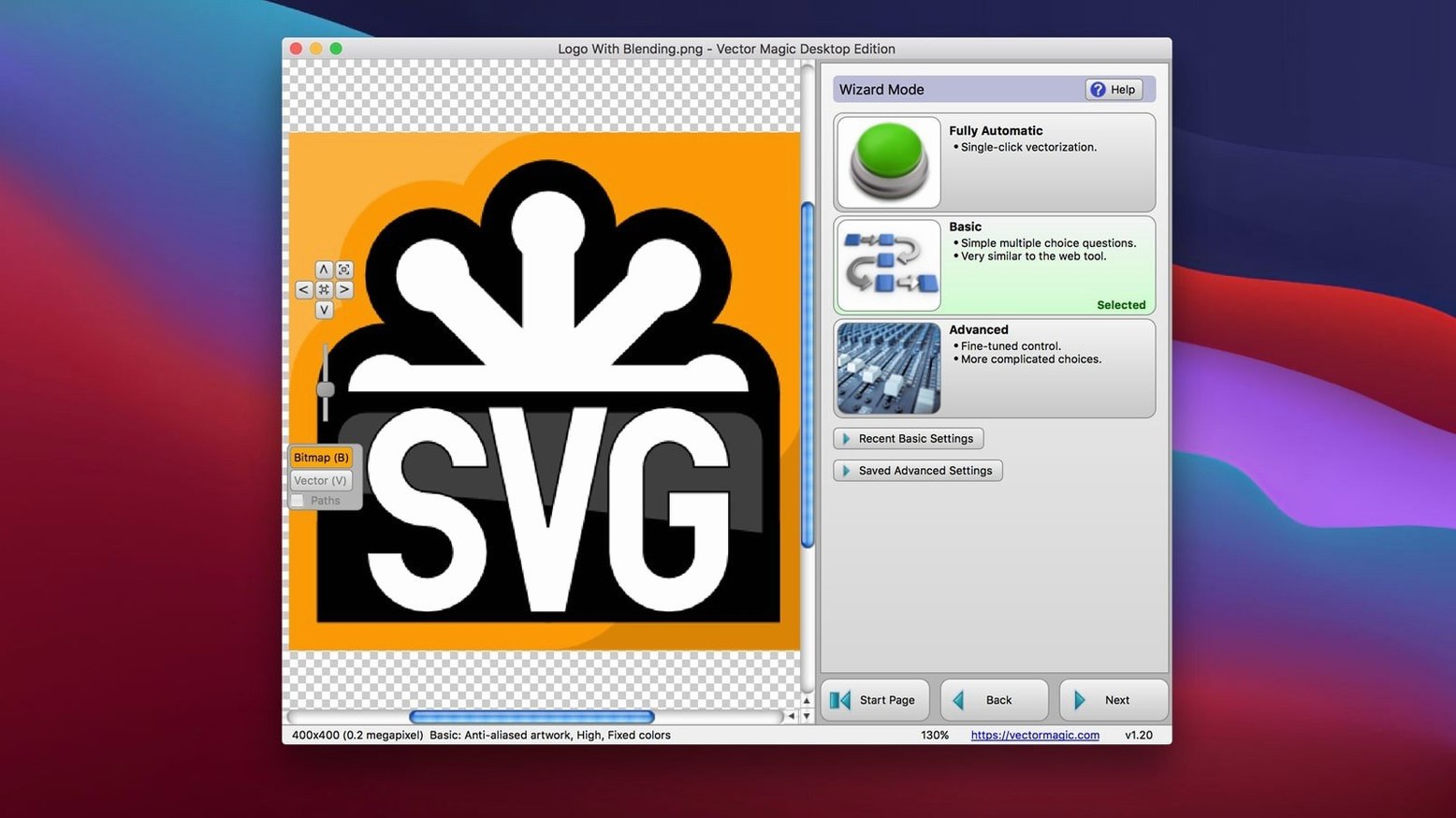
A 10.0 megapixel ceiling sets the stage. When you work with raster-to-vector conversion, you know the real work begins after the automatic pass — smoothing curves, merging stray segments, and deciding which detail to keep. Vector Magic Desktop Edition brings those deeper controls right to your Mac.
Tools that reward a careful hand
- Manual vectorization mode — step in when the automatic or basic modes can’t read your intent. You place the boundaries, and the app follows.
- Segment editing — tweak individual paths without starting over. Drag a node, adjust a curve, or split a shape that merged where it shouldn’t have.
- Background removal — clean up the source image before conversion so the vector result stays crisp, free of unwanted artifacts.
- Batch processing — queue a folder of raster files and let the Desktop Edition work through them while you step away.
- Copy and paste workflow — drop a bitmap from your clipboard straight into the app, then paste the finished vector into Illustrator or Sketch.
Where the 10 megapixel limit matters
That upper bound isn’t a random fence. It keeps the tracing engine fast and memory-light on Intel Macs running OS X 10.7 or later. For a logo, a scanned sketch, or a texture you’re reworking for a 3D vector projection surface, it’s plenty. The 10.0 MB file-size cap works the same way — a guardrail that keeps batch jobs moving without hiccups. If your source falls within those lines, the manual mode and segment editor give you the kind of control that automatic web converters never offer.
Dragging in a soft pencil sketch for instant cleanup
Picture a Saturday morning. You've sketched a logo idea on paper, scanned it as a PNG, and the pencil lines are a little soft around the edges. You drag the file onto the Vector Magic window and watch the automatic pass build a preview in a couple of seconds. It's close, but the serif on that letterform bled into the background, and a few curves look wobbly.
You switch to manual mode. The preview pane updates almost instantly as you tighten the detail slider and tell the engine to treat the artwork as a logo with a limited palette. A stray speck near the border vanishes when you enable background removal, and the segment editor lets you click a stray anchor point and nudge it into alignment. Ten minutes of small tweaks later, you copy the result, paste it into Illustrator, and break for coffee. That’s the rhythm here — not a one-click miracle, but a quiet back-and-forth that rewards patience.
Feeding it noisy photos instead of flat color regions
- Feeding it photos with too much noise. A 10.0 megapixel snapshot of a park bench has gradients and texture that confuse the tracing algorithm. Vector Magic isn’t a photo filter; it wants flat color regions, clean line art, or shapes with clear edges. Start by reducing a photo to a high-contrast, limited-color version in an image editor first.
- Skipping the palette step. In manual mode, beginners often leave the color count too high and end up with thousands of tiny vector fragments. Pull the palette slider down aggressively — five or six colors will often capture a logo better than forty.
- Ignoring the segment editor’s undo. People dive in, delete a path, and panic. The editor has a forgiving undo stack. Experiment with merging shapes and smoothing corners; you can always step back. The tool expects you to feel your way around.
Who should reach for Vector Magic first
This app makes the most sense for a few specific crowds, and it barely registers for others.
Logo designers and brand editors. If you receive client artwork as a flattened JPEG and need a crisp EPS or SVG for signage, the manual mode and segment editing are built for exactly that rescue mission. The copy-paste bridge to Illustrator and CorelDRAW means it slots into a working pipeline without export dialogues piling up.
Sign makers and vinyl cutters. These users live and die by clean paths. A DXF export from a traced bitmap, cleaned up with the segment editor, saves re-drawing from scratch. The 10.0 MB limit rarely bites here because most sign artwork stays compact.
Hobbyists exploring 3D vector projection. When you need an SVG outline to extrude or map onto a surface, Vector Magic’s desktop edition gives you a local, offline path from a sketch to a clean vector file. No uploads, no watermarks, just a result you can inspect node by node.
Photographers chasing 50-megapixel raw files and game artists with enormous texture sheets will hit the ceiling fast. But for everyone inside that 10.0 megapixel fence, the manual controls and segment editor turn what could be a frustrating guessing game into a steady, repeatable process.
- OS X 10.7 or later
- Intel 64-bit processor
- Maximum image size: 10.0 megapixels
- Maximum file size: 10.0 MB
Porch talk 0
Come in or pull up a chair to leave a comment.
Nobody has pulled up a chair yet. If you used it on a real Saturday, say what the hour was.
More for the same hour
Everything in Mac Apps
 Viaduct
1.3.0 Mac Apps
49 MB
Viaduct
1.3.0 Mac Apps
49 MB

 VideoByte BD-DVD Ripper
2.1.6 Mac Apps
124 MB
VideoByte BD-DVD Ripper
2.1.6 Mac Apps
124 MB
 VideoProc Converter AI
8.13 Mac Apps
Updated 254 MB
VideoProc Converter AI
8.13 Mac Apps
Updated 254 MB

 VideoProc Converter
6.6 Mac Apps
86 MB
VideoProc Converter
6.6 Mac Apps
86 MB

 Unite Pro
1.8 Mac Apps
27 MB
Unite Pro
1.8 Mac Apps
27 MB

 ViWizard Spotify Music Converter
2.17.0 Mac Apps
7 MB
ViWizard Spotify Music Converter
2.17.0 Mac Apps
7 MB

 VMware Fusion Pro
26H1 Mac Apps
479 MB
VMware Fusion Pro
26H1 Mac Apps
479 MB

 Unclutter
2.2.18 Mac Apps
14 MB
Unclutter
2.2.18 Mac Apps
14 MB