
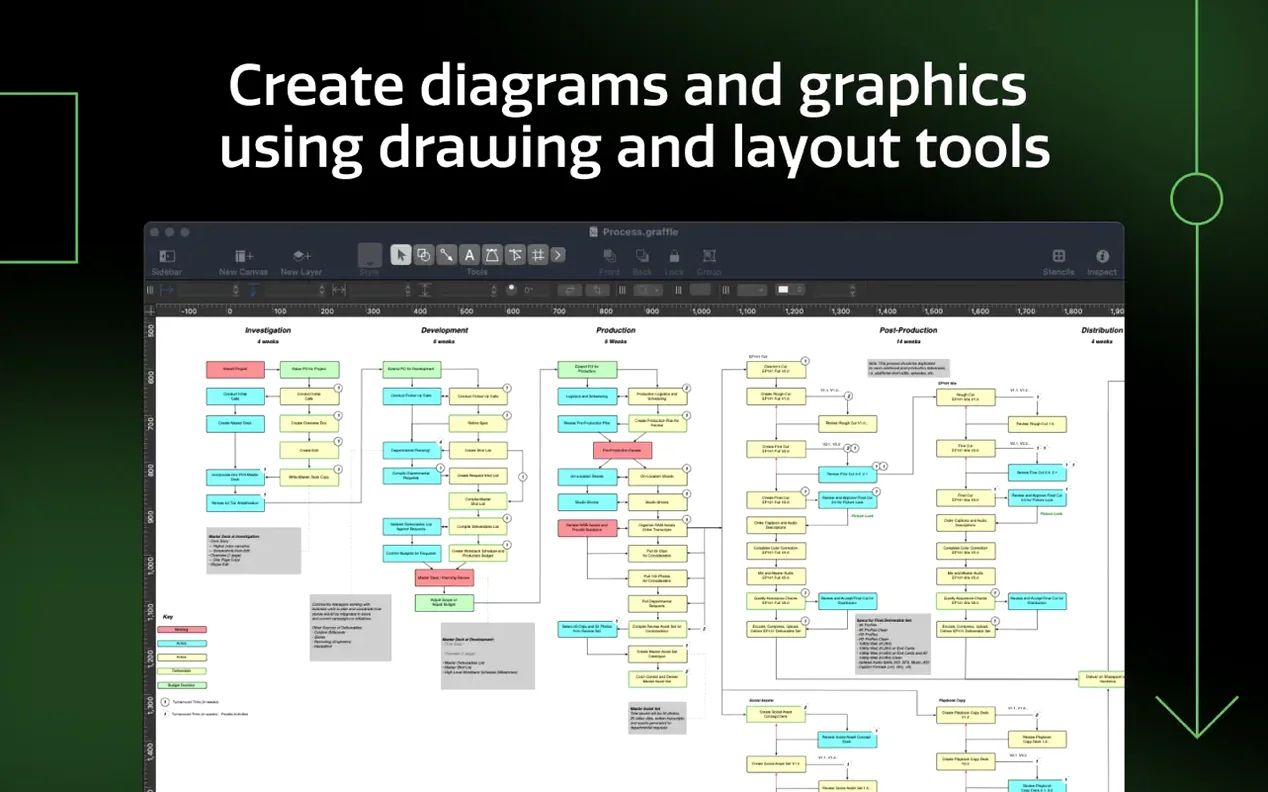
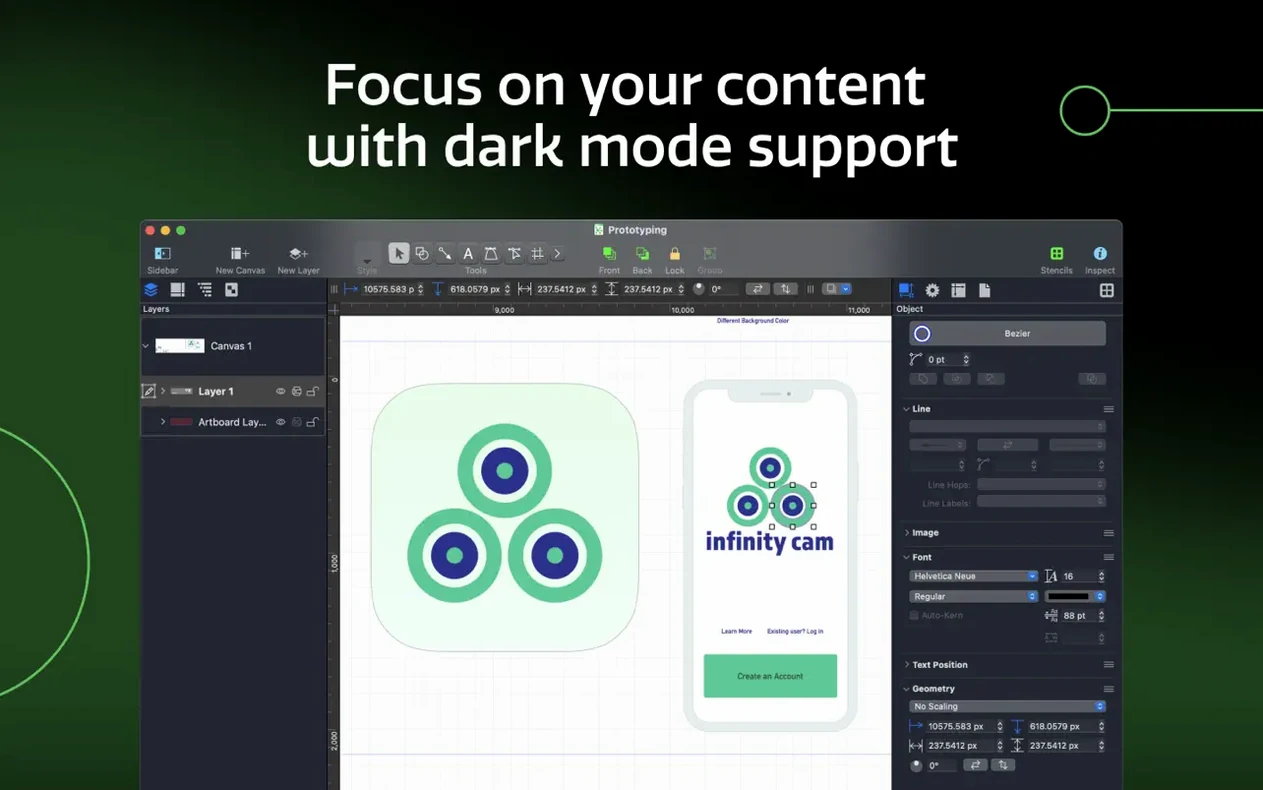
Systems designers, network engineers, product folks, and anyone who has to explain how parts fit together reach for OmniGraffle Pro. It is the kind of Mac app that stays out of your way until the moment you need a line that bends exactly so, then it delivers.
Mapping a support ticket flow with auto‑converting lines
Say you need to map how a support ticket moves through three teams. You start with an artboard, drop a few shapes, and draw connections. The real pleasure comes later:
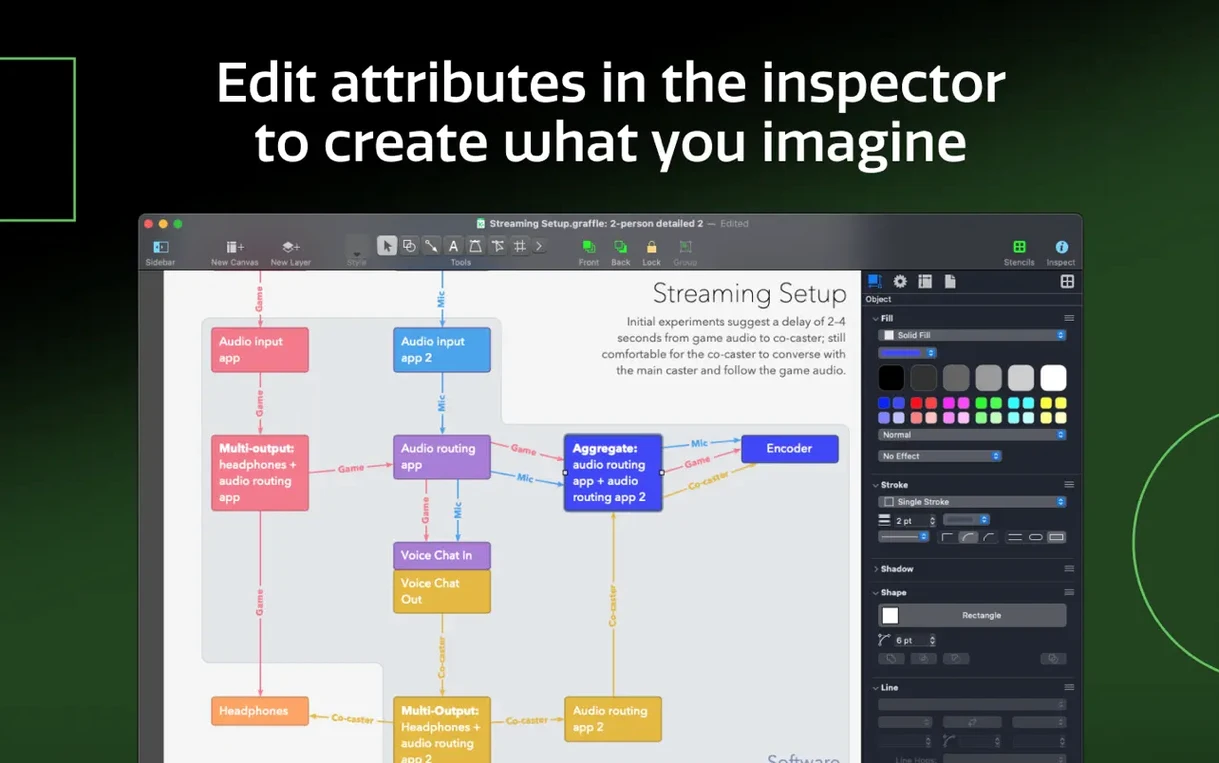
- Lines convert into shapes when the diagram calls for a chunky flow instead of a thin one.
- Shared layers let you swap the background or grid across every page without redoing work.
- Keyboard shortcut sets can be shared, so a colleague inherits your muscle memory.
Why the Pro edition earns its name
Simple graphics are easy here, but complex ones do not punish you. Import a Microsoft Visio VSD or VDX document and keep working. Generate an Xcode project diagram automatically. Version 7.26 requires macOS 14 or newer and runs on both Apple Silicon and Intel Macs. If you sketch things to think, this is worth your evening.
There is a quiet kind of satisfaction in getting a diagram to a point where it reads like a paragraph someone actually wants to read. The tools that help you get there are not always the ones you notice first. After you have spent a few hours with OmniGraffle Pro, a handful of small conveniences start to feel like second nature — and a couple of them are easy to miss if nobody points them out.
Small conveniences that earn their keep
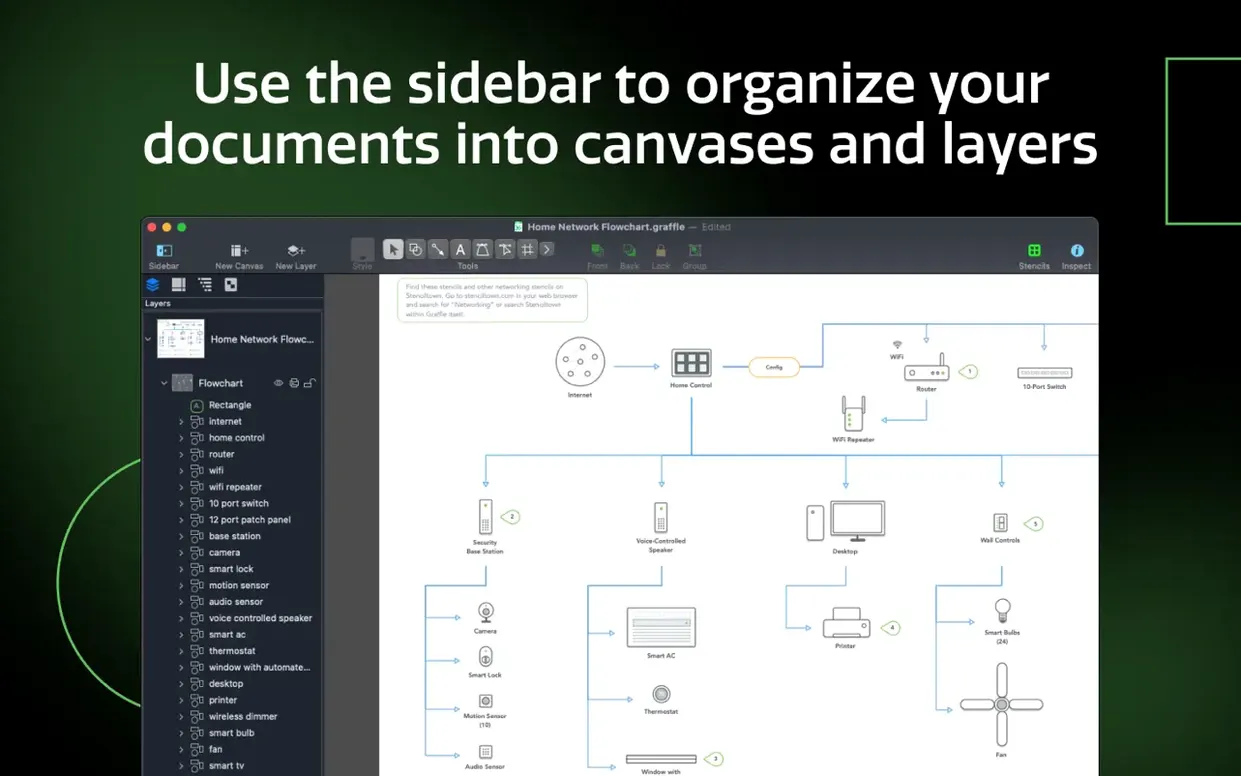
The canvas sidebar is more than a thumbnail rack. Drag one canvas on top of another and you get a nested hierarchy, which is how you build a multi-page document where section headers own their children. Right-click any shape and choose Convert Text to Shape — suddenly a label is a filled path you can distort, color with a gradient, or use as a mask. Convert a line to a shape and you can give a connector a fill, a stroke style, or even a drop shadow without tricking the inspector.
Another detail worth knowing: the table tool. It is not a spreadsheet pretending to be a diagram element. You create a table to group shapes, then add or delete rows and columns from the inspector. Drag a shape into a cell and it stays put when the table resizes. It makes arranging switch ports, rack elevations, or UI component inventories feel closer to building blocks than pixel-pushing.
Shared layers deserve a second look, too. Put your title block, logo, and legal text on a shared layer, then toggle it on for every new canvas in the document. When compliance asks for updated boilerplate, you change it once. The same trick works for watermarking a draft — one layer, turned off at export time.
Round‑tripping Visio files without a Windows machine
OmniGraffle Pro does not live in a bubble. The Visio bridge alone changes the conversation when someone sends over a VSD or VDX file from a Windows shop. Import it, rearrange, relabel, and export back as VDX. Stencils and templates — VSS and VST — come along for the ride. If your team uses Photoshop for presentation polish, export OmniGraffle layers directly into a PSD and each layer lands intact.
On the development side, the automatic Xcode project diagram feature is a quiet helper. Point it at a project folder and it maps out classes, protocols, and relationships. It is not a substitute for a well-kept architecture document, but it gives you a starting point that is honest about what the code actually looks like.
macOS integration is where the daily flow gets smoother. The app supports the system-wide share sheet, so you can send a selected diagram or artboard to Notes, Mail, or Messages without exporting first. Quick Look previews work in Finder, which saves time when you are hunting for the right version of a wireframe among a dozen similarly named files. Spotlight indexes .graffle documents, so searching for a shape label or a canvas name brings the file right up. And if you are setting up a new Mac, know that your OmniGraffle keyboard shortcut set can be exported as a file and dropped onto another machine — the app reads it and your fingers do not have to relearn anything.
If you have been looking for an omnigraffle download that gives you the full Pro toolset — Visio import, shared layers, the table editor, and the Xcode diagram generator — this is the version that puts everything on the table.
Version 7.26 is a quiet maintenance pass. It improves compatibility with macOS Golden Gate 27 and now requires macOS 14 or newer.
- macOS 14 or newer
- Apple Silicon or Intel Mac
Questions I actually get
Can OmniGraffle Pro open Visio files on a Mac?
Yes. It can import Microsoft Visio VSD and VDX documents, so shared work does not have to start from scratch.
Porch talk 0
Come in or pull up a chair to leave a comment.
Nobody has pulled up a chair yet. If you used it on a real Saturday, say what the hour was.
More for the same hour
Everything in Mac Apps
 OmniPlayer: MKV Video Player Pro
2.1.22 Mac Apps
78 MB
OmniPlayer: MKV Video Player Pro
2.1.22 Mac Apps
78 MB

 ON1 Photo RAW
2026.5.2 v20.5.2.19304 Mac Apps
1.1 GB
ON1 Photo RAW
2026.5.2 v20.5.2.19304 Mac Apps
1.1 GB

 One Switch
1.35.4 Mac Apps
7 MB
One Switch
1.35.4 Mac Apps
7 MB

 NotchNook
1.6.12 Mac Apps
Updated 41 MB
NotchNook
1.6.12 Mac Apps
Updated 41 MB

 OpenIn - Advanced Link Handler
4.5.1 Mac Apps
16 MB
OpenIn - Advanced Link Handler
4.5.1 Mac Apps
16 MB

 NotchBox
1.1.71 Mac Apps
7 MB
NotchBox
1.1.71 Mac Apps
7 MB

 Nook X
2026.10.24 Mac Apps
Updated 36 MB
Nook X
2026.10.24 Mac Apps
Updated 36 MB

 Pacifist
4.1.4 Mac Apps
38 MB
Pacifist
4.1.4 Mac Apps
38 MB