Disk Xray runs on any Mac with macOS 10.15 or later, whether it has an Apple Silicon chip or an Intel 64-bit processor. That covers most machines from the last several years, so you can likely install it and get started right away.
What does Disk Xray actually do?
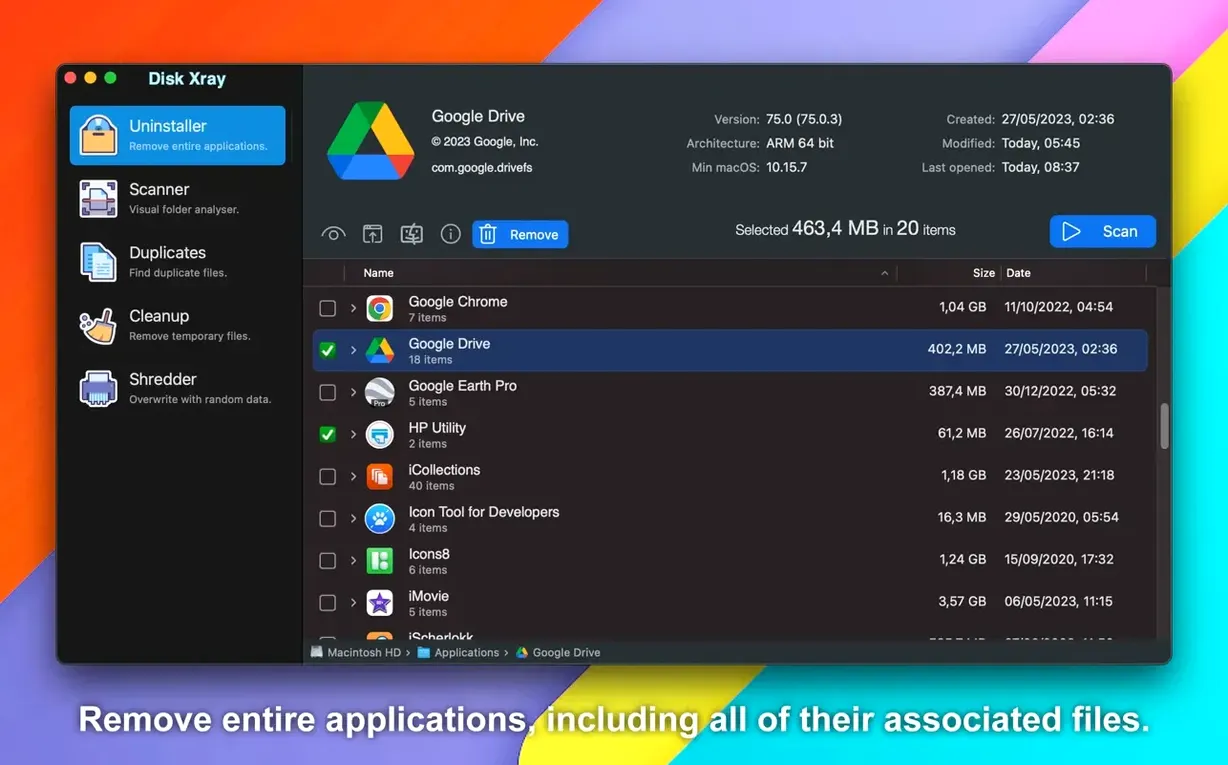
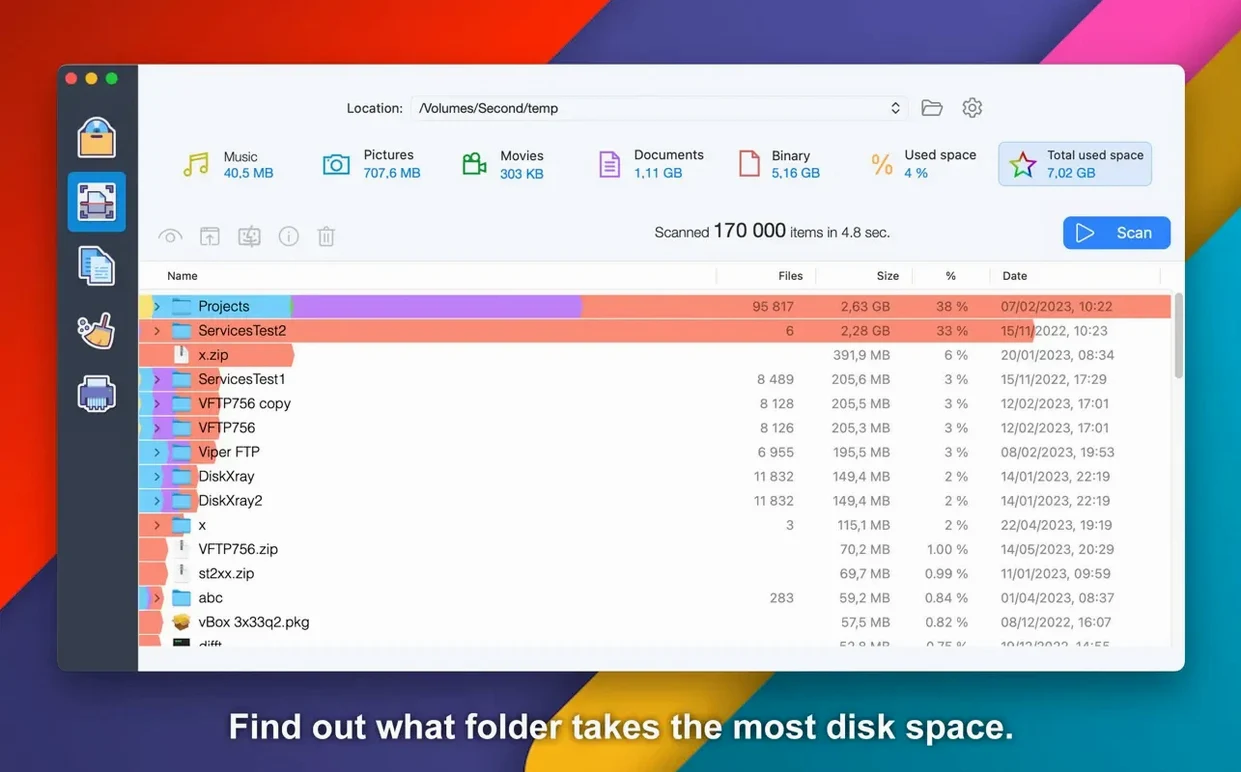
It has three main functions: analyzing disk usage, finding duplicate files and folders, and cleaning unnecessary data. You can set it to search for all large files on the disk, and scan results get grouped by file type so you can see what's eating space at a glance.
What can the cleanup tools remove?
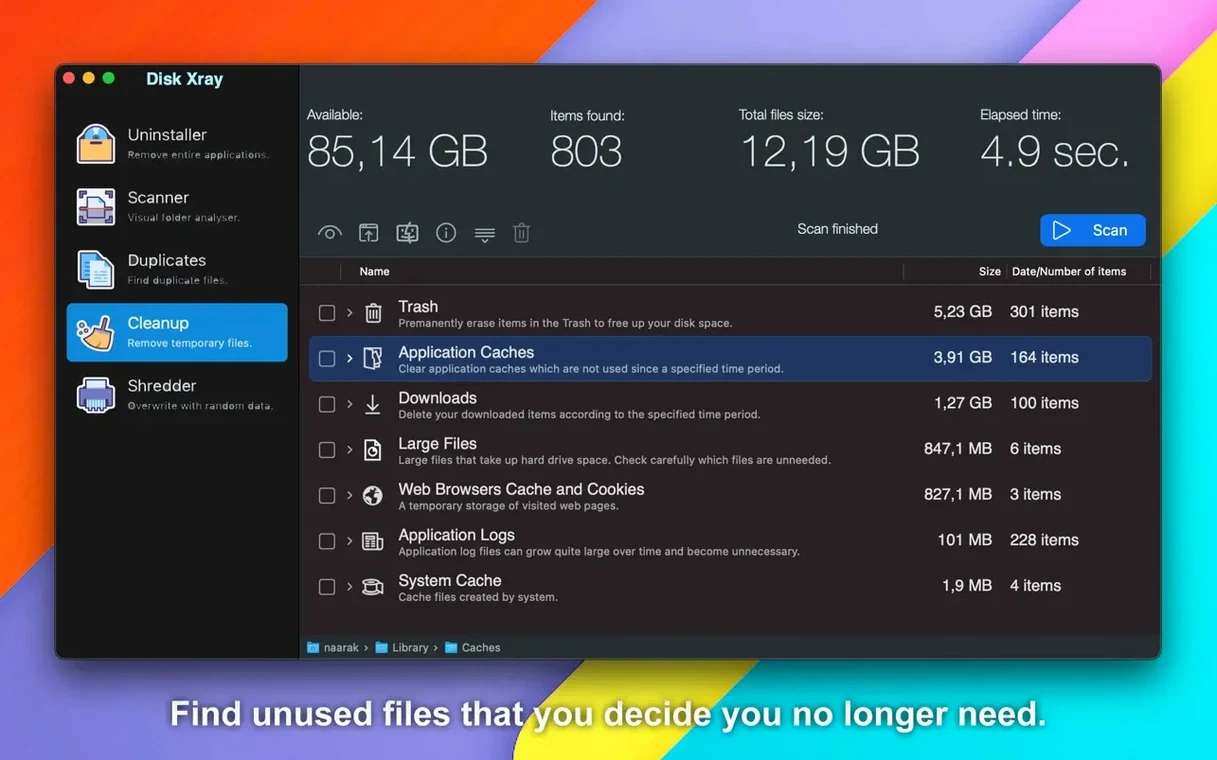
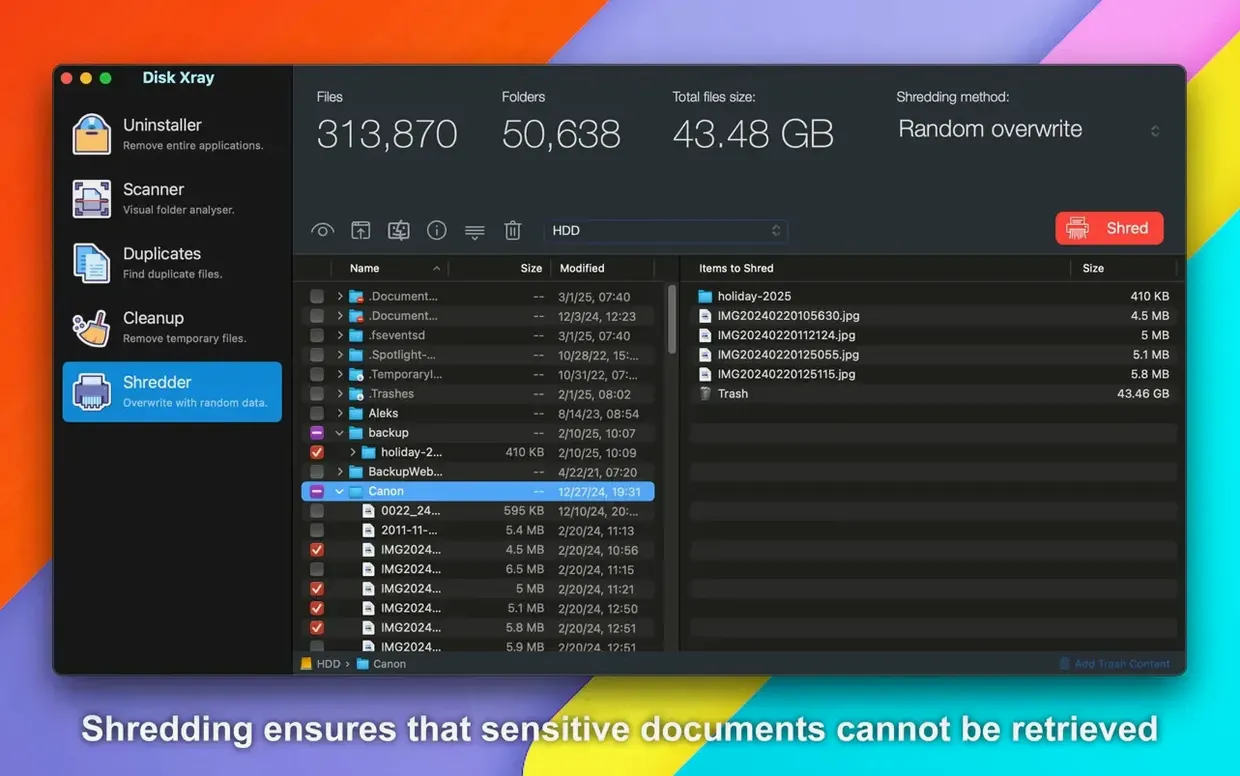
The cleaner handles application logs, browser cache, cookies, app cache, temporary files, and local email attachments. It can also remove applications you no longer want and securely shred files so they can't be recovered.
Who is Disk Xray for?
It suits Mac users who want a clear picture of where their storage went and a straightforward way to reclaim some of it. The interface comes in English, German, and French, which keeps things accessible for a good chunk of users.
Mistakes beginners make the first time they scan
Newcomers often launch a full disk scan, watch the file count climb, and then freeze up when they see folders like /System or /Library taking up huge chunks. The first mistake is assuming every large item is fair game for deletion. Those system folders contain files macOS needs to boot and run—touching them without knowing exactly what you're deleting can cause real headaches. A safer habit is to start with your home folder. Scan ~/Downloads, ~/Documents, or ~/Movies first, where most user clutter actually lives.
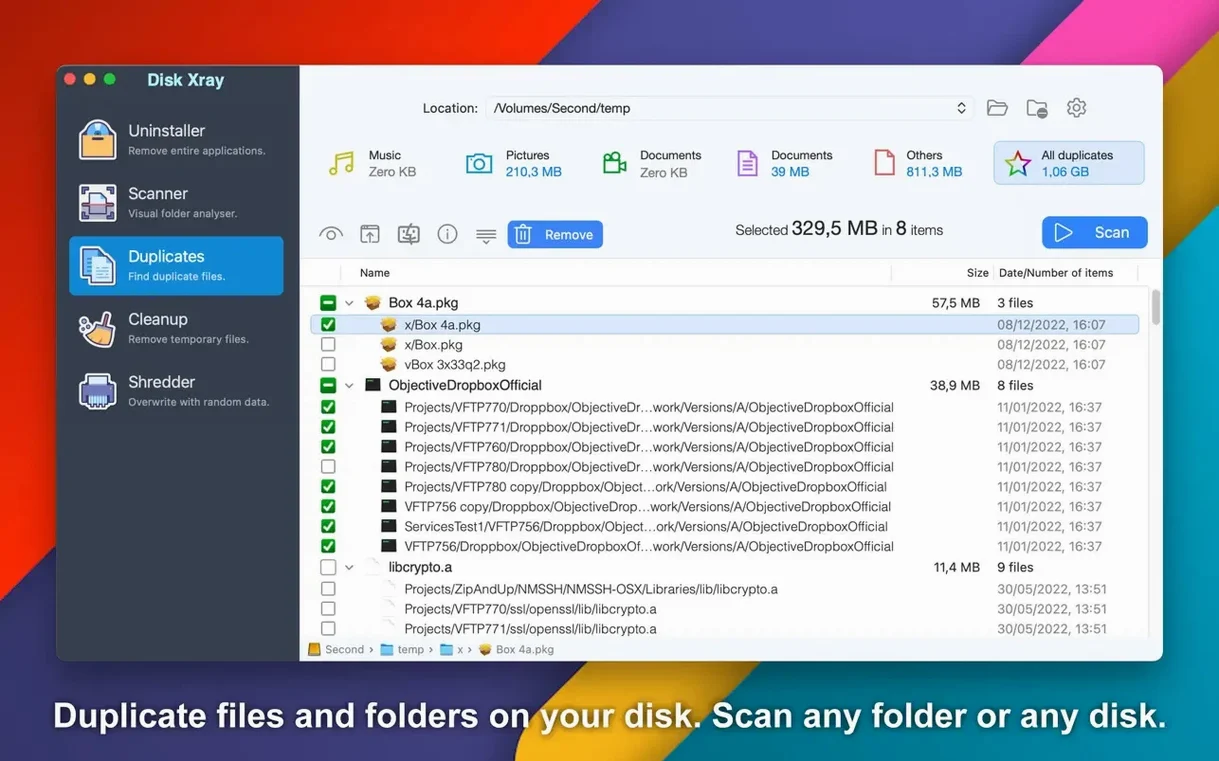
Another common slip is treating the duplicate finder like a bulk delete button. Disk Xray checks files byte by byte, which is thorough, but some duplicates—like localized resources inside app bundles or backup snapshots—serve a purpose. Deleting every duplicate the scan turns up can break applications or strip out files Time Machine references. Take a minute to spot-check results by path before you send things to the Trash. And if you act too fast, the undo option in the menu can pull items back, but it's better to move slowly than to rely on that safety net.
Drag Your Home Folder Into Its First Scan
You've just downloaded Disk Xray for Mac and opened it for the first time. The main window sits quiet, waiting for you to pick a module. You click Disk Usage and drag your home folder into the scan area. The progress bar fills as the app walks through every subfolder, and within a minute or two you're staring at a color-coded treemap. One block—your old iMovie library from three years ago—dwarfs everything else. You hover over it, see the size, and realize you forgot it even existed.
Next you switch to the Duplicates tab and run a scan on the same home folder. When the list populates, you notice you've saved the same batch of raw photos in two different folders. You sort by size, select the redundant copies, and use the app's move-to-Trash command. Then you hop over to the Cleaner, where a quick scan surfaces a few gigabytes of browser cache and application logs. You check the boxes next to those items, let the cleaner run, and close the app. In under ten minutes you've reclaimed space you didn't know you had, and you never once wandered into a system directory you shouldn't touch.
Version 5.6.4 is out with the developer's latest fixes and improvements — check the release notes on the Naarak Studio site for the full rundown.
- macOS 10.15 or later
- Apple Silicon & Intel 64-bit
Questions I actually get
Does Disk Xray work on Apple Silicon Macs?
Yes, it supports both Apple Silicon and Intel 64-bit Macs running macOS 10.15 or later.
Can Disk Xray find duplicate folders?
Yes, it can find duplicate files and duplicate folders, along with showing disk usage statistics.
What languages does Disk Xray support?
The interface is available in English, German, and French.
Porch talk 0
Come in or pull up a chair to leave a comment.
Nobody has pulled up a chair yet. If you used it on a real Saturday, say what the hour was.