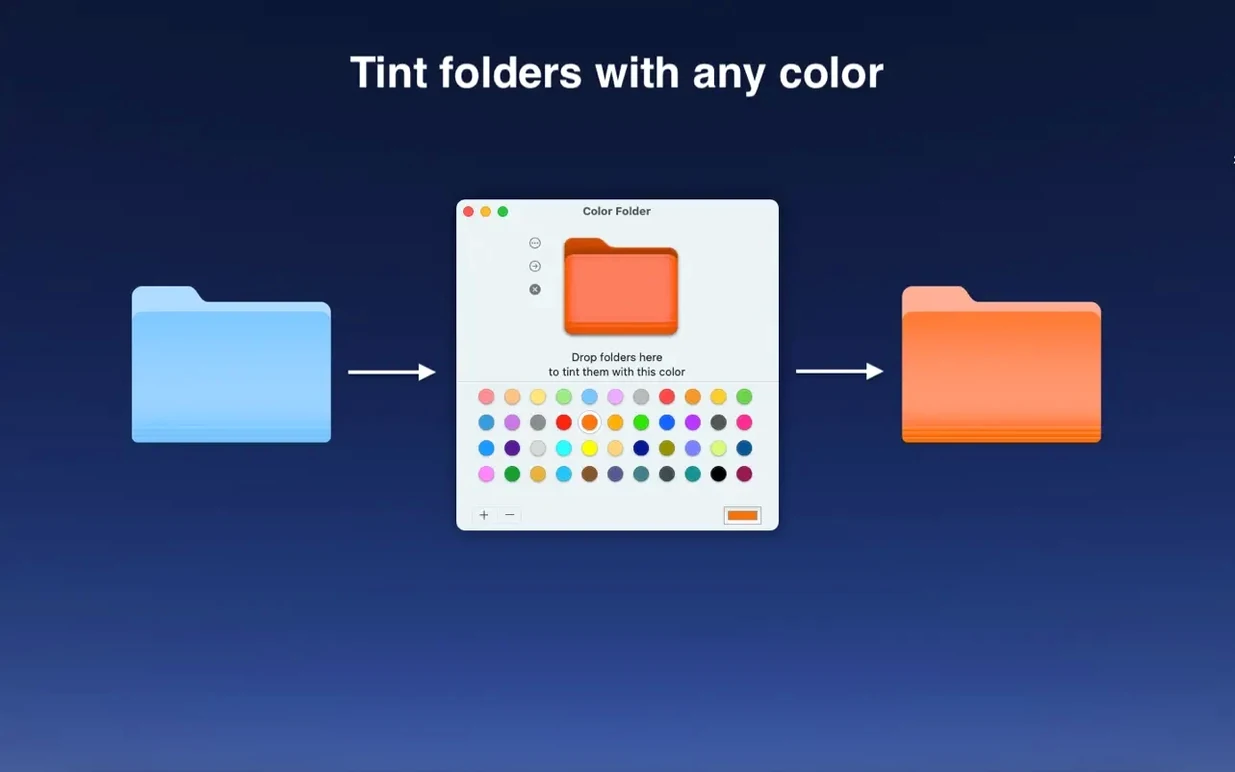
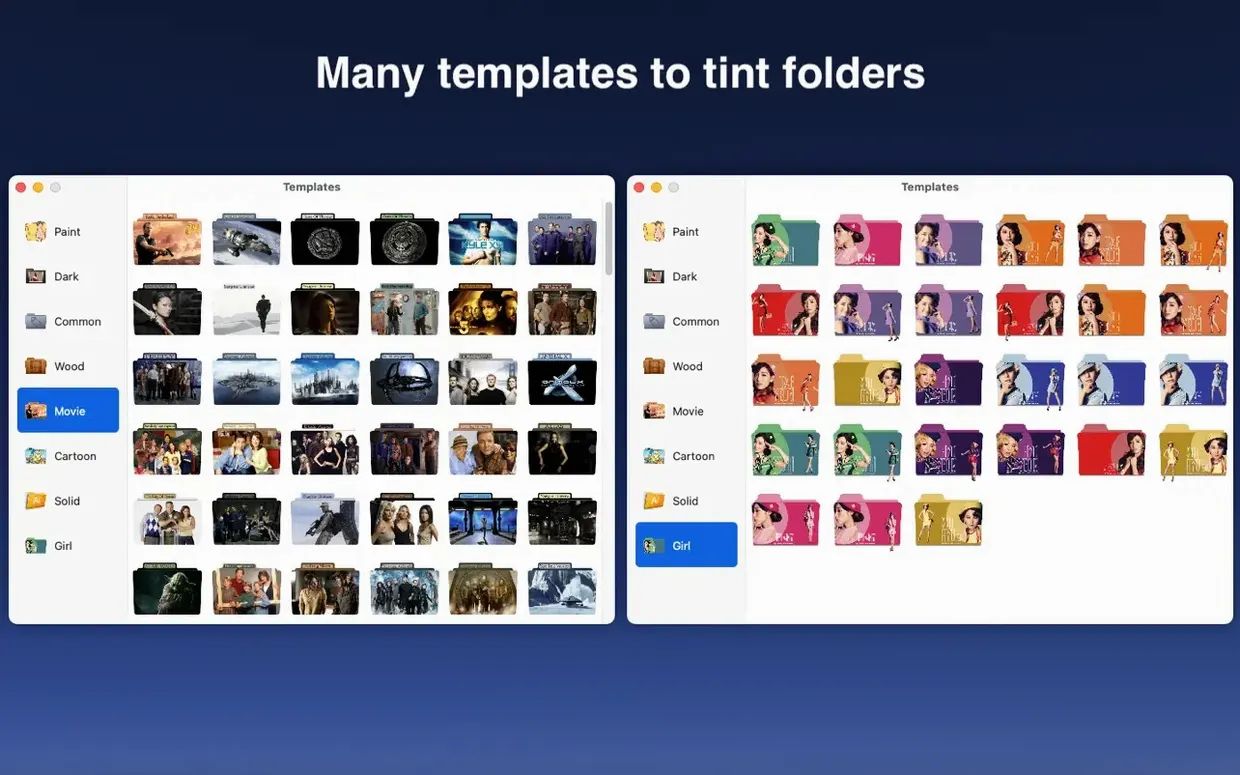
This update keeps things running smoothly on the latest Apple silicon and Intel Macs, though the developer didn't publish specific change notes for version 5.5. Color Folder Pro is a straightforward utility that solves a simple problem: making important folders stand out in a sea of identical blue icons. It's for anyone who visually hunts for project directories, client folders, or shared drives and wishes Finder offered more than a tiny label dot.
- Applies a color tint directly to any folder icon, not just a background label
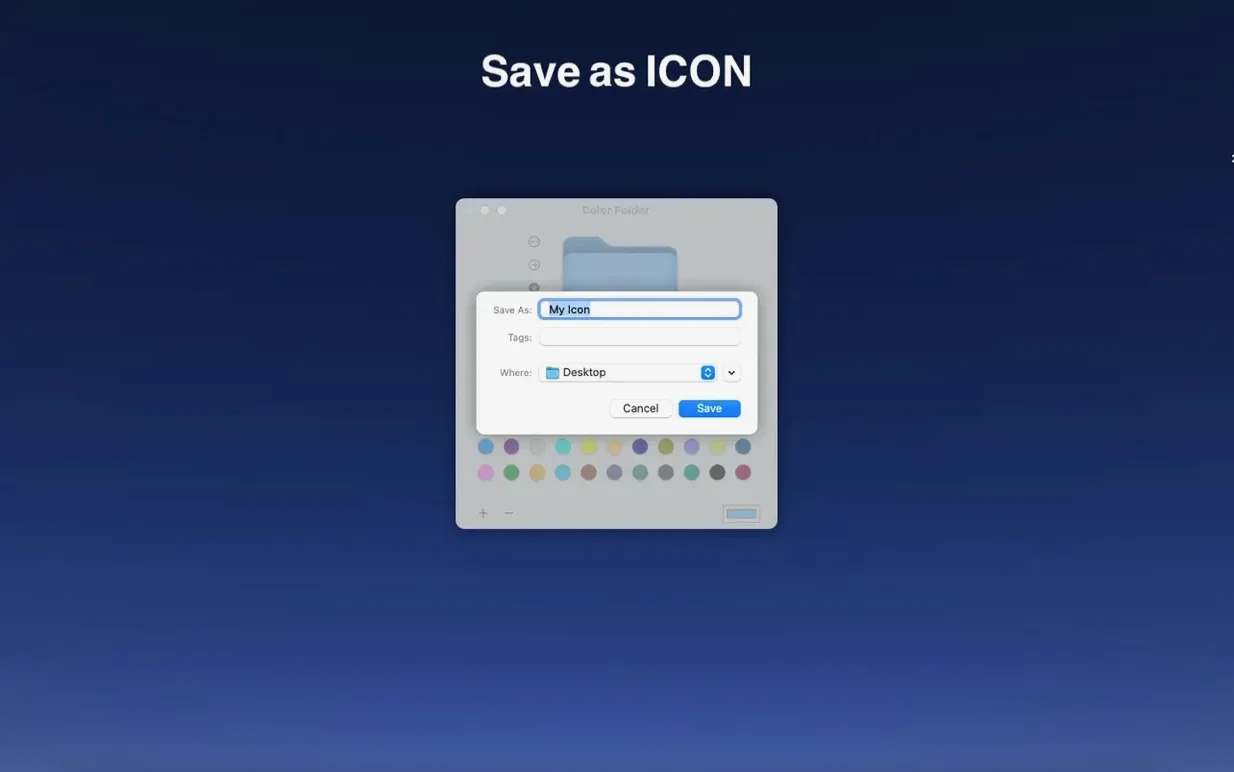
- Replaces a folder icon entirely with any image file you have on hand
- Processes changes almost instantly — select a folder, pick a color or image, and it's done
- Runs natively on both Apple Silicon and Intel 64-bit Macs
- Requires macOS 10.13 or later
- Interface available in English and Simplified Chinese
If your workflow relies on spotting folders by sight rather than reading names, this app removes the friction of digging through icon preferences. It's a small, focused tool that does one job without extra fuss.
Organizing a photography project from raw to final
Let’s walk through a real scenario where Color Folder Pro earns its keep. You come back from a weekend shoot with a card full of raw files. In Finder, everything lives in a single dump folder, and the next hour of culling will involve moving selects, edits, and exports in and out of various directories. The default blue icons start blending together by the second cup of coffee.
Start by selecting the main project folder and applying a deep teal tint — something that says “this is the hub.” Then create three subfolders: RAW Keepers, Edits in Progress, and Final JPGs. Select all three at once, right-click, and pull up the color palette. Give RAW Keepers a muted orange, Edits in Progress a cautionary yellow, and Final JPGs a clean green. Because the app processes batches without flinching, all three snap to their new colors the moment you commit. Later, when you need to drag a finished edit into the green folder, your eye catches it before your brain reads a single word. That’s the whole point — cutting the visual search time down to nearly nothing.
Undoing a folder color is instant and leaves zero trace
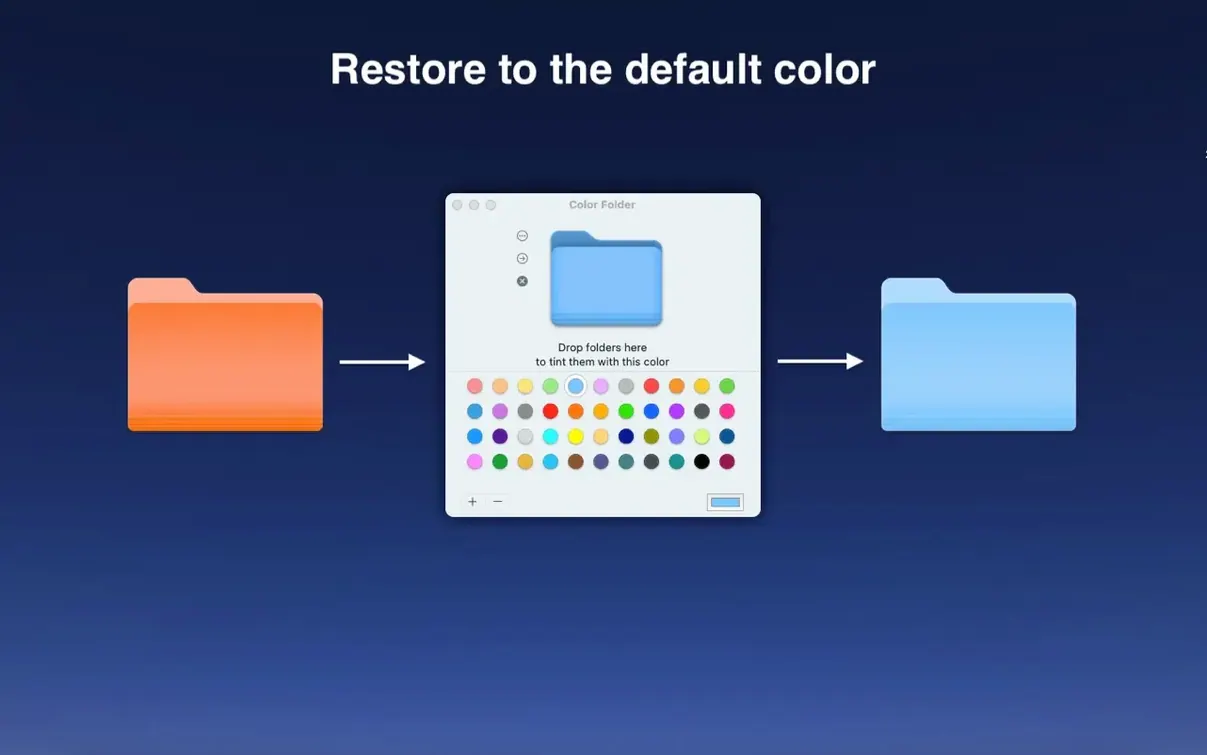
One hesitation people often voice is whether changing a folder icon is permanent or reversible. It’s a fair concern when you’re dealing with client directories or shared drives. The answer: nothing Color Folder Pro does is baked in. You can revert any folder to its default icon with a couple of clicks inside the app, and the original folder contents are never touched. The change sits at the cosmetic level of the file system, the same as if you pasted an image into the folder’s Get Info panel — just much faster.
Another common question is about third-party sync services like Dropbox or OneDrive. Will the colored folders survive on another Mac? In practice, yes. The custom icon travels with the folder as metadata, so when a colleague opens the shared directory on their end, they see the same visual cue you set. It’s a small touch that makes shared project folders far easier to navigate across a team.
Some folks hunting for a Color Folder Pro Mac torrent wonder about compatibility with newer macOS versions. This build runs on everything from High Sierra up through the latest Sequoia releases, and the dual-architecture support means no Rosetta penalty on Apple Silicon. The Gatekeeper workaround during installation is a one-time Terminal step, after which the app launches like any other.
Runs without a menu bar helper or background process
In daily use, Color Folder Pro is practically weightless. It doesn’t sit in the menu bar, doesn’t spawn a background daemon, and consumes no measurable CPU when idle. Applying a color or swapping an icon to a folder full of large video files takes the same fraction of a second as it does on an empty directory — the app isn’t touching file contents, just the icon resource, so disk I/O is negligible.
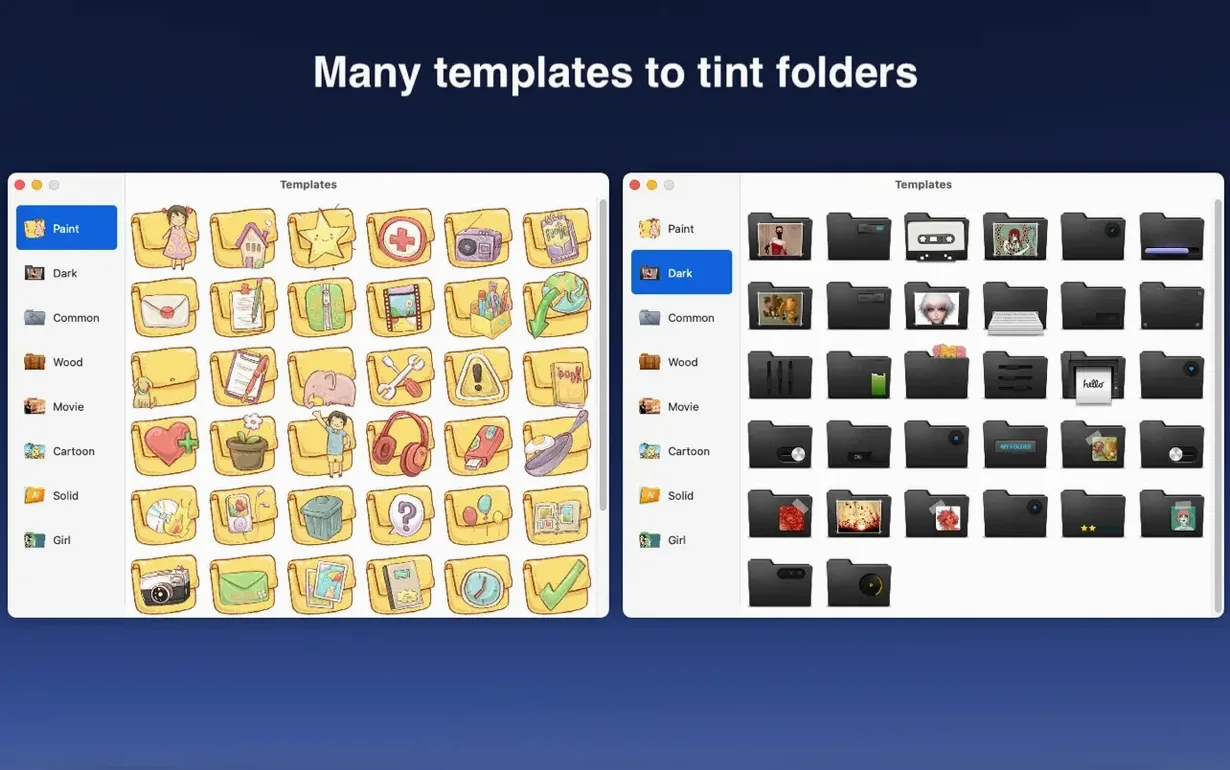
Over a few weeks of regular use on an M1 machine, it hasn’t caused a single Finder hiccup or required a relaunch. Memory usage hovers under 40 MB during active icon changes and drops to near zero when closed. The 700-plus built-in templates load without lag, and dragging in a custom PNG works reliably as long as the image has a square-ish aspect ratio. If you’re the type who color-codes everything from tax folders to recipe collections, the app stays out of your way completely — which is exactly what a utility like this should do.
- macOS 10.13 or later
- Apple Silicon or Intel 64-bit Mac
Questions I actually get
Can I use my own photos as folder icons?
Yes, the app lets you apply any image as a folder icon, not just preset colors.
Does Color Folder Pro work on older Macs?
It supports macOS 10.13 and later, so it works on a wide range of Macs from recent years.
Porch talk 0
Come in or pull up a chair to leave a comment.
Nobody has pulled up a chair yet. If you used it on a real Saturday, say what the hour was.