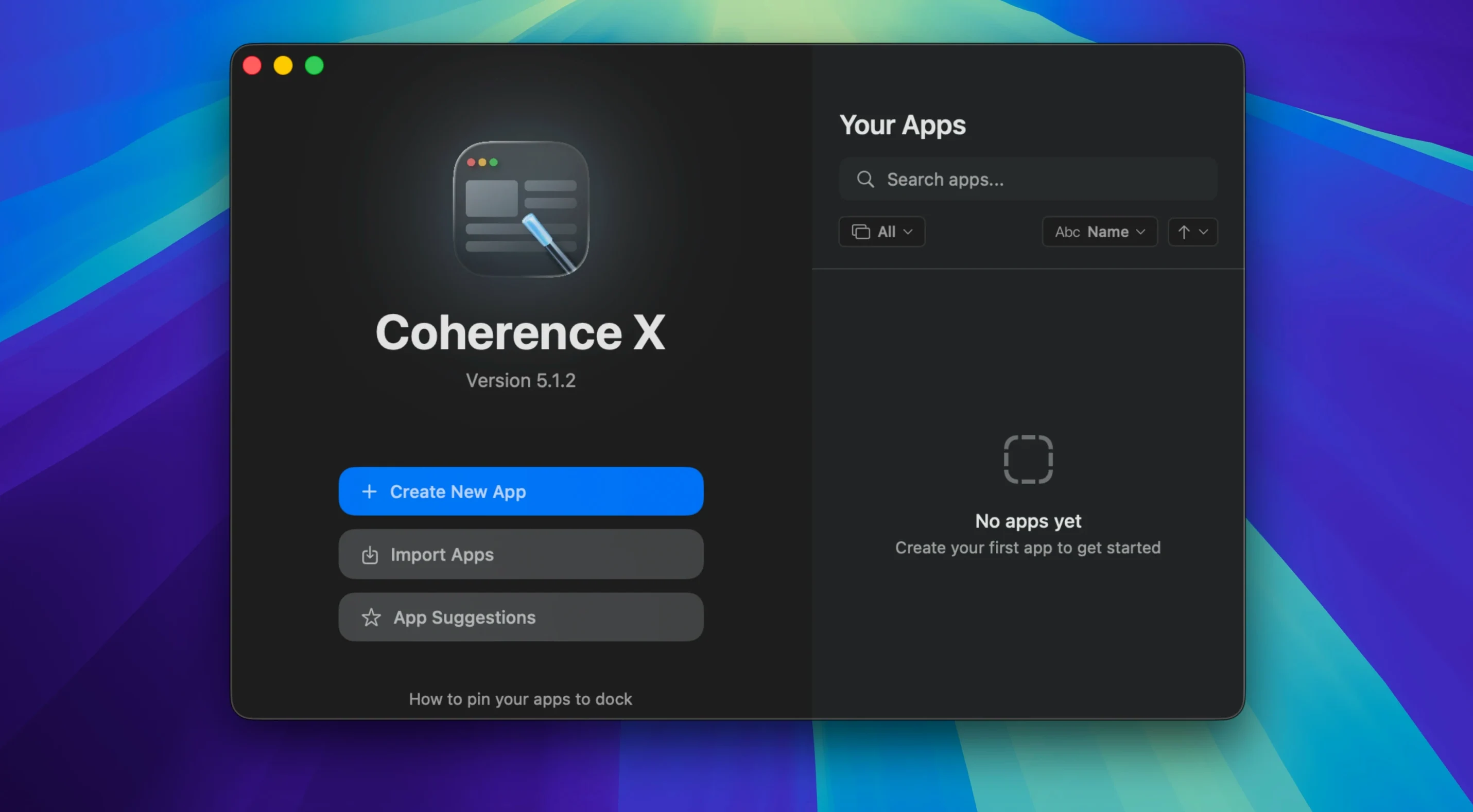
Coherence X is a macOS app that turns any website into a standalone, Chrome-based desktop app.
Building a focused web app, start to finish
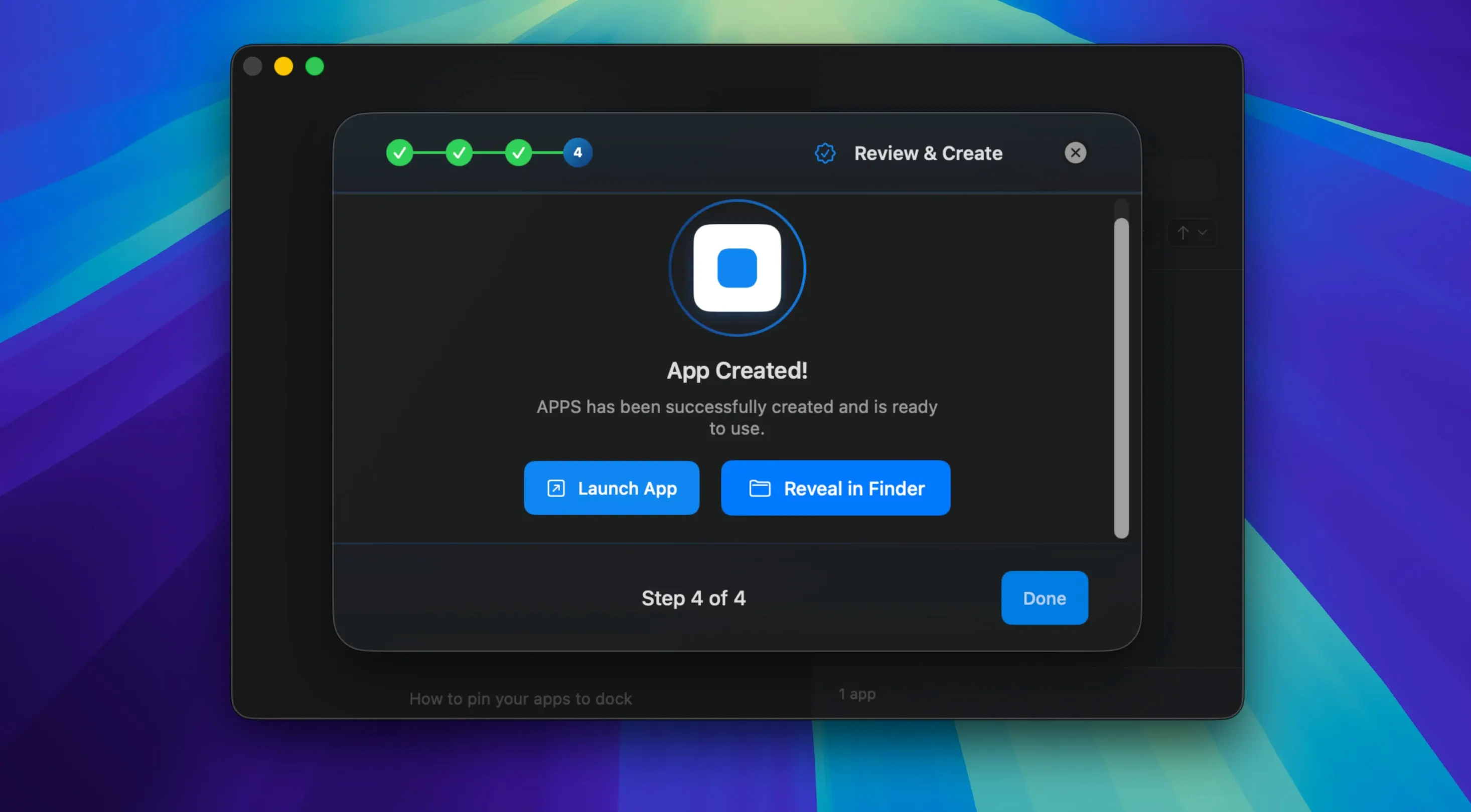
- Create the app. Point Coherence X at the site you want to isolate. It wraps the page in its own window with a proper Dock icon.
- Decide how it behaves. Choose whether it should open as a single-window app or a tabbed one.
- Set up link routing. Add the domains that should stay inside the app. Version 6.1 lets you add multiple domains at once, and each new rule starts with a suggested destination, so you can send stray links back to your main browser without fuss.
- Adjust the look. Tweak the appearance to match how you work. Since version 6.1, those changes save without rebuilding the app.
- Launch and forget. The site now lives in its own space on your Mac, separate from your everyday browsing tabs.
If you spend your day bouncing between a handful of web tools, this approach keeps them close without dragging the rest of the internet along for the ride.
Giving a Web Service Its Own Dock Icon
Coherence X doesn't try to be your only tool. It fits between your main browser and the places where a site starts to feel like its own application. People use it when a service has no native Mac version — or when the native version feels like an afterthought — and they want something that sits in the Dock, responds to ⌘-Tab, and keeps its own cookie jar separate from the five research tabs open in Chrome.
The created apps play nicely with macOS in ways a pinned browser tab never will. Dock clicks bring a minimized window back up. If you close the last window and click the Dock icon again, it opens a fresh one — no hunting through a browser window list. Spotlight finds the app by name. Focus modes ignore it or include it like any other program. And because each app can carry its own Chrome profile, you can be signed into a work account in one and a personal account in another, both for the same service, without a single sign-out dance.
Extensions slot in where you need them. A Notion app gets Grammarly. A Figma app gets a color picker. Your banking app gets nothing extra — you simply don't install extensions there. Link routing ties it together: click a doc link inside the Figma app and it can open in your main browser, while design file links stay put. Version 6.1's multi-domain routing makes this far less tedious to set up than it used to be.
Your Apps Folder Isn't a Bookmark Drawer
The first thing people get wrong is treating Coherence X like a bookmark manager. It isn't one. Dumping twenty sites into twenty separate apps, all with different extension sets and profiles, turns your Applications folder into a drawer nobody wants to open. Start with two or three sites you genuinely live in — the ones where you lose twenty minutes a day digging through tabs. Add more only when the friction of not having a dedicated app outweighs the mild setup overhead.
Another classic stumble: ignoring link routing entirely, then wondering why every external click spawns a full Chrome window. Spend ninety seconds on the routing rules after creating the app. Tell it which domains belong inside and which should bounce out to your browser. The 6.1 update makes this faster, but you still have to do it.
People also assume every site works well as a standalone app. Most do, but a handful of heavy single-page apps expect a full browser toolbar or behave oddly without the parent window's context menus. If something feels off, try switching between Standard and Tabbed mode before giving up — the difference can be night and day for sites that spawn lots of child windows.
Finally, don't overlook the incognito mode option. If you're building an app for a service where you routinely log into multiple accounts, an incognito session per app window solves the cookie collision problem cleanly, without touching your main browser's settings.
Fix the Unresponsive Extension Button
The extension won't connect. You hit the "Manage in Coherence" button and nothing happens, or you get the new connection-failure message added in 6.1. Nine times out of ten, the app needs a quick relaunch after installing a batch of extensions. If that doesn't fix it, check whether the Chrome Web Store page is actually open inside the Coherence app — not in your regular browser. Extensions install per-app, not globally.
Links keep escaping to the browser. You set up routing, but certain links still fly off into a Chrome tab. Look at the URL pattern closely. Some services use redirect chains or shortened links that don't match the domains you entered. Add the intermediate domain to the rule. Version 6.1's multi-domain input field makes this a one-step edit instead of rebuilding the app for each tweak.
The app feels sluggish on launch. A created app loads the Chrome engine on first open, which takes a beat. If you've loaded a dozen extensions into one app, startup time stretches further. Pare down to what you actually use inside that specific service. Extensions you installed "just in case" add real overhead.
Two apps for the same service keep mixing accounts. This usually means both apps are sharing a Chrome profile instead of using separate ones. When you create the second app, pick a different profile — or let Coherence X create a fresh one. Profiles are the backbone of account isolation here, and skipping that step means you're just making two windows into the same session.
Appearance changes don't stick. Before 6.1, this meant a full rebuild. Now it doesn't — changes save on the fly. If they still aren't taking, make sure the app isn't locked or running from a read-only location. Dragging the app to /Applications rather than running it from the disk image solves this instantly.
Exporting apps for sharing is another feature people discover late. If a teammate wants the same Figma setup with the same extensions and routing rules, you can hand them the exported app file instead of walking through the build steps. It's saved a few people an afternoon of back-and-forth messages.
Version 6.1 makes day-to-day tweaks feel less like a chore.
- Easier link routing by adding multiple domains at once.
- New routing rules start with a suggested destination.
- Link routing and appearance changes save without rebuilding the app.
- macOS 13 or later
- Apple Silicon or Intel Mac
Questions I actually get
Does Coherence X work on Apple Silicon Macs?
Yes, it supports both Apple Silicon and Intel Macs running macOS 13 or later.
Can I change how links behave after building an app?
Yes. Version 6.1 saves link routing changes without rebuilding the app, and new rules start with a suggested destination.
Which interface languages are available?
The interface is available in English, German, and Spanish.
Porch talk 0
Come in or pull up a chair to leave a comment.
Nobody has pulled up a chair yet. If you used it on a real Saturday, say what the hour was.