

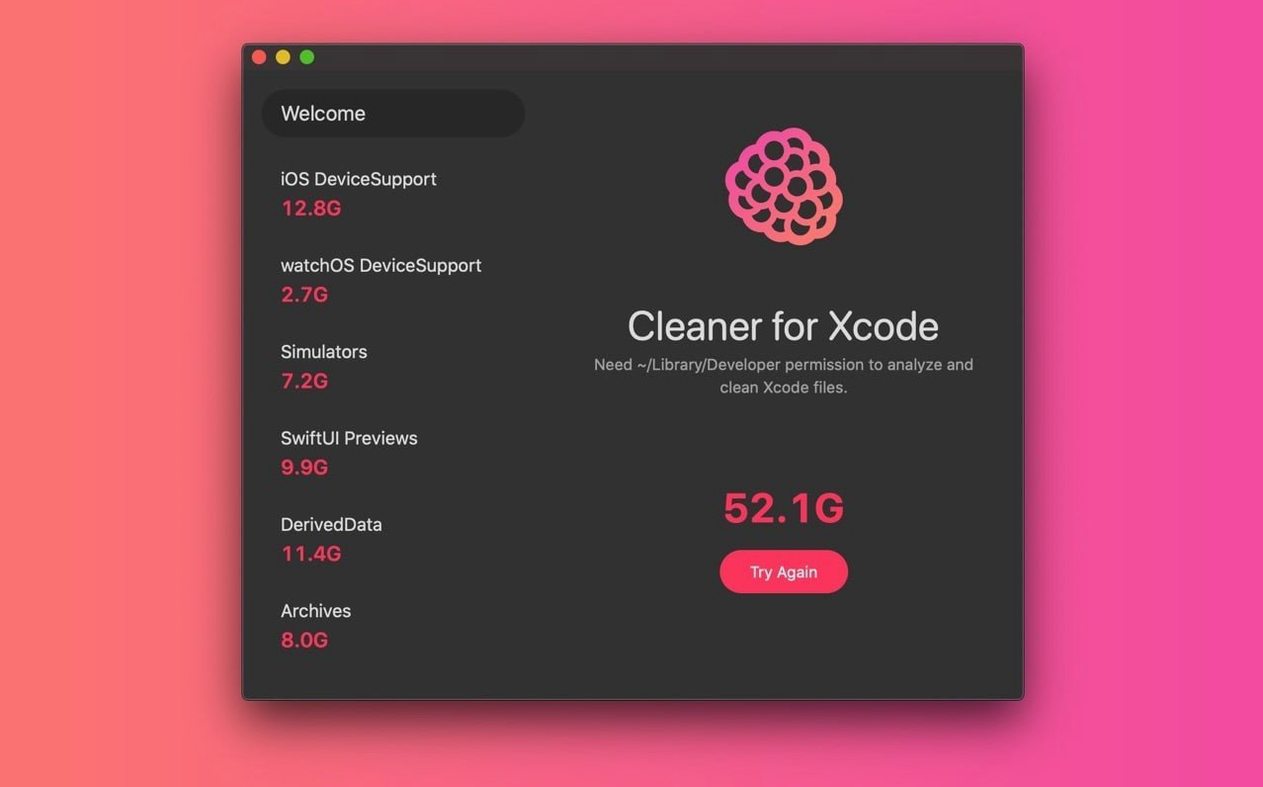
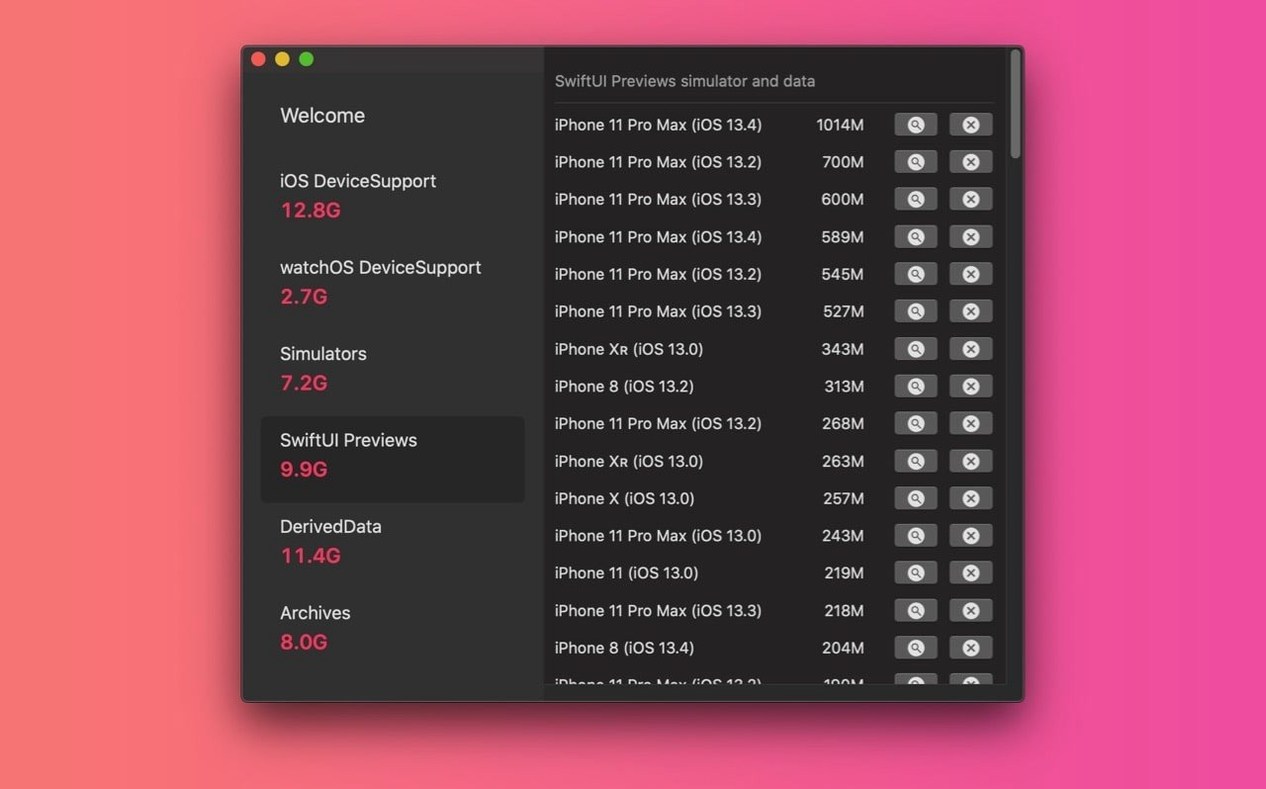
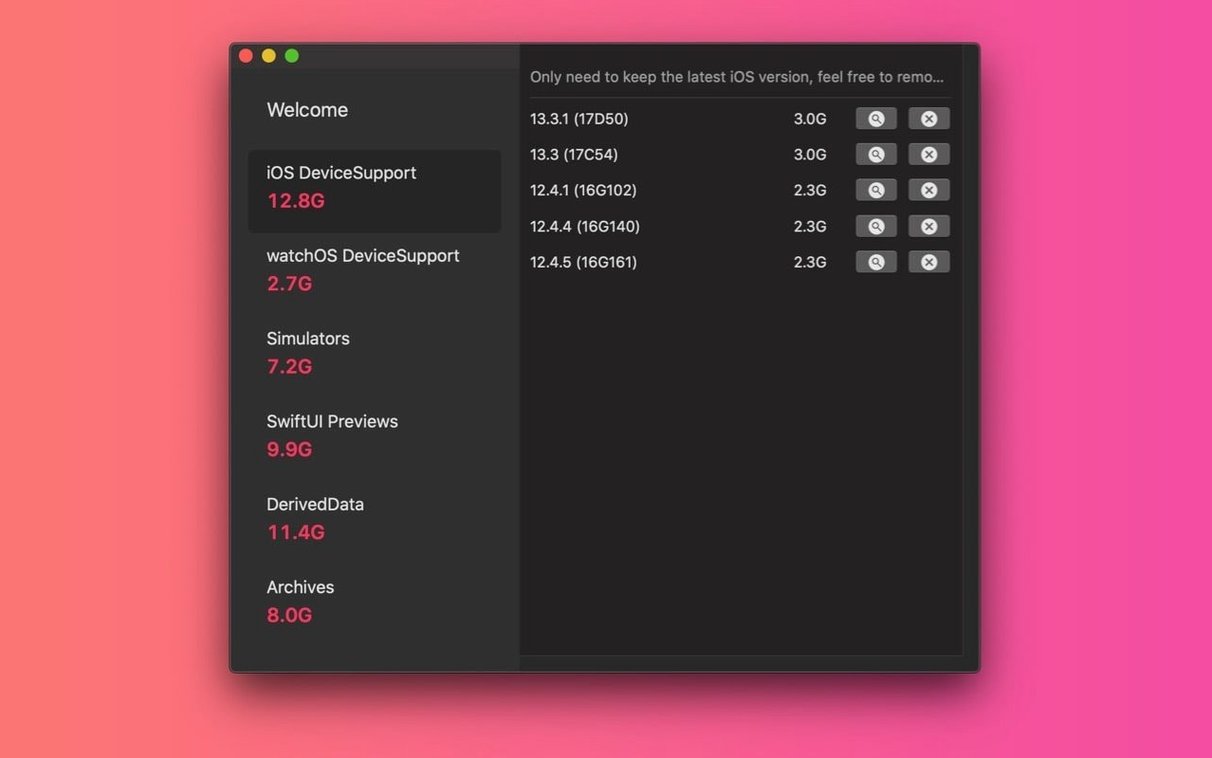
Cleaner for Xcode is a Mac app that removes unnecessary Xcode files, freeing up disk space and keeping your developer folder tidy.
Clears Old Xcode Build Artifacts
- Removing unwanted and deprecated Xcode files that accumulate over time.
- Running weekly or monthly to maintain a clean developer environment.
- Saving disk space on your Mac without hunting through folders manually.
Requires macOS 11+ and Intel 64-bit
- Version 4.0.5 fixes a duplicated display issue after re-analysis.
- Runs on macOS 11 and later, Intel 64-bit.
- Interface available in English, Simplified Chinese, Portuguese, and Thai.
Right-Click Any Folder in Finder
The quickest way into Cleaner for Xcode is through its context menu. Right-click any folder in Finder — your project directory, the whole Developer folder, or just a build cache — and if the app is running, you'll see a shortcut to scan that location. It's one of those details you don't notice until you use it, then wonder how you went without it.
Another easy-to-miss touch: the app remembers your last scan location. Open it after a week of coding, and it's already pointed at the directory you cleaned before. One click, done.
There's also a quiet keyboard shortcut for rescanning — Cmd+R — that skips the menu navigation. Handy when you're in a rhythm and don't want to lift your hands off the keyboard.
Recognizes Xcode-Specific Build Artifacts
Cleaner for Xcode lives alongside tools like App Cleaner or a manual du -sh in Terminal, but it's purpose-built for Xcode's particular mess. Where a general disk cleaner sees generic cache files, Cleaner for Xcode recognizes build artifacts, old SDK leftovers, and deprecated intermediate files that Xcode itself forgets to sweep.
It also plays well with macOS storage management. After a cleanup, the freed space shows up in the storage panel under System Preferences — no surprises. And because it only touches files Xcode no longer needs, it won't trip up Time Machine or cloud-sync folders. Your project backups stay intact.
For developers who keep a cleaner for Xcode Mac torrent in their toolkit, this app fills a specific gap: it's targeted, not scattershot. You run it, it looks at your Xcode footprint, and it reports what it found before deleting anything.
Thursday Afternoon Post-Feature Cleanup
It's Thursday afternoon. You've just shipped a feature branch and merged it to main. The project compiles, tests pass, but your Mac's disk is down to a few gigabytes. Time for a cleanup.
You open Cleaner for Xcode from Launchpad. The window appears with a single button: scan. You click it, and the app starts combing through ~/Library/Caches, ~/Library/Application Support, and the hidden .gradle folders that Xcode's build system litters over time. The progress bar moves quickly — a few seconds for a moderately sized workspace.
You check the boxes, click clean, and confirm.
You close the app and get back to work. The next time Xcode does an incremental build, it's a little faster. Your disk has room again. You'll run it again next month, or sooner if another big project lands on your desk.
- macOS 11 or later
- Intel 64-bit
Porch talk 0
Come in or pull up a chair to leave a comment.
Nobody has pulled up a chair yet. If you used it on a real Saturday, say what the hour was.
More for the same hour
Everything in Mac Apps
 YTD Video Downloader PRO
7.8.0 Mac Apps
93 MB

 YT Saver
10.15.0 Mac Apps
115 MB

 Wondershare UniConverter
15.7.3.564 Mac Apps
324 MB

 Wondershare Recoverit
14.0.20.6 Mac Apps
212 MB

 Wondershare Filmora
14.8.17 Mac Apps
924 MB

 Wirecast Pro
16.5.5 Mac Apps
820 MB

 Wipr
2.38 Mac Apps
7 MB

 WinZip Mac Pro
12.0.7282 Mac Apps
36 MB