
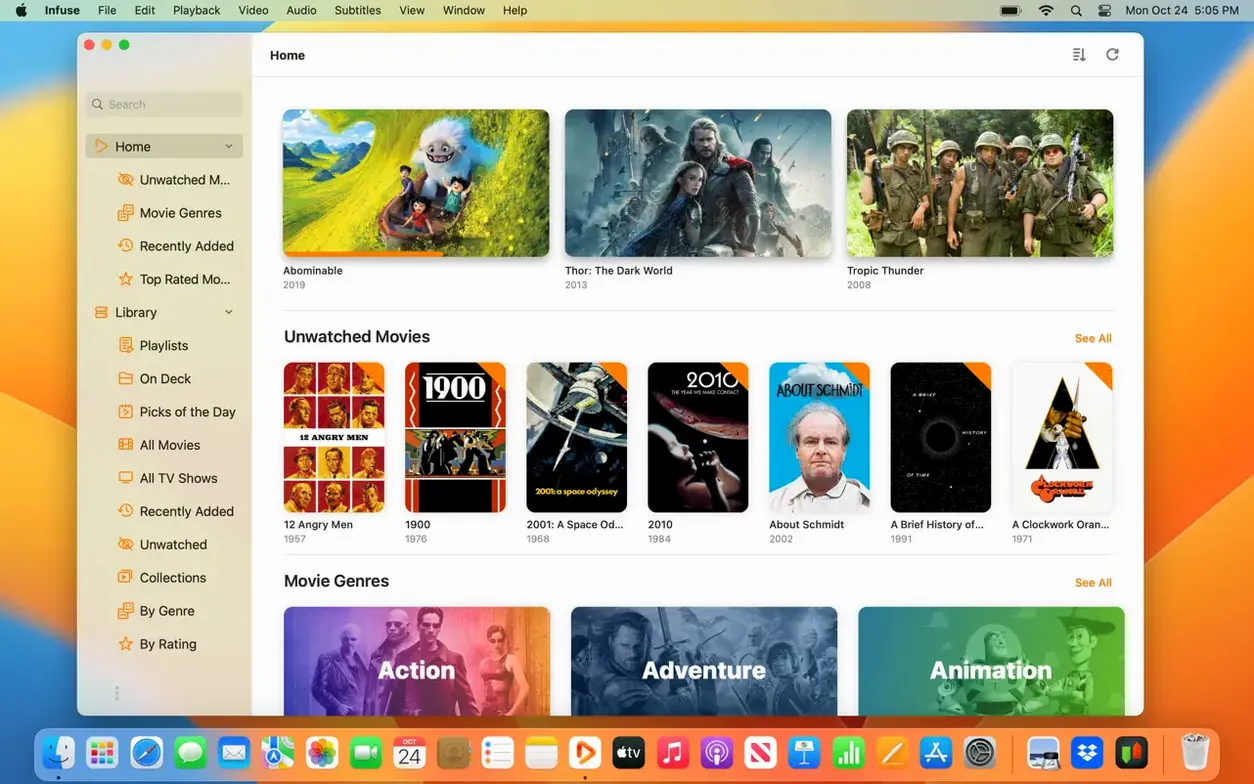
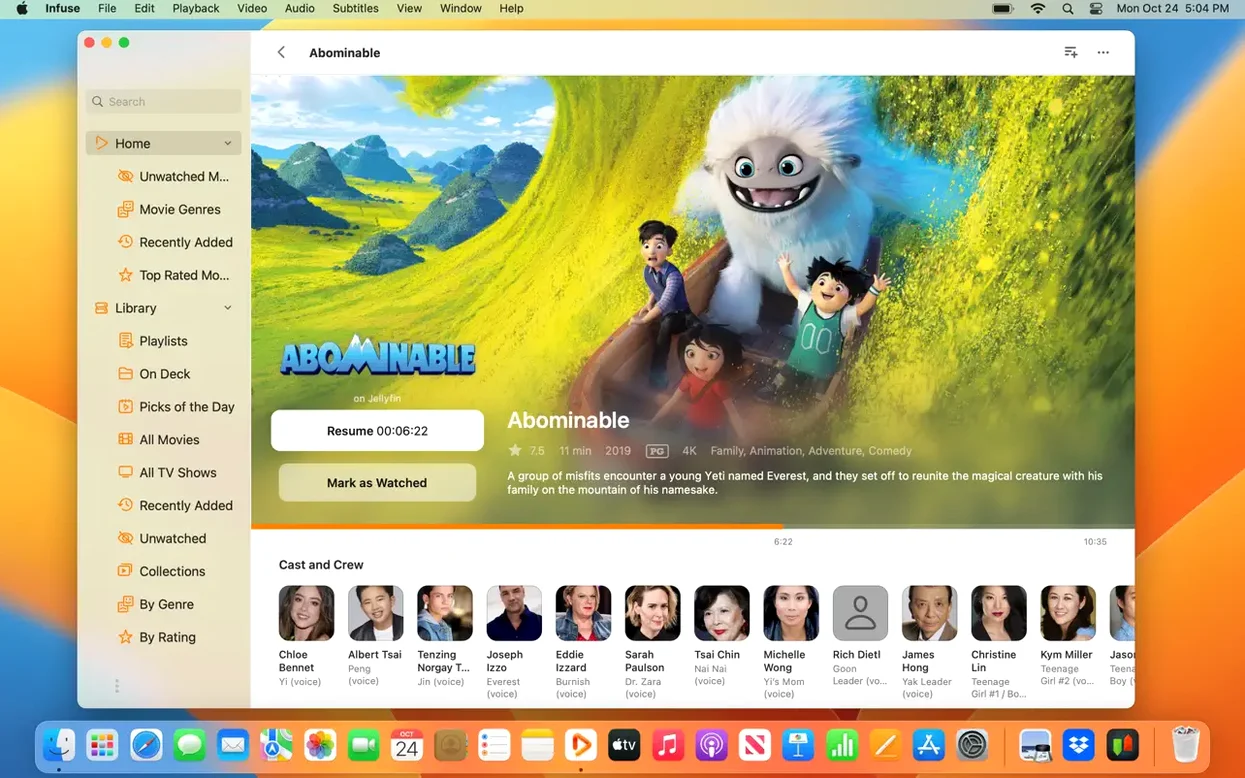
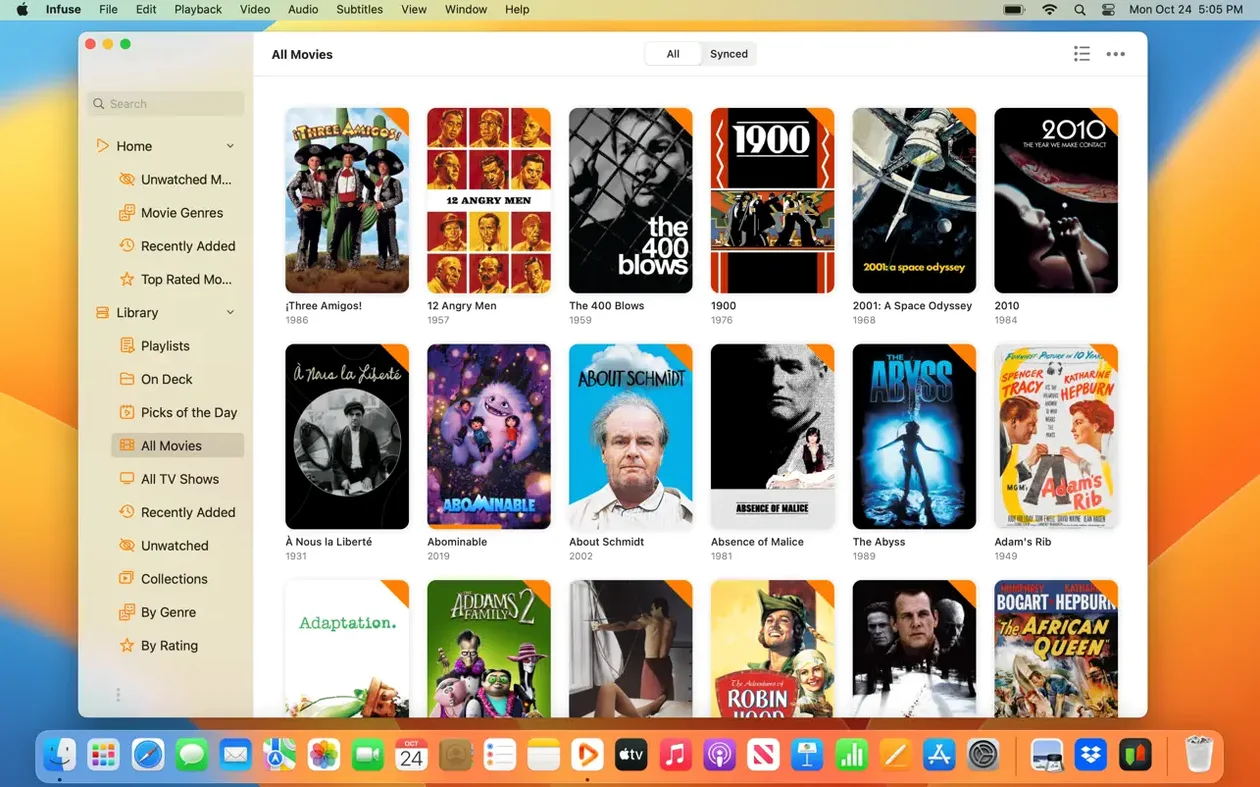
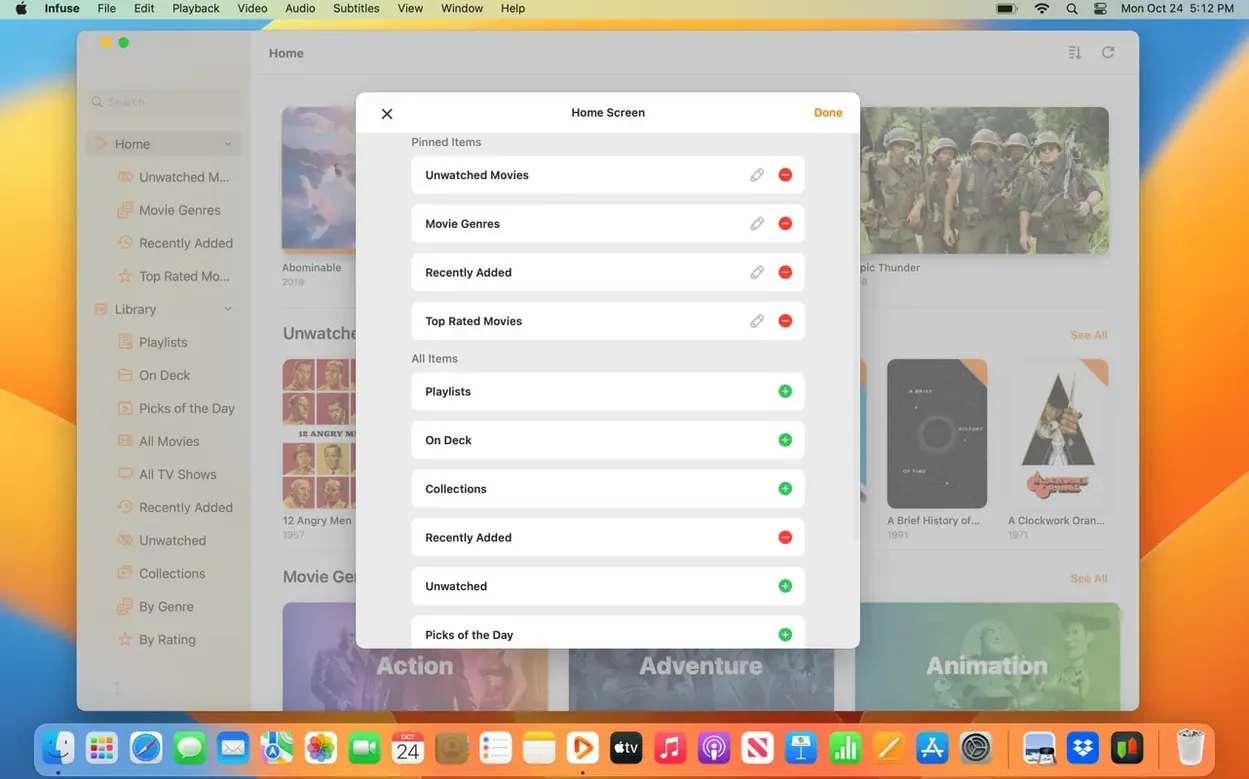
Trakt scrobbling alone is a reason to dig into the settings, but it barely scratches the surface. Infuse Pro is where the app stops being a pretty face for your media library and becomes a serious, flexible playback engine. For anyone with a collection spread across a NAS, a few cloud services, and an old Plex server, the Pro features are what keep everything humming without a hiccup.
- iCloud Library Sync — keeps your watched history, in-progress queue, and library structure identical across every Mac and Apple device you own.
- Direct Cloud Streaming — pulls video straight from Google Drive, OneDrive, Box, Dropbox, Mega, and others without needing a middleman server.
- DTS-HD & Dolby Digital Plus — full passthrough support for high-resolution surround sound formats, including DTS and AC3/E-AC3 tracks.
- OpenSubtitles Integration — search and download subtitles on the fly, or just drag an external subtitle file onto the playback window.
- Media Server Compatibility — connects natively to Plex, Emby, Jellyfin, and standard UPnP or SMB shares from a Mac, PC, or Wi-Fi drive.
If you manage a large, multi-source library and care about audio passthrough or keeping progress synced across devices, this is the tool that ties it all together.
Blank Cover Art? Check the Share Link First
A blank screen where cover art should be is frustrating, especially after you have pointed Infuse at a carefully organized NAS folder. Nine times out of ten, the issue is not the file — it is how the share is mounted. Infuse prefers SMB for most setups, and if you originally connected over DLNA, metadata fetching will be patchy. Remove the share in Settings > Shares and re-add it using the SMB option instead. The difference is immediate; posters and film descriptions populate within a minute or two.
DTS-HD audio dropping back to stereo trips up a lot of people with HDMI-connected receivers. In Settings > Audio, the Audio Passthrough toggle needs to be on, but the sub-setting for DTS-HD, TrueHD, and other HD audio is separate. If that second switch remains off, the track gets decoded in software and sent as PCM. Flip both, and your receiver lights up with the right indicator.
Another recurring hiccup: subtitles downloading in the wrong language despite your display language being set to English. The app pulls from OpenSubtitles, and its language preference is independent of the interface setting. Check Settings > Subtitles > Preferred Languages and drag your top pick to the list. Without that, Infuse guesses, and the guesswork sometimes lands on the first available result, not your native tongue.
Two-Finger Swipe to Jump 10 Seconds
Gestures on the Magic Trackpad do more than you might expect. A two-finger swipe downward while a video plays dismisses the overlay instantly, while a two-finger horizontal swipe jumps forward or backward in ten-second increments. It is faster than hunting for the on-screen controls when you are watching with a lap desk.
The file-list view in a folder holds a subtle power move: select any video and press Command-I. A panel slides open with the raw container details, codec information, audio track count, and subtitle streams embedded in the file. It is a quick way to check whether a troublesome MKV actually contains the DTS track you thought it did, without leaving the app or launching MediaInfo.
For anyone dropping subtitles manually, dragging an SRT file onto the playback window works, but you can also place the subtitle file in the same directory as the video with a matching filename. Infuse picks it up automatically on the next launch. This is a quiet timesaver for whole-series folders where you have a subtitle archive alongside the episodes.
Unwieldy Folders of MOV, AVI, and MTS Files
Consider someone who digitized a decade of home videos and camcorder footage, ending up with a mix of MOV, AVI, and MTS files scattered across a Synology NAS. The folder structure is by year, not by media type, and some files have embedded date metadata while others do not. This person is not running a media server. They just want a clean way to browse and play family footage without transcoding anything.
Adding the NAS as an SMB share in Infuse Pro brings the whole directory tree into a unified library. The app recognizes the mixed formats immediately — no conversion, no Plex server standing in the middle. The real win is the Up Next queue, which picks up where someone left off during a long holiday video. With iCloud sync enabled, that queue follows to an iPad in the living room, where AirPlay sends the footage to the big screen. The archivist never touches a network setting beyond the initial SMB login, and the family never sees a codec error.
Turn Off Swipe-to-Adjust for Steady Playback
A handful of defaults do not suit everyone, and adjusting them early prevents minor annoyances from piling up across dozens of viewing sessions. Start with these four.
- Gesture Controls — under Settings > Playback, turn off Swipe to adjust volume if you find yourself accidentally triggering it. The brightness swipe can stay; it is less prone to misfires.
- Library View Default — by default, Infuse opens to the Files tab. If you prefer the curated poster wall, go to Settings > General and set Start Screen to Library. One less click every time.
- Trakt Sync Frequency — the Trakt integration works reliably, but the default sync interval can feel sluggish. In Settings > Trakt, enable Sync on Start so check-ins and progress push immediately when you launch the app.
- Subtitle Appearance — the default yellow-on-black styling is legible but heavy. Under Settings > Subtitles > Appearance, switch to a thin white font with a drop shadow. It sits more comfortably over modern 4K video without drawing attention away from the frame.
These small tweaks add up. After ten minutes of adjusting the handful of preferences that suit your setup, Infuse fades into the background — exactly where a video player belongs.
- macOS 12 or later
- Works on both Apple Silicon and Intel Macs
Questions I actually get
What audio formats does Infuse Pro support?
It handles Dolby Digital Plus (including AC3 and E-AC3), DTS, and DTS-HD audio, with passthrough support for high-resolution surround sound.
Can I sync my watch progress between a Mac and an iPad?
Yes, the Pro version uses iCloud to natively sync your library, watched status, and in-progress playback across all your Apple devices.
Porch talk 0
Come in or pull up a chair to leave a comment.
Nobody has pulled up a chair yet. If you used it on a real Saturday, say what the hour was.