

You can fire this up on an M1 MacBook Air or an older Intel machine without fuss — it’s a universal binary that runs on ARM and x86 64-bit Macs.
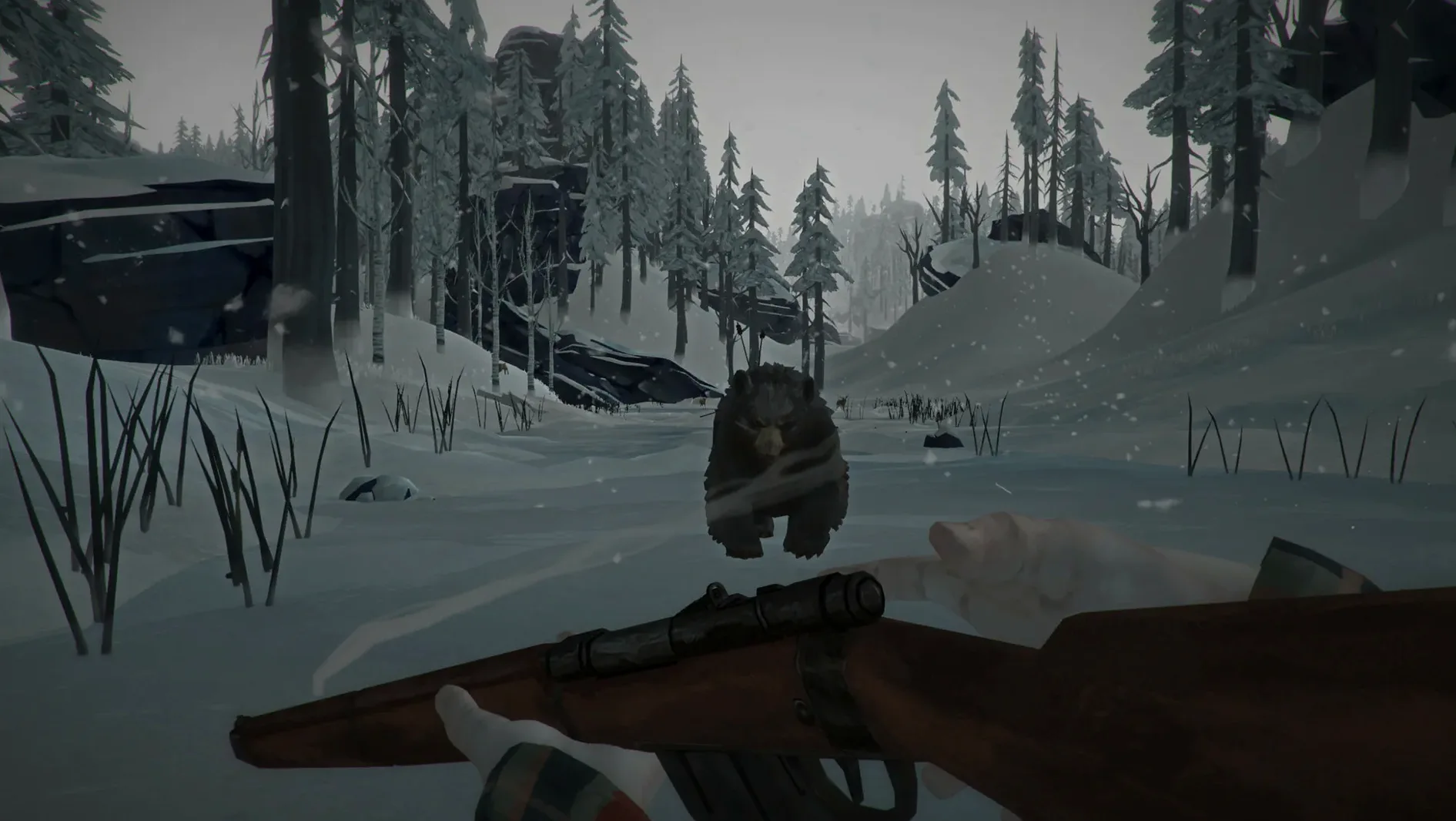
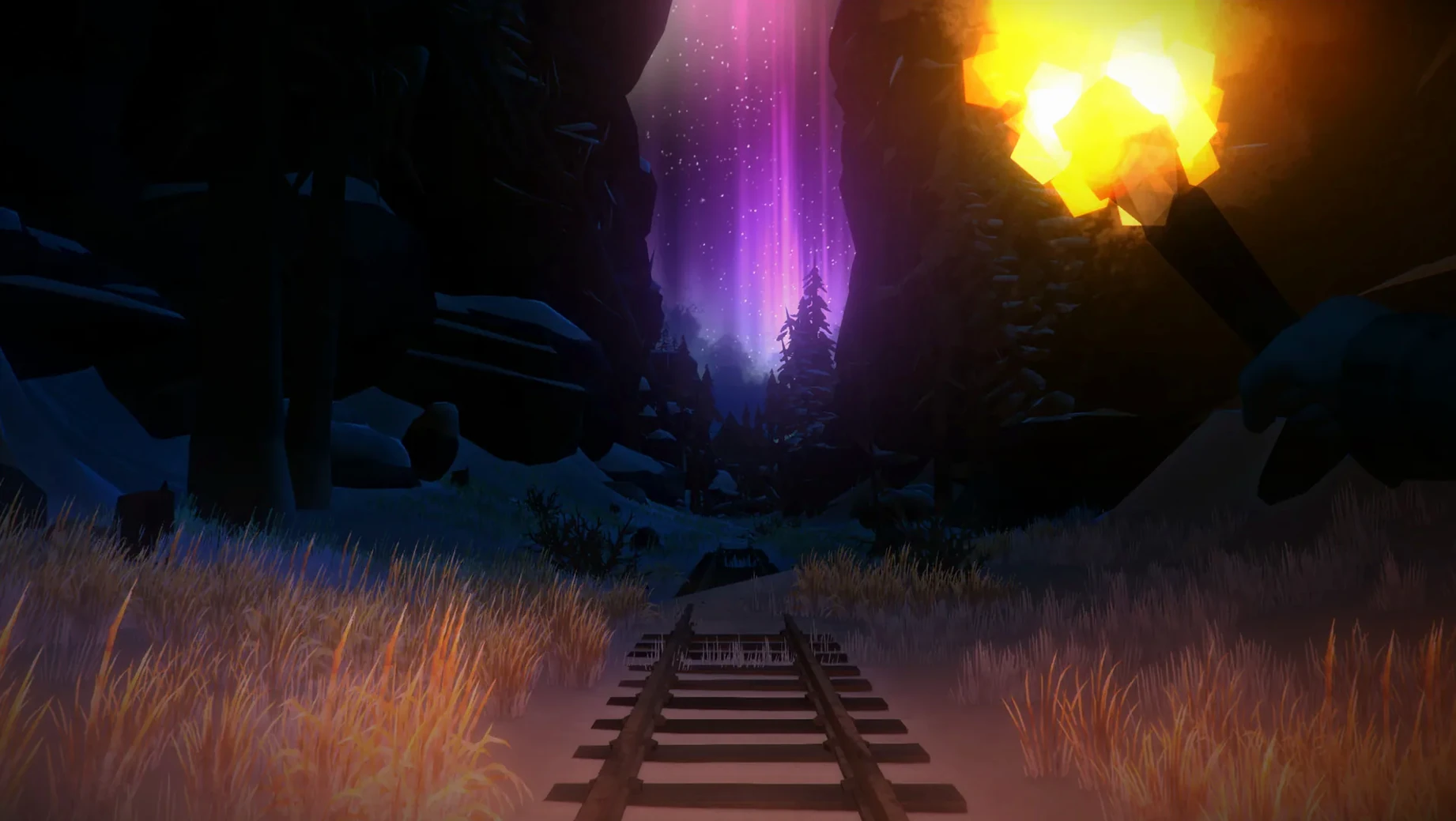
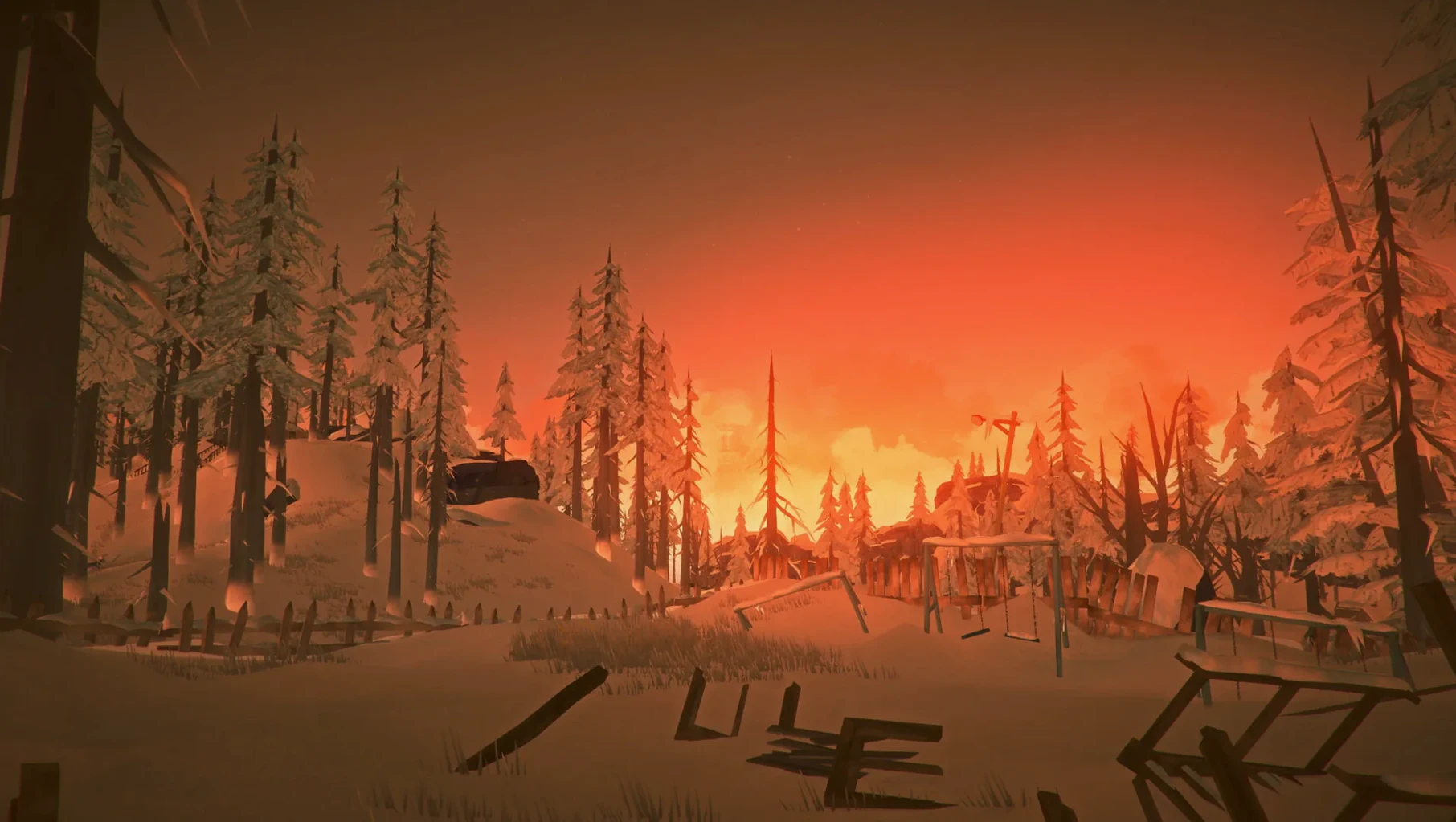
Solo exploration-survival — A vast frozen wilderness with no zombies, no scripted jump scares, just the quiet pressure of freezing temperatures and dwindling supplies. Every fire you start and every shelter you find feels earned.
Developer — Hinterland Studio Inc., known for letting the environment do the storytelling.
Languages on Mac — Russian, English, German, Spanish, Italian, Traditional Chinese, Simplified Chinese, Korean, Dutch, Norwegian, Polish, Portuguese, Turkish, Finnish, French, Swedish, Japanese.
Tested on macOS Sequoia — Works smoothly on a 2020 MacBook Air with Apple M1.
M-series Macs run it natively
Most folks want to know if their Mac can handle it before they clear disk space. The game ships as a universal binary — it runs on ARM and x86 64-bit Macs — so if you're on an M-series chip or an older Intel machine, you're covered. People also ask whether this is a zombie game. It isn't. The threats are weather, wildlife, hunger, and your own bad decisions. No undead hordes, just a cold that doesn't care about your plans.
Another common question is whether you need to play WINTERMUTE before jumping into Survival Mode. You don't. The story episodes follow Will Mackenzie and Dr. Astrid Greenwood across a narrative that takes about 15 hours for the first two chapters, but Survival Mode is a separate, free-form sandbox. You can spend a hundred hours there without touching the story.
Language support also comes up. The interface and subtitles cover seventeen languages, though the voice acting is English only. That means you'll read Russian, German, Japanese, or whichever of the supported languages you prefer, while the characters speak in English.
Fix the launch-day black screen
The most frequent hiccup is white noise or a black screen on launch. This typically happens on Macs where the default graphics backend doesn't play nice with the game's engine. The fix is straightforward: open Terminal and run /Applications/tld.app/Contents/MacOS/tld -force-glcore. That forces OpenGL core profile and clears the issue for almost everyone.
Some players report the game not appearing after dragging it to Applications. This is usually because the copy hasn't finished — the disk image window can close while files are still moving. Wait a moment, then launch from Launchpad rather than hunting through Finder. If the icon bounces and quits, check that you dragged the app itself, not a shortcut from inside the disk image.
Performance on older Intel Macs can feel sluggish in blizzard conditions. Dropping shadow quality and draw distance in the game's display settings makes a real difference without ruining the atmosphere. The same settings on Apple Silicon handle everything at default without breaking a sweat.
Interior-loading crashes finally patched
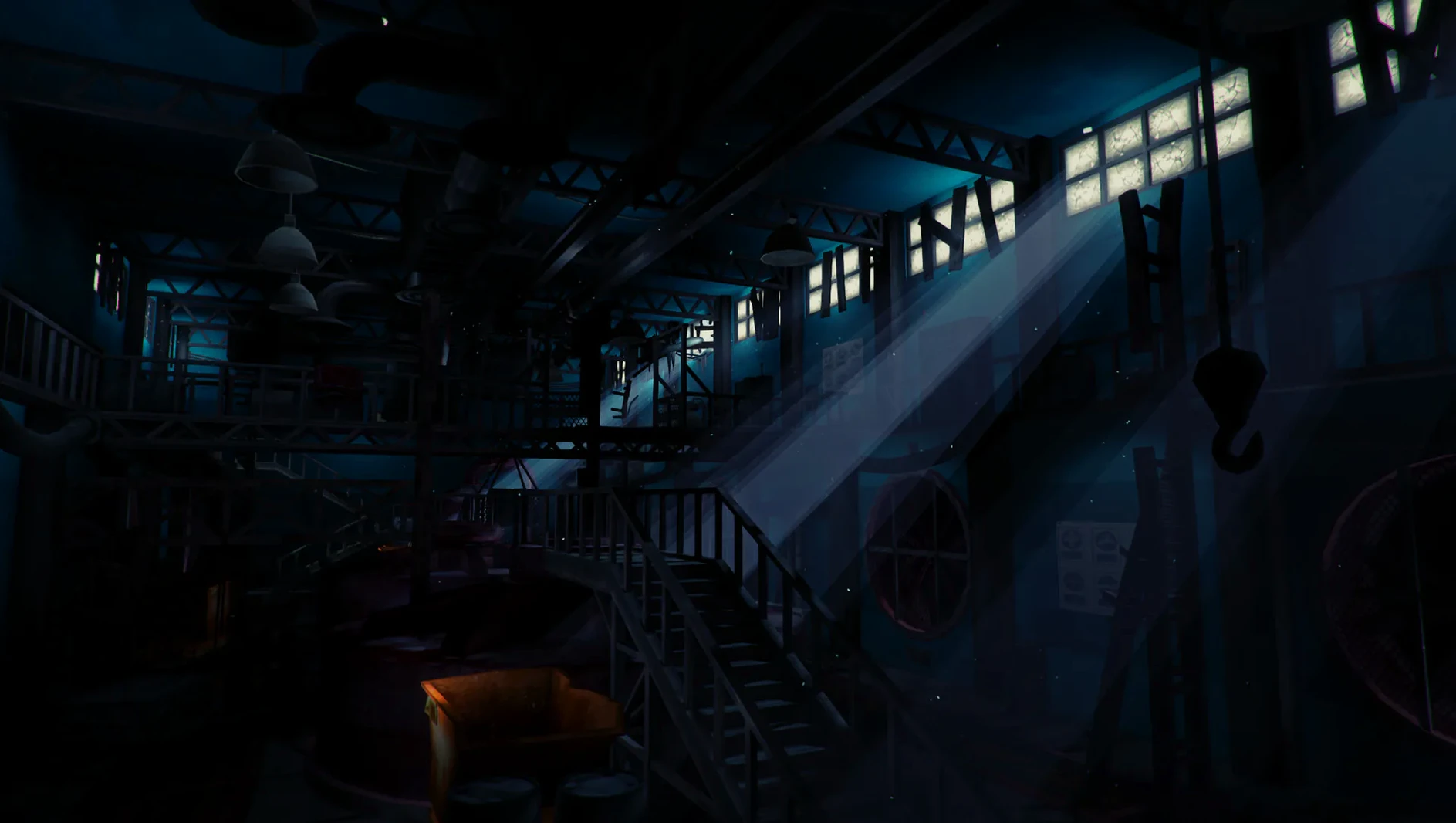
Build 2.55 landed as a maintenance update rather than a feature drop. The most noticeable change for Mac players is improved stability on Apple Silicon — the random crashes that could happen when entering interior locations are largely gone. Loading times between regions feel snappier, though that depends somewhat on your drive speed.
Earlier updates in the 2.x line reworked the save system and added quality-of-life tweaks to Survival Mode, but 2.55 itself focuses on under-the-hood fixes. If you haven't picked up the long dark for mac free download in a while, this build is the most stable version for Sequoia and M1 Macs yet. Hinterland hasn't changed the core loop — you're still freezing, starving, and hoping the next cabin has matches — they've just made it less likely to crash while you're doing it.
If your afternoon needs a quiet place where the cold can actually kill you, this one’s worth a long look.
- macOS (runs on ARM and x86 64-bit Macs)
Porch talk 0
Come in or pull up a chair to leave a comment.
Nobody has pulled up a chair yet. If you used it on a real Saturday, say what the hour was.
More for the same hour
Everything in Games
 The Medium
1.1.22 Games
35 GB
The Medium
1.1.22 Games
35 GB
 The Forest
1.12 Games
4 GB
The Forest
1.12 Games
4 GB
 The Sims 4
1.127.41.1030 Games
78 GB
The Sims 4
1.127.41.1030 Games
78 GB
 The Drifter
1.1.5 Games
669 MB
The Drifter
1.1.5 Games
669 MB
 The Colonists
1.9.30.1 Native Games
Updated 379 MB
The Colonists
1.9.30.1 Native Games
Updated 379 MB
 Timberborn
1.1.2.8.ffc2de0.gm Native Games
Updated 1.1 GB
Timberborn
1.1.2.8.ffc2de0.gm Native Games
Updated 1.1 GB
 Total War: PHARAOH DYNASTIES
2.0.2 Games
50 GB
Total War: PHARAOH DYNASTIES
2.0.2 Games
50 GB
 Tennis Elbow 4
2026.09.10 Games
3 GB
Tennis Elbow 4
2026.09.10 Games
3 GB