

Celeste asks very little of your Mac. It runs on Intel hardware and has been tested on an M1 MacBook Air under macOS Sonoma, so it hums along just fine on Apple Silicon through Rosetta. The installer is a straightforward disk image you mount and drag to Applications, and you'll want a US keyboard layout active when you first launch it. The game speaks nine languages including English, Russian, Japanese, and Simplified Chinese.
Who will fall in love with this mountain
This is a player who finds patience rewarding. Celeste is a single-player platformer built from roughly 700 screens, each one a compact challenge that teaches through failure. You die, you respawn instantly, you try again. The controls are deliberately simple—jump, dash, climb—so the difficulty comes from execution, not memorizing button combinations. Hidden areas give the curious a reason to poke at every wall, and finding them feels like a private conversation between you and the developers at Matt Makes Games. If you grew up on tight platformers and miss the feeling of mastering something hard one screen at a time, this one will stick with you.
Who should admire it from base camp
Not every beautiful thing needs to be for everyone. Celeste does not care about power fantasies or relaxing strolls. If repeated failure frustrates you rather than focusing you, the loop will grate. There is no co-op, no difficulty slider that lets you coast, and the story, while lovely, is delivered in small bites between stretches of demanding play. A player seeking a breezy palette cleanser between bigger games should look elsewhere. But if you read that and thought "good, I want the mountain to push back," you already know which path to take.
Boot in the cabin, first gentle hops
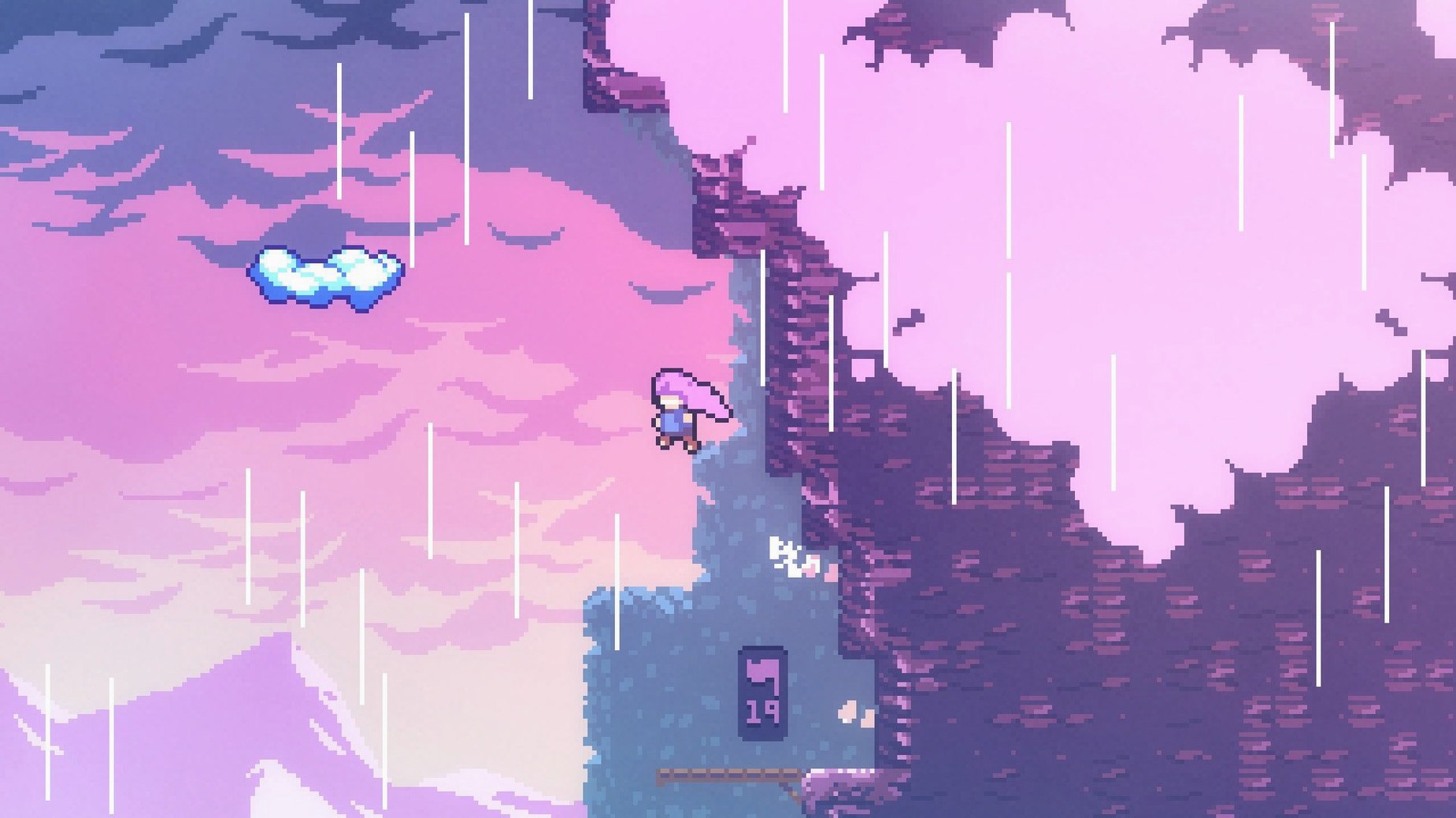
You sit down with a cup of coffee and a quiet hour. The game boots, the title screen fades into a simple cabin, and Madeline steps outside. The first few screens are gentle—a short hop here, a crumbling ledge there. You're learning the weight of her jump without a tutorial spelling it out. By screen twenty, you've died a dozen times, and that's exactly how it should feel. The respawn is so fast the restart becomes part of the rhythm: try, miss, adjust, try again. A patch of wall looks slightly off-color, so you dash into it and discover a hidden alcove with a strawberry. You weren't told to look there; the level design just nudged you.
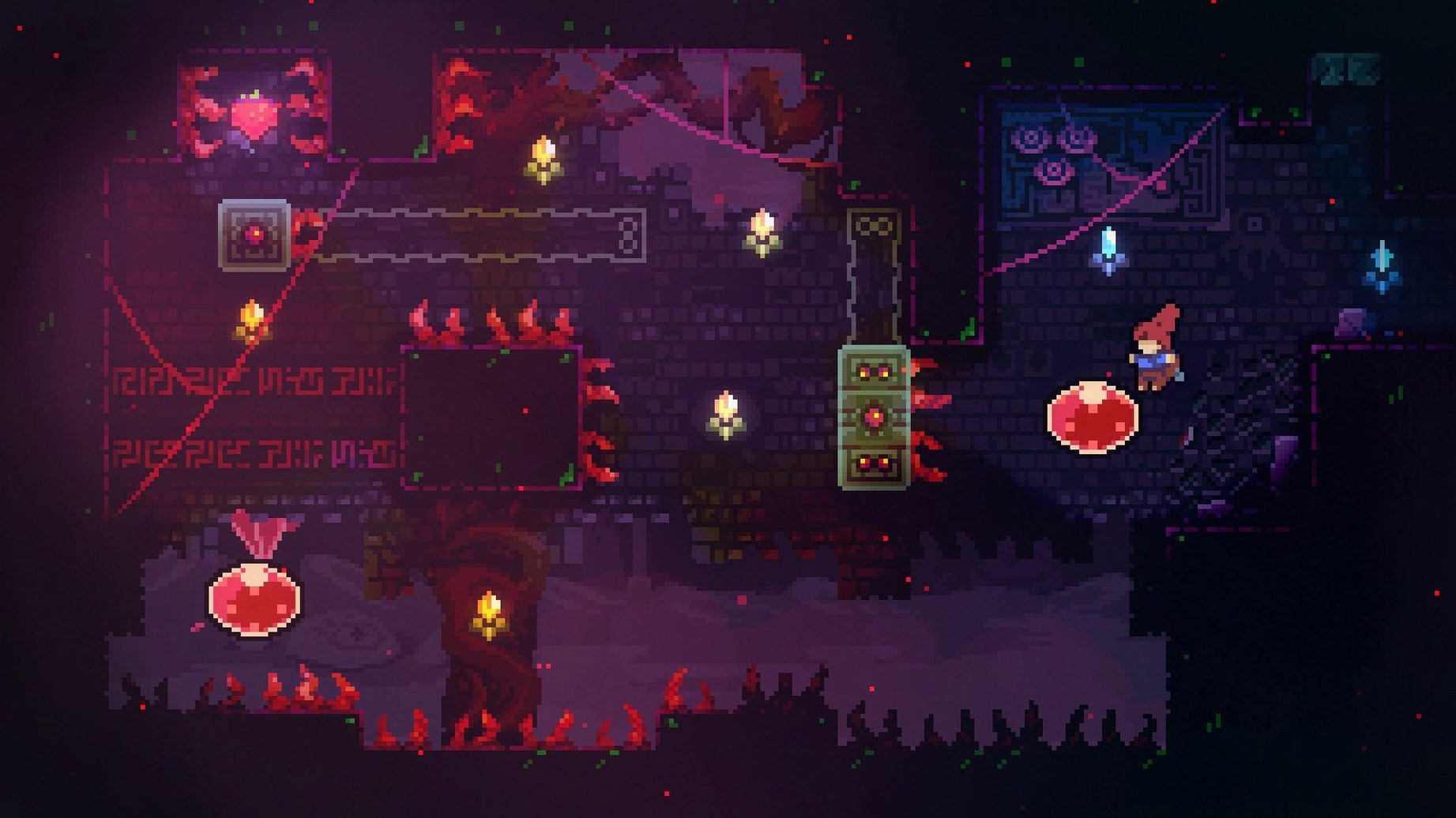
Twenty minutes in, you hit a screen that stops you cold. Three moving platforms, a wall of spikes, and a gap that demands a dash-jump you haven't quite internalized. You die thirty times without making it halfway across. On attempt thirty-one, your thumb finds the timing, and you sail through in one fluid motion. The game says nothing. No fanfare, no score popup. Just the next screen waiting, and you realize you're grinning.
Where new climbers stumble
The most common mistake is treating Celeste like a game about speed. Beginners watch experienced players flow through rooms and try to replicate that velocity, mashing the dash button before they've learned the basic arc of Madeline's jump. Slow down. Every screen is a puzzle first and a platforming challenge second. Stand still, read the layout, and plan two moves ahead before you touch the controller.
Another pitfall is ignoring the directional dash. New players often dash horizontally and forget that diagonal dashes unlock routes the room is practically begging them to take. The dash recharges when your feet touch ground, so experiment with eight-direction movement even when the obvious path looks horizontal. And if you're stuck on a screen for more than five minutes, you're probably overlooking something simple—a wall you can climb a little higher, a platform cycle you haven't waited out, a tiny ledge you assumed was decoration.
Maya’s architecture eye meets pixel dashes
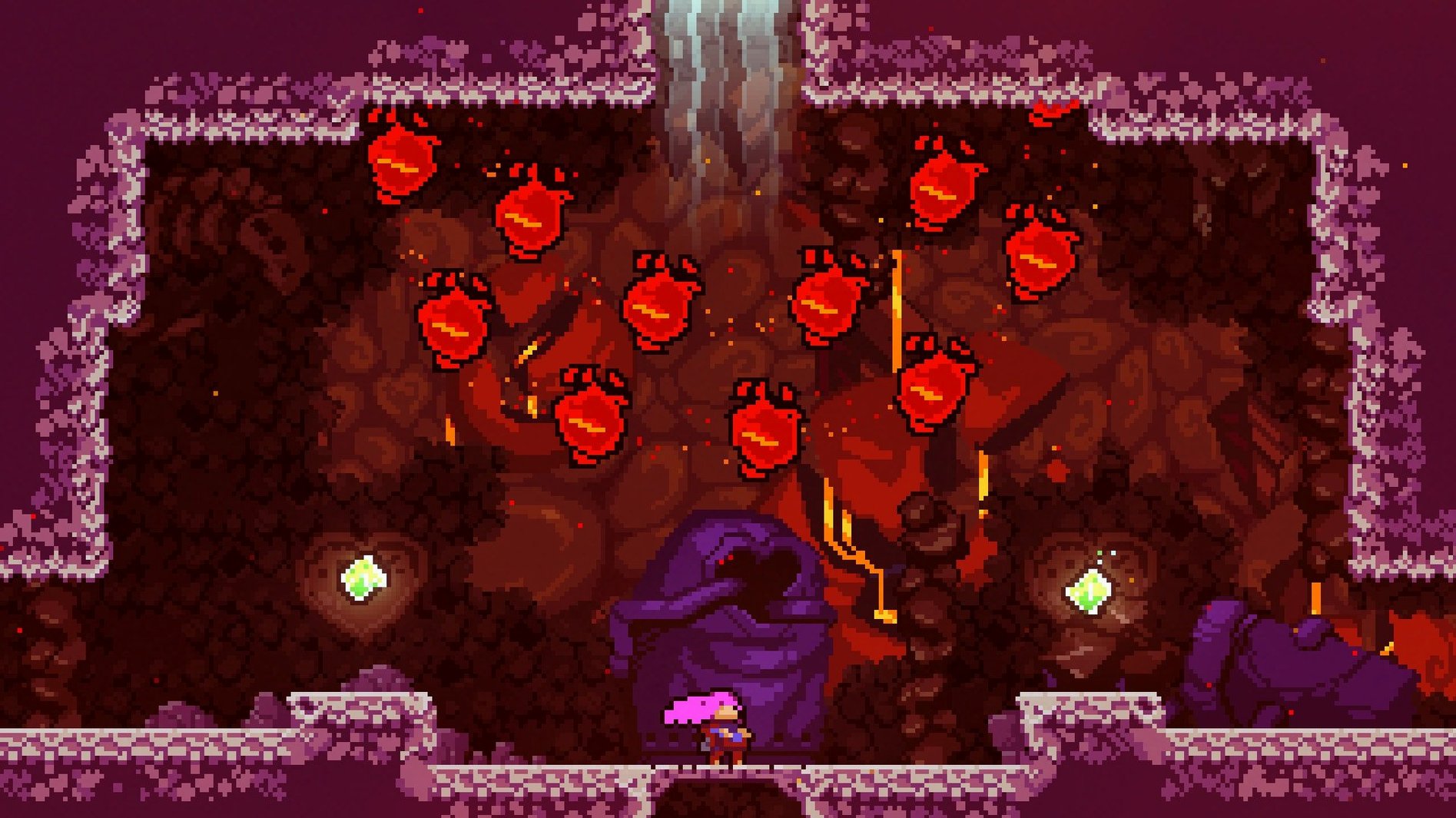
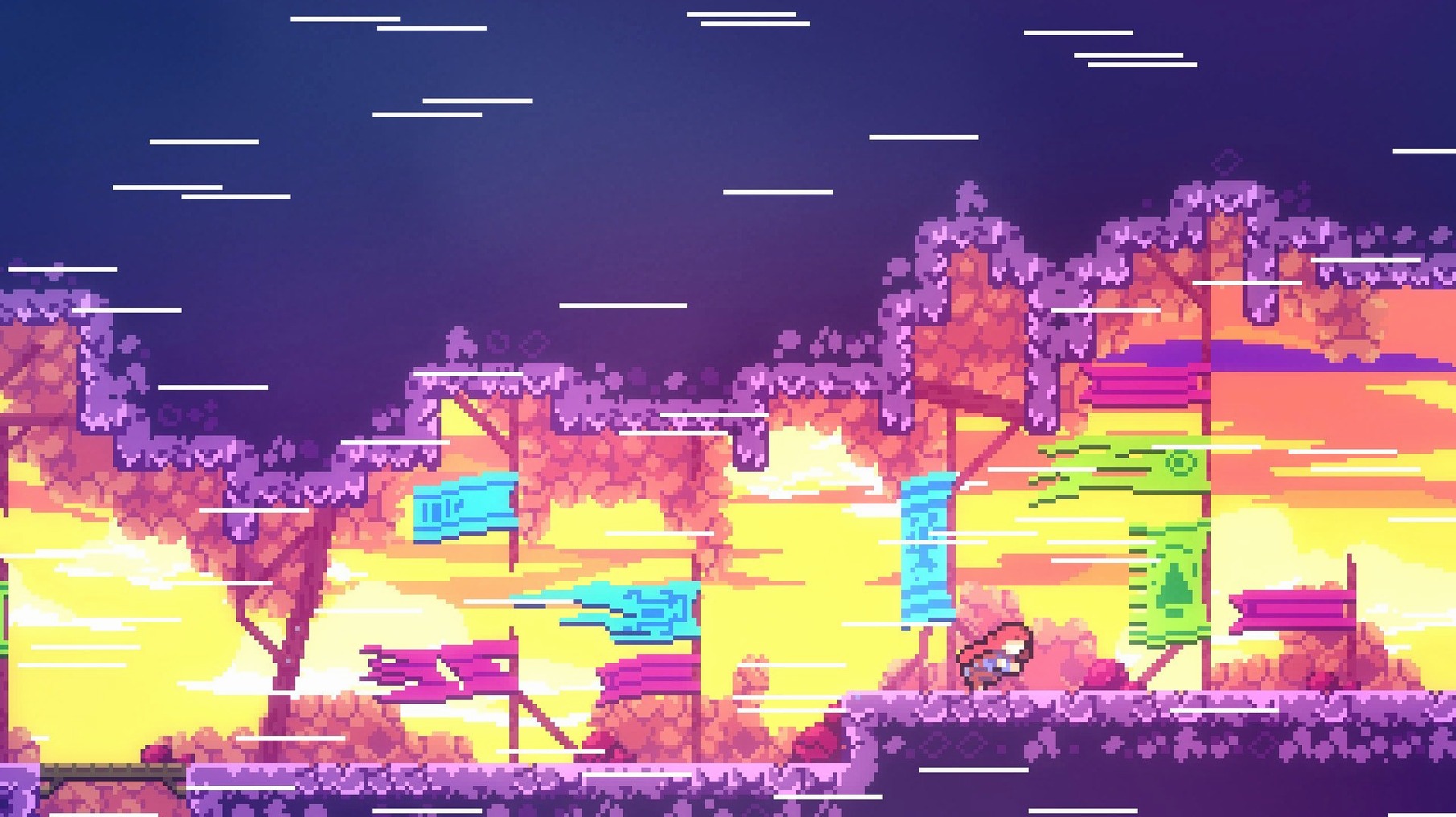
Maya shoots architecture for a living and plays games to unwind, but she's picky about what sticks. She doesn't have the patience for sprawling open worlds or the reflexes for bullet-hell shooters. A friend hands her the celeste mac download on a USB stick one Friday, and she fires it up mostly out of politeness. By the second chapter she's muttering at the screen, not angry but locked in. What keeps her playing isn't the story—though she likes Madeline more than she expected—it's the way a single screen becomes a tiny composition. The spike patterns, the moving blocks, the color palette; she starts seeing each room the way she'd frame a photograph. She keeps a notebook nearby and jots down screen names she wants to revisit, not for strawberries, just to look at them again.
A week later she's telling a coworker about the soundtrack and how the music swells right when you need the push. She never expected a celeste free download mac to turn into the game she thinks about during her commute. For players like Maya, the mountain doesn't ask for a specific skill set. It asks for attention, and it gives back more than you put in.
- Mac with an Intel processor (Apple Silicon Macs run the game through Rosetta)
Questions I actually get
What languages does Celeste support on Mac?
The game includes Russian, English, German, Spanish, Italian, Simplified Chinese, Portuguese, French, and Japanese.
Porch talk 0
Come in or pull up a chair to leave a comment.
Nobody has pulled up a chair yet. If you used it on a real Saturday, say what the hour was.
More for the same hour
Everything in Games
 Circle Empires
1.3.4 Games
876 MB
Circle Empires
1.3.4 Games
876 MB
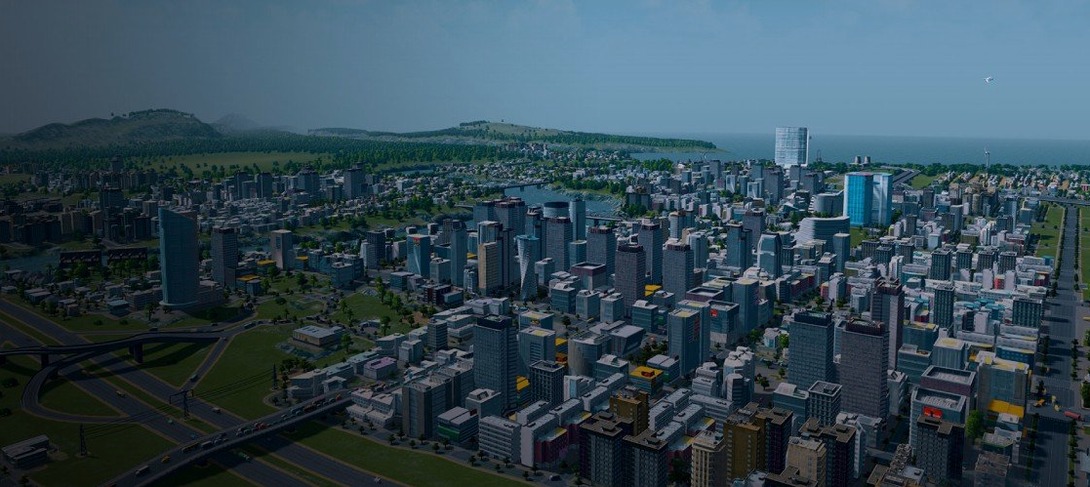
 Cities: Skylines
1.21.1-f9 Games
11 GB
Cities: Skylines
1.21.1-f9 Games
11 GB
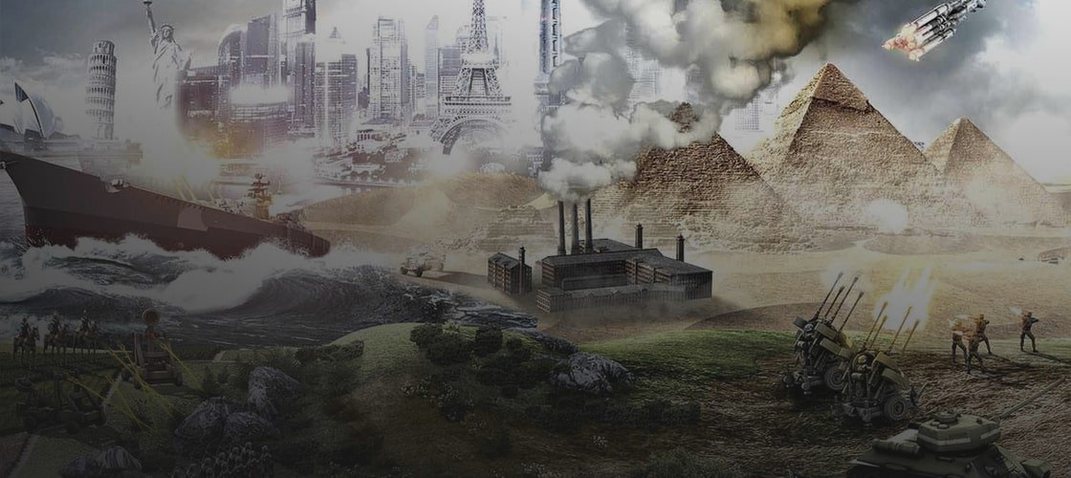
 Civilization V
1.4.2 Games
5.6 GB
Civilization V
1.4.2 Games
5.6 GB

 CATO: Buttered Cat
1.3.923 Native Games
Updated 567 MB
CATO: Buttered Cat
1.3.923 Native Games
Updated 567 MB

 Castle Crashers
3.3 Games
236 MB
Castle Crashers
3.3 Games
236 MB

 Command & Conquer: Generals
1.04 Games
2.3 GB
Command & Conquer: Generals
1.04 Games
2.3 GB

 Borderlands 2
1.8.5 Games
22 GB
Borderlands 2
1.8.5 Games
22 GB

 Bloons TD 6
57.4 Native Games
Updated 1.7 GB
Bloons TD 6
57.4 Native Games
Updated 1.7 GB