
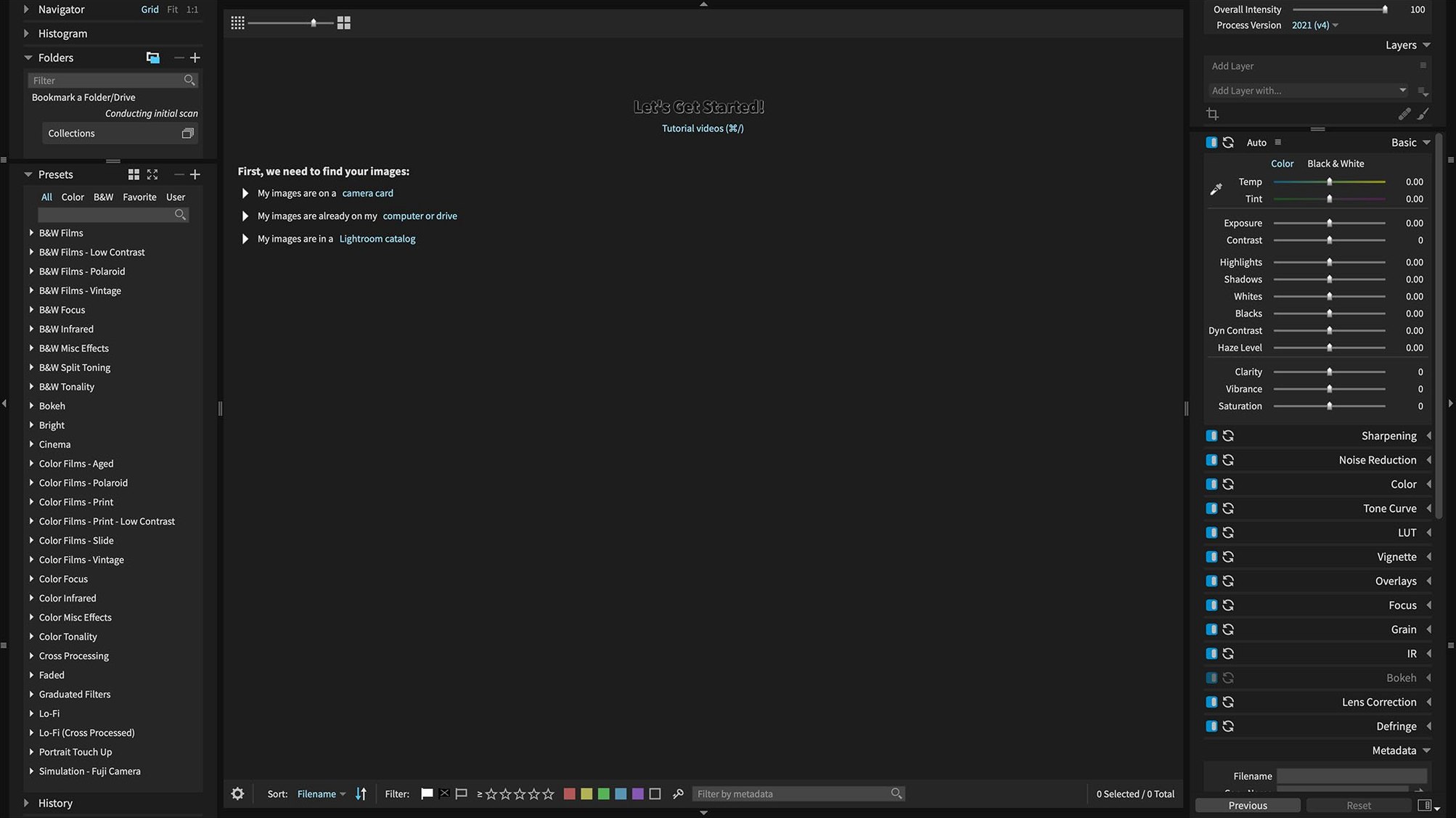
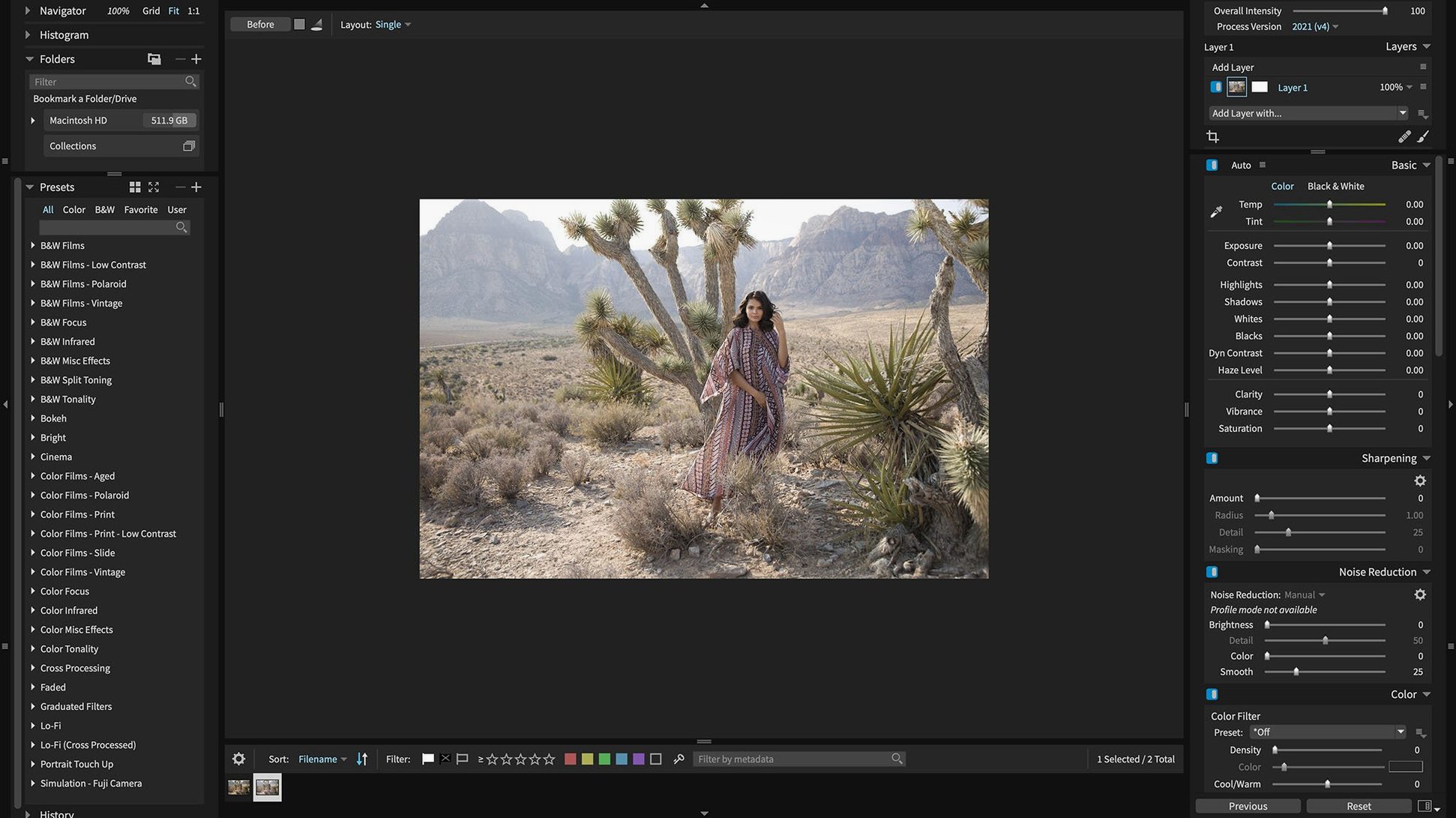
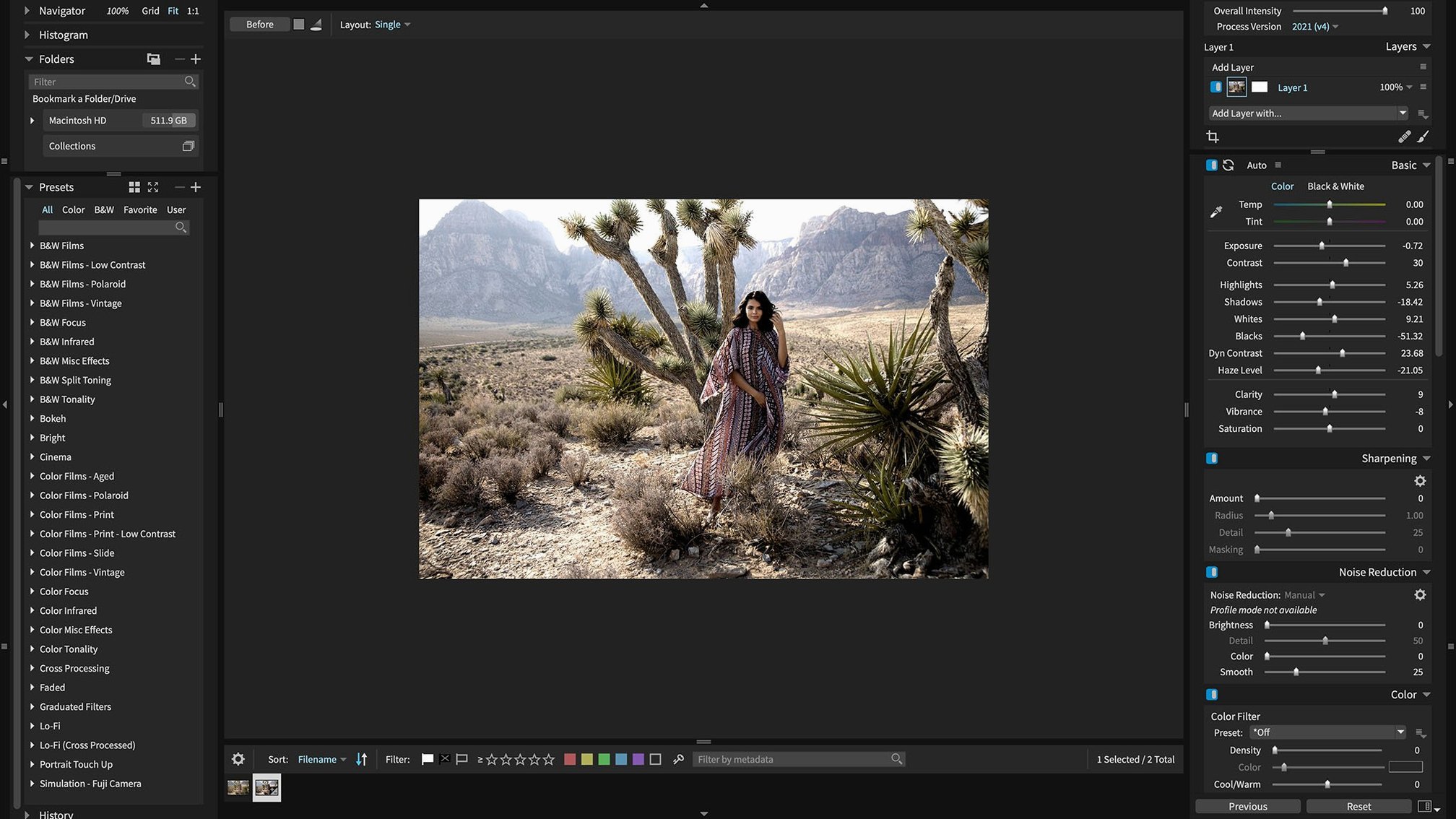
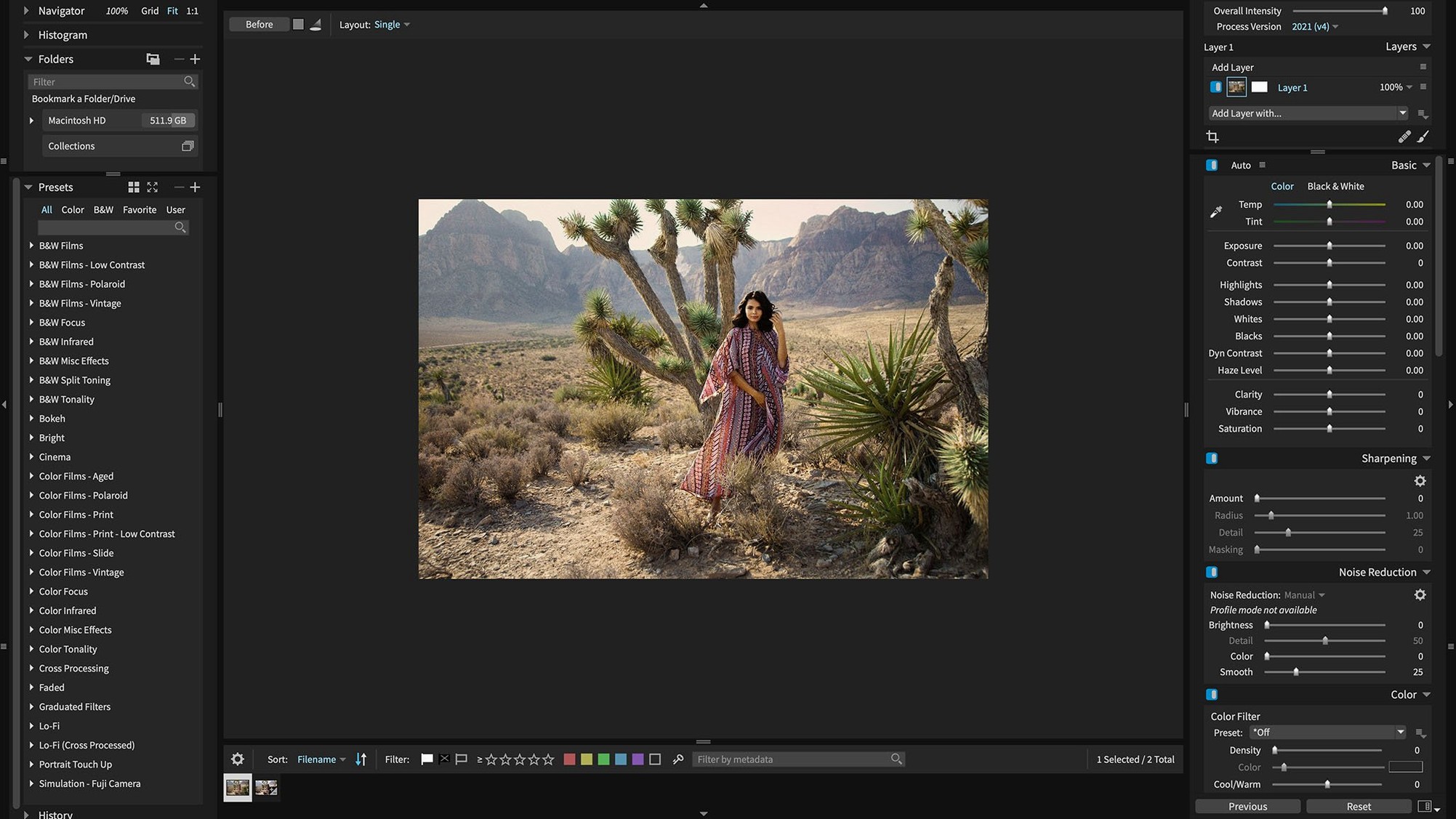
Right out of the gate, you are working with more than 500 customizable presets. That is the first number that sticks when you load a fresh batch of RAW files into Exposure X7. It means you can scan a grid of thumbnails, hover over a look, and see a faithful film stock simulation or a clean modern grade before you even touch a slider.
Culling and organizing
This is where the session usually starts for me. Keywords, collections, and smart collections let you sort a messy card dump into something manageable without ever leaving the app. You can flag keepers, reject the soft shots, and build a working collection for the edits ahead.
Layered edits and masking
Once the selects are made, the non-destructive layers take over. You can stack a black-and-white conversion, a vignette, and a localized exposure adjustment on a single image, then fine-tune each mask independently. The plugin plays nicely with Photoshop CS6 or CC 2015 and newer, so moving a layered file from the standalone organizer into a retouching session in Photoshop feels natural.
Retouching and final output
The portrait retouching tools handle skin smoothing and blemish removal right on the RAW file, which keeps the round-trip count low. When the job is done, the Quick Export menu lets you fire off JPEGs or TIFFs to a client folder, and the recent fix to the export preset ordering keeps that last step predictable.
A start-to-finish workflow: event edit with 3D color masking
Say you shot a small outdoor reception under a tent — mixed light, yellow from the canopy, blue spill from the open side. You dump the card onto the desktop, open Exposure X7, and point the browser at the folder. Before you touch a single image, you create a smart collection that pulls every shot with a three-star rating or higher; you will rate as you go.
First pass is culling. You work full screen, tapping the number keys to flag picks and rejects. The GPU-optimized engine makes scrolling through RAWs feel fluid, even on an older Intel Mac. Once the smart collection populates with about forty keepers, you open the first frame — a candid of the couple laughing near the edge of the tent.
The white balance is tricky. You try one of the built-in automatic adjustments, which gets you close, then open the 3D color masking panel. Instead of fussing with a luma range slider, you click the skin tone, drag to widen the selection in the 3D color space, and pull the temperature toward magenta just for the faces. The tent stays warm; the skin looks honest. You drop a subtle vignette on a separate non-destructive layer, label the image green, and move to the next keeper. By the end, the whole edit stays inside Exposure X7 — no round-trip to an external raw developer until you decide to send a few hero shots to Photoshop for pixel-level retouching via the plug-in.
Set as an external editor with auto-return
Exposure X7 plays a quiet role in a larger Mac workflow. You can set it as an external editor inside Photos or Lightroom Classic, sending a RAW or TIFF out, applying a preset stack, and returning a flattened file automatically. If you organize shoots with Finder tags, the app reads them on import, so a folder tagged “client-delivery” in the Finder shows up already flagged in your catalog. And because the Quick Export menu respects your folder presets, you can drop finished JPEGs straight into an iCloud Drive folder that a client sees on their end without any extra steps.
The plug-in integration deserves a closer look. When you install it for Photoshop, Exposure X7 appears under the Filters menu, which means you can use the masking tools on a rendered composite, not just on a flat RAW. In Lightroom Classic, selecting Edit In Exposure X7 hands off a TIFF, waits for you to apply a film preset or a layered contrast tweak, and pulls the result right back into the Lightroom catalog. That kind of pass-off matters when you prefer Lightroom’s DAM features but want Exposure’s grain engine and 3D color masking on select frames.
Immediate film presets versus deep session control
Set beside Capture One, the differences come down to immediacy versus deep session control. Capture One gives you more granular tethering and a complex color editor, but Exposure X7 puts a full library of film-inspired presets and non-destructive layers front and center, and the interface feels less like an instrument panel. For a photographer who wants to hover over a preset, see the look, and move on, Exposure X7 tends to be the shorter path.
Compared to ON1 Photo RAW, both apps lean into the all-in-one idea — browsing, layering, retouching, and effects in a single window. ON1 includes focus stacking and HDR merge; Exposure X7 skips those in favor of a more carefully curated preset browser and a masking workflow that feels tighter, especially when you combine 3D color masking with luminance masks. If your work rarely calls for merging multiple frames, you probably will not miss the extras.
Next to DxO PhotoLab, the distinction is about raw processing philosophy. PhotoLab leans on lab-measured lens corrections and DeepPRIME noise reduction, and it rewards a more linear, correction-first approach. Exposure X7 gives you rich creative looks from the jump and layers that let you build an edit like a darkroom print, stacking adjustments without ever flattening. Both are capable raw developers, but Exposure X7 feels more at home when the preset is the starting point rather than the finishing touch.
- macOS 10.13 or later
- Apple Silicon or Intel 64-bit Mac
Questions I actually get
Does Exposure X7 work as a plugin for my editing host?
Yes, it includes plugin support for both Adobe Photoshop and Lightroom. It works with Photoshop CS6 or Adobe Photoshop CC 2015 and newer.
Can I edit RAW files non-destructively in Exposure X7?
Absolutely. The app is built around non-destructive layers, so your original RAW file stays untouched while you stack adjustments, masks, and presets.
What new cameras did version 7.3.0 add support for?
The update expanded RAW support for the Panasonic Lumix G95D, Panasonic Lumix S5 IIX, and the Sony Cyber-shot DSC-RX100M7.
Porch talk 0
Come in or pull up a chair to leave a comment.
Nobody has pulled up a chair yet. If you used it on a real Saturday, say what the hour was.