
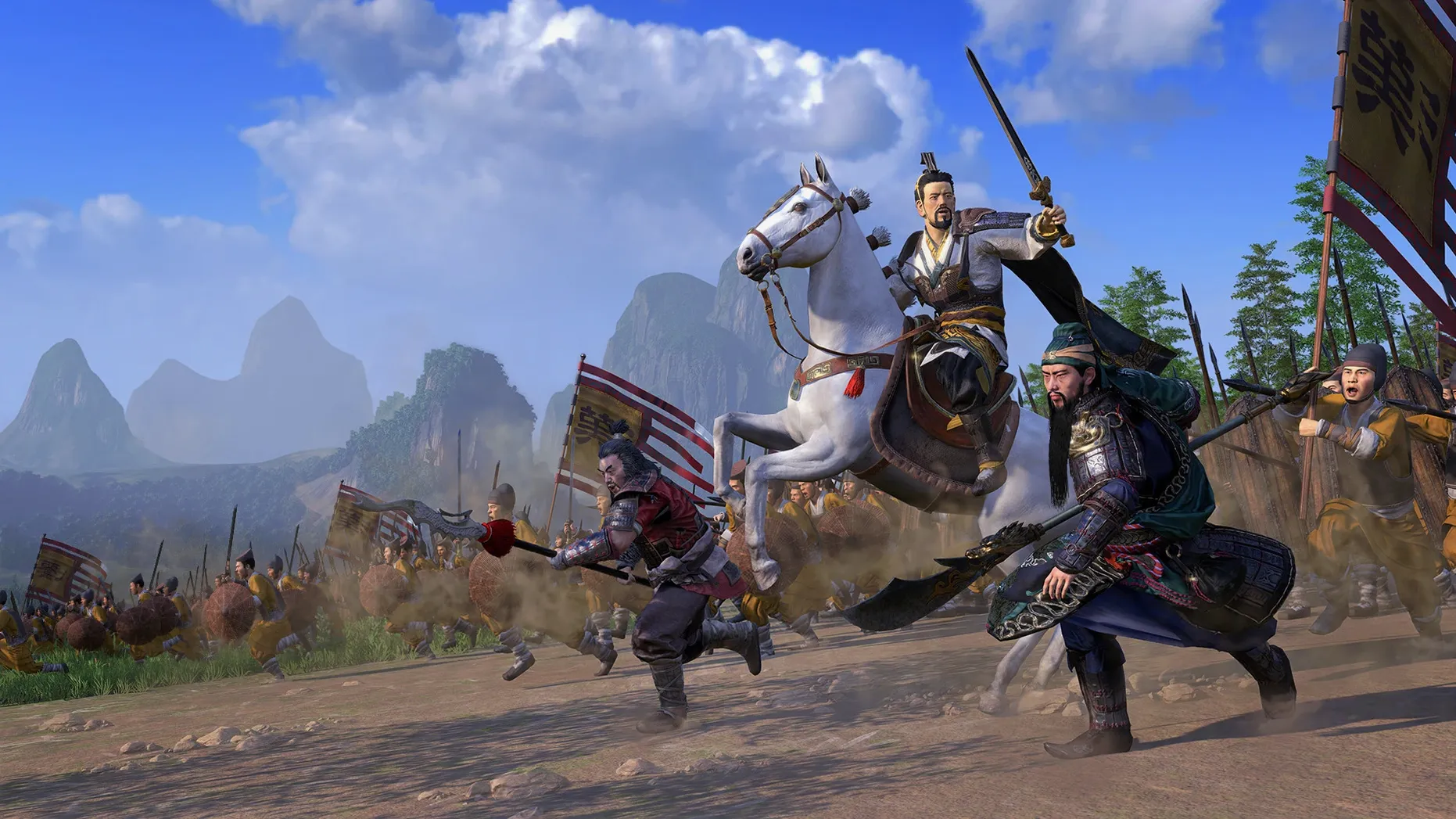
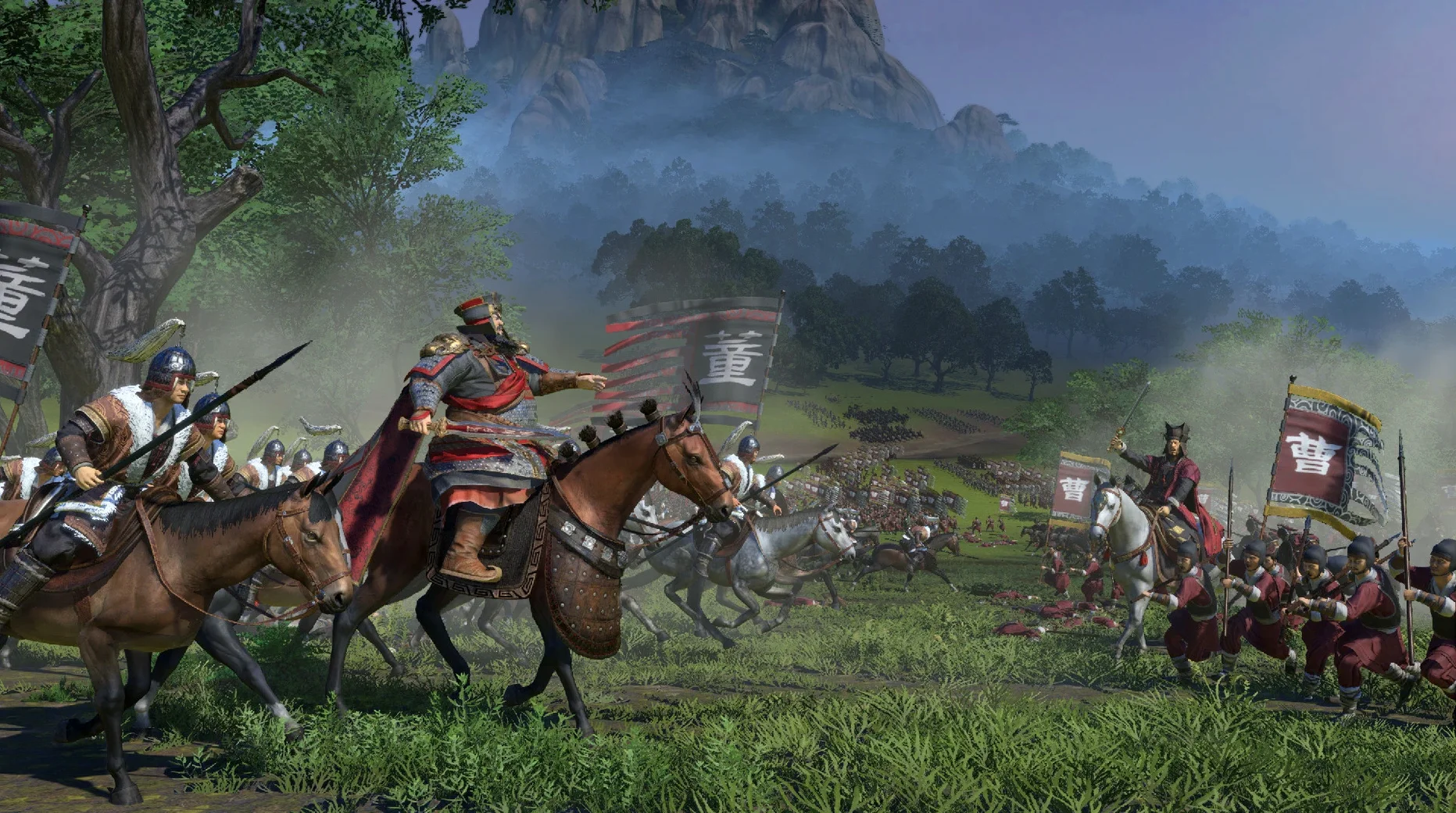
When you want grand strategy that doesn’t just push units across a map but weaves character grudges, diplomacy, and resource management into every decision, this is the one that delivers.
Campaign — turn-based layer starting in 190 CE, where you manage military, economic, and political conflict across a detailed map of China.
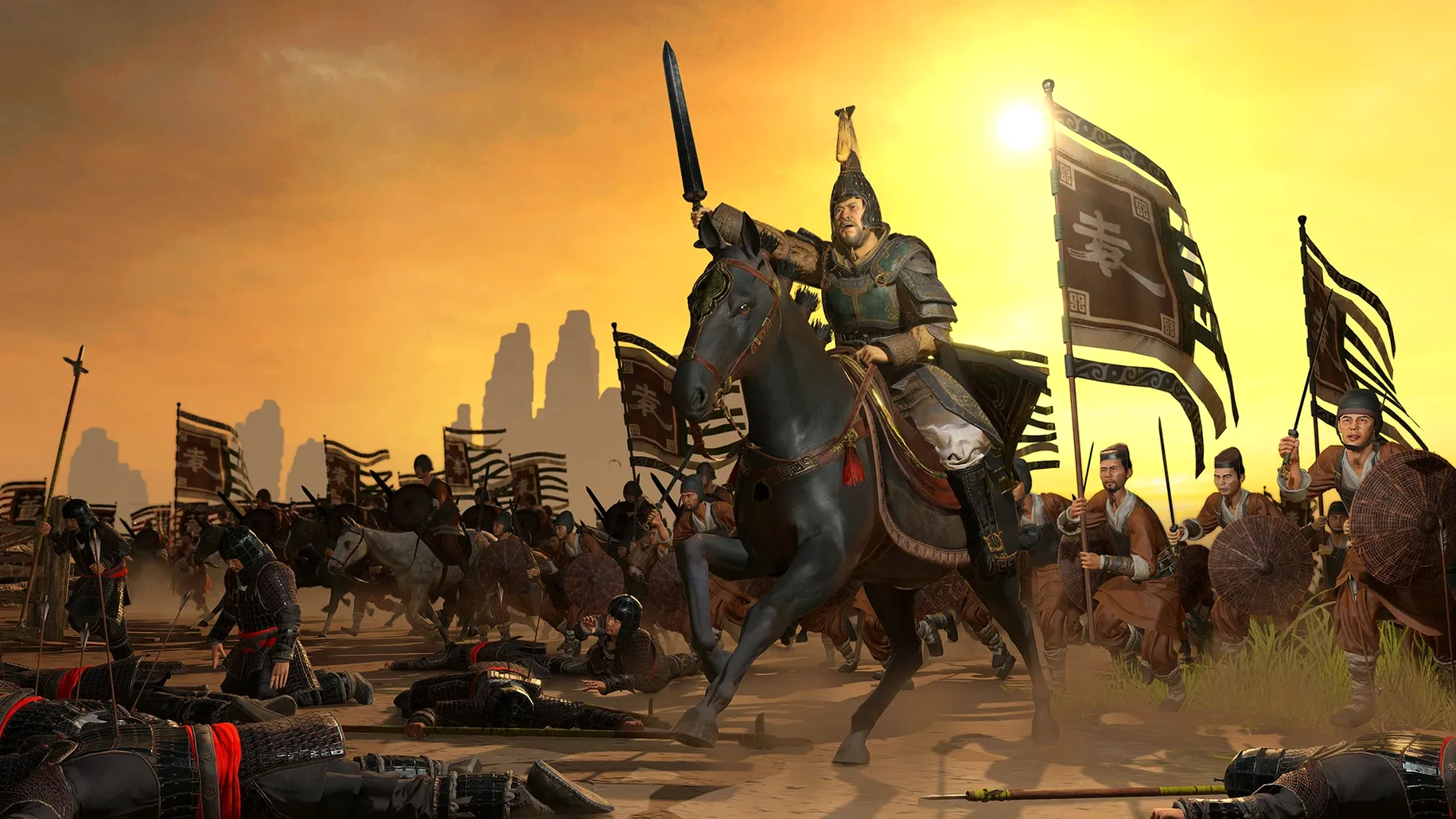
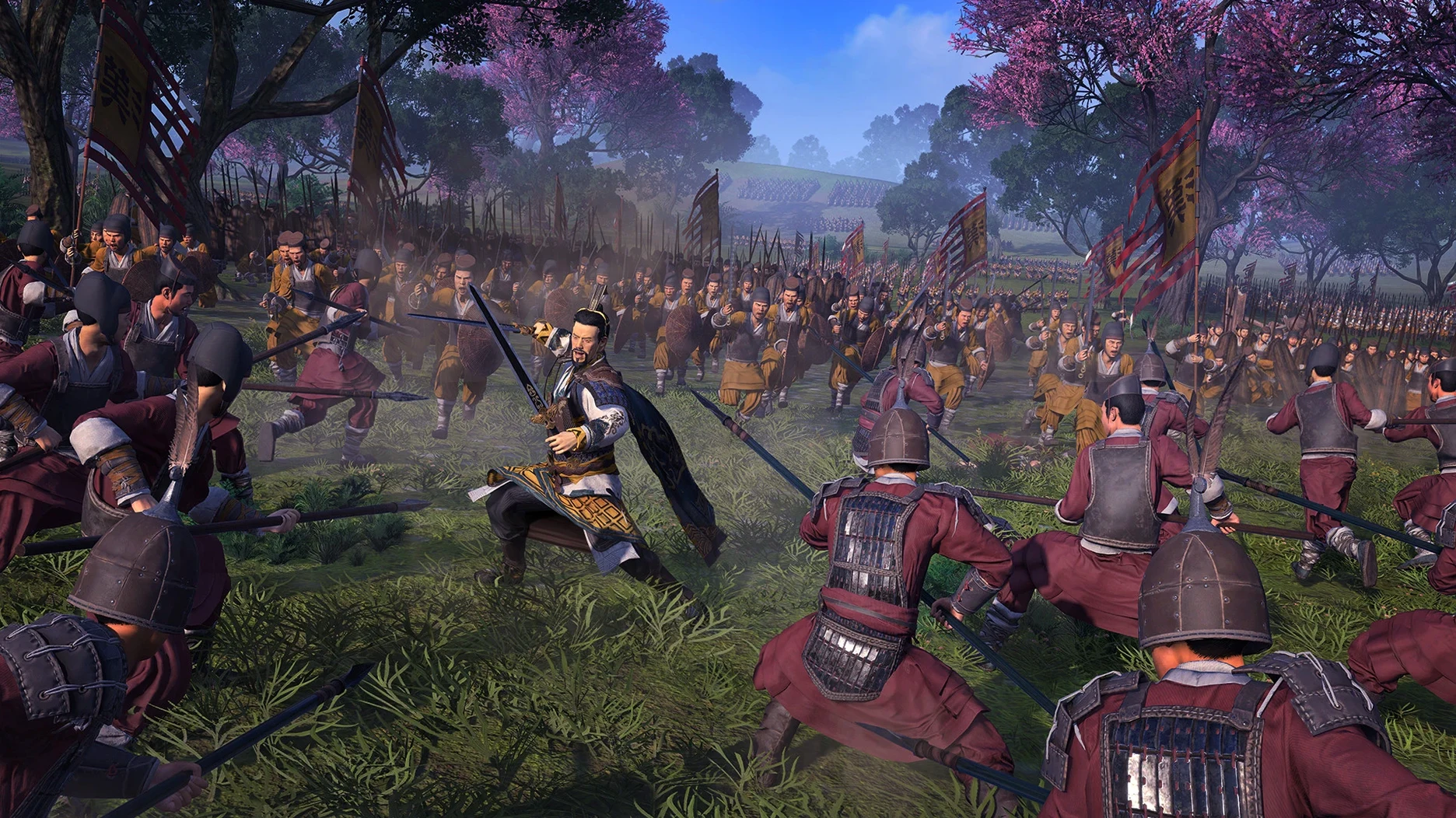
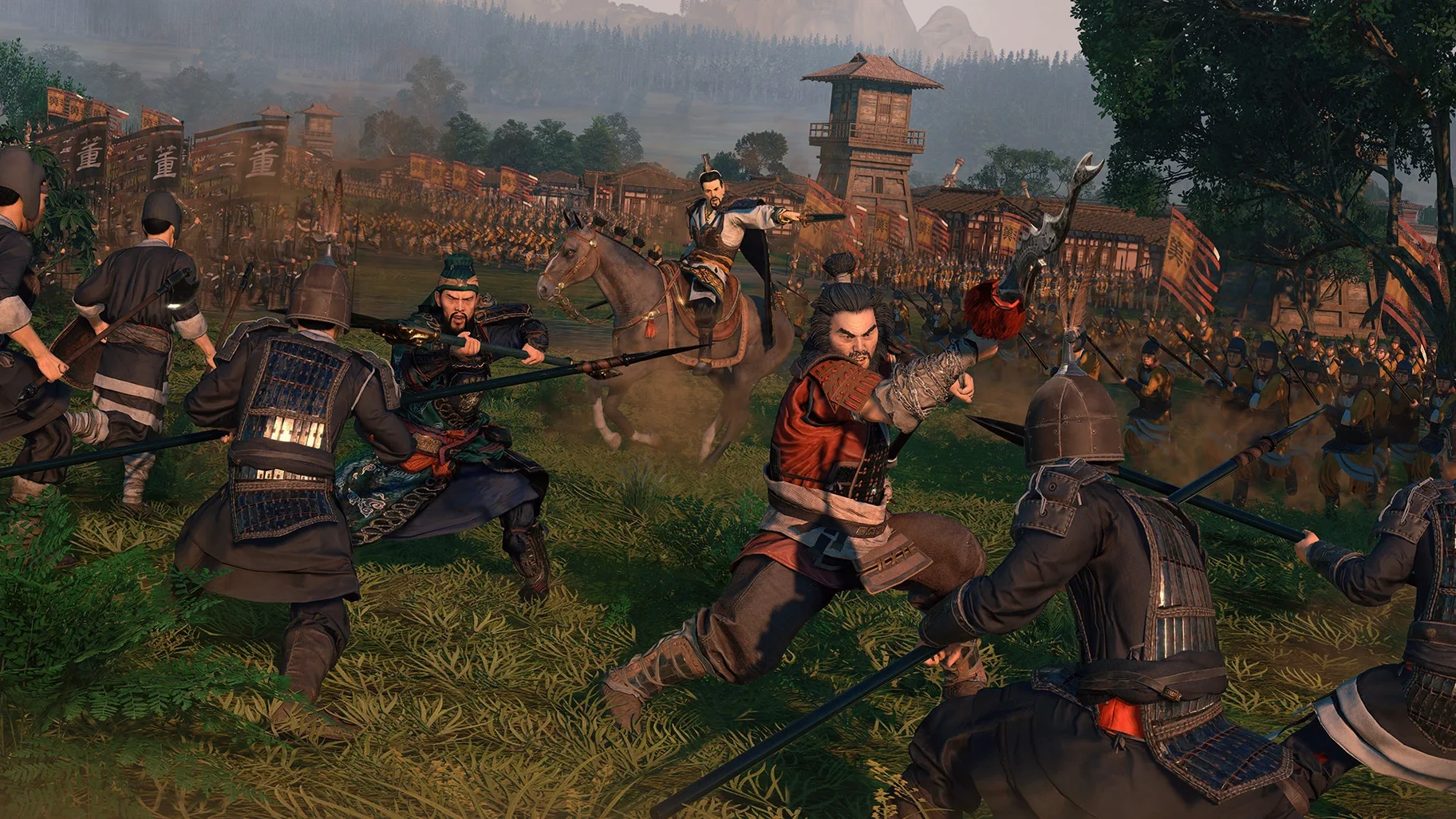
Real-time battles — zoom in to command armies directly, with formations, terrain, and hero duels shaping the outcome.
Character system — generals and officials aren’t just stat blocks; their relationships and personalities drive events and unlock new tactical options.
Mac version by Feral Interactive — a native port supporting both Apple Silicon and 64‑bit Intel Macs, tested on macOS Sequoia with an M1 MacBook Air.
Language options — full English, Russian, German, Simplified Chinese, Korean, and French voice acting, with interface text in thirteen languages including Polish, Turkish, and Czech.
It’s a dense game that expects you to care about the personalities at play, so if the Romance of the Three Kingdoms era already appeals to you, the Mac port makes it easy to settle in for a long campaign.
Tune the interface for clarity over spectacle
Before you even pick a faction, a few adjustments in the menus will make the early hours far more enjoyable. The defaults are fine, but they lean toward spectacle over clarity — and you’ll want clarity when three armies are closing in.
- Camera speed — dial it down a notch or two under Battle Settings. The default panning speed during real‑time fights can feel jittery, especially when you’re trying to reposition archers behind a treeline while cavalry charges the flank.
- Unit card style — switch from the stylized artwork to the simpler silhouette option. During a chaotic siege, those stylized portraits blur together fast; the clean silhouettes tell you at a glance whether that unit is shock cavalry or militia spearmen.
- Advisor frequency — set to Low in the Audio menu. The advisor’s tips are genuinely useful in the tutorial, but by turn ten you don’t need a reminder about food shortages every time winter hits. Low keeps the critical warnings without the chatter.
- Battle realism mode — leave it off for now. It locks the camera to your general’s view and removes floating unit markers, which is immersive but punishing when you’re still learning how formations collapse under sustained arrow fire.
Treat your first ten turns as a sandbox
Your first campaign won’t be your last, and that’s the point. Treat the opening ten or fifteen turns as a sandbox for understanding how systems interact. Pick Cao Cao or Liu Bei — both start with strong characters and manageable early threats — and focus on three things.
First, let battles play out at normal speed. The temptation to fast‑forward through an easy clash is strong, but normal speed teaches you how fatigue drains unit effectiveness and how rallying a broken unit depends on proximity to its commander. Those lessons stick.
Second, check character satisfaction every turn. A general who feels slighted by a missed promotion can defect and take half an army with them. The satisfaction panel sits in the court screen; make it a habit, like ending your turn with a quick treasury glance.
Third, don’t over‑expand. Grabbing commanderies feels productive until you realize your food stockpile evaporated and public order tanked two provinces away. Consolidate one or two full commanderies first — upgrade their buildings, stabilize their happiness — then push outward slowly.
Workflow: winning a defensive siege from start to finish
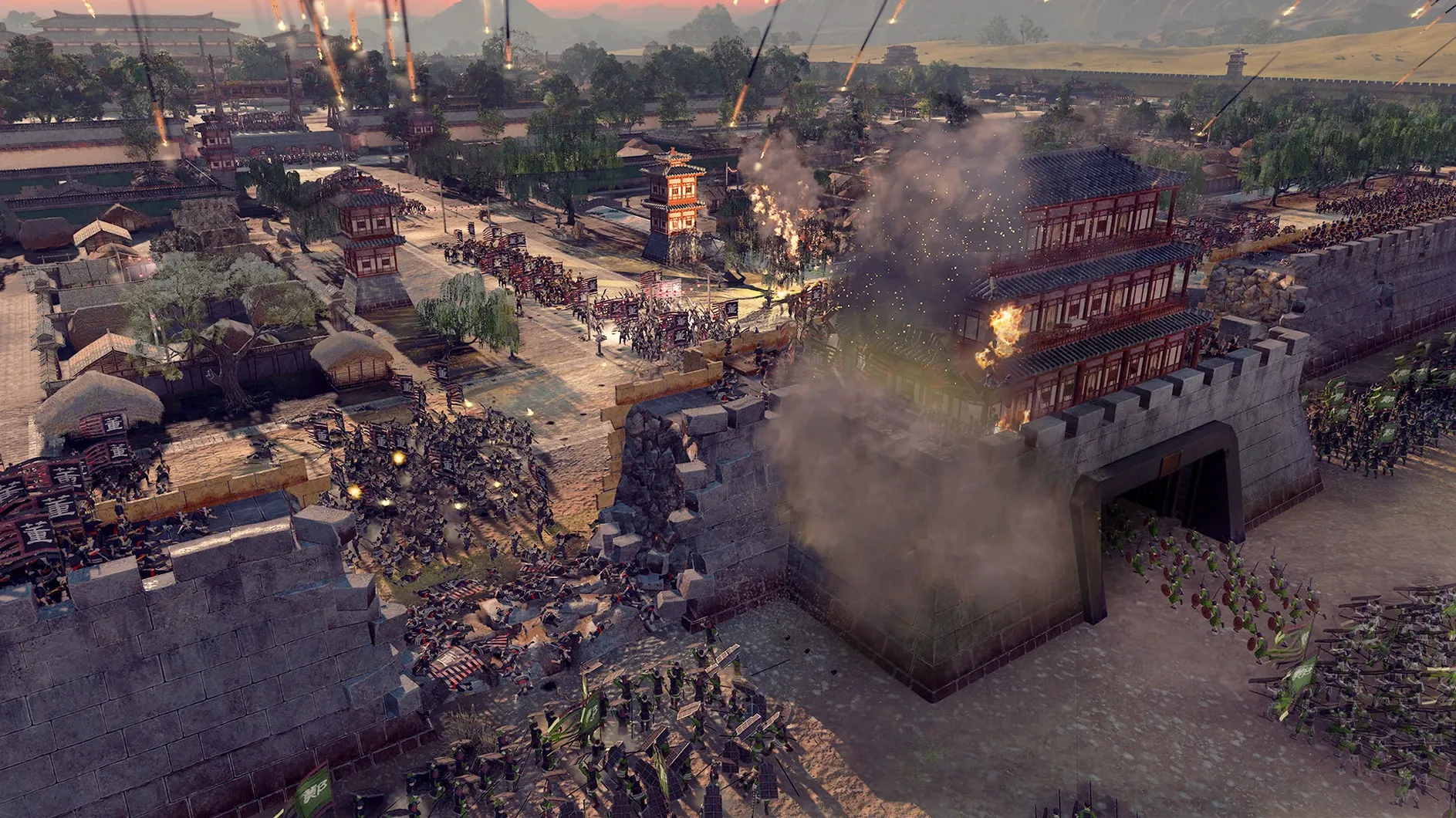
Defensive sieges are where the real‑time battles shine, and they’re a perfect practice ground. Here’s a workflow for a common early‑campaign scenario: you’re holding a walled minor settlement against a slightly larger force, and you want to come out with your core units intact.
Step one is pre‑battle deployment. Place your archers along the walls in loose formation — spread them thin to cover multiple approach angles. Position a unit of melee infantry directly behind each gate in turtle formation. Keep your general on horseback near the town center as a mobile reserve; they’ll plug gaps or chase down routing units.
When the attack begins, prioritize tower targets. Manually click each tower onto enemy siege equipment, not the infantry blobs. A burning tower ram destroys battering rams far faster than your archers can. Once the towers fall, switch archers to focus‑fire on the densest unit pushing through a single gate.
The moment a gate breaks, commit your turtle‑formation infantry to block the breach and immediately cycle them out if their morale dips below half. Send the general charging through the same choke point to trigger a duel with the enemy commander — winning that duel collapses enemy morale across the field. Mop up with a mass‑rout order, then hit End Battle. You’ll lose a hundred men instead of six hundred, and your settlement survives another season.
- macOS 10.14.4 or later
- Apple Silicon or 64‑bit Intel processor
- 46 GB free disk space
Questions I actually get
Does the Mac version run natively on Apple Silicon?
Yes, Feral Interactive’s port includes native support for both ARM (Apple Silicon) and 64‑bit Intel architectures.
How much disk space does it need?
The installation requires 46 GB of free space, so make sure you have enough room before downloading.
Porch talk 0
Come in or pull up a chair to leave a comment.
Nobody has pulled up a chair yet. If you used it on a real Saturday, say what the hour was.
More for the same hour
Everything in Games
 Total War: ROME REMASTERED
2.0.5 Games
35 GB
Total War: ROME REMASTERED
2.0.5 Games
35 GB
 Total War: ROME II - Emperor Edition
2.4.1 Games
20 GB
Total War: ROME II - Emperor Edition
2.4.1 Games
20 GB
 Tower of Babel: Survivors Of Chaos
1.12.2 Games
173 MB
Tower of Babel: Survivors Of Chaos
1.12.2 Games
173 MB
 Total War: PHARAOH DYNASTIES
2.0.2 Games
50 GB
Total War: PHARAOH DYNASTIES
2.0.2 Games
50 GB

 Trombone Champ
1.28E Games
757 MB
Trombone Champ
1.28E Games
757 MB

 Tropico 5
1.11 Games
4 GB
Tropico 5
1.11 Games
4 GB
 Tropico
t6 1290 Games
40 GB
Tropico
t6 1290 Games
40 GB
 Two Point Museum
11.0.234399 Games
4 GB
Two Point Museum
11.0.234399 Games
4 GB