

Firewatch arrives on the Mac as an x86 build, which means it runs on any Intel Mac and, in our testing, hums along nicely on Apple Silicon through Rosetta 2. We played it on a MacBook Air (M1, 2020) under macOS Sonoma without a stutter.
Take the job
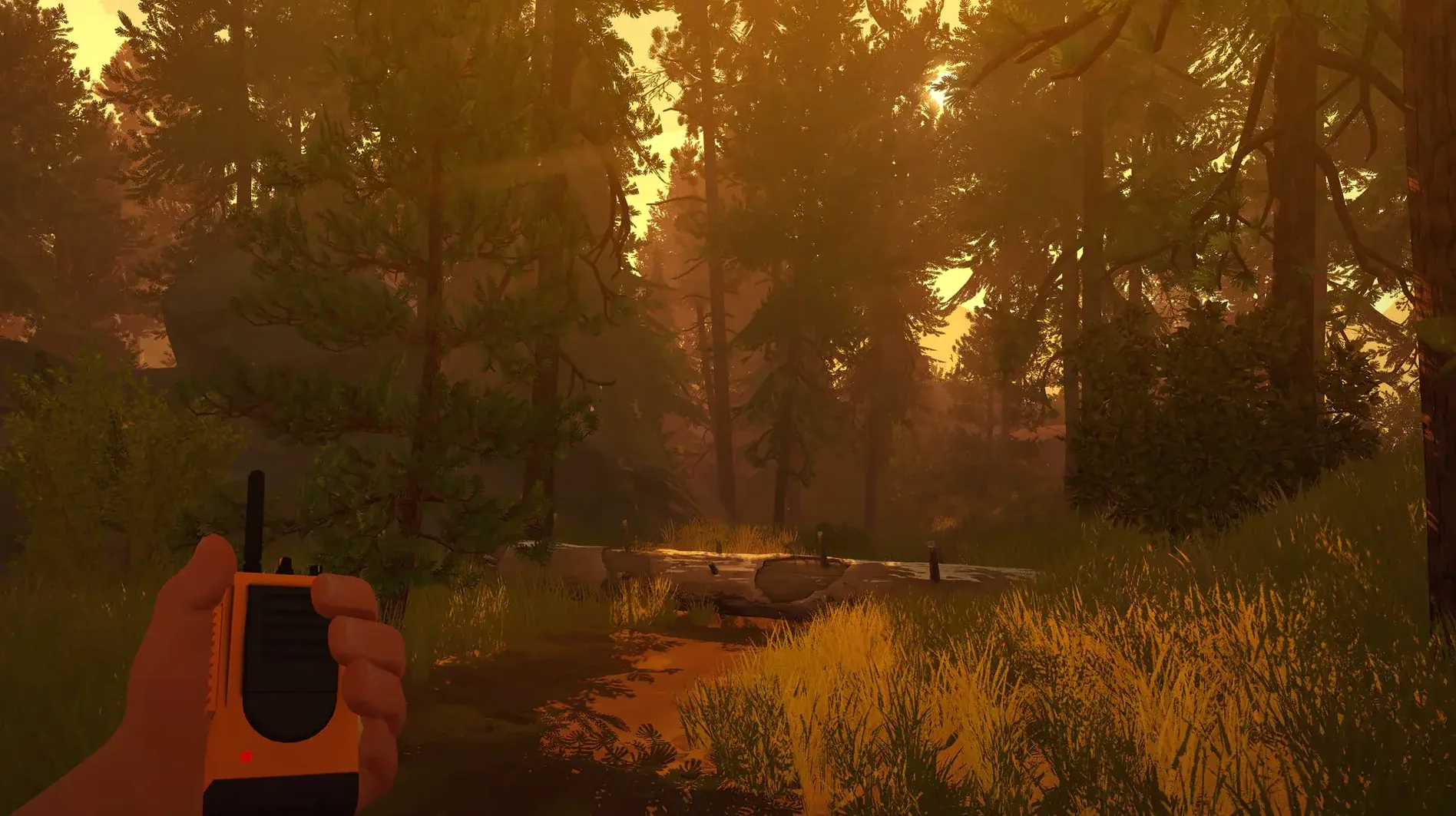
You step into the boots of Henry, a man who's traded his past for a summer alone as a fire lookout. The year is 1989, and your only companion is a handheld radio crackling with Delilah's voice.
Follow the smoke
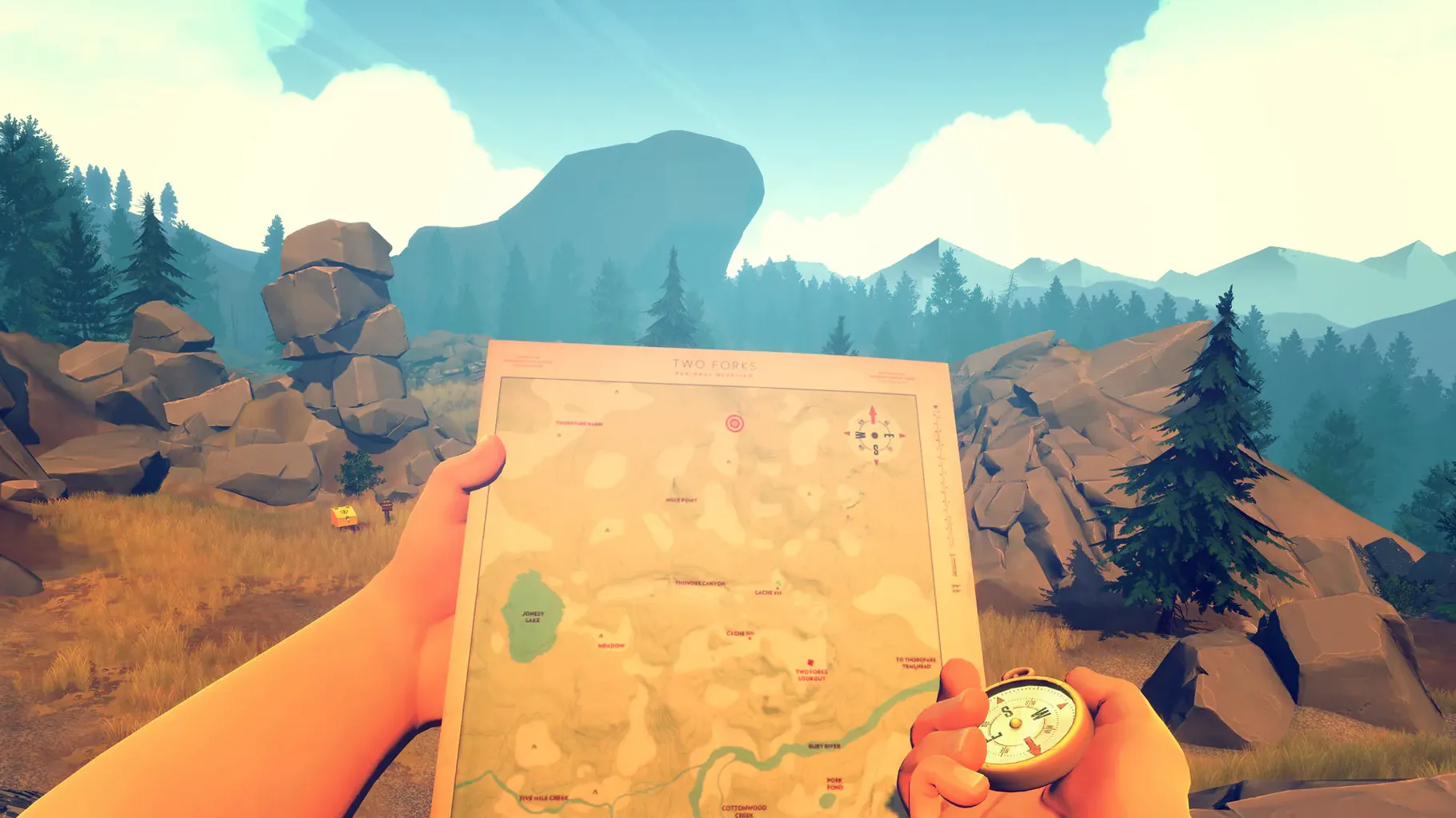
What starts as a quiet escape in the Shoshone turns into something stranger. You explore the forest on foot, guided by a compass and a map, while the mystery tightens around you.
Play it your way
Screenshots work flawlessly in fullscreen
Firewatch isn't a game that demands a lot of juggling, but a few things make it play nicer with the rest of your Mac. It runs fullscreen by default, and grabbing screenshots with Shift-Command-3 works without a hitch — handy when you want to save a vista or a particularly good line from Delilah. If you use Mission Control to swipe between desktops, the game stays put on its own space, which is a small mercy during tense moments in the forest.
One thing worth knowing: the game doesn't hook into Game Center or iCloud. Your saves live locally in ~/Library/Application Support/com.camposanto.firewatch, so if you're moving between Macs, you'll need to shuttle that folder yourself. On the plus side, the DRM‑free build means no launcher, no background service phoning home — just the app sitting in your Applications folder. It also plays well with Do Not Disturb; if you've got Focus modes set up, notifications won't barge in while Henry is radioing Delilah about a plume of smoke on the horizon.
Ten-second loads, silent fans on M1 Air
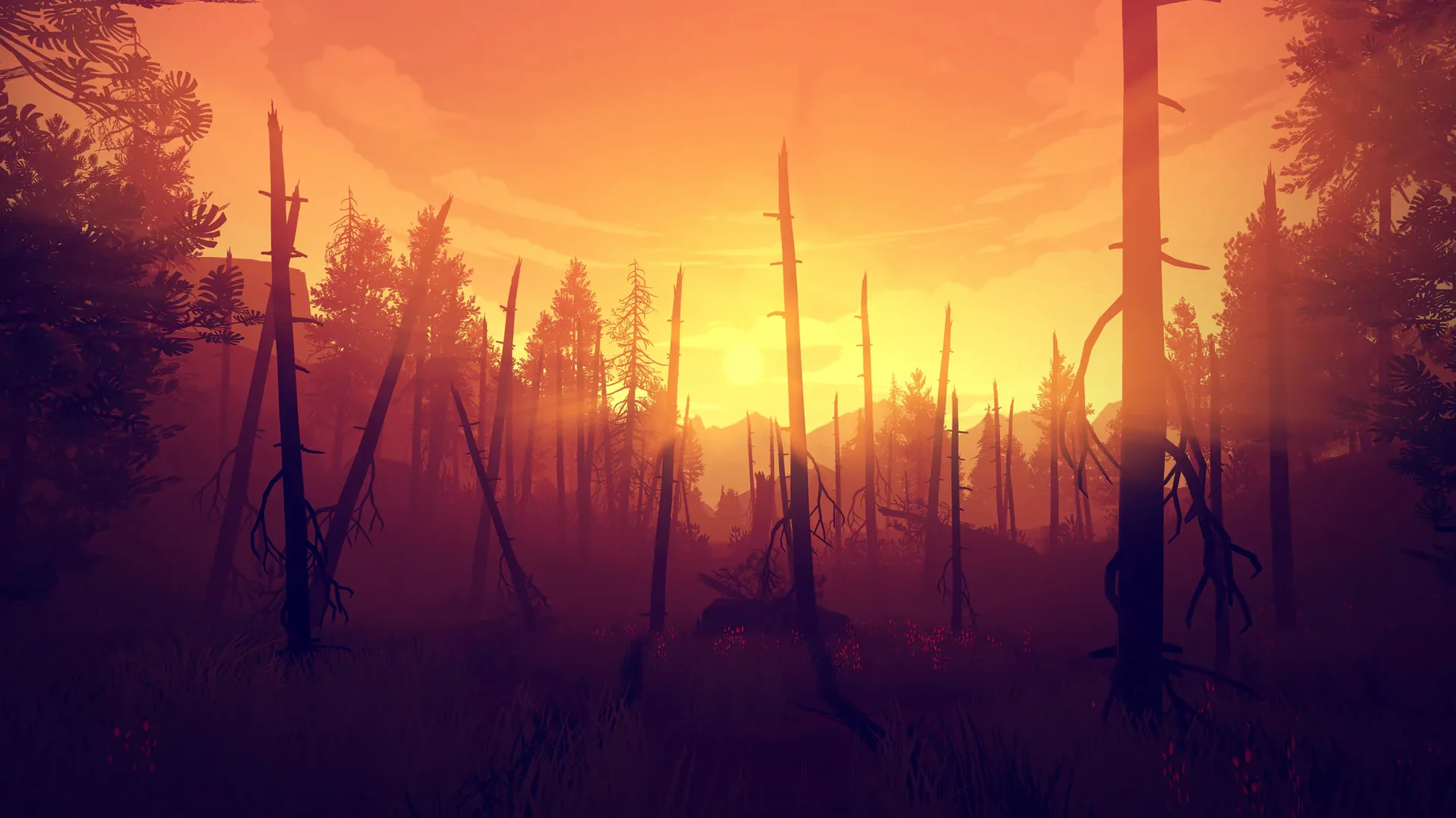
On an M1 Air, the game settles into a steady rhythm. Load times from the internal SSD are under ten seconds, and the fanless design of the machine never becomes a problem — the chip barely warms up. The x86 translation layer adds no perceptible lag. Frame pacing feels consistent even when the late‑afternoon light floods through the trees, a moment that would give some engines trouble.
Memory use hovers around 2.5 to 3 GB, which is modest for a game with this much voiced dialogue and environmental detail. If you're the type who keeps a browser with twenty tabs open behind your games, you'll still have breathing room. Battery drain on a full charge runs roughly four and a half hours of continuous play, so a long afternoon in the Shoshone won't force you to hunt for a power outlet. The game hasn't been updated since 2016, and that's actually a quiet strength — there's no live‑service churn, no surprise patches that break compatibility overnight. It just works.
Rough edges and how to smooth them out
The most common snag people run into involves the display resolution. On Retina screens, the game sometimes launches at a non‑native resolution and the graphics look softer than they should. The fix is quick: open the in‑game settings and manually pick your panel's native resolution. After that, the hand‑painted art style snaps into focus the way it was meant to.
Another occasional gremlin: the radio dialogue can drift out of sync if you're sprinting through trigger zones faster than the game expects. If Delilah's voice cuts off mid‑sentence or Henry responds to something you didn't hear, stop moving for a few seconds. The conversation will catch up. It's a quirk of the scripting, not a bug in the Mac build, and it's easy to work around once you know the rhythm.
Some players searching for a firewatch mac download have reported that the game doesn't always remember graphics settings between sessions. If you find your resolution or quality preset resetting on launch, try this: set your preferences, then quit through the pause menu rather than using Command‑Q. That forces a clean write to the preferences file. The same trick helps if the Firewatch Mac torrent you grabbed feels sluggish on an older Intel machine — dial the shadow quality down one notch and you'll pick up a smoother frame rate without losing much of the atmosphere.
Lastly, if you're deep into a Firewatch torrent download and the game refuses to launch at all, check that you've moved the app to the Applications folder. Running it from a mounted disk image or a random Downloads subfolder occasionally trips up the Unity engine's file‑path handling. Drop it where it belongs and the problem usually vanishes.
The Mac version carries localized subtitles in Russian, French, German, Spanish, and Simplified Chinese, so you can follow the conversations in your preferred language.
- macOS (Intel architecture)
- Runs on Apple Silicon via Rosetta 2
Questions I actually get
Does Firewatch run on Apple Silicon Macs?
Yes, the game uses an Intel 64-bit architecture and runs through Rosetta 2. We found performance smooth on an M1 MacBook Air with macOS Sonoma.
Is this a multiplayer game?
No, the Mac version is strictly a single-player, first-person mystery. You explore the story as Henry, alone in the woods with only your radio.
Porch talk 0
Come in or pull up a chair to leave a comment.
Nobody has pulled up a chair yet. If you used it on a real Saturday, say what the hour was.
More for the same hour
Everything in Games
 Five Hearts Under One Roof
2024.11.22 Games
26 GB
Five Hearts Under One Roof
2024.11.22 Games
26 GB
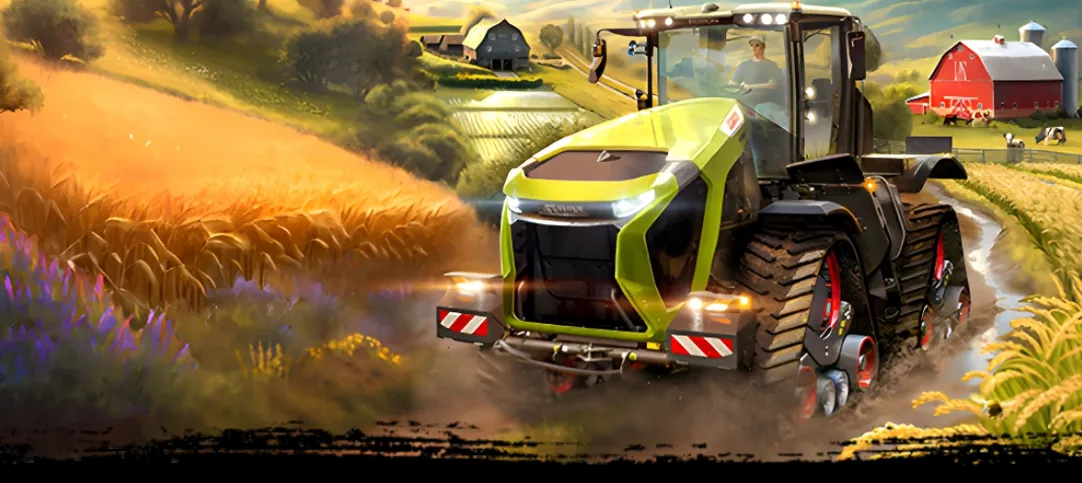
 Farming Simulator 25
1.25.0.0 Native Games
Updated 31 GB
Farming Simulator 25
1.25.0.0 Native Games
Updated 31 GB
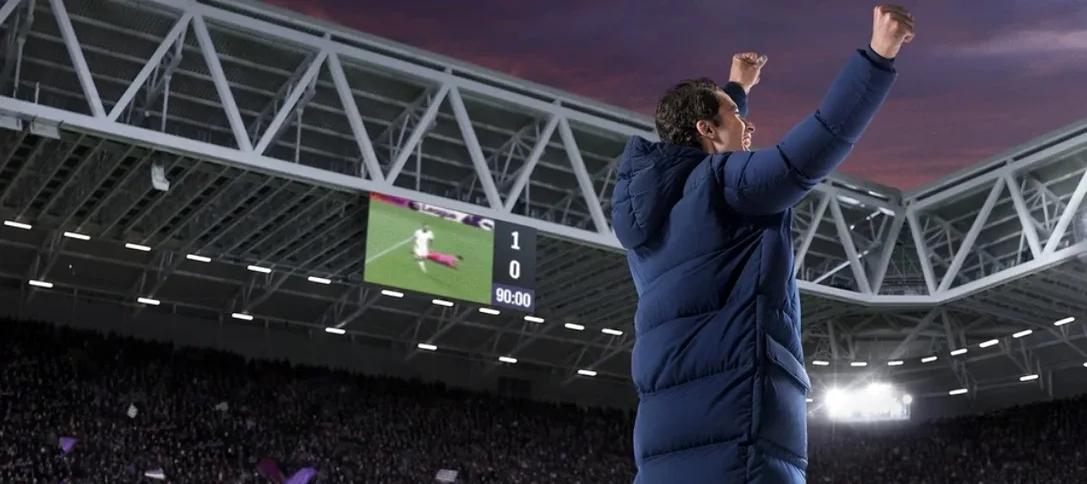
 Football Manager 2026
26.3.2.2329565 Games
6.4 GB
Football Manager 2026
26.3.2.2329565 Games
6.4 GB
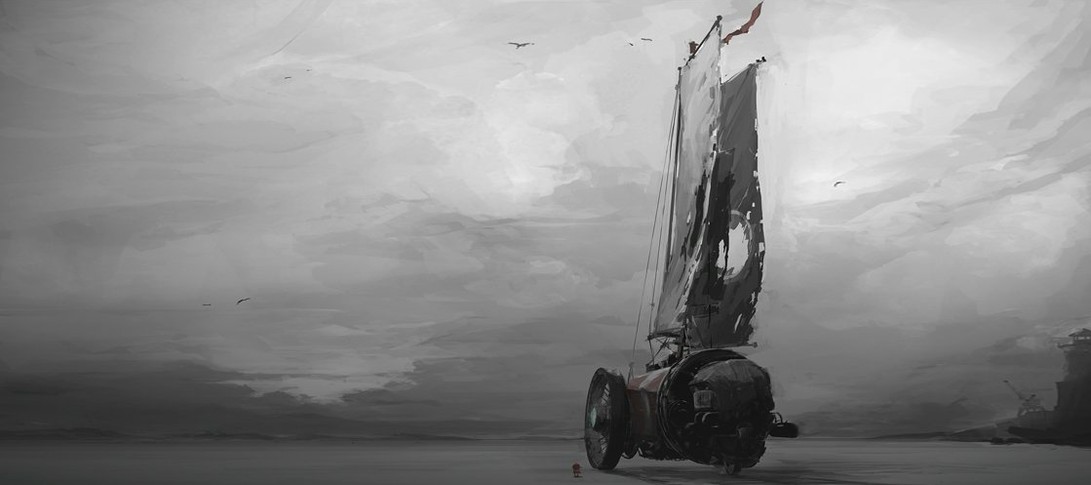
 FAR: Lone Sails
1.31 Games
1 GB
FAR: Lone Sails
1.31 Games
1 GB
 Fallout: A Post Nuclear Role Playing Game
1.2-27130 Games
1 GB
Fallout: A Post Nuclear Role Playing Game
1.2-27130 Games
1 GB
 Factorio
2.1.23 Native Games
Updated 5.7 GB
Factorio
2.1.23 Native Games
Updated 5.7 GB
 Frostpunk 2
1.6.1 Games
16 GB
Frostpunk 2
1.6.1 Games
16 GB
 Frostpunk
1927 Games
8.9 GB
Frostpunk
1927 Games
8.9 GB