
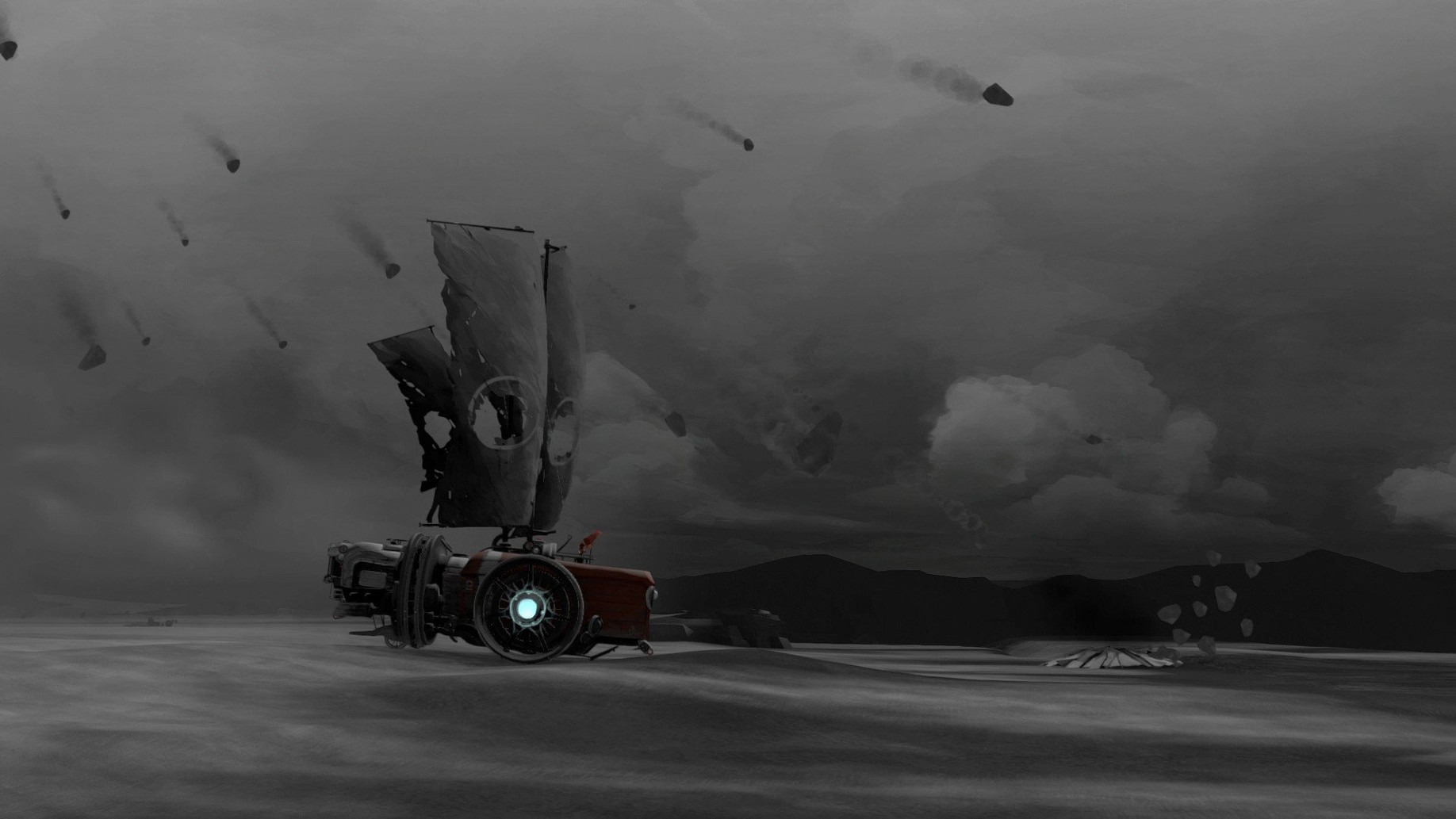
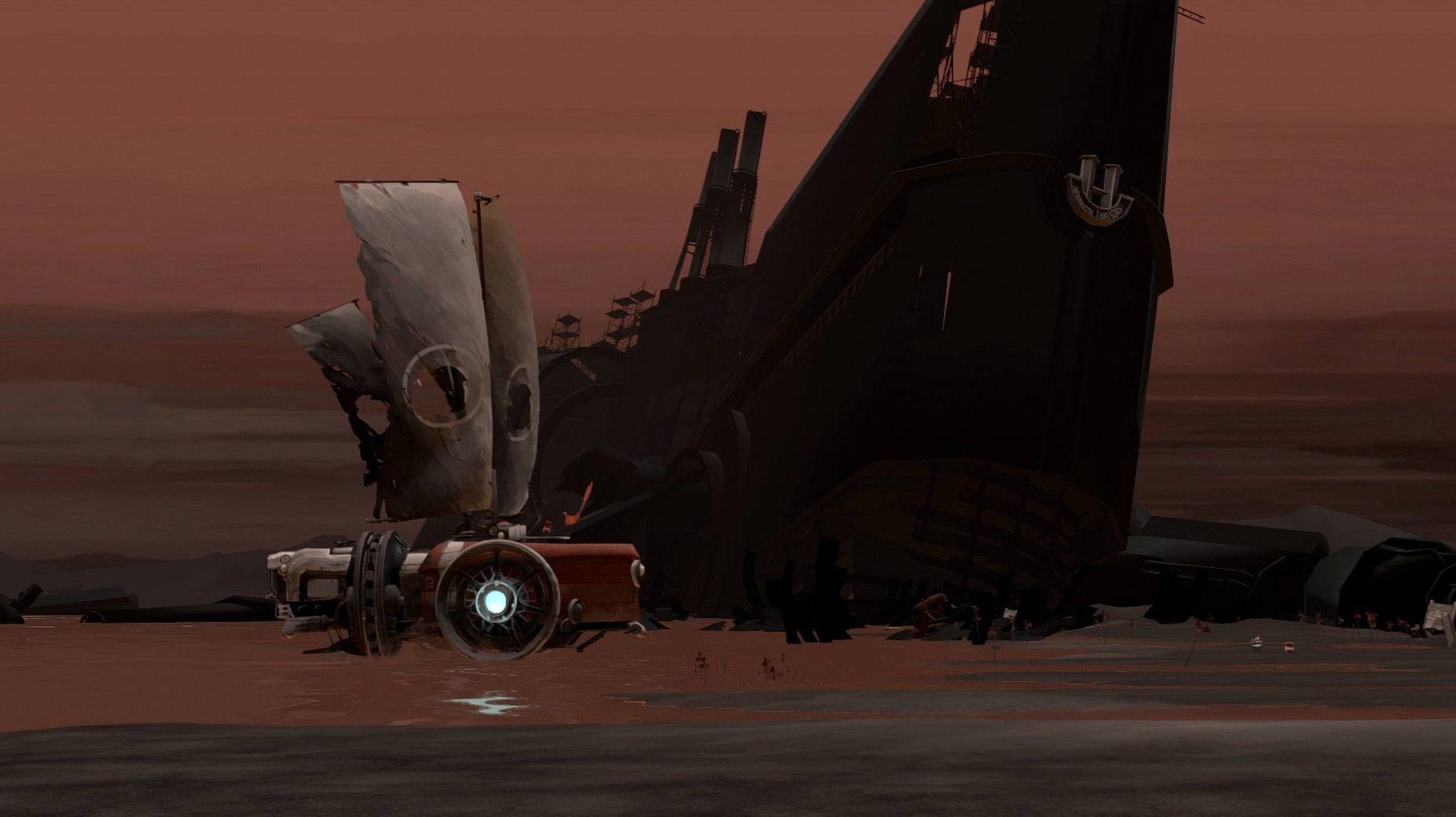
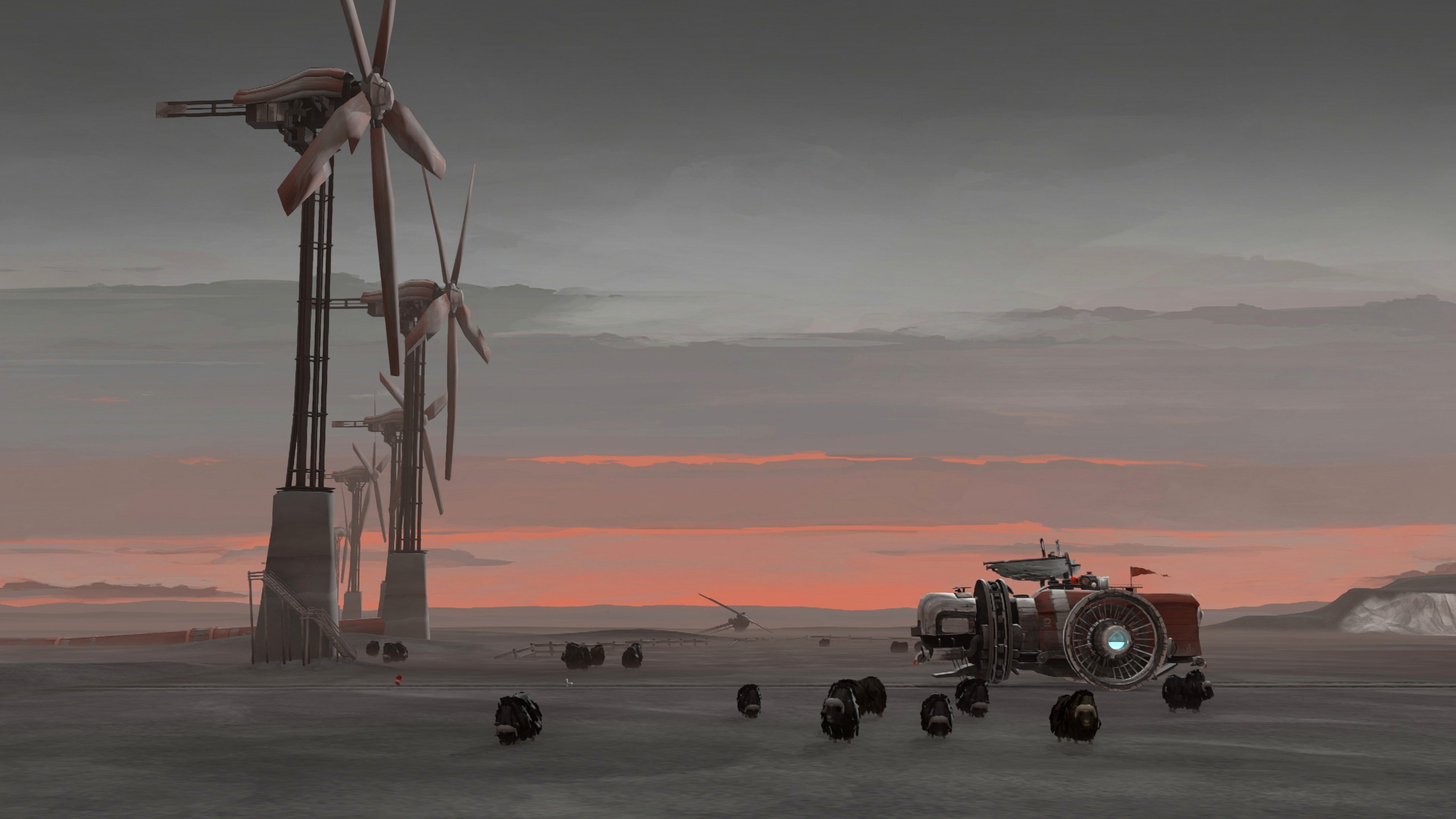
You pull a lever to release the engine's pressure, the sail catches a dying gust of wind, and your wheeled ship lurches forward across an endless, cracked seabed. That's the quiet loop of FAR: Lone Sails on a Mac—keeping your peculiar land-ship moving through the husk of a vanished civilization while storms and obstacles try to stop you.
Atmospheric vehicle trek with only your engine
- A slow, atmospheric journey with no combat, just you and your machine
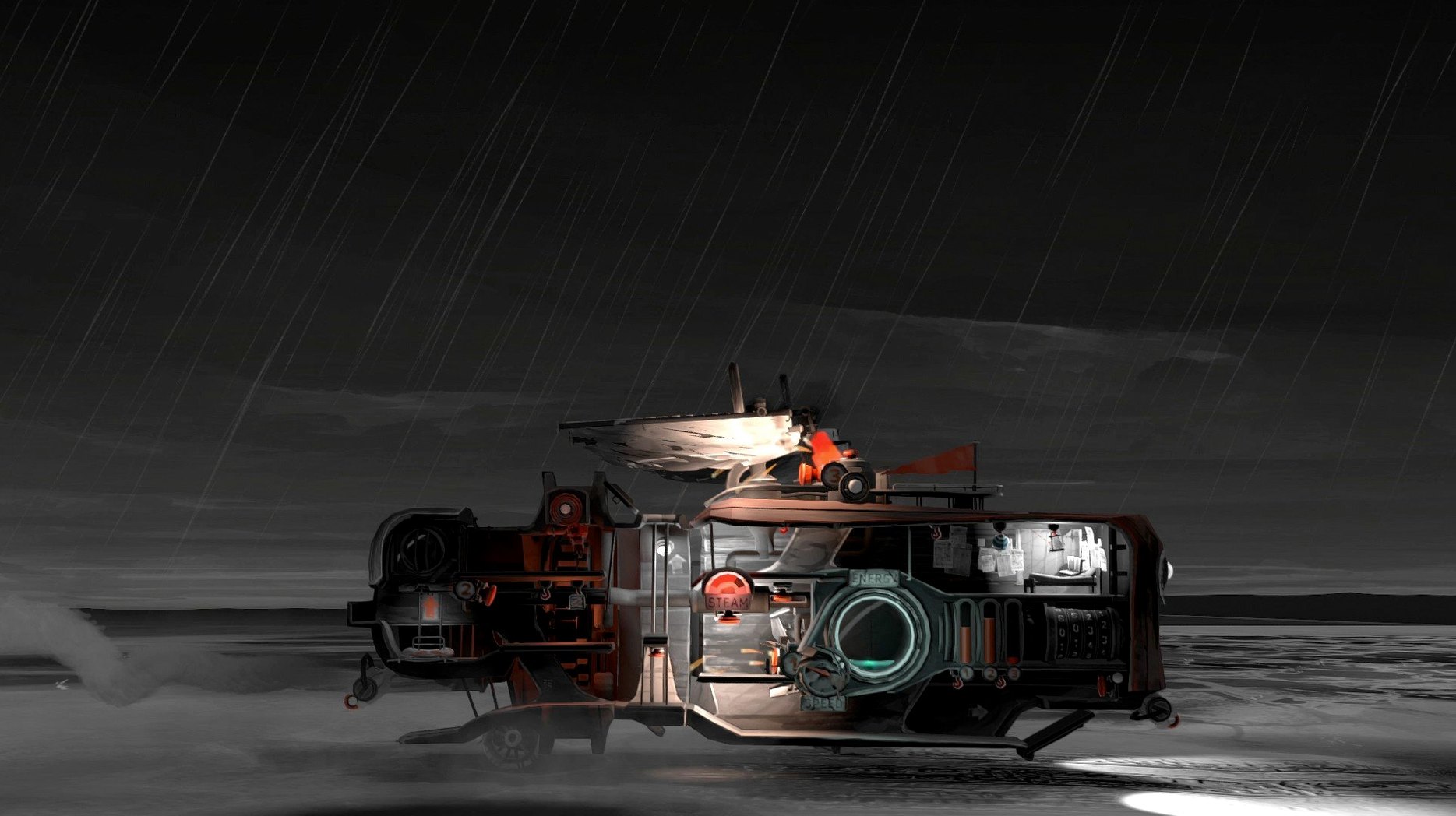
- Puzzle-like vehicle maintenance—fuel the engine, repair damage, and upgrade the rig as you travel
- A compact experience that respects your time without overstaying its welcome
Intel build runs fine under Rosetta 2
- It's an Intel build, so Apple Silicon Macs run it through Rosetta 2—performance is fine, but it's not native
- Tested on macOS Tahoe with an M4 Mac mini without issue, so current OS compatibility is solid
- Controls are simple, but the game doesn't offer extensive remapping options
Slow‑burn explorers who soaked up Inside
FAR: Lone Sails isn't for everyone, and that's part of its charm. It lands best with players who enjoy a slow burn—people who'd rather soak in a mood than chase a high score. If you've worn out titles like Inside or Limbo and you're looking for something less grim but equally quiet, this scratches a similar itch. The vehicle itself becomes a companion, so tinkerers who liked maintaining the cart in The Final Station or fussing over subsystems in FTL will feel at home here, even though the stakes are gentler.
Mac users with older Intel machines get a special nod. Since the game runs as an x86 build, it's comfortable on hardware that can't always handle newer Unity titles—a late-model Intel MacBook Air handles it without breaking a sweat. And because the whole experience wraps up in a few unhurried hours, it's an easy pick for anyone with a packed week who still wants to finish something satisfying rather than chip away at a hundred-hour epic.
A session behind the sail
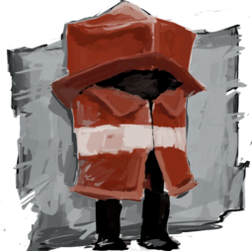
You start the game and the screen fills with rust-reds and faded ochres. Your character—small, silent, wrapped in a heavy coat—stands inside the ship's cabin. There's no tutorial pop-up, no quest marker. Just a button on the dashboard that glows when you walk near it. You press it. The engine rumbles. A gauge twitches. That's the whole lesson.
The next twenty minutes might go like this: you spot a pile of crates ahead, slow the ship with the brake lever, hop out, and scavenge fuel canisters. Back inside, you feed one into the furnace, watch the pressure needle climb, and release the steam with a satisfying hiss. The sail unfurls. You're moving again. Later, a storm rolls in—wind buffets the hull, lightning cracks nearby, and you're scrambling between the throttle, the repair station, and the water pump, all while the ship groans around you. When the sky clears, you pull a lever that raises a weather-beaten mast and the music swells. Nobody said a word, but you'll remember that moment.
Hide the HUD to grab clean wallpaper frames
FAR: Lone Sails plays nicely with macOS's built-in screen recording tools, so capturing a favorite stretch of the journey for a quick clip or a wallpaper-worthy frame is straightforward—just remember that the HUD hides cleanly when you're not actively using the dashboard. The game also respects the system-wide media keys, pausing its own music when you tap the play/pause button on a Mac keyboard. If you use SharePlay or Discord screen sharing to show a friend the view from your ship's bow window, the windowed mode cooperates without fighting your display scaling settings.
After the credits roll, the FAR universe doesn't lock you out. The save file sits quietly in your Application Support folder—small enough to back up alongside your Scrivener projects and Lightroom catalogs without a second thought. And if you later grab the sequel, FAR: Changing Tides, the two titles feel like companion volumes on the same shelf, though each stands perfectly well on its own. For a quiet Sunday afternoon when you'd rather download FAR Lone Sails for Mac and lose yourself in a world that asks for patience instead of reflexes, it slots right into the indie corner of your library.
- macOS 11.0 or later
- Intel-based Mac (runs via Rosetta 2 on Apple Silicon)
Porch talk 0
Come in or pull up a chair to leave a comment.
Nobody has pulled up a chair yet. If you used it on a real Saturday, say what the hour was.
More for the same hour
Everything in Games
 Fallout: A Post Nuclear Role Playing Game
1.2-27130 Games
1 GB
Fallout: A Post Nuclear Role Playing Game
1.2-27130 Games
1 GB
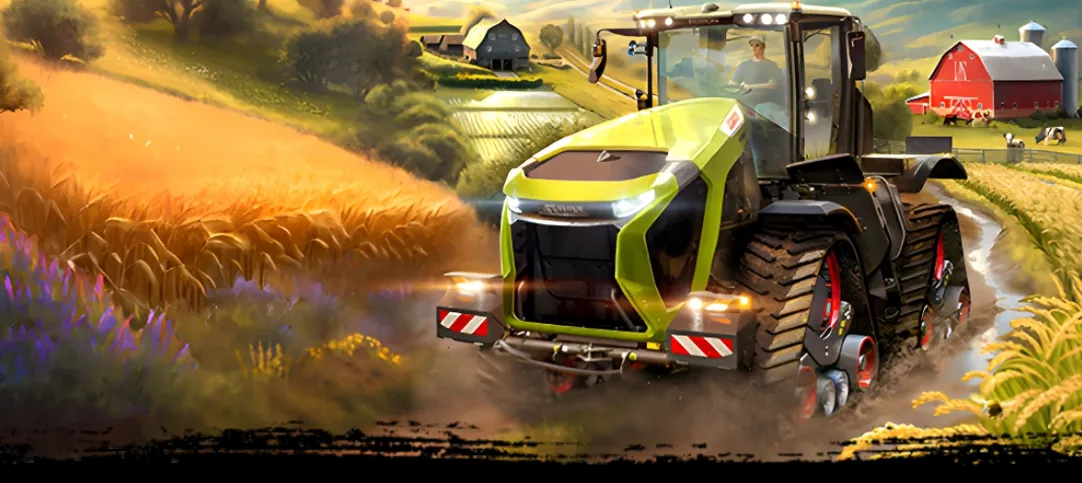
 Farming Simulator 25
1.25.0.0 Native Games
Updated 31 GB
Farming Simulator 25
1.25.0.0 Native Games
Updated 31 GB
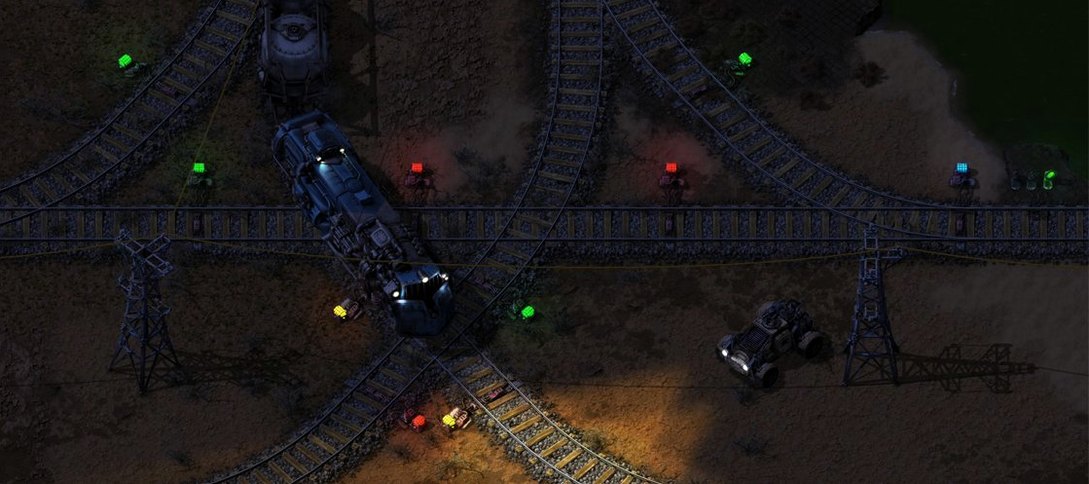
 Factorio
2.1.23 Native Games
Updated 5.7 GB
Factorio
2.1.23 Native Games
Updated 5.7 GB

 Euro Truck Simulator 2
1.61.1.9s Native Games
Updated 35 GB
Euro Truck Simulator 2
1.61.1.9s Native Games
Updated 35 GB

 Escape Simulator 2
22866 Native Games
Updated 17 GB
Escape Simulator 2
22866 Native Games
Updated 17 GB

 Firewatch
1.12a Games
2.1 GB
Firewatch
1.12a Games
2.1 GB

 Five Hearts Under One Roof
2024.11.22 Games
26 GB
Five Hearts Under One Roof
2024.11.22 Games
26 GB

 Easy Red 2
2.1.0.9 Games
9.4 GB
Easy Red 2
2.1.0.9 Games
9.4 GB