

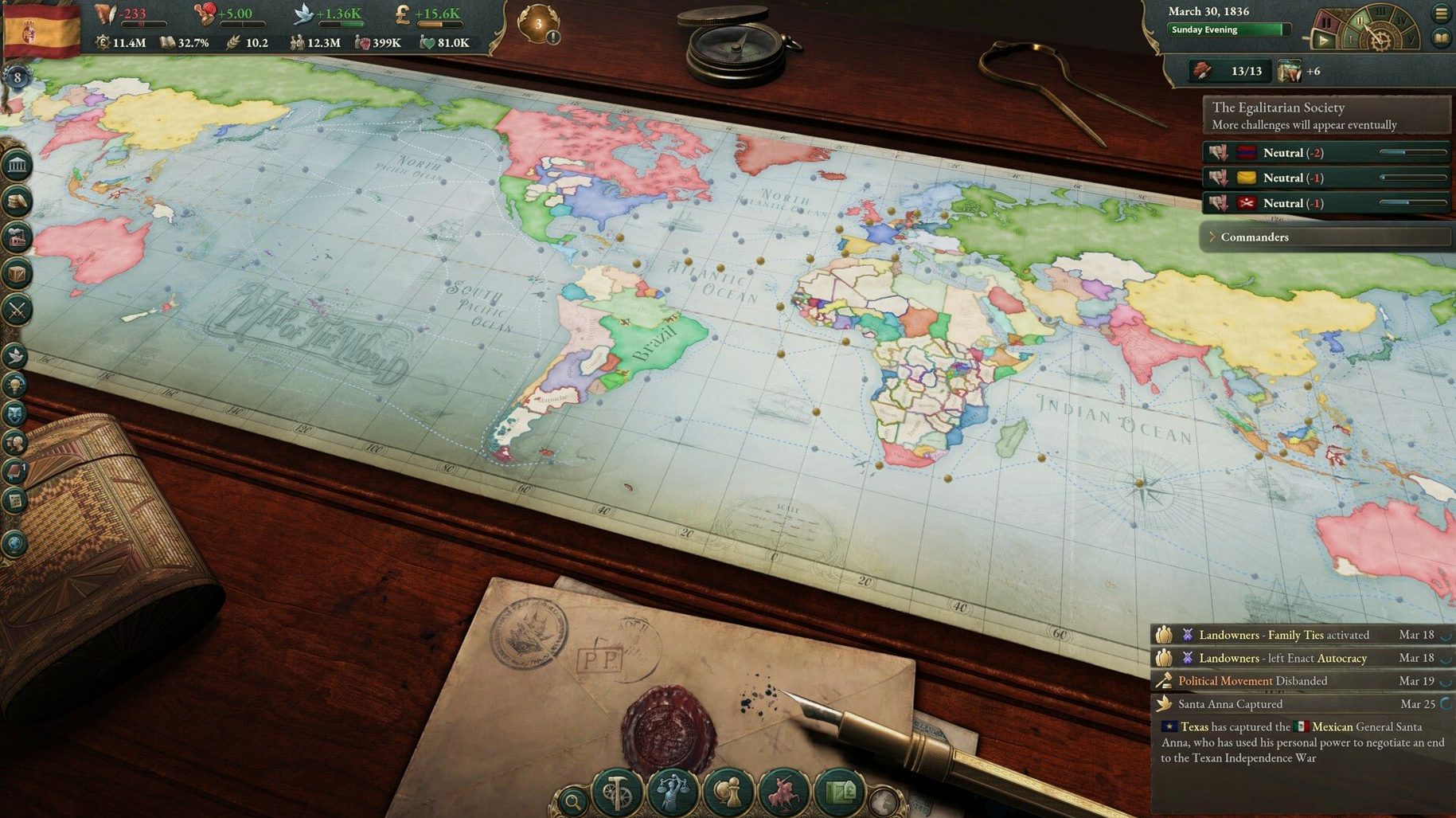
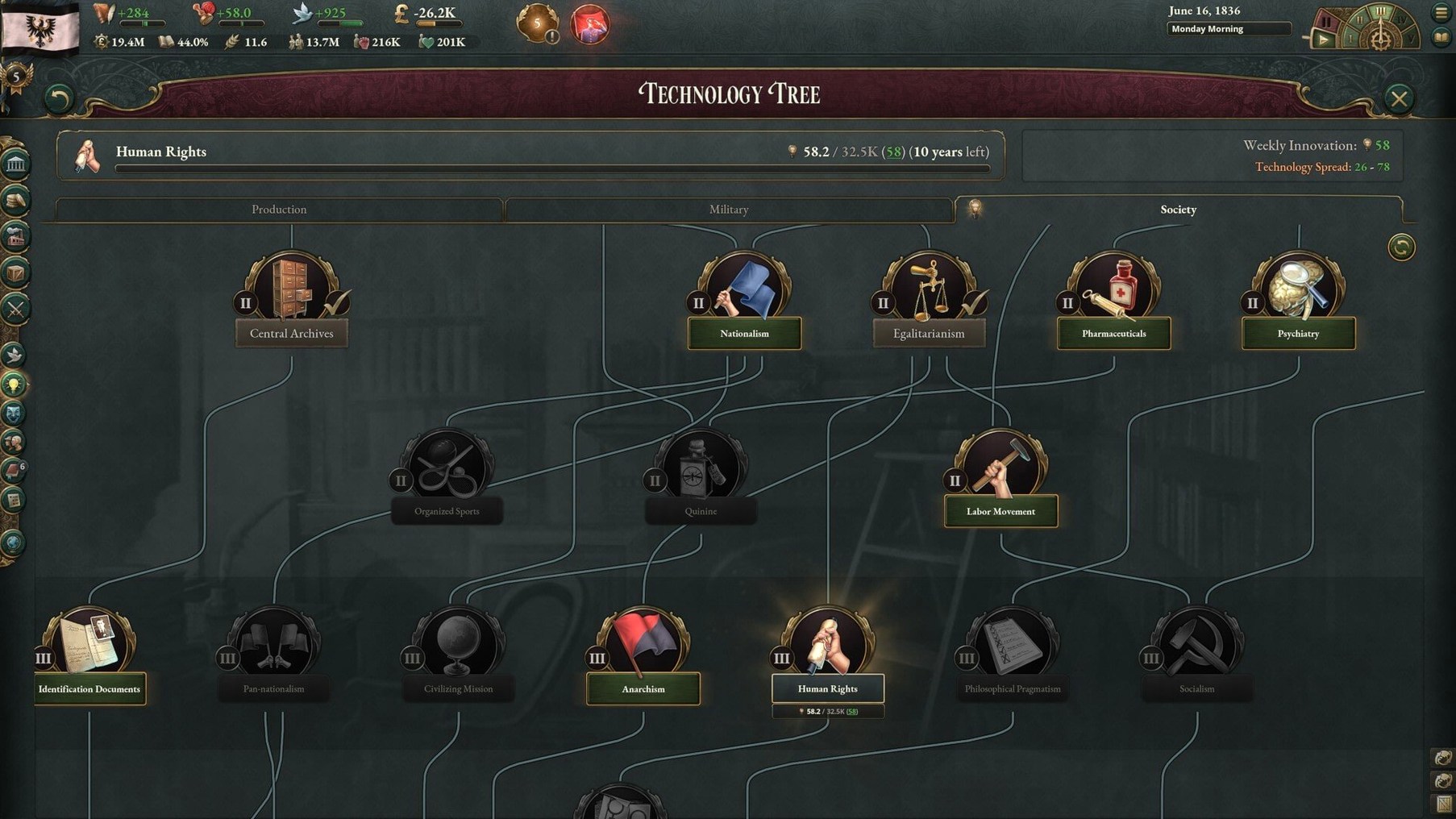
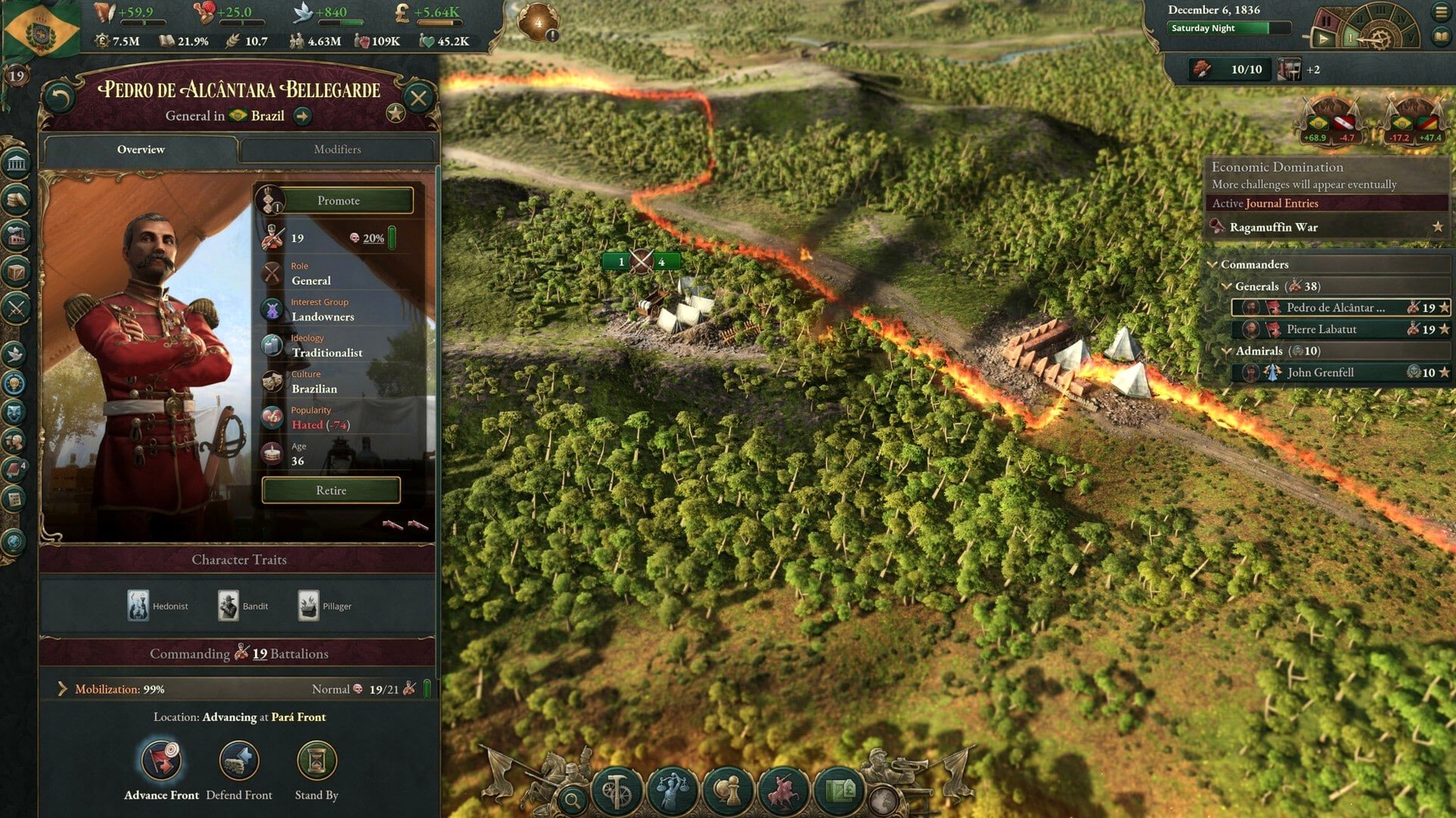
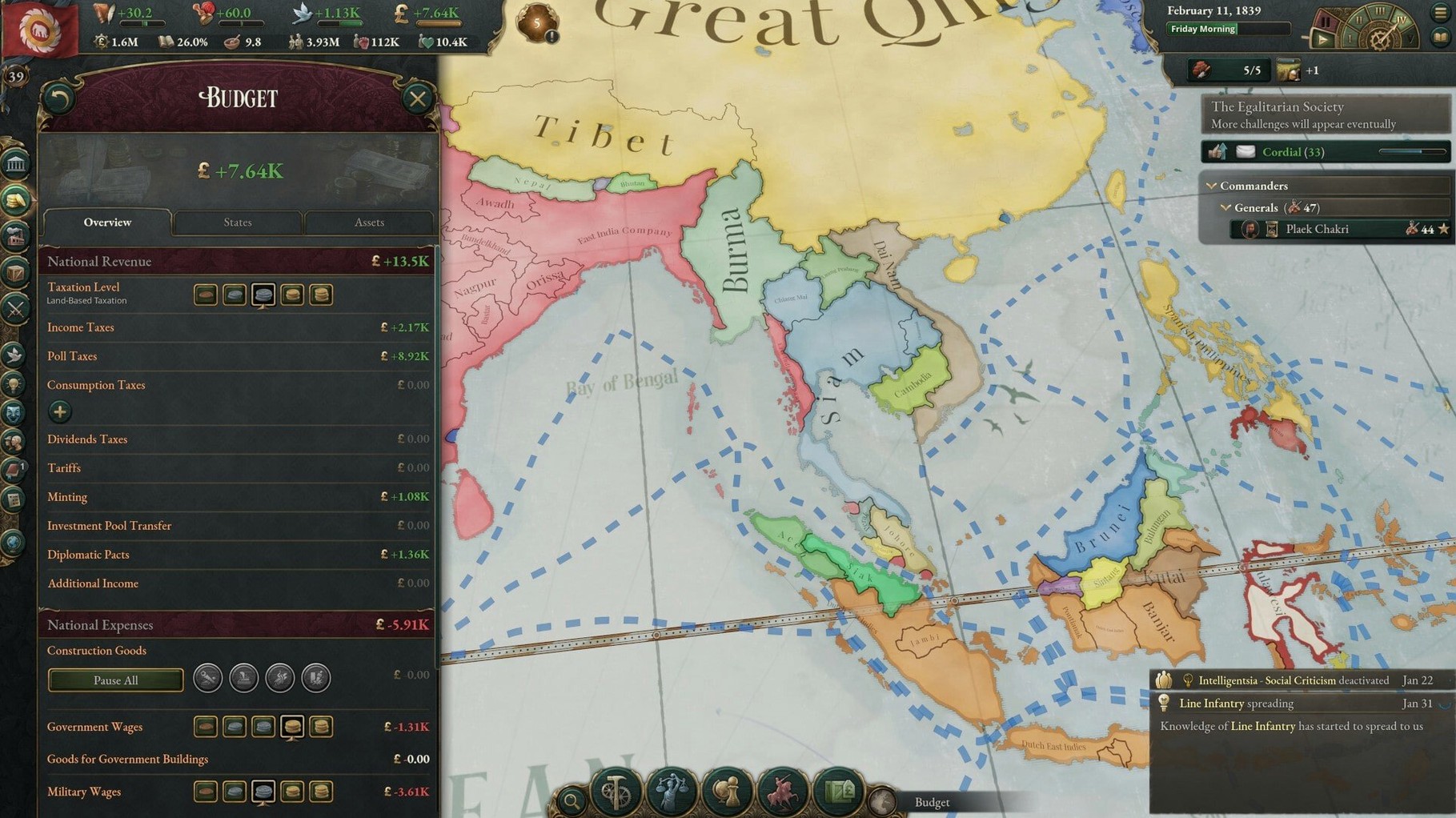
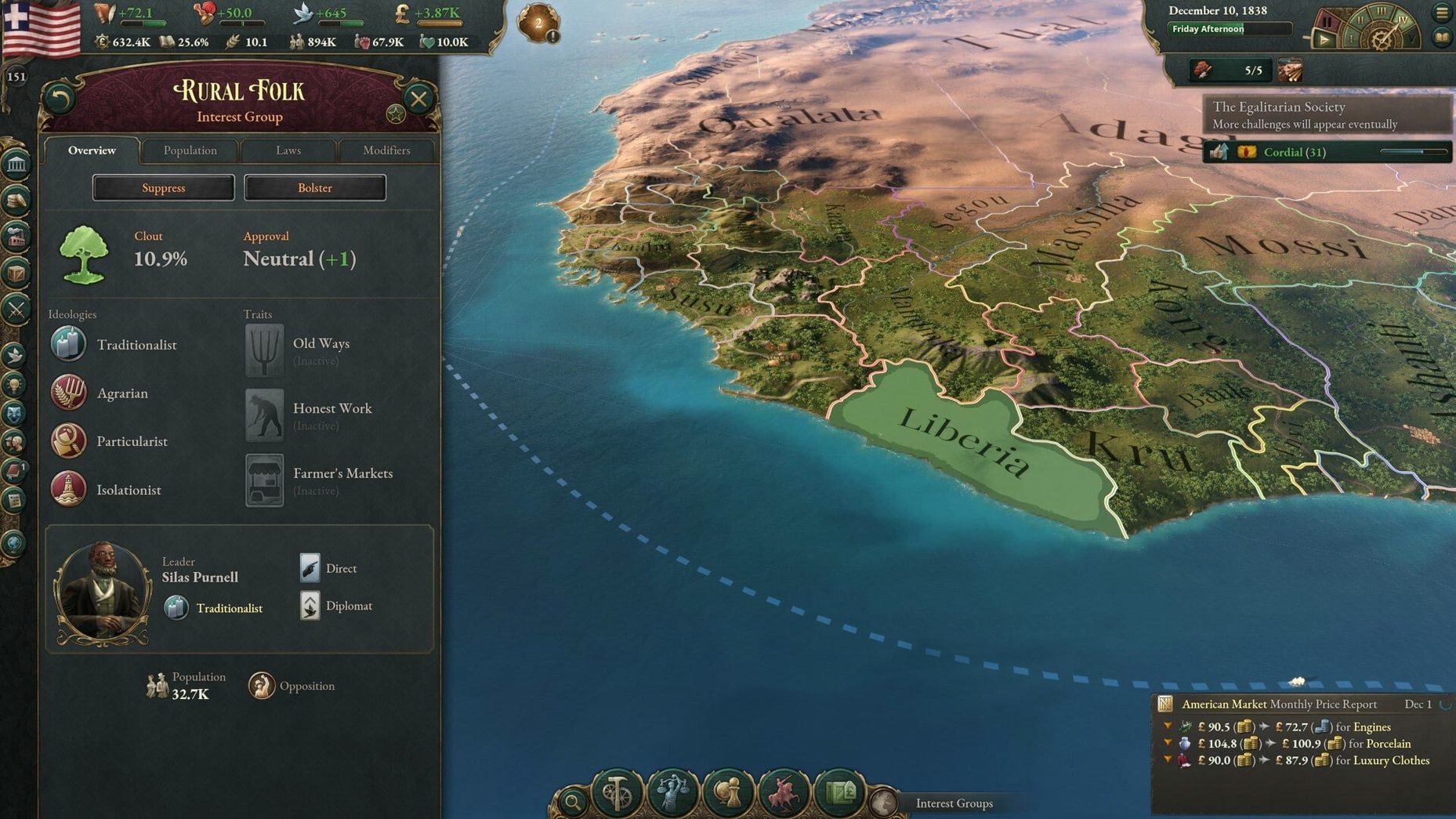
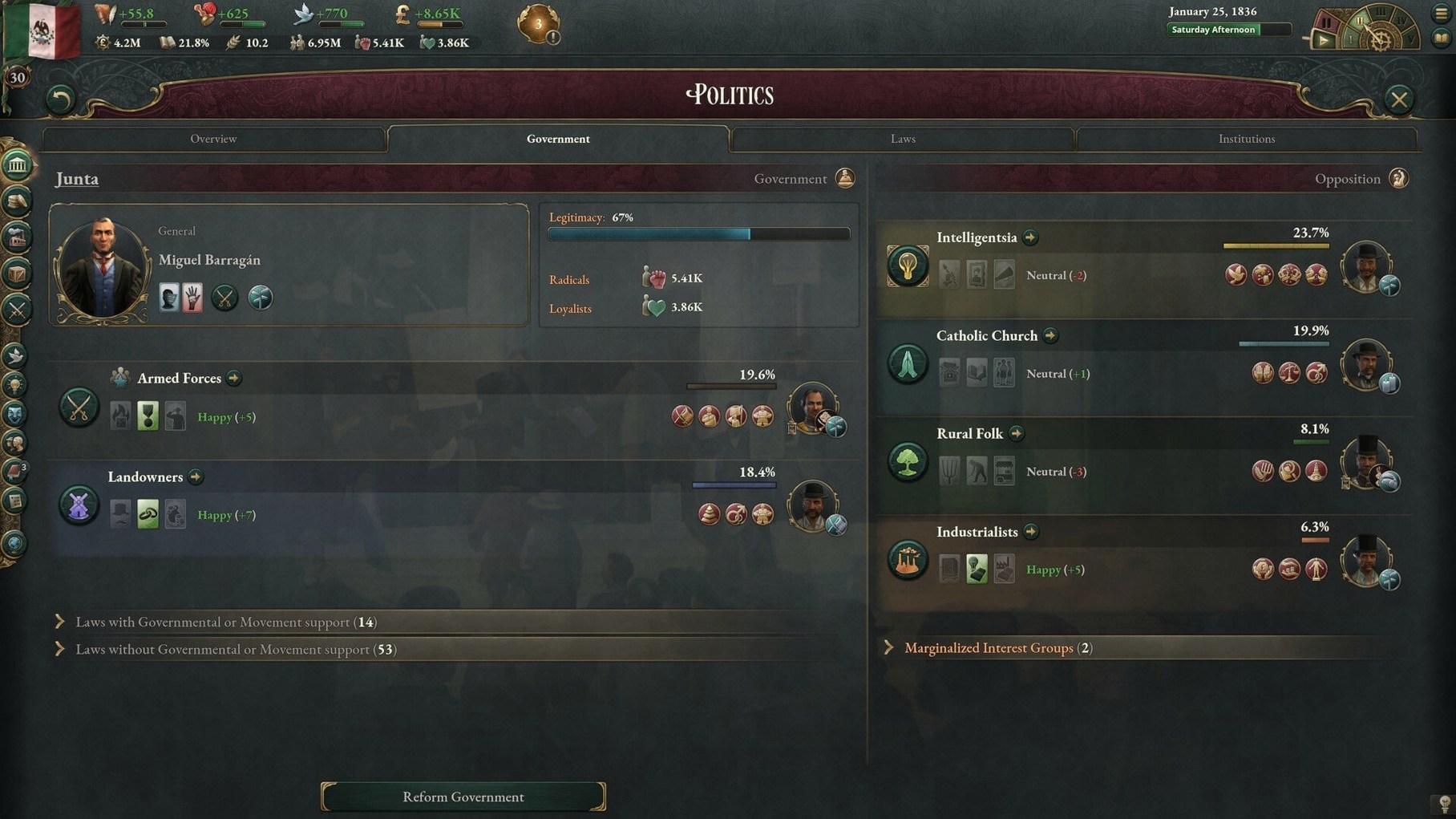
If you’ve spent late nights balancing budgets in a city builder or tweaking trade routes in a management sim, Victoria 3 is the natural next step. It takes that same love for interconnected systems and stretches it across an entire century of global change, from the early industrial age to the brink of World War II. You choose any of dozens of nations and guide its economy, politics, and diplomacy through a world that pushes back at every turn.
On the Mac, the game runs natively on both Apple Silicon and Intel hardware. That means solid performance whether you’re on an M4 Mac mini or an older x86 machine. The interface has been tested on macOS Tahoe, and the build carries full ARM support, so you’ll get smooth scrolling across a map dense with railroads, factories, and shifting borders.
Diplomacy is where this game really breathes. Alliances, intimidation, and careful negotiation sit alongside economic pressure and territorial ambition. You might build up a military not to fight, but simply to make a rival think twice at the bargaining table. Your industrial growth and colonial expansion affect your global reputation, and every decision ripples outward in ways that feel grounded and consequential.
Anyone who enjoys pulling on the many threads of a complex simulation—seeing how a new steel mill changes local politics, or how a diplomatic slight escalates over a decade—will find a home here. The interface is localized into eleven languages, so the deep tooltips and layered menus are accessible to a wide audience. It’s a game for patient, curious minds who want to shape history one careful move at a time.
A Trade Empire Workflow: From Cottage Industry to Global Supplier
Victoria 3 rewards patient planning, so a concrete workflow helps cut through the early fog. Let’s walk through a typical session where you turn a minor European nation into the continent’s glassworks.
Start by pausing on day one. Open the Buildings panel and scan your existing factories. You’ll likely see a handful of textile mills and maybe a single glassworks running on outdated production methods. Highlight the glass building and queue a switch to the latest technique your technology allows — this might require more coal or lead, which you’ll address next. Switch to the Market tab and check domestic supply versus demand for those raw inputs. If coal is scarce, open the Trade Routes lens and set up an import from a neighbor with surplus. The route takes a few weeks to spin up, but it stabilizes your factory’s throughput before you unpause.
Now look at your population. Open the Population browser and filter by Profession, zeroing in on Machinists and Engineers. If the numbers are thin, you’ll need to educate or attract them. Head to the Politics screen and queue a reform that expands education access; expect pushback from the Landowners interest group, so check their clout and consider boosting Industrialist influence through expanding factories they favor. Unpause at speed three and let a year tick by. Watch the glassworks’ profitability climb as cheaper inputs and better methods kick in. When the ledger shows a solid margin, open a second export route for finished glass to a larger market — Britain or France, say — and watch your GDP tick upward. By 1845, a nation that once imported every pane of window glass is now supplying half the continent, and you did it by threading together production tech, trade, and political leverage in a deliberate sequence.
Tutorial Won't Leave You Stranded
People wonder if a grand strategy title from Paradox will feel overwhelming out of the box. The short answer is yes, but not in a punitive way. The tutorial has improved significantly over earlier series entries, guiding you through each nested menu with context-sensitive tooltips. You’ll still spend your first few hours pausing constantly to read and absorb systems, and that’s by design — the game treats complexity as texture, not a gate. Another frequent question is about Mac performance. The ARM-native build means the map scrolls without stutter on Apple Silicon machines, and even an older Intel MacBook with a dedicated GPU handles the late-game population calculations reasonably well. The Victorian era’s slower pace of warfare also means you won’t be dragging dozens of army stacks in real time, which keeps CPU load manageable.
A few people ask about the Victoria 3 Mac download process and whether it differs from other platforms. It’s straightforward: the image mounts cleanly, the app copies into Applications, and the launch happens from Launchpad after the copy finishes. No extra steps, no activation dance. The game’s checksum for version 1.13.11 is a47f, a small detail that helps modders and multiplayer hosts verify their installs match. Speaking of multiplayer, the question comes up often — yes, cross-platform play works, so you can host a session with friends on Windows while you play on macOS. Just agree on a host with a stable connection and the same checksum, and you’re set.
Playing Nice with Other Apps and macOS Features
Victoria 3 fits into a wider ecosystem of strategy tools and Mac conveniences more neatly than you might expect. If you use note-taking apps like Obsidian or Bear, the game’s nested tooltips translate well into linked notes — plenty of players keep a running journal of diplomatic promises and production targets alongside their session. The game’s pause-and-queue structure also works beautifully with Stage Manager or Spaces; you can keep a browser open on a second desktop with the community wiki for quick reference on event chains, then swipe back to the game without breaking your focus.
On the audio side, the orchestral soundtrack plays nicely with macOS media controls. If you’re listening to a history podcast or an audiobook while managing trade routes, the game doesn’t wrestle for audio priority — its music ducks politely when another source is active, or you can mute it entirely from the in-game settings without touching your system volume. The title also respects macOS notifications, which is a small but welcome touch: no pop-ups about screen time or software updates will yank you out of 19th-century diplomacy at a critical moment.
For number-crunchers who like to pull save data into spreadsheets, the game’s uncompressed save format is plain text. You can open it in a text editor like BBEdit or CotEditor, search for specific economic metrics, and even copy values into Numbers or Excel to build your own economic projections outside the game. It’s a bridge between grand strategy and the kind of data tinkering that Mac power users already enjoy. Paired with a lightweight screenshot utility for capturing trade route snapshots or political maps, Victoria 3 becomes less a self-contained game and more a node in a wider workflow of analysis and storytelling.
Version 1.13.11 arrives as a hotfix release with a few targeted improvements. A frustrating crash that could occur at the turn of the month when diplomatic play sway offers were still pending has been squashed. The team also adjusted Banana Plantation output values so those buildings contribute more meaningfully to your economy, and gave the outcome options for the A Doctrine of Iron and Steel event a thoughtful pass.
- macOS Tahoe or later (expected)
- Apple Silicon or Intel (x86-64) Mac
Questions I actually get
Does Victoria 3 run on Apple Silicon Macs?
Yes. The build includes native ARM support and has been tested on a Mac mini 2024 M4 running macOS Tahoe.
Porch talk 0
Come in or pull up a chair to leave a comment.
Nobody has pulled up a chair yet. If you used it on a real Saturday, say what the hour was.
More for the same hour
Everything in Games
 Vampire Therapist
1.214 Games
1.8 GB
Vampire Therapist
1.214 Games
1.8 GB

 Valheim
1.0.20 fix Native Games
Updated 4.1 GB
Valheim
1.0.20 fix Native Games
Updated 4.1 GB

 ΔV: Rings of Saturn
1.90.12 Native Games
Updated 1.4 GB
ΔV: Rings of Saturn
1.90.12 Native Games
Updated 1.4 GB

 Unmourned
1.0 Build 20836643 Games
20 GB
Unmourned
1.0 Build 20836643 Games
20 GB

 WHAT THE CAR?
6.1.0 Native Games
Updated 717 MB
WHAT THE CAR?
6.1.0 Native Games
Updated 717 MB

 Wingspan
282 Native Games
Updated 1.8 GB
Wingspan
282 Native Games
Updated 1.8 GB

 Two Point Museum
12.0.244870 Native Games
Updated 4 GB
Two Point Museum
12.0.244870 Native Games
Updated 4 GB
 Tropico
t6 1290 Games
40 GB
Tropico
t6 1290 Games
40 GB