
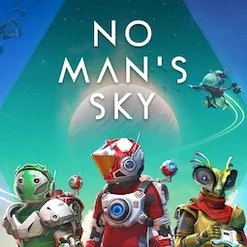
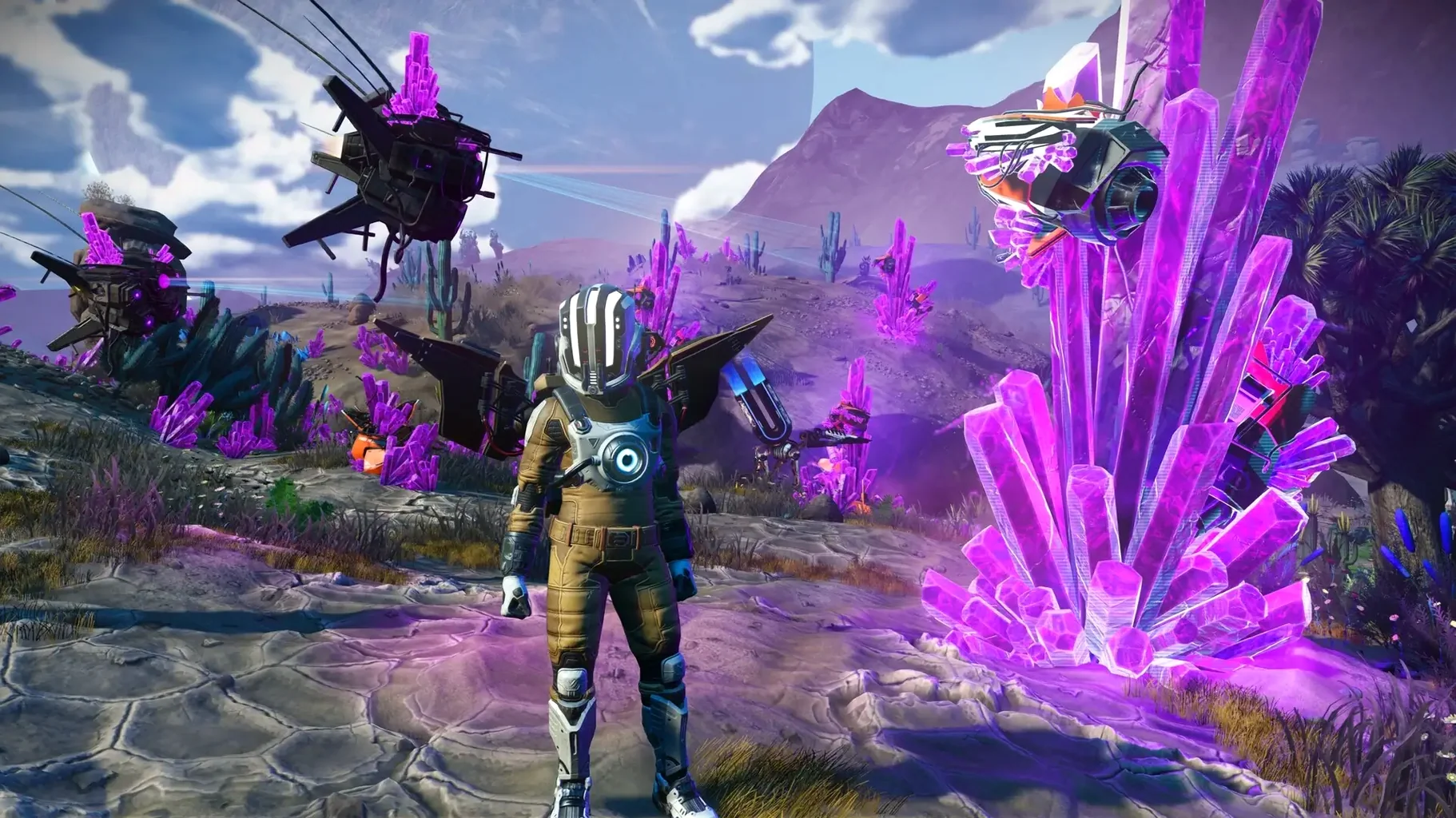
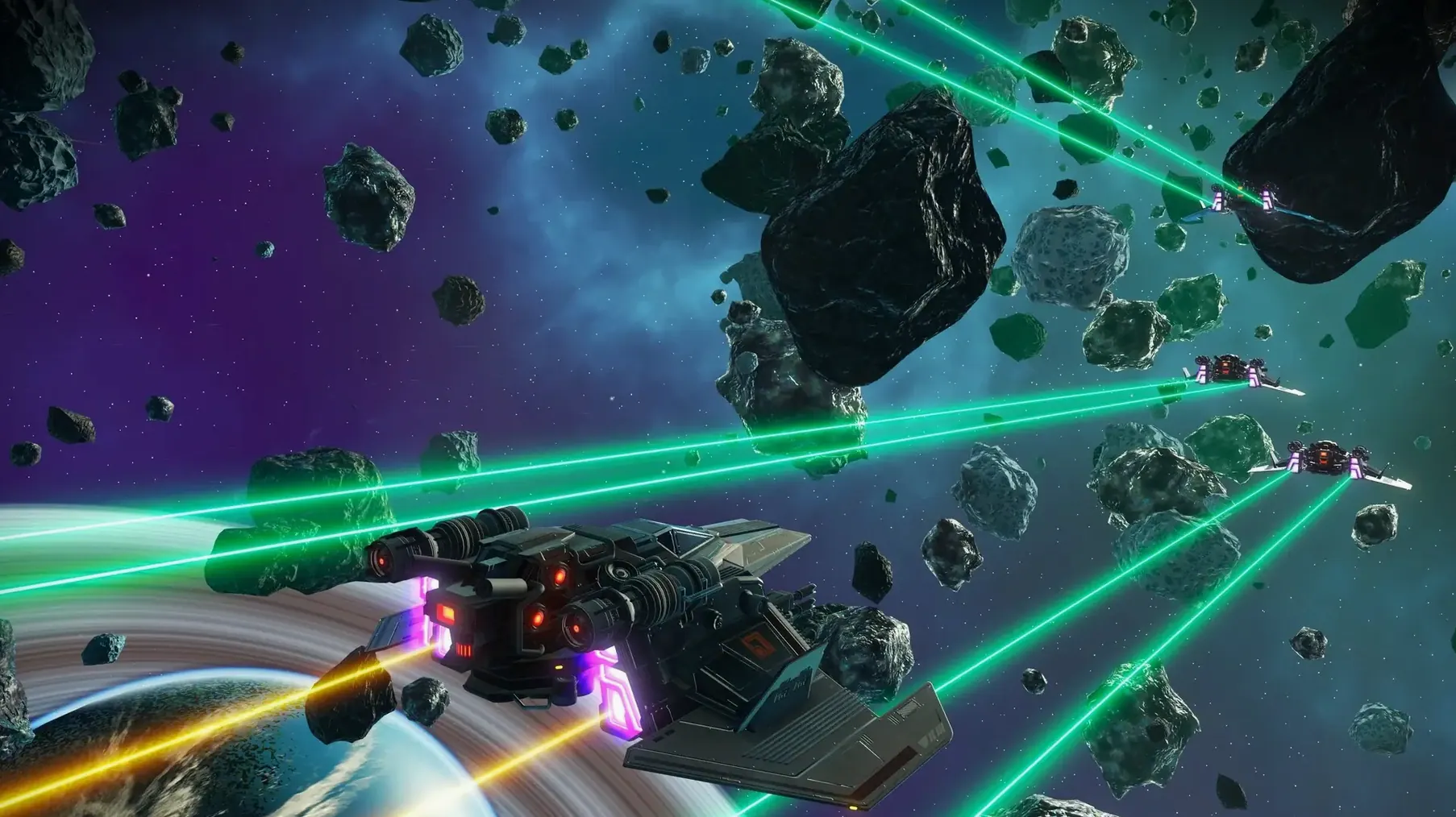
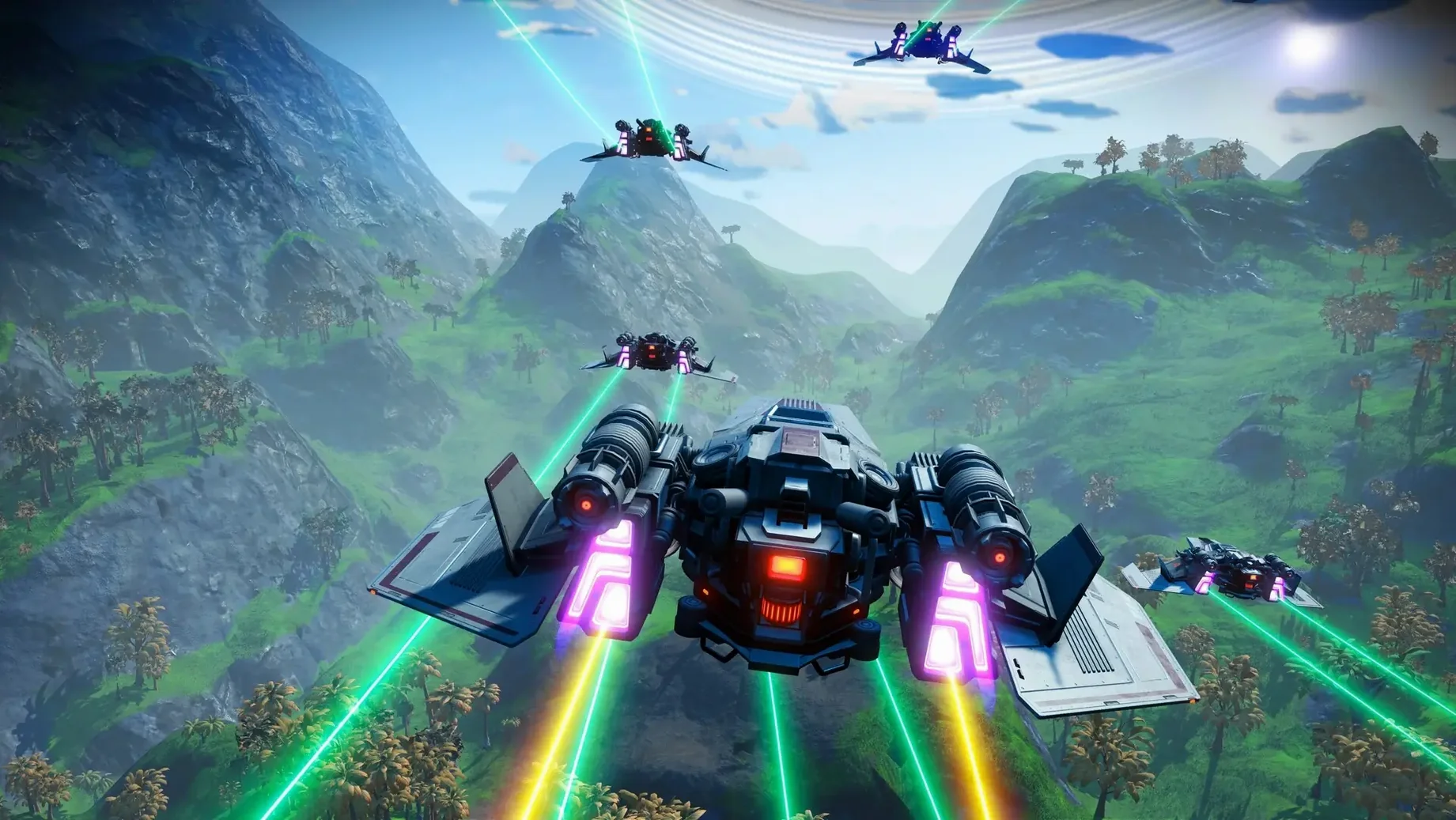
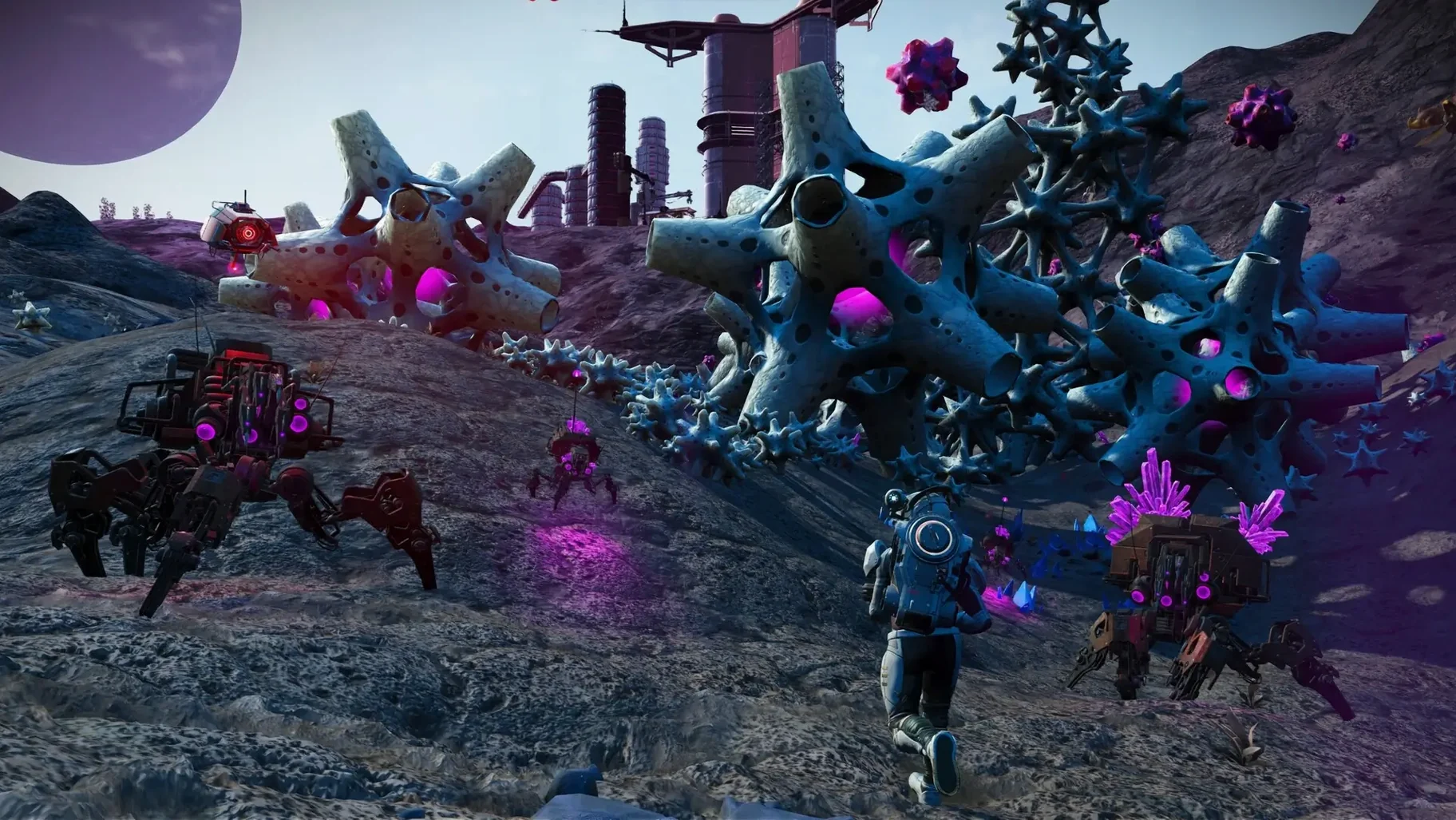
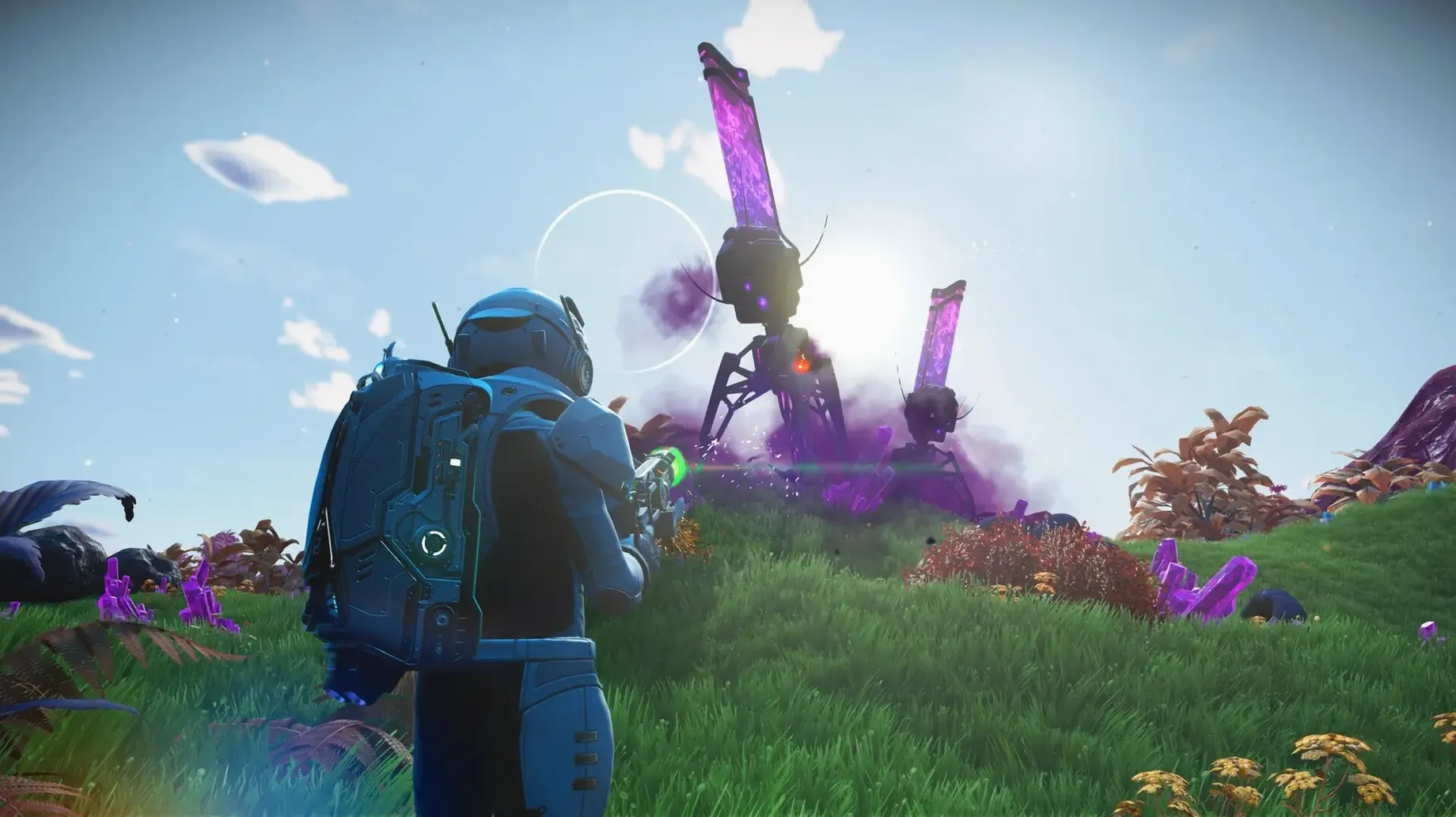
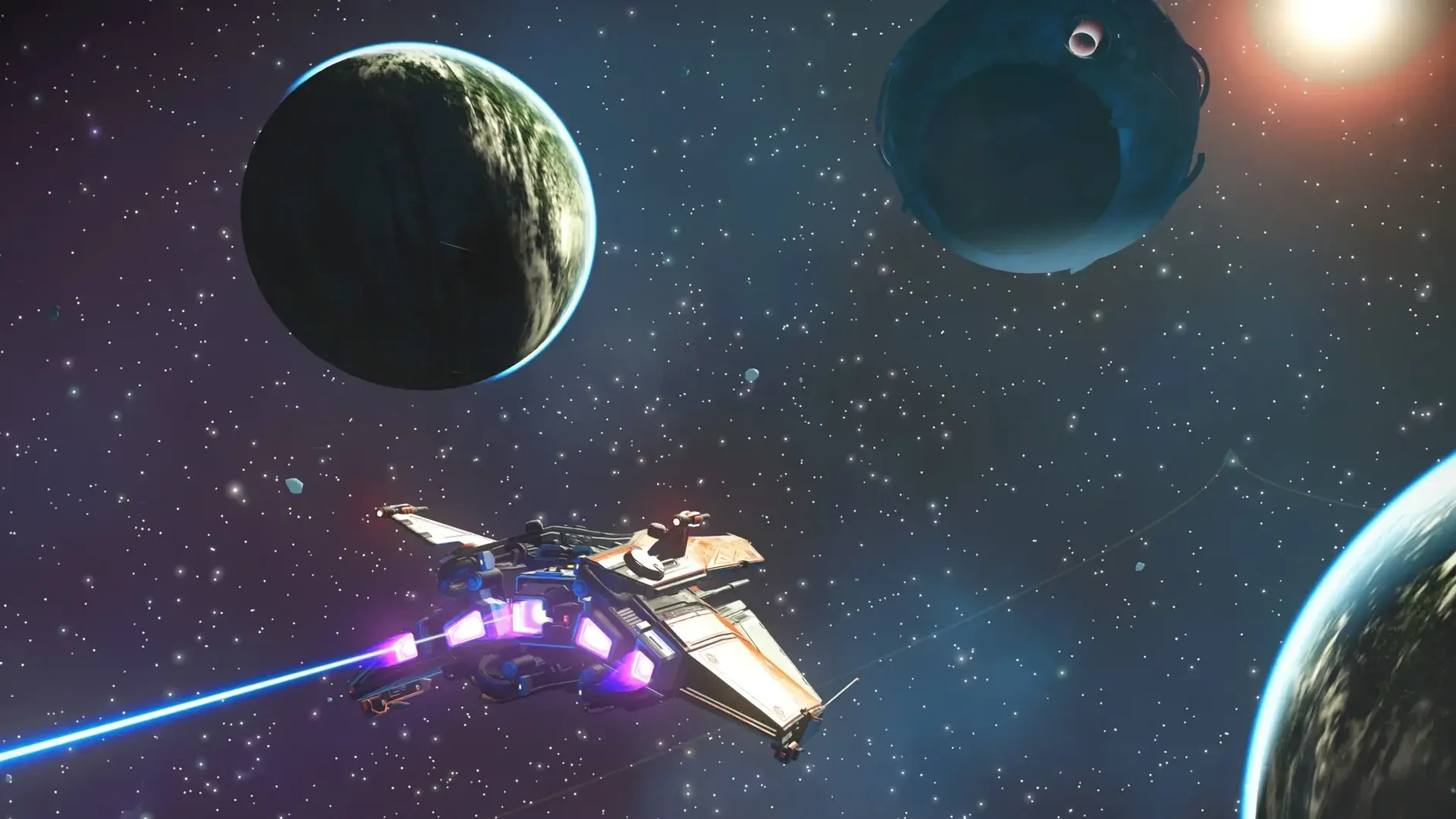
Eighteen quintillion planets. That's the size of the sandbox Hello Games hands you the moment you step out of your starting ship. Every world in No Man’s Sky is generated by math rather than stitched together by hand, which means you can point your starship in any direction and find something nobody else has ever seen.
Full universe with Metal-ready Apple Silicon support
It's the complete game, ported directly to Mac with support for both Apple Silicon and 64-bit Intel machines. You get the full loop of upgrading ships, multi-tools, and exosuit gear, along with every update that's shaped the game over the years—including the recent Cosmos expedition. Cross-play is baked in, so you're not walled off from friends on other platforms.
Chart systems, hunt bounties, or build trade empires
You decide. The game never locks you into one role. You can chart unknown systems as a peaceful explorer, hunt pirates for bounties, build elaborate bases, or run trade routes between space stations. The universe reacts to your choices, but it never forces a single path.
How does the shared galaxy work?
Everyone plays in the same universe. When you land on a strange planet and name its six-legged creatures, other travelers can stumble across your discovery later. A shared map tracks known space, so the fog of war pulls back collectively as more people explore. It makes the galaxy feel alive without requiring you to group up unless you want to.
What's actually different since the latest patches
The Cosmos update landing on Mac alongside patch 7.04 isn't a headline-grabbing overhaul in day-to-day play. What you notice is a quieter kind of polish. Hello Games rewired the rendering pipeline for Metal and Apple Silicon, and that shows up in smoother transitions when you punch through a planet's atmosphere. Screen tearing during pulse-engine travel used to be a coin toss on integrated graphics; now it's rare enough that you stop bracing for it.
Stability fixes sound boring until you're two hours into a derelict freighter run and the game doesn't hiccup when a swarm of biological horrors pours out of a vent. The patch notes mention gameplay fixes, and what that translates to in practice is fewer broken mission triggers and base parts that snap together without the old three-second hesitation. Small things, but they add up when you're living in the galaxy for weeks at a time.
Self-directed explorers who set their own goals
Mac users who thrive on long, self-directed sessions get the most mileage here. If you've sunk evenings into Minecraft, Stardew Valley, or any survival game where you set your own goals, the rhythm of No Man's Sky will feel familiar. Photographers and screenshot enthusiasts are in for a treat too—the photo mode is practically a landscape generator, and the Mac version's Metal rendering gives planetary vistas a crispness that makes desktop-wallpaper hunting genuinely rewarding.
People hunting for a tight narrative or a guided campaign often bounce off after a few hours. The game gives you a thread to follow early on, but it loosens its grip quickly. If you're the type who enjoys tinkering with resource pipelines, learning alien languages word by word, or just parking your ship on a ringed planet and watching the sun set behind two moons, you'll understand why the community keeps growing. It's a game for people who enjoy the spaces between objectives.
Drop anti-aliasing on M-series chips first
The defaults are serviceable, but a few tweaks make the Mac experience much more pleasant. First stop: the graphics menu. If you're on an M-series chip, drop the anti-aliasing from the highest setting—the Metal pipeline handles edges well on its own, and you'll claw back some framerate headroom for planetary flight without a visible penalty. On Intel Macs, dialing down terrain tessellation by one notch often smooths out the stutter that hits during storm effects.
Next, head to the control options and flip the flight controls from tethered to locked unless you enjoy fighting your own ship's inertia. Tethered feels cinematic but makes combat and low-altitude skimming harder than they need to be. While you're there, set the hold-to-confirm delay for deleting base parts to the shortest value. You'll thank yourself the first time you accidentally place a prefab corridor facing the wrong direction.
Finally, toggle off the HUD vignette in the accessibility section. The game loves framing your screen with dark corners for dramatic effect, but on a MacBook display it just eats peripheral vision. Turn it off and you'll spot resource deposits and cave entrances noticeably sooner when you're out on foot.
- Apple Silicon or Intel 64-bit Mac
Questions I actually get
Which languages are supported on Mac?
The interface and text support English, French, German, Spanish, Italian, Japanese, Korean, Polish, Portuguese, Russian, Dutch, and both Traditional and Simplified Chinese.
Is there cross-play with PC and console players?
Yes, Hello Games has confirmed that the Mac version supports cross-play, so you can explore the same galaxy with friends on other platforms.
Porch talk 0
Come in or pull up a chair to leave a comment.
Nobody has pulled up a chair yet. If you used it on a real Saturday, say what the hour was.
More for the same hour
Everything in Games
 No, I'm Not a Human
1.3.19 Rev2 Games
1.2 GB
No, I'm Not a Human
1.3.19 Rev2 Games
1.2 GB
 NIMRODS: GunCraft Survivor
0.11.7 Games
335 MB
NIMRODS: GunCraft Survivor
0.11.7 Games
335 MB

 Neverwinter Nights: Enhanced Edition
89.8193.37.17 Games
24 GB
Neverwinter Nights: Enhanced Edition
89.8193.37.17 Games
24 GB

 Nova Roma
0.7.2963 Native Games
Updated 374 MB
Nova Roma
0.7.2963 Native Games
Updated 374 MB

 Old World
84977 Native Games
Updated 4 GB
Old World
84977 Native Games
Updated 4 GB
 Necesse
1.3.3 Games
378 MB
Necesse
1.3.3 Games
378 MB
 My Winter Car
260415.01 Games
937 MB
My Winter Car
260415.01 Games
937 MB
 My Dream Setup
2026.09.28 Native Games
Updated 1.2 GB
My Dream Setup
2026.09.28 Native Games
Updated 1.2 GB