

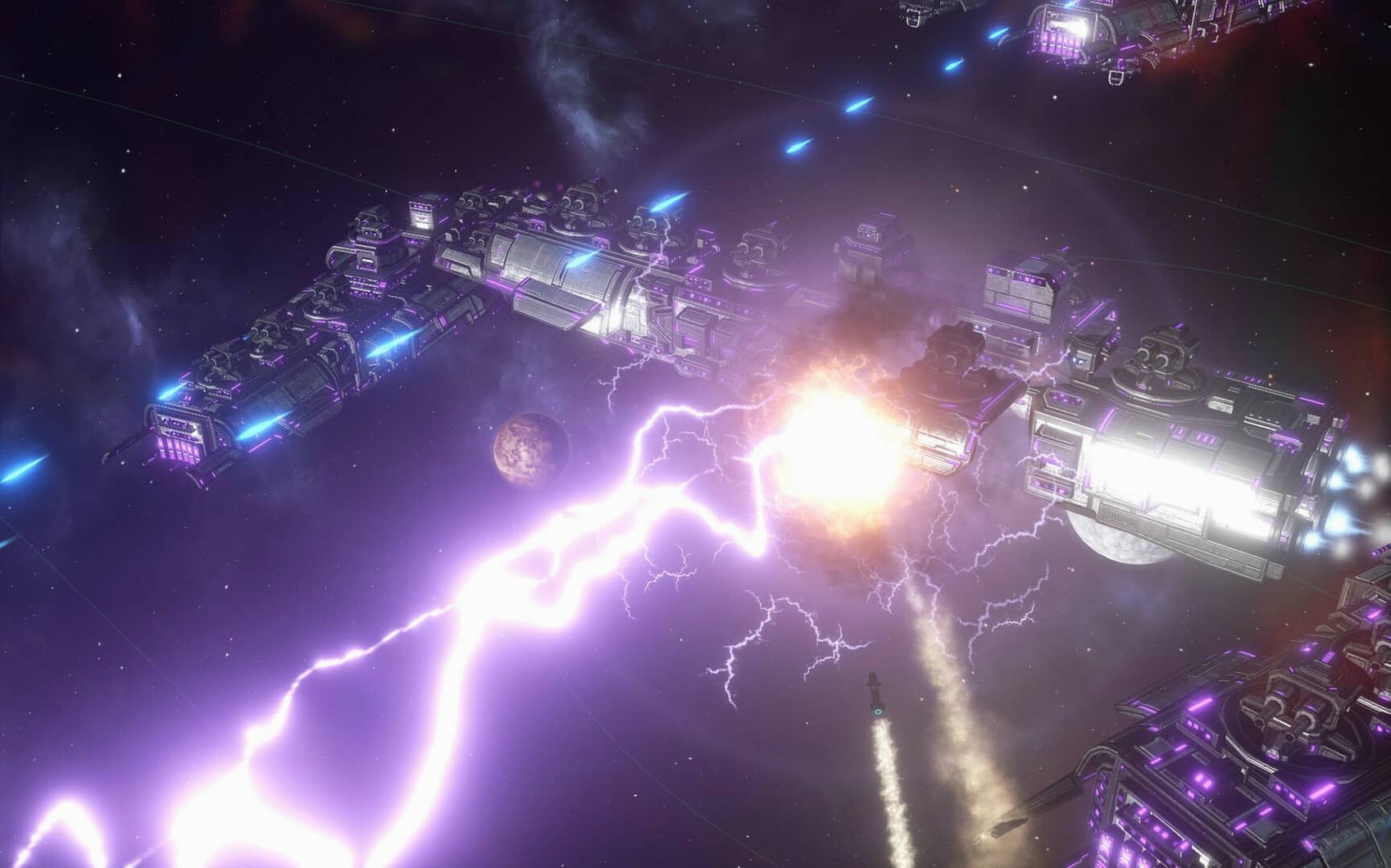
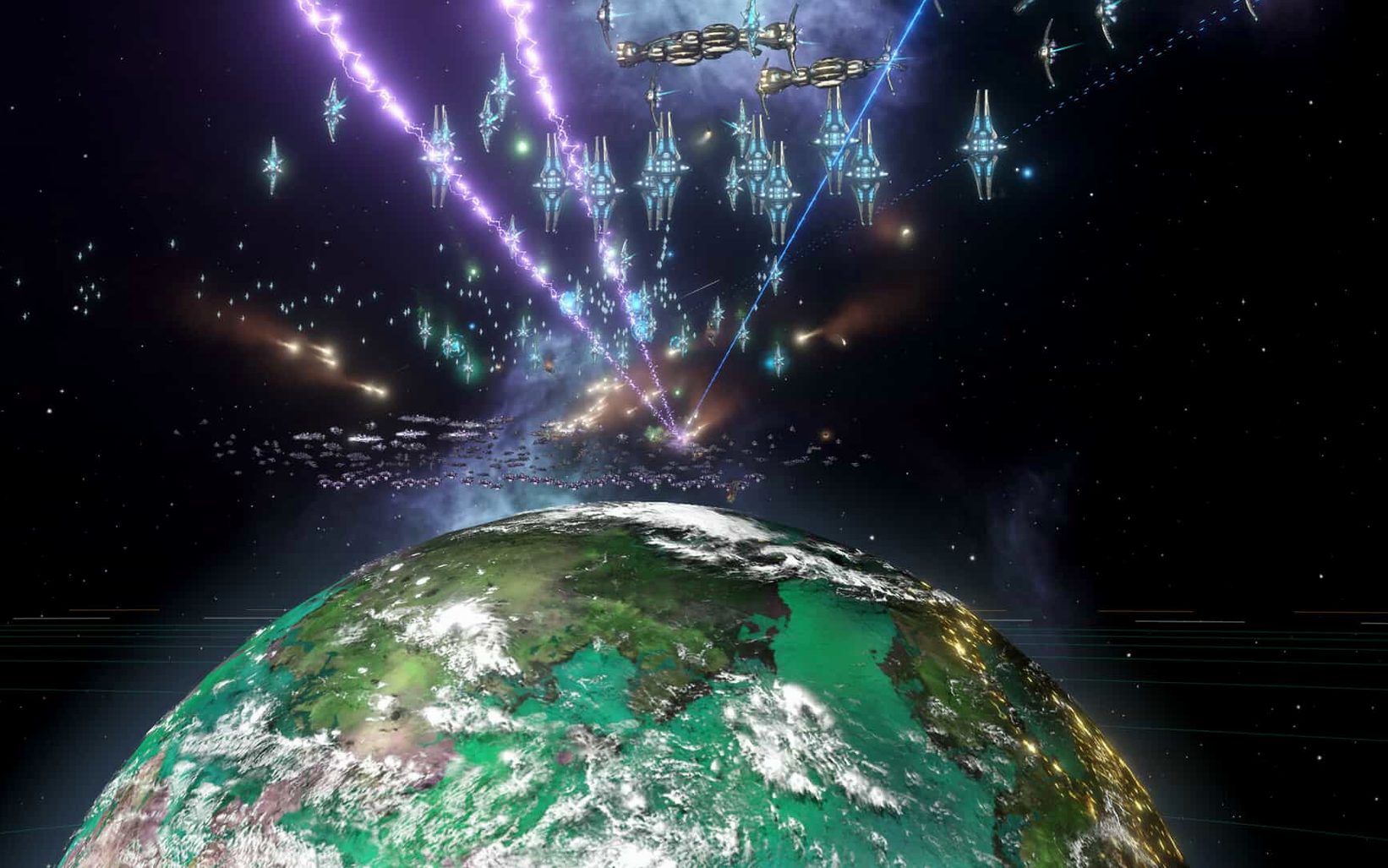
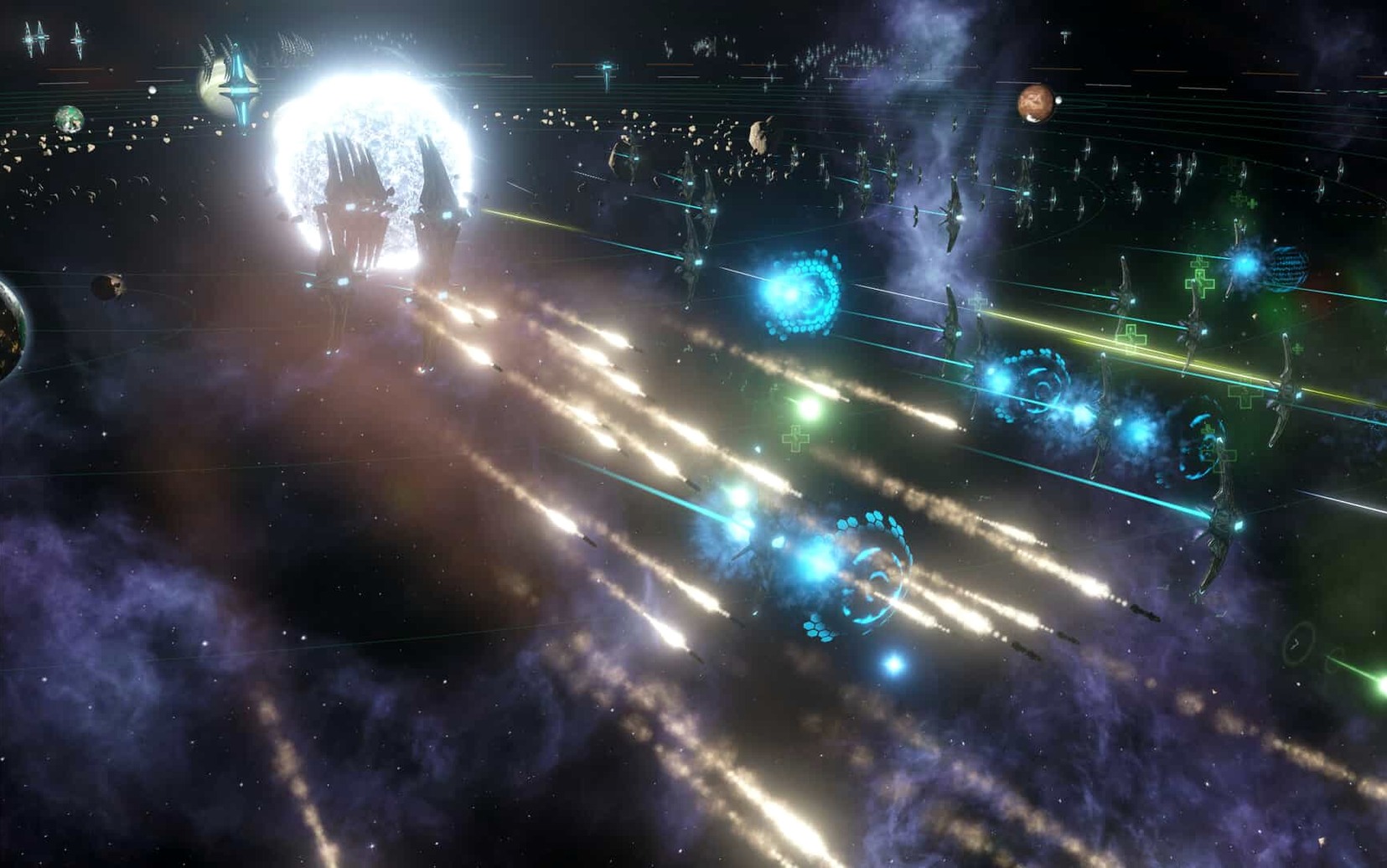
You start with a single science ship, a construction vessel, and a home planet that suddenly feels very small. A few clicks queue up a survey of the neighboring star system while your construction ship builds an outpost to claim it. Within twenty minutes you're managing first contact with a xenophobic neighbor and realizing your alloy stockpile isn't going to last the year.
What you handle from the galaxy map
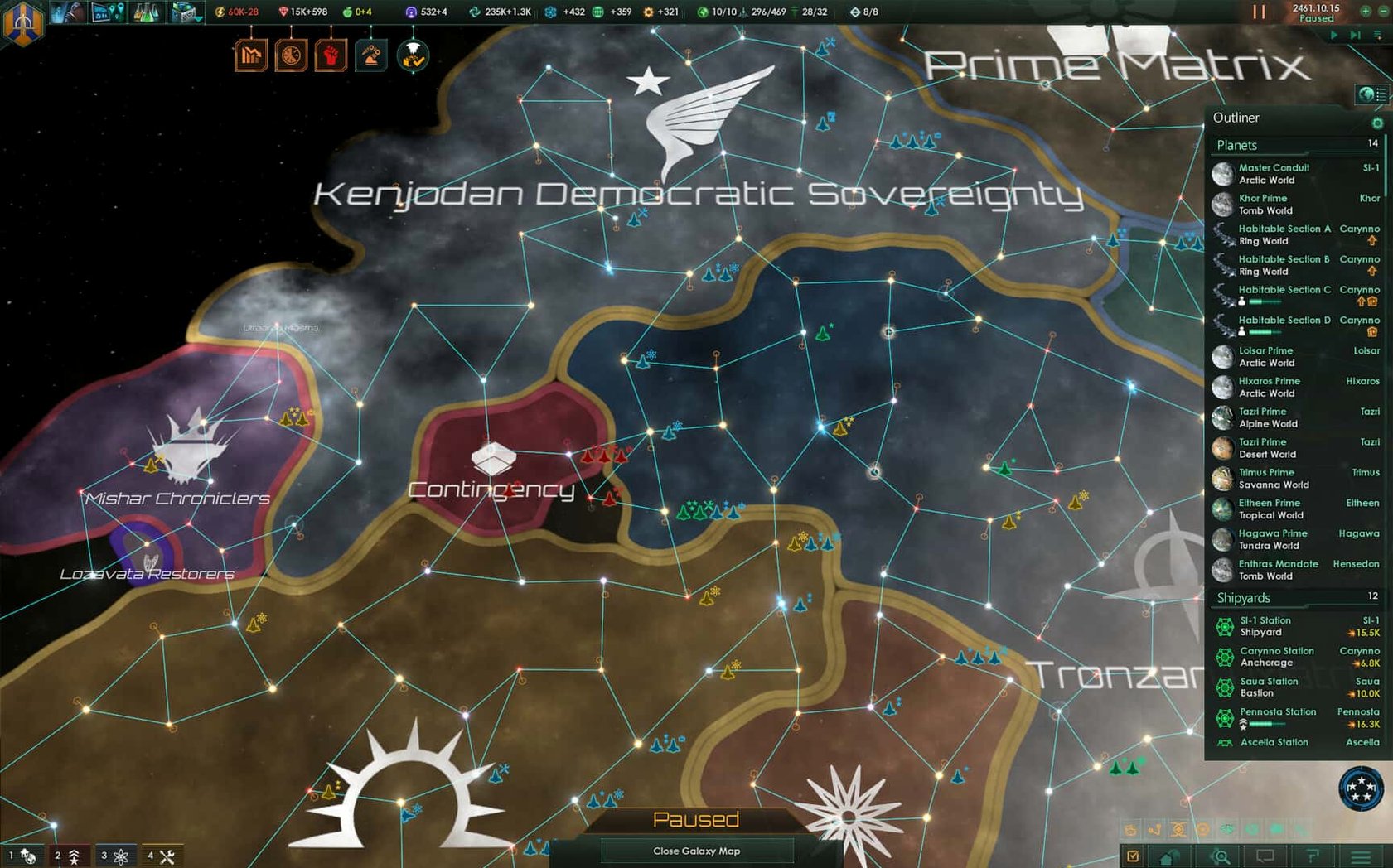
Most of your time goes to the galaxy view, where you assign scientists to survey uncharted systems and order construction ships to build starbases at strategic choke points. You designate new colonies, set their specialization—mining, farming, energy—and watch population numbers tick upward. The fleet manager lets you reinforce damaged squadrons from any connected shipyard, and you'll spend a fair bit of pause-and-issue-orders time positioning fleets near hostile borders. Anomalies pop up regularly: a derelict space station with unknown signals, ancient terraforming equipment orbiting a barren moon. You decide whether to risk a science officer or play it safe.
Keeping a growing society from fracturing
Zoom in on any planet and you're juggling housing, amenities, crime, and jobs. A new colony starts as a handful of pops working basic districts; a century later it's a multi-species hub with factions demanding policy changes. Internal conflicts surface naturally as your empire expands—egalitarians clash with authoritarians, spiritualists protest your robot factories. You can hand autonomous regions over to AI governors when the micromanagement gets heavy, though they'll never be as careful as you would. Between diplomatic incidents, trade deals with neighboring empires, and the occasional declaration of war, the game stays busy from the first survey to the late-game crisis.
Your first few evenings with the empire
Day one tends to be a blur of exploration, but a couple of habits make the second and third sessions smoother. Before you unpause a fresh game, open the policy window and glance at your diplomatic stance. Cooperative empires attract migration treaties; expansionist ones get cheaper starbases. It's a small toggle that shapes the next hundred years, and the game never prods you to touch it.
Get comfortable with the outliner on the right side of the screen early. Right-clicking planets, fleets, and civilian ships from the outliner saves you from zooming back to the galaxy map for every order. When you're juggling four science ships, two construction vessels, and a patrol fleet, hopping through the outliner beats dragging the camera around. Also worth doing on day one: open the ship designer and check the auto-generated designs. The default corvette template often skips point defense, which you'll miss the moment an enemy fields missiles. Save a custom design once and you'll use it every game.
The tech tree can feel like a slot machine at first. The cards you draw are weighted by your current scientist's expertise, so swapping a particle physics researcher into the engineering slot nudges the deck toward lasers and reactors. If you're hunting for a specific weapon type or a rare economy tech, check who's sitting in the chair.
How it runs during daily play
On Intel Macs, the early game hums along at whatever speed you set. The galaxy map scrolls smoothly, and the stutter when opening the species menu is minimal with a few dozen pops. By mid-game—maybe ten empires, each with a dozen inhabited systems—you'll notice the day ticks slow down on the fastest setting. The engine is simulating every pop, every trade route, and every fleet path across the whole galaxy, and it shows. Pausing before opening the planet view or the diplomacy screen becomes a reflex around year 2300.
Memory use climbs steadily across a long session. If you're the type who leaves the game running while you step away for coffee, you might return to find the interface lagging until a restart clears it. The autosave at the start of each month is a brief freeze, more noticeable after you've explored half the map. These aren't dealbreakers for a game of this scope, but they reward a habit of saving, quitting, and relaunching every few hours during marathon sessions. Stability has been solid since the hotfix; the crash cases tied to galaxy generation and federation votes are genuinely gone, and I haven't seen a desktop drop in weeks of play.
Fans hunting a particular build sometimes search for a stellaris torrent to grab an older patch, but the current version is the one you want for the multiplayer fixes alone. A stellaris mac torrent floating around might still be on 4.2, so you'll want to check which version it actually bundles if you're after the fleet automation improvements. If you spot a stellaris 4.2.4 download link somewhere, just know you're also leaving behind the out-of-sync fixes and the Synaptic Lathe corrections that arrived with 4.5.1.
Swiping into a dedicated Space for interstellar crises
Stellaris plays nicely with Spaces. I keep it on a dedicated desktop, swiping left when a diplomatic incident needs my attention and swiping back to a browser for the wiki when a precursor event chain forks unexpectedly. The game respects the system volume mixer, so you can duck the music independently of other apps—handy if you're listening to a podcast while terraforming a dozen barren worlds.
It also cooperates with macOS's notification suppression during full-screen mode. No banner pings over a war declaration screen, which is a small mercy when the Unbidden spawn three systems from your capital. If you use a Hot Corner for Mission Control, disable it before a long session; an accidental mouse flick mid-battle will yank you out of the action. The game already handles window focus gracefully on multi-monitor setups, staying full-screen on one display while you keep notes or a fleet calculator open on the other.
Save files live in Documents/Paradox Interactive/Stellaris, which makes manual backups trivial and keeps your empire folders out of iCloud's way if you're tight on sync storage. If you've ever lost a two-week campaign to a drive failure, copying that folder somewhere safe becomes a quiet ritual after every session.
Version 4.5.2 Native is out with the developer's latest fixes and improvements.
- Intel 64-bit
Porch talk 0
Come in or pull up a chair to leave a comment.
Nobody has pulled up a chair yet. If you used it on a real Saturday, say what the hour was.
More for the same hour
Everything in Games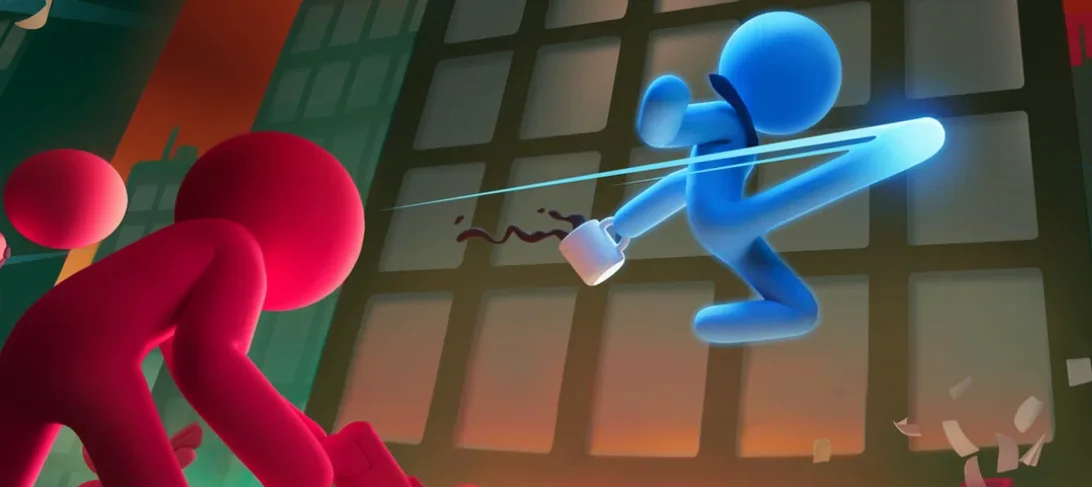
 Stick It to the Stickman
2026.10.22 Native Games
Updated 895 MB
Stick It to the Stickman
2026.10.22 Native Games
Updated 895 MB
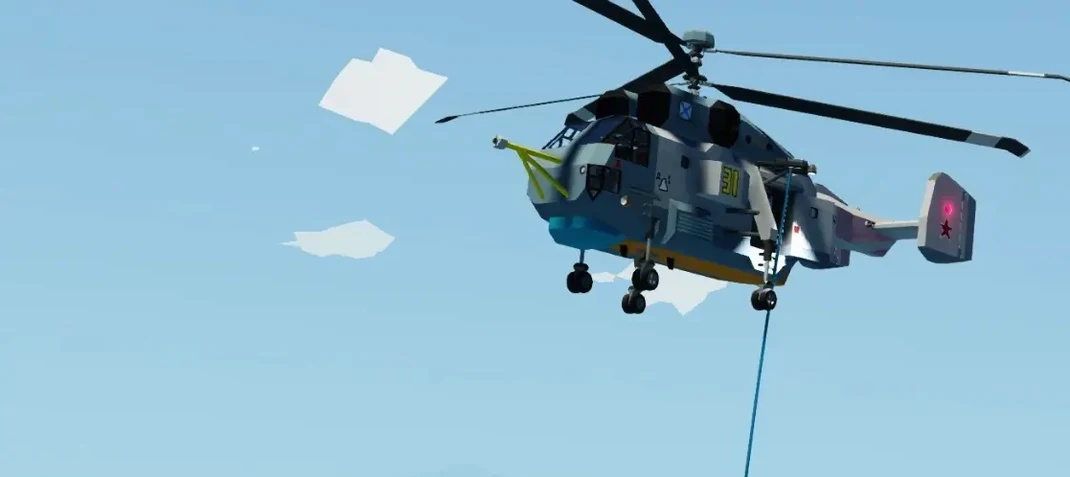
 Stormworks: Build and Rescue
1.15.23 Games
374 MB
Stormworks: Build and Rescue
1.15.23 Games
374 MB
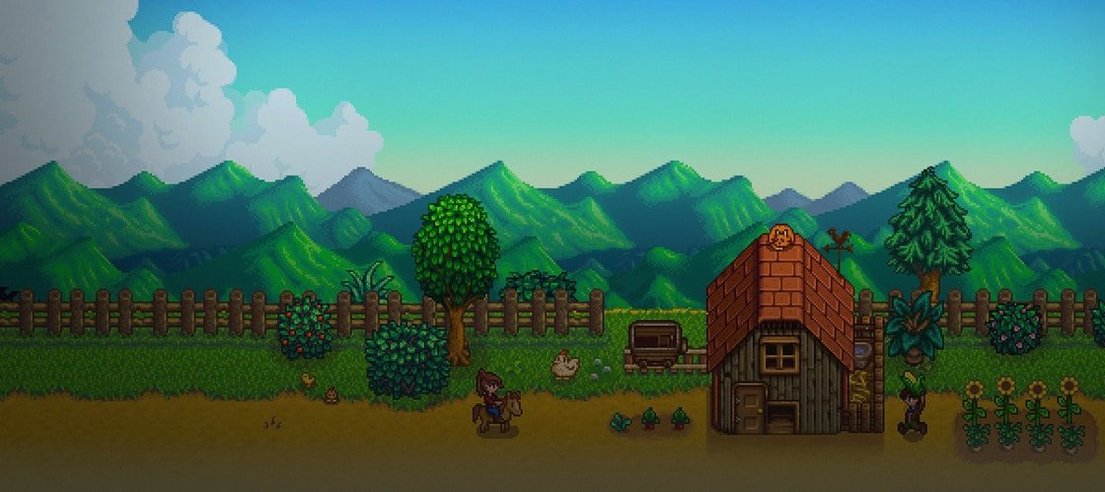
 Stardew Valley
1.6.15.24357.8705766150 Games
467 MB
Stardew Valley
1.6.15.24357.8705766150 Games
467 MB

 STORROR Parkour Pro
0.39.0 Games
25 GB
STORROR Parkour Pro
0.39.0 Games
25 GB

 Stray
1.6 Games
7.5 GB
Stray
1.6 Games
7.5 GB
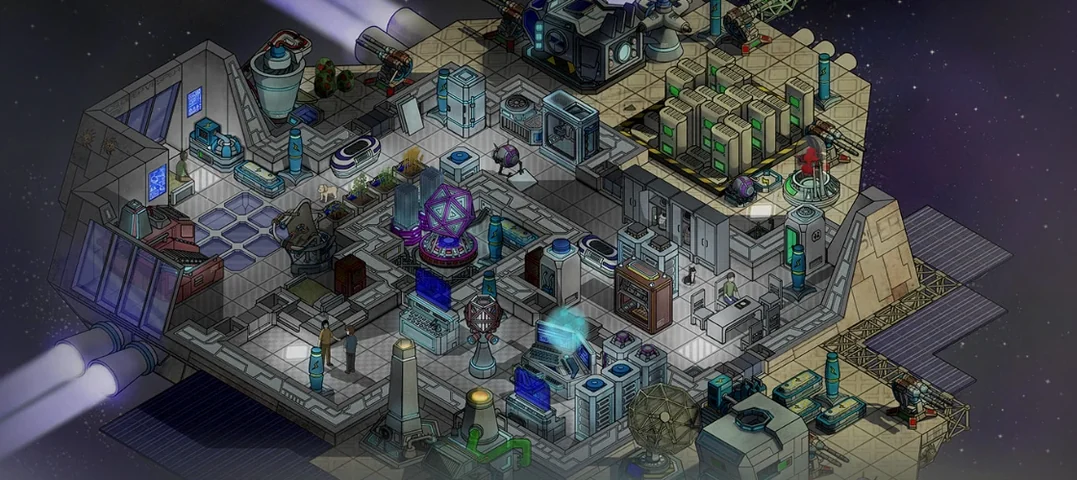
 Stardeus
0.14.45.2780 Games
875 MB
Stardeus
0.14.45.2780 Games
875 MB
 Stronghold Definitive Edition
1.33 Games
2.8 GB
Stronghold Definitive Edition
1.33 Games
2.8 GB

 Spirit of the North
Build 6112756 Games
4 GB
Spirit of the North
Build 6112756 Games
4 GB