
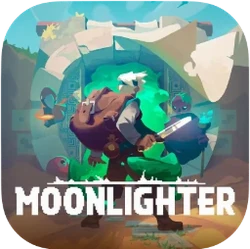
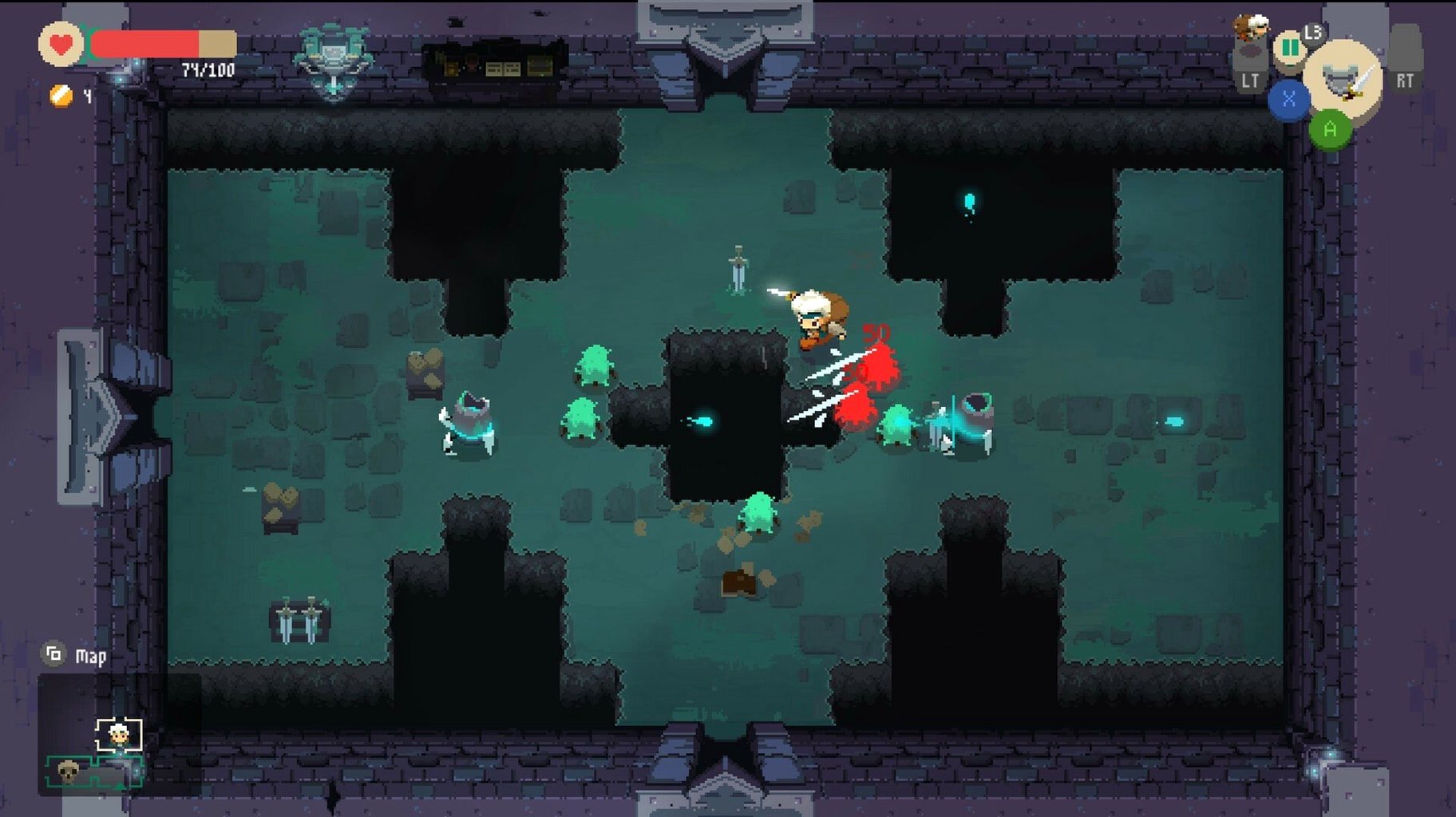
Version 1.14.37 landed quietly — a clean-up update that keeps things smooth for Apple Silicon Macs, which is where Moonlighter feels most at home. The core loop remains the same, and that's why people keep returning to it.
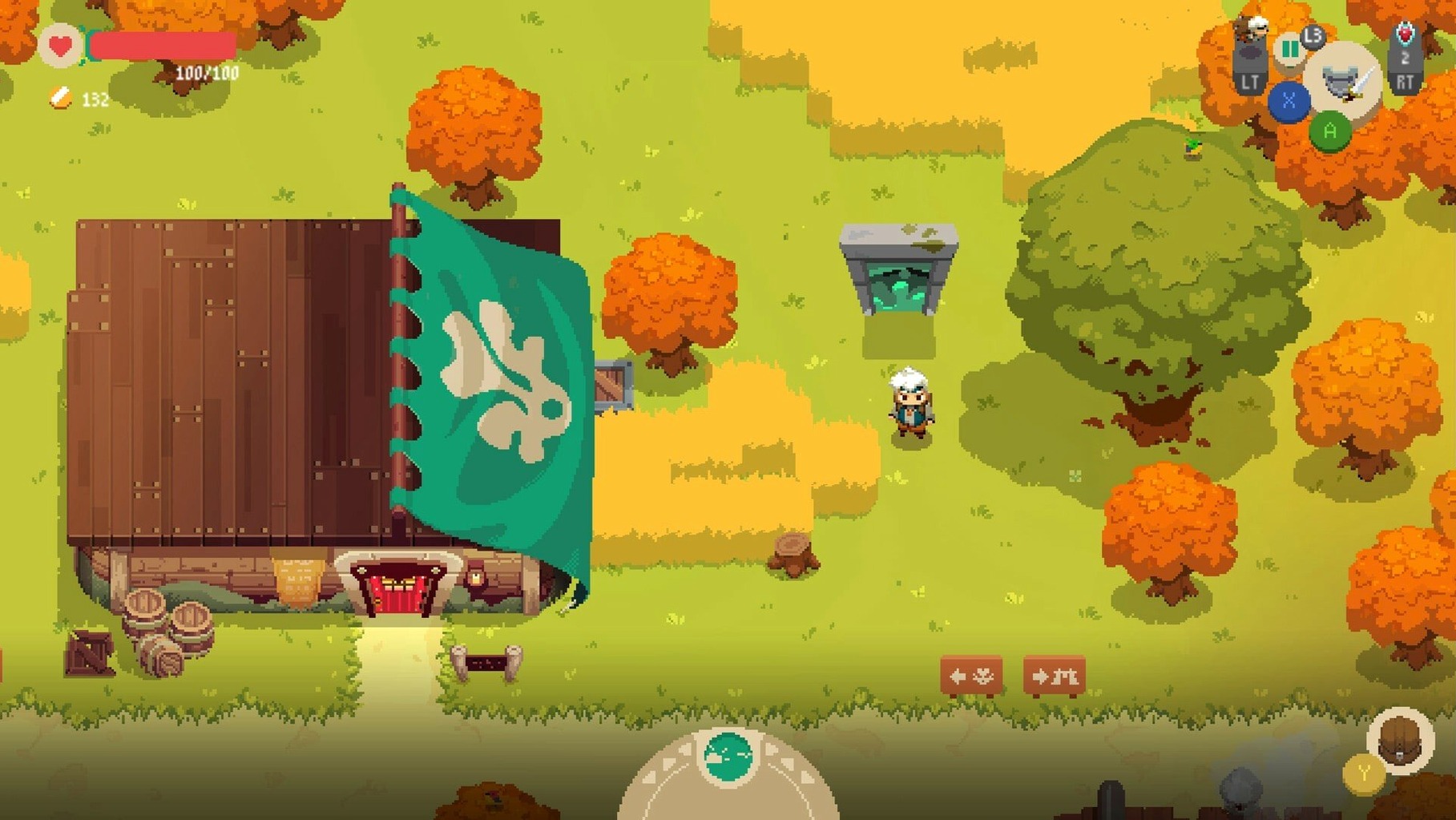
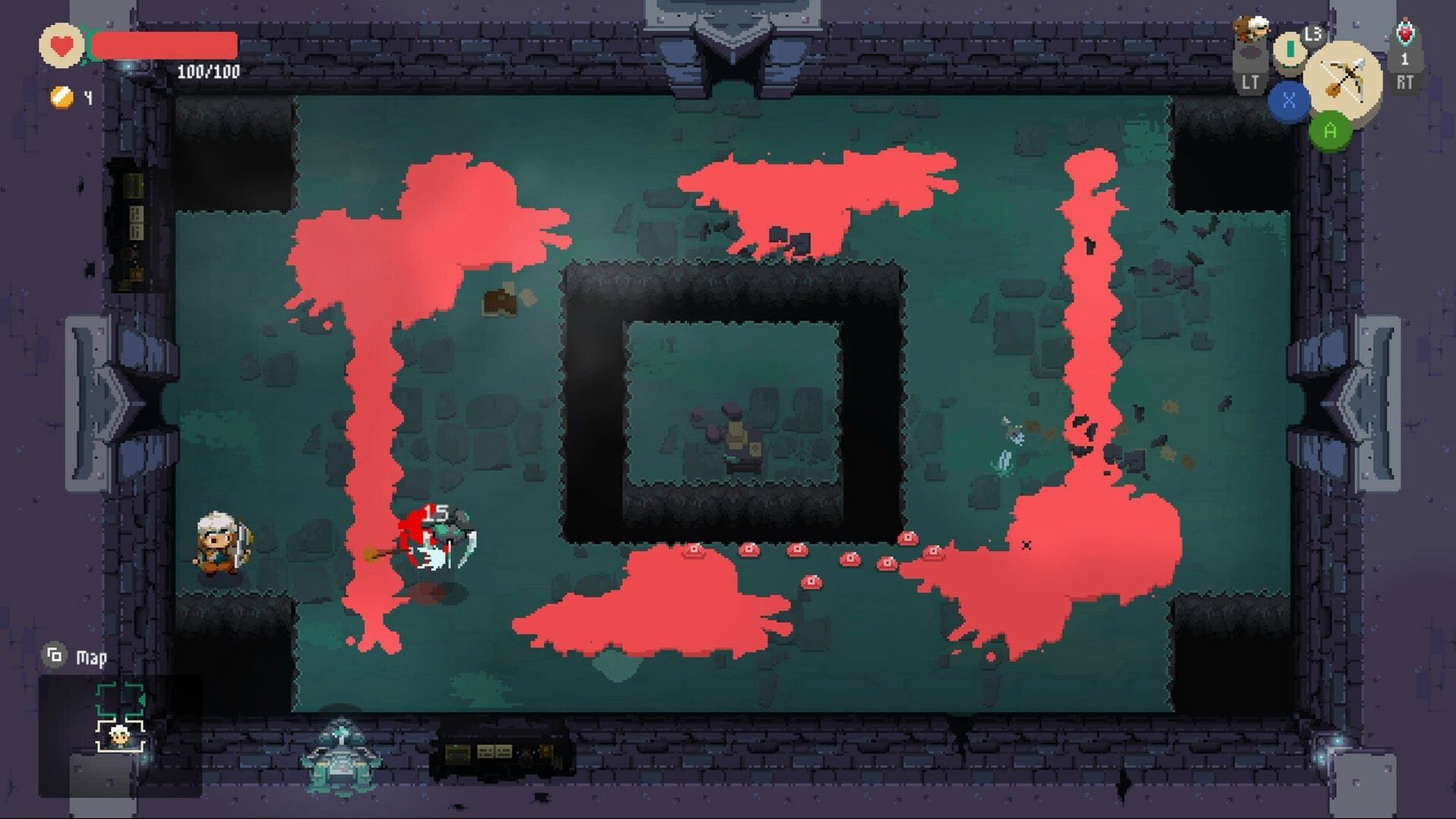
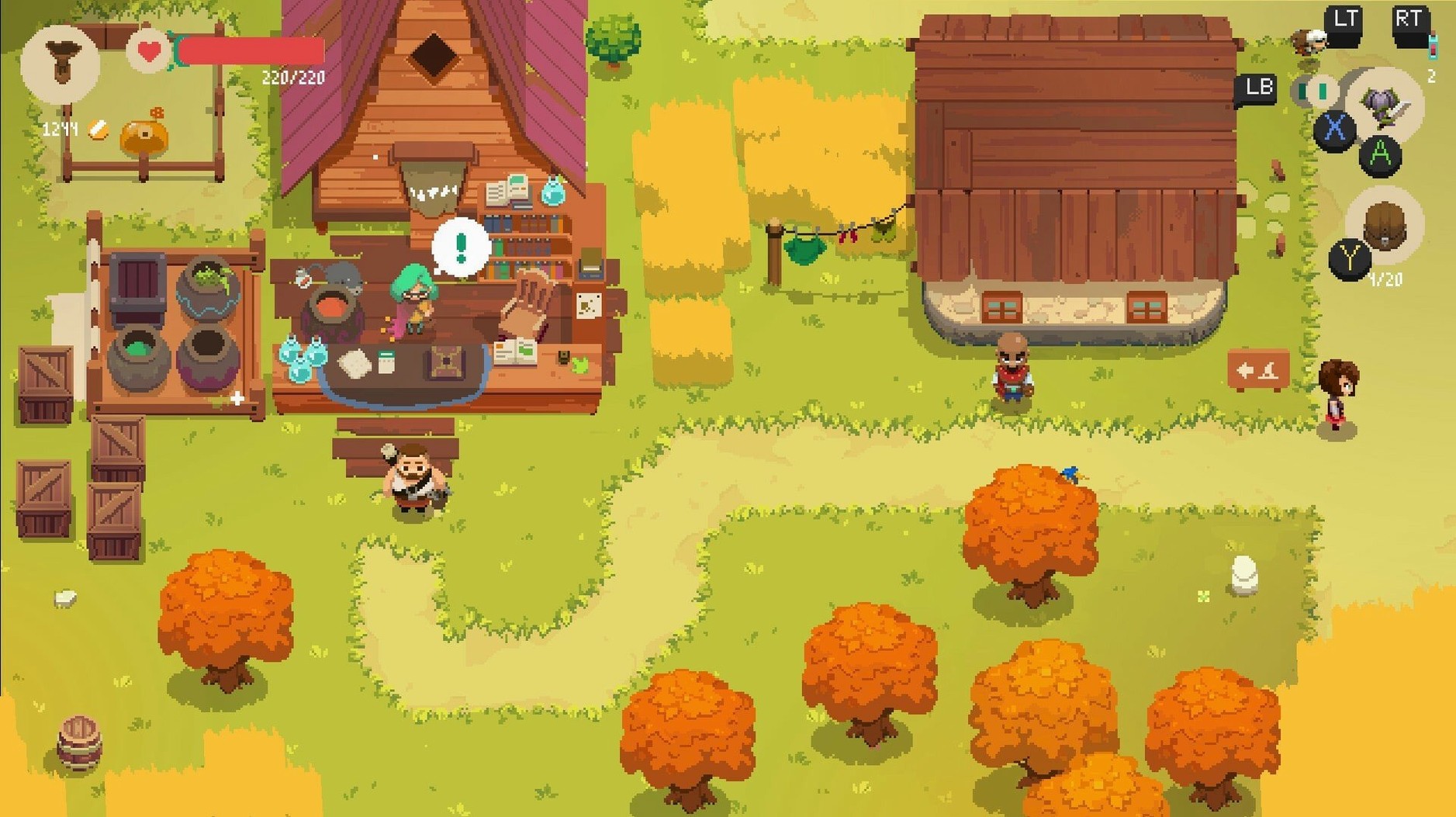
You spend your days running a shop in Rinoka, setting prices on swords and potions while watching customer reactions to find the sweet spot. The gold you earn goes toward upgrading the town and your own ambitions. At night, the real work starts. You head into procedurally arranged dungeons, fighting through rooms with a growing arsenal of weapons and armor you've crafted or enchanted back in town. Every run is a gamble — push deeper for rarer artifacts or portal home with what you've got before a death wipes your inventory.
The crafting matters because the best gear doesn't come from a shop counter. You collect resources in other worlds, then work with Rinoka's residents to forge new equipment. Assistants can eventually mind the store while you're underground, which changes the rhythm once you've built up enough gold reserves to hire them.
Moonlighter's shopkeeping half is where most people trip up, not the dungeon crawling. The first snag is pricing. You set a price, watch the customer's face, and adjust — but the game doesn't explain that each item has a hidden perfect range. If someone scowls immediately, you're way too high. A slow, disappointed walk means you're close but over. The trick that saves hours: stick a new item in the display case at one gold, watch the reaction, then double it until you find the upper limit. Once the notebook fills in with actual market data, pricing becomes a memory game, not guesswork.
Another pain point is inventory loss on death. You keep your equipped gear and pocketed gold, but everything in the backpack vanishes — including crafting materials you spent an hour gathering. The fix is psychological more than mechanical. Treat the mirror portal as a checkpoint victory, not a coward's exit. If you've got two rare ores and a boss room ahead, portal out. The forge in Rinoka doesn't care about your pride.
The Wineskin wrapper can also throw people at first launch. If the app bounces once and quits, running the Fix file from the disk image almost always sorts it. It's a one-time step, and after that the game launches from Launchpad like anything else.
Slide between displays by holding roll
Holding the roll button while moving between shop displays skips the walking animation entirely — you slide from the counter to the storage chest in half a second. It's never mentioned in the tutorial, and it shaves minutes off every in-game day once you build the habit.
The wishlist basket near the door isn't just decorative. Customers who can't find what they want will sometimes drop a note with an exact item request. Fulfilling those orders nets you a tip on top of the sale price, and it's one of the few ways to move slow-selling inventory without slashing prices below cost. Check the basket each morning before restocking the tables.
Enchanting has a hidden quirk: the secondary effect you get from an enchantment scroll isn't random. It's pulled from a small pool tied to the item type. Weapons lean toward damage buffs and critical chance, while chest pieces favor defense and health. Knowing that means you stop wasting poison scrolls on armor hoping for something spicy.
When you're deep in a dungeon and the backpack is full, you can drop low-value items by dragging them off the inventory screen — but you can also swap them into a chest mid-run if you find one. The game never teaches you the swap, but it's a lifesaver when a chest holds a weapon upgrade and your slots are stuffed with slime goo.
Mac gamepad support out of the box
The most common question is whether a controller works on the Mac build. It does — plug in before launching and the game picks it up automatically, no configuration needed. Movement and combat feel better on a gamepad, especially the charged spear attacks that require holding a direction while timing the release.
People also wonder if the Apple Silicon version runs natively or through a compatibility layer. This build uses Wineskin, which wraps the Windows version for ARM Macs, and on an M-series chip the performance is solid — steady frame rates even in the desert dungeon with its sandstorm particle effects. You won't notice the translation layer once the game is running.
Another hesitation is save file portability. The saves live inside the app bundle, so if you ever move the game to a different Mac, you'll want to pull the save folder out first. The path is easy to find inside the package contents, and a quick copy keeps your shop progress intact.
Some players searching for a Moonlighter torrent Mac build want to test the loop before committing — the shop-and-slash rhythm isn't for everyone, and a few hours with the first dungeon tells you everything you need to know about whether the cycle clicks. The Golem dungeon alone is a fair audition.
- Apple Silicon Mac
Questions I actually get
Is Moonlighter a full RPG or more of a management game?
It's an even split — you manage a shop by day and explore action-RPG dungeons by night, with each half feeding resources into the other.
Porch talk 0
Come in or pull up a chair to leave a comment.
Nobody has pulled up a chair yet. If you used it on a real Saturday, say what the hour was.
More for the same hour
Everything in Games
 Mortal Kombat: Legacy Kollection
1.0.0.1 Games
12.5 GB
Mortal Kombat: Legacy Kollection
1.0.0.1 Games
12.5 GB
 Minecraft
1.21.7 Games
164 MB
Minecraft
1.21.7 Games
164 MB

 Middle-earth: Shadow of Mordor
1.0 Games
65 GB
Middle-earth: Shadow of Mordor
1.0 Games
65 GB
 Mr. Prepper
1.43j Games
2.7 GB
Mr. Prepper
1.43j Games
2.7 GB
 Metro: Last Light Redux
1.0 Games
7.9 GB
Metro: Last Light Redux
1.0 Games
7.9 GB

 Metro Exodus
1.0 Games
73 GB
Metro Exodus
1.0 Games
73 GB

 My Dream Setup
2026.09.28 Native Games
1.2 GB
My Dream Setup
2026.09.28 Native Games
1.2 GB
 My Winter Car
260415.01 Games
937 MB
My Winter Car
260415.01 Games
937 MB