

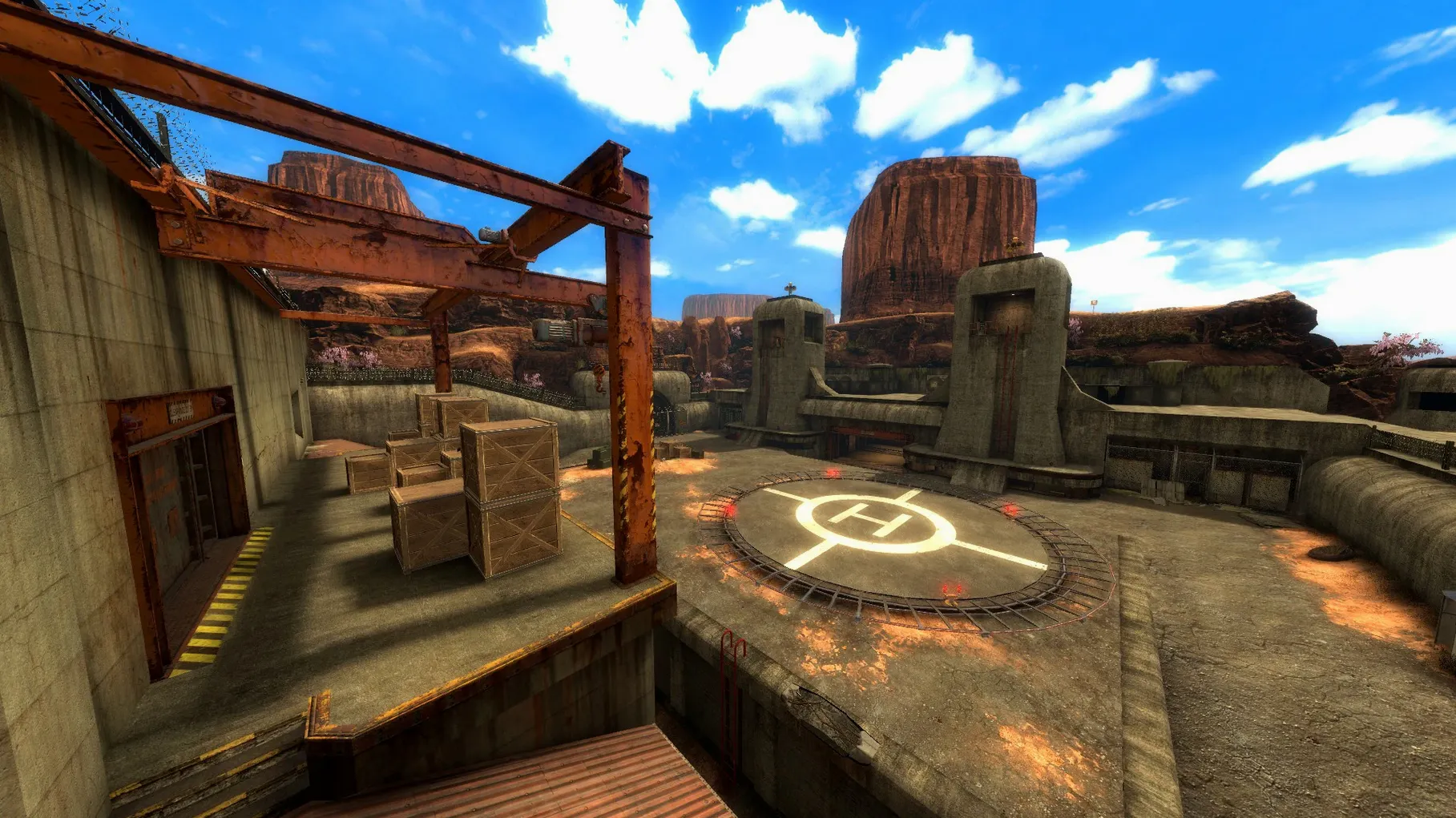
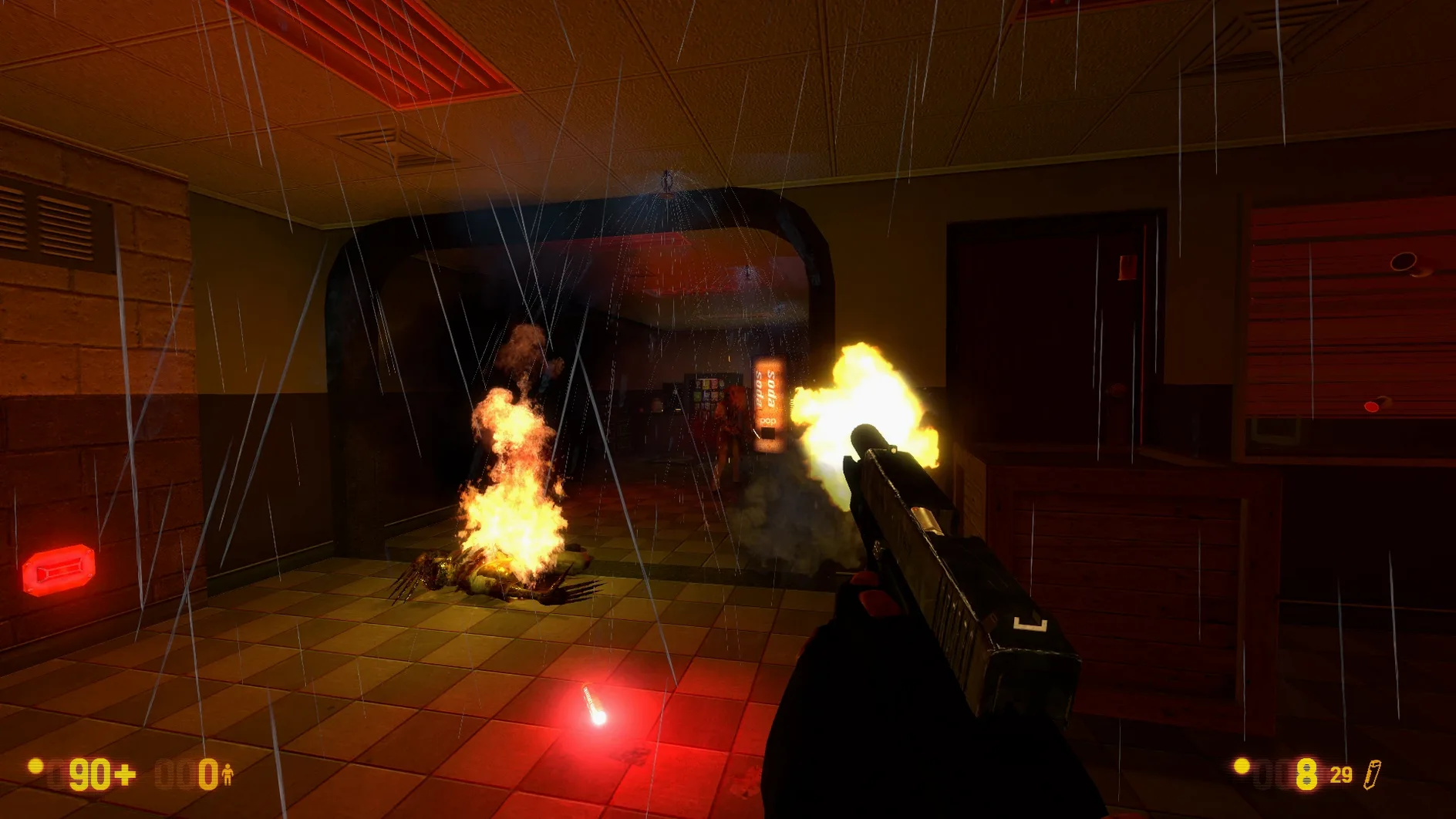
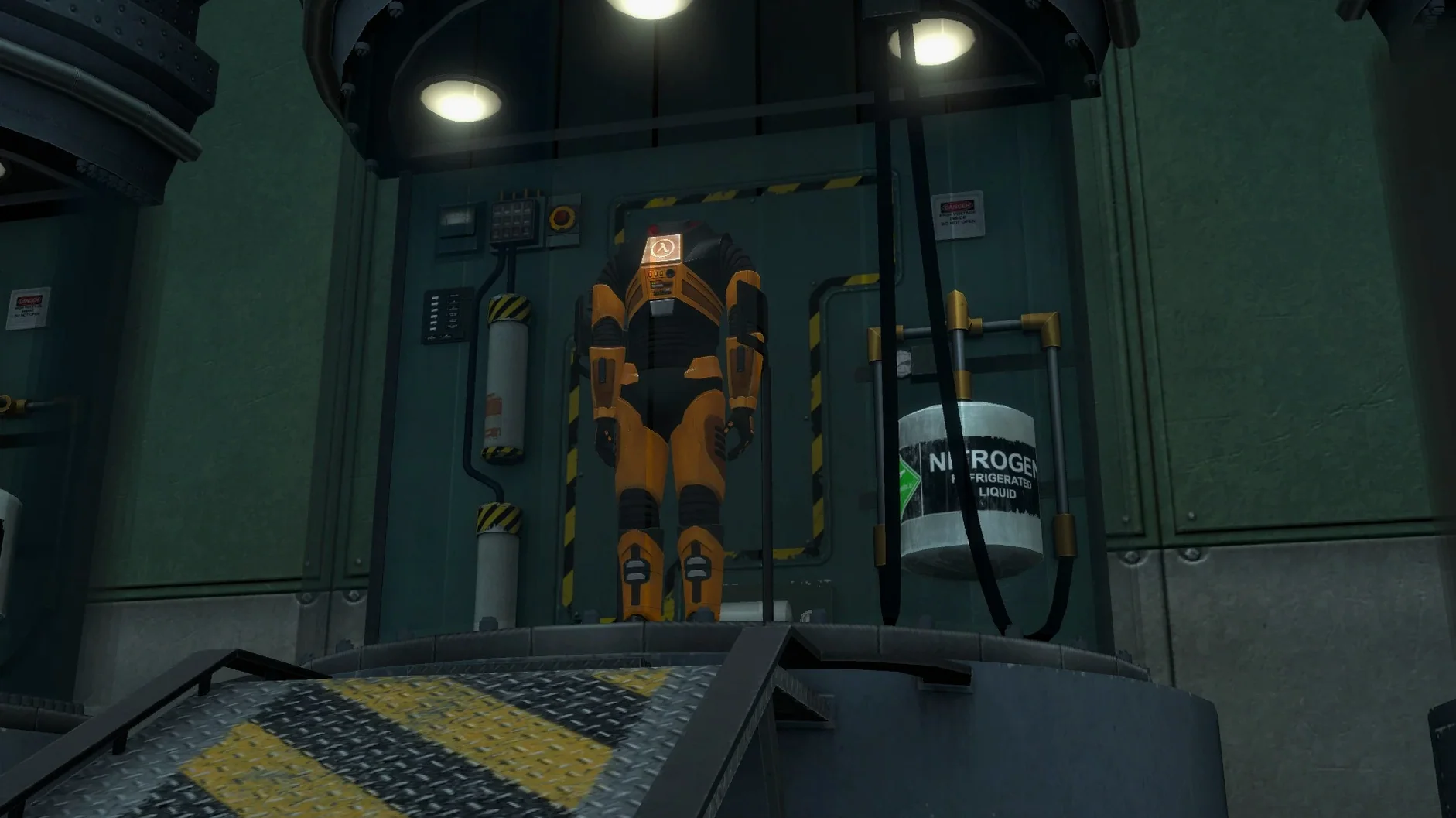
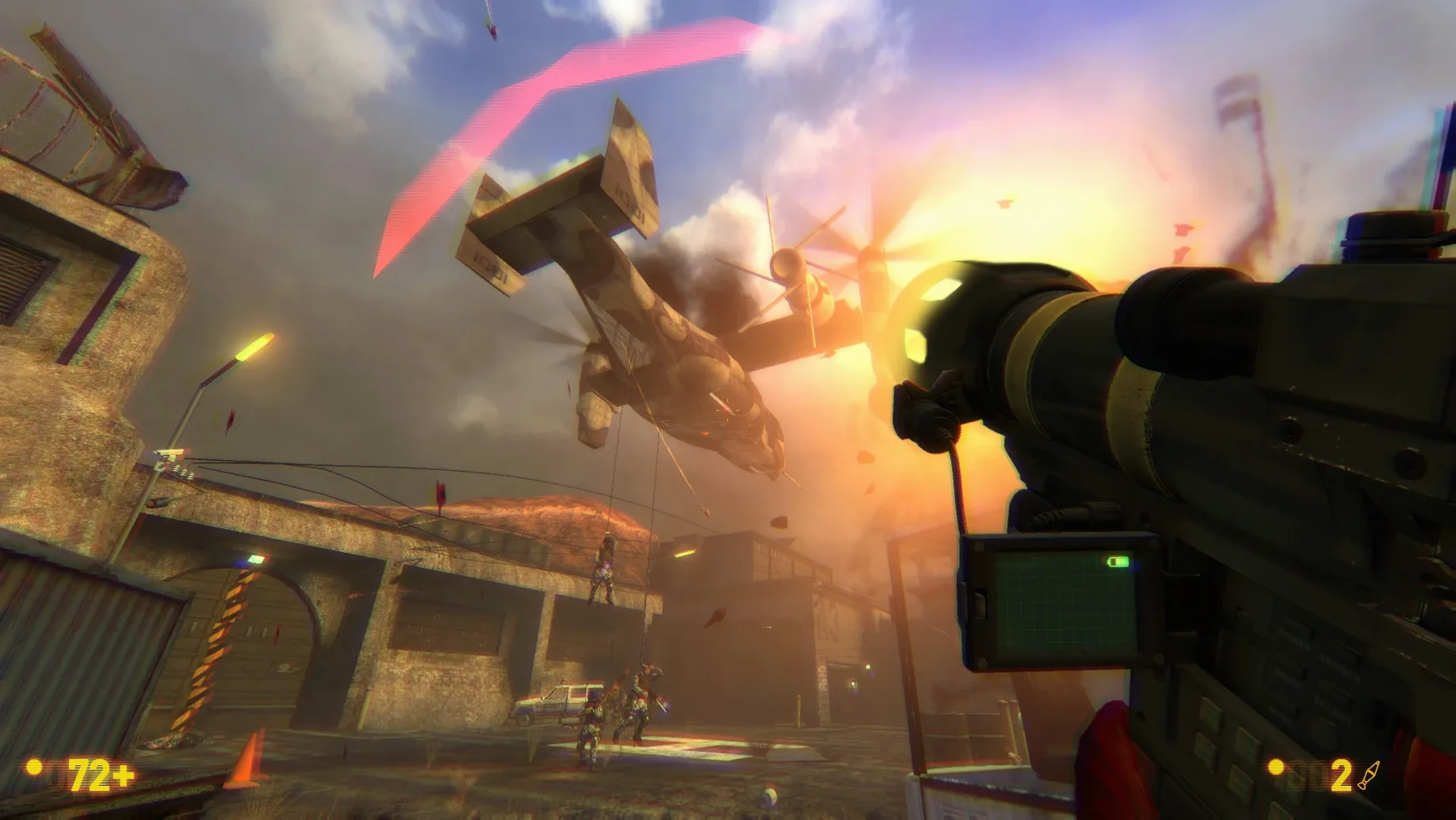
Before you even clear a hallway of headcrabs, there's a practical question: will your Mac run this? Black Mesa needs an Apple Silicon machine. It's a native experience on M-series chips, which is great news for modern Macs, but means older Intel models are left in the locker room.
The tinkerer who loves a good origin story
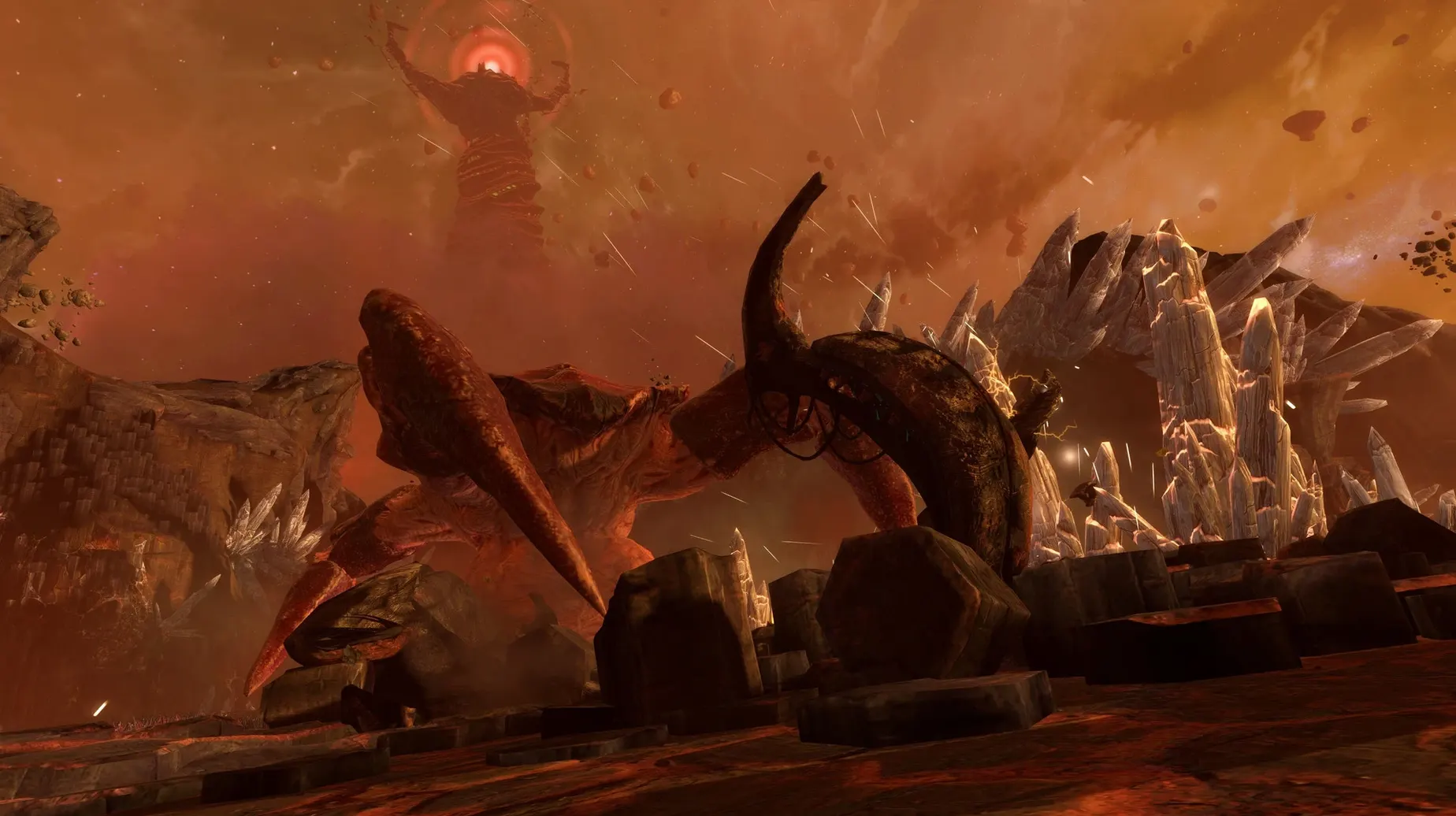
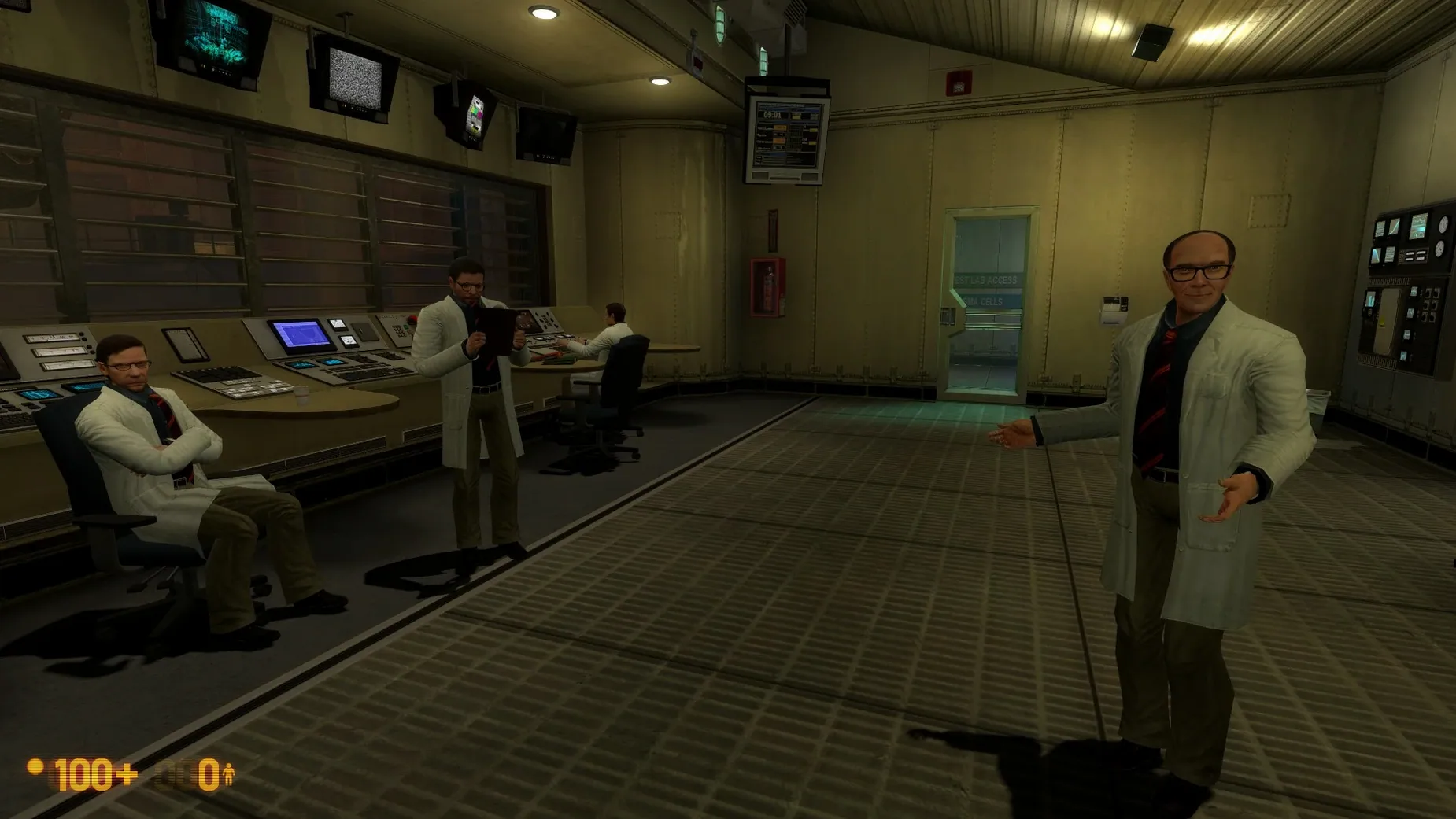
You're the kind of player who doesn't mind that this started as a passion project. Crowbar Collective didn't just port Half-Life; they rebuilt it from the concrete floor up, reworking and expanding the single-player campaign across years of development. You step into Gordon Freeman's hazard suit right as an experiment at the Black Mesa research facility goes sideways, and the whole journey feels like a fond, sharper-dressed memory. The game now carries achievements too, which gives completionists a nice trail of breadcrumbs. If you enjoy poking around Steam community posts to learn what a public beta branch tweaked, you'll feel right at home here. There's even a dedicated fix script on the disk image if the app throws a launch error—a tiny bit of elbow grease that feels on-brand for a modder's scene.
The player who just wants seamless polish
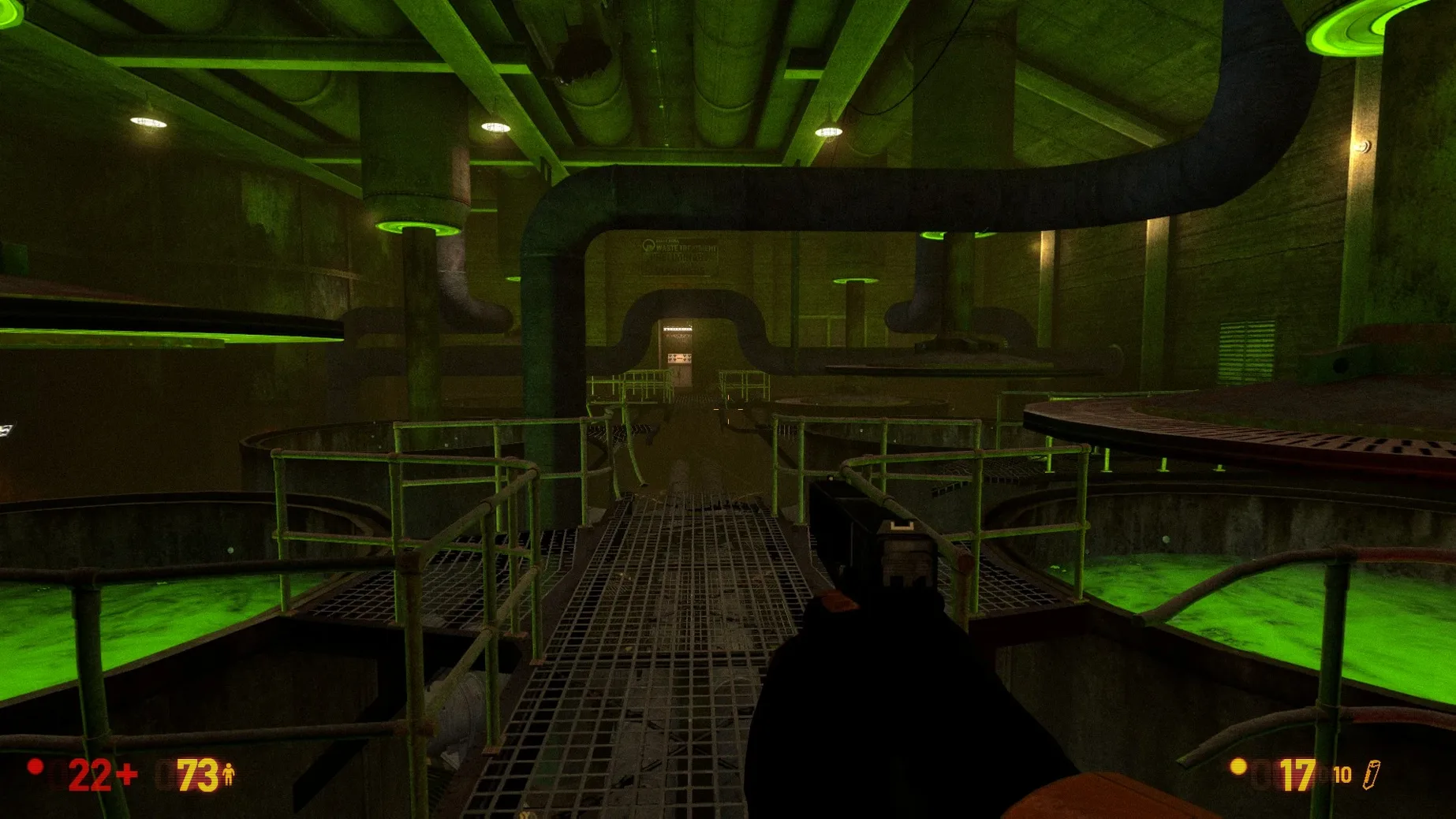
Version 1.5 bundles graphical and UI improvements, and the multiplayer maps like Bounce, Gasworks, and Crossfire are a solid nod to old-school LAN-party chaos. But this isn't a triple-A studio's remaster. The save folder lives deep inside the app package under Black Mesa.app, and a stray launch error might mean you're running a Fix file before the title screen appears. If navigating disk images and app bundles sounds like a chore, the friction might pull you out of the experience. The story and atmosphere are the draw here, but the wrapping still feels hand-stitched in places. Come for Gordon Freeman's bad day at work; just pack a little patience for the setup.
How Black Mesa fits into a Mac workflow
This isn't the kind of app that sits in your dock alongside a notes editor and a calendar widget, but it does play nicely with everyday macOS habits. Game progress lands in a save folder deep inside the app bundle, so if you use Time Machine or rsync to back up your home folder, you'll want to add that path to your routine. Spotlight won't find your checkpoint files, but you can create a Finder alias to the save directory for quick access before an evening session.
If you're the sort who keeps a separate user account for gaming — clean desktop, no notifications, nothing but steam and a controller profile — Black Mesa slides right into that setup. Launchpad picks it up after the drag-and-drop install, and quitting the app drops you right back to your everyday account with no background processes lingering.
What the Definitive Edition changed for everyday players
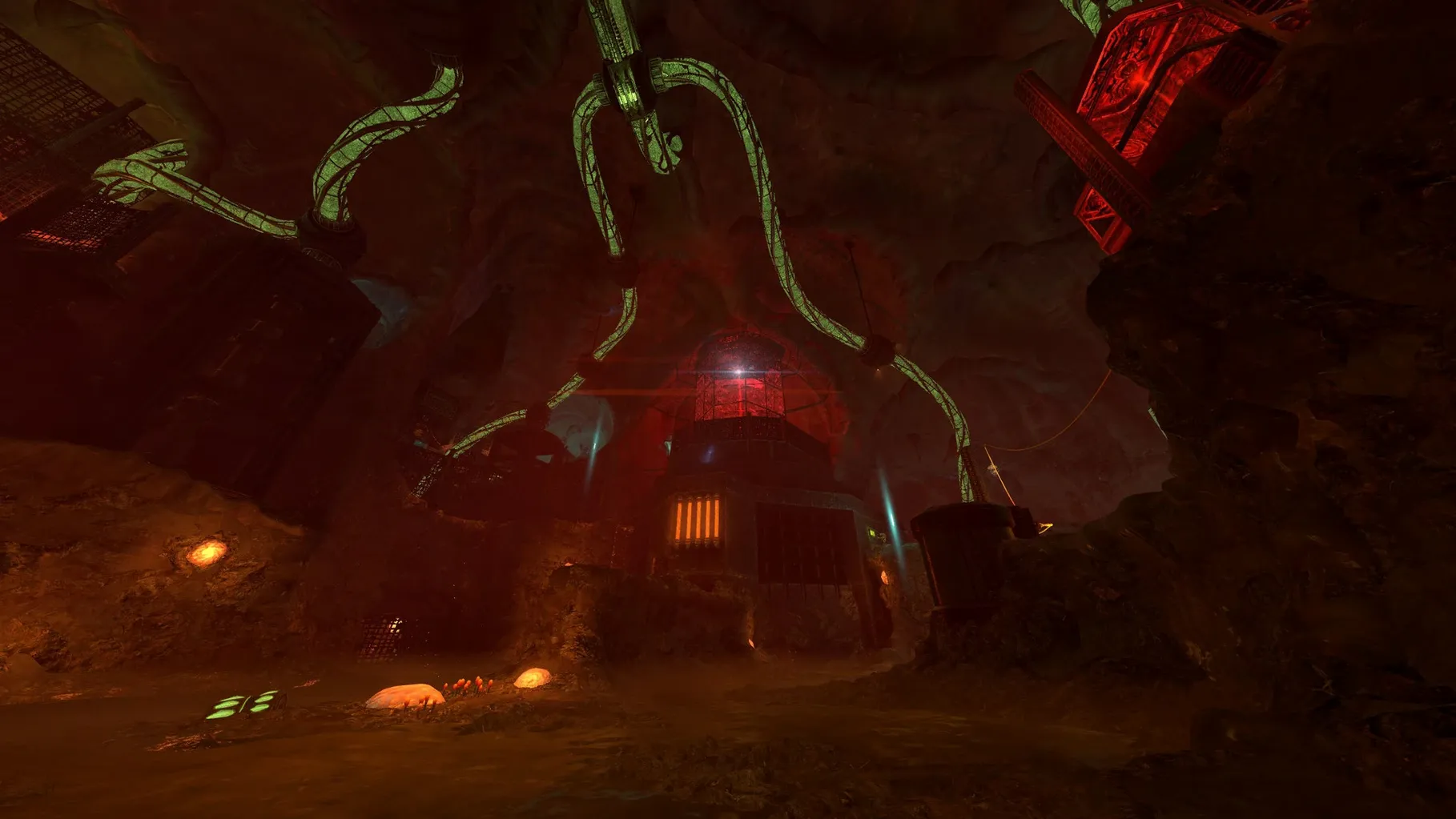
The jump to version 1.5 wasn't a small patch. It folded in graphical and gameplay improvements from a decade and a half of work, and the single-player campaign got its long-awaited Xen chapters fully reworked and expanded. For anyone who played an earlier build, the later levels feel less like a detour and more like a proper second act. The UI refresh mentioned in the public beta notes cleaned up aimless menu fiddling between firefights, and the multiplayer map rotation — Stalkyard, Undertow, and the rest — now feels sharper on an M4 panel without chugging through compatibility layers.
- Apple Silicon Mac
- macOS (see current build notes)
Questions I actually get
Where does Black Mesa store my save files on Mac?
Your progress is tucked inside the app package at Black Mesa.app/Contents/SharedSupport/prefix/drive_c/KS Games/Black Mesa/bms/save.
Porch talk 0
Come in or pull up a chair to leave a comment.
Nobody has pulled up a chair yet. If you used it on a real Saturday, say what the hour was.
More for the same hour
Everything in Games
 Big Ambitions
1.0.3682 Games
2.3 GB
Big Ambitions
1.0.3682 Games
2.3 GB

 Bloons TD 6
57.4 Native Games
Updated 1.7 GB
Bloons TD 6
57.4 Native Games
Updated 1.7 GB
 Beyond Sunset
1.0.2 Games
382 MB
Beyond Sunset
1.0.2 Games
382 MB

 Borderlands 2
1.8.5 Games
22 GB
Borderlands 2
1.8.5 Games
22 GB

 Batman: Arkham City - Game of the Year Edition
1.2.1 Games
11.3 GB
Batman: Arkham City - Game of the Year Edition
1.2.1 Games
11.3 GB
 Baldur's Gate II: Enhanced Edition
2.7.3.0 Games
3.2 GB
Baldur's Gate II: Enhanced Edition
2.7.3.0 Games
3.2 GB
 Baldur's Gate: Enhanced Edition
2.7.3.0-s Games
4.3 GB
Baldur's Gate: Enhanced Edition
2.7.3.0-s Games
4.3 GB

 ASYLUM
1.5.0 Games
11 GB
ASYLUM
1.5.0 Games
11 GB